
- Every no-code platform reserves the right to reprice, re-tier or remove features, and most do it with 30 to 90 days of notice.
- The risk isn't the tool. It's that your order flow, your client portal or your dispatch board lives somewhere you can't control or export cleanly.
- Score each tool on two axes. How bad is a week of downtime, and how hard is it to leave.
- Builders are excellent for proving an idea. They're a weak foundation for the process your company gets paid for.
- Migrate behaviour first, screens second. The automations and rules are the part nobody documented.
- Owning your system removes the per-seat bill and the surprise emails. It also hands you the maintenance you used to rent.
What to do when the no-code tool your business runs on changes its rules overnight
/ 10 min read
TL;DR
When no-code platforms change pricing or features, businesses face real operational risk, but the solution is not panic-migrating everything. Instead, identify which one or two tools actually run your revenue, document their behavior thoroughly, and systematically rebuild those critical systems on owned infrastructure while keeping others where they are.
Key takeaways
On this page
By the end of this guide, you'll have a clear picture of how exposed your business is to a no-code platform's next policy change, and a working plan to move the one or two tools that matter most onto something you own. Expect the assessment part to take an afternoon. The migration takes longer, and I'll be honest about that.
TLDR. No-code platforms change pricing, limits and terms whenever it suits their business, and you get no vote. The fix isn't panic-migrating everything. Rank your tools by how much damage an outage or a price jump would do, keep the low-stakes stuff where it is, and move the one or two systems that run your revenue onto code and a database you own.
What actually happens when the rules change
You get an email. It says the plan you're on is being retired, and you're moving to a new tier. The new tier costs more, or it caps the thing you use most, or it quietly drops the feature your whole process depends on.
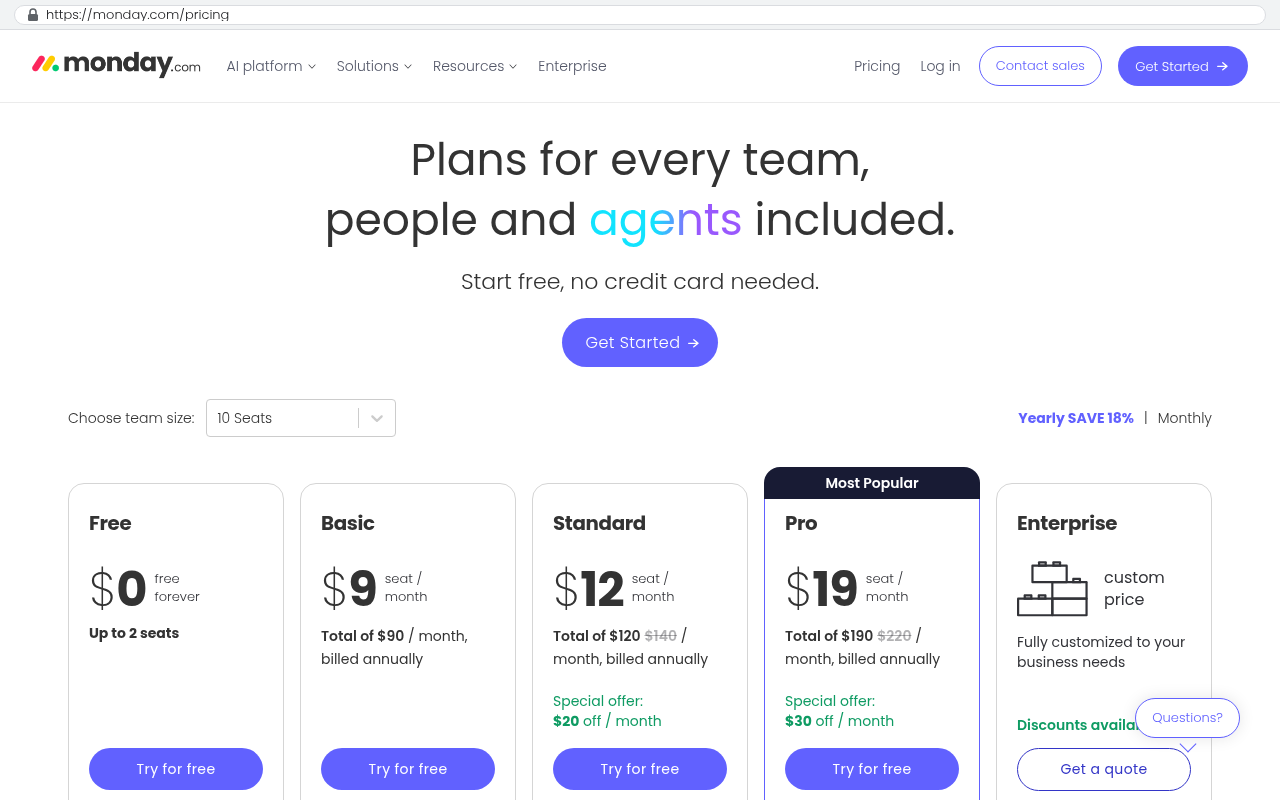
This isn't rare and it isn't malicious. No-code companies raise prices when they need margin, and they cut features when usage doesn't justify the engineering cost. A few patterns repeat across the industry. Per-seat pricing gets introduced where there wasn't any, so the 30 read-only users you added for free become 30 paid licences. Task or run limits get tightened, so an automation that fired 40,000 times a month is suddenly over quota. Legacy plans get sunset, which is the polite word for a price rise you can't opt out of.
Then there's the one that really hurts. An account gets suspended or locked over a billing problem, a terms dispute, or an automated fraud flag. Your data is still there, but you can't reach it, and the support queue is 48 hours deep. The business that runs its field scheduling inside that account stops scheduling.
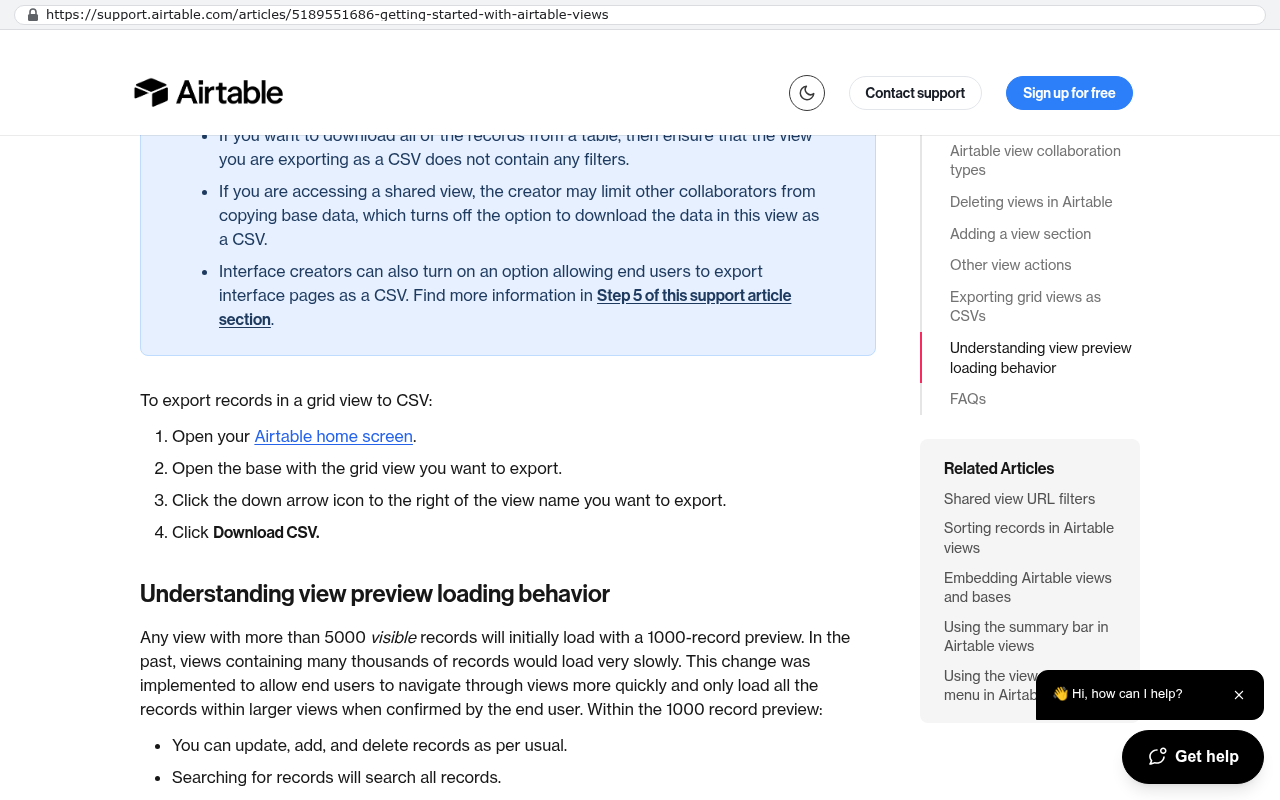
The export button is not a backup. Most platforms export records as CSV but not the logic. Your conditional rules, formula columns, approval chains and webhook configurations usually come out as nothing at all. That's the part that took your team two years to get right.
What you need before you start
Gather three things first. Admin access to every no-code account the company pays for, including the ones a department expensed on a card. A copy of the current invoice for each, with the seat count and the plan name. And one decision from whoever signs the cheques about what matters more, speed of change or control of the asset.
That last one isn't rhetorical. If your business pivots its process every quarter, a builder you can rewire in an afternoon is genuinely worth the rent. If your process has been stable for three years and the tool keeps getting more expensive, you're renting something you should own.
The seven steps
Step 1. Inventory what you actually run
List every no-code or low-code tool in use. Airtable, Smartsheet, Monday, Zapier, Make, Glide, Softr, Retool, Bubble, Power Apps, the lot. Next to each, write the process it carries and the number of people who touch it weekly. You'll find tools nobody can name an owner for. You'll also find one tool doing five unrelated jobs because it was easier than asking for a new system.
Step 2. Score the damage
For each tool, ask one question. If this vanished on Monday morning, what breaks? Rank it as annoying, expensive or existential. An internal content calendar is annoying. A quoting tool your sales team uses to price every job is existential. Most companies have one or two existential tools and a dozen annoying ones. Only the existential ones need a migration plan.
Step 3. Score the exit difficulty
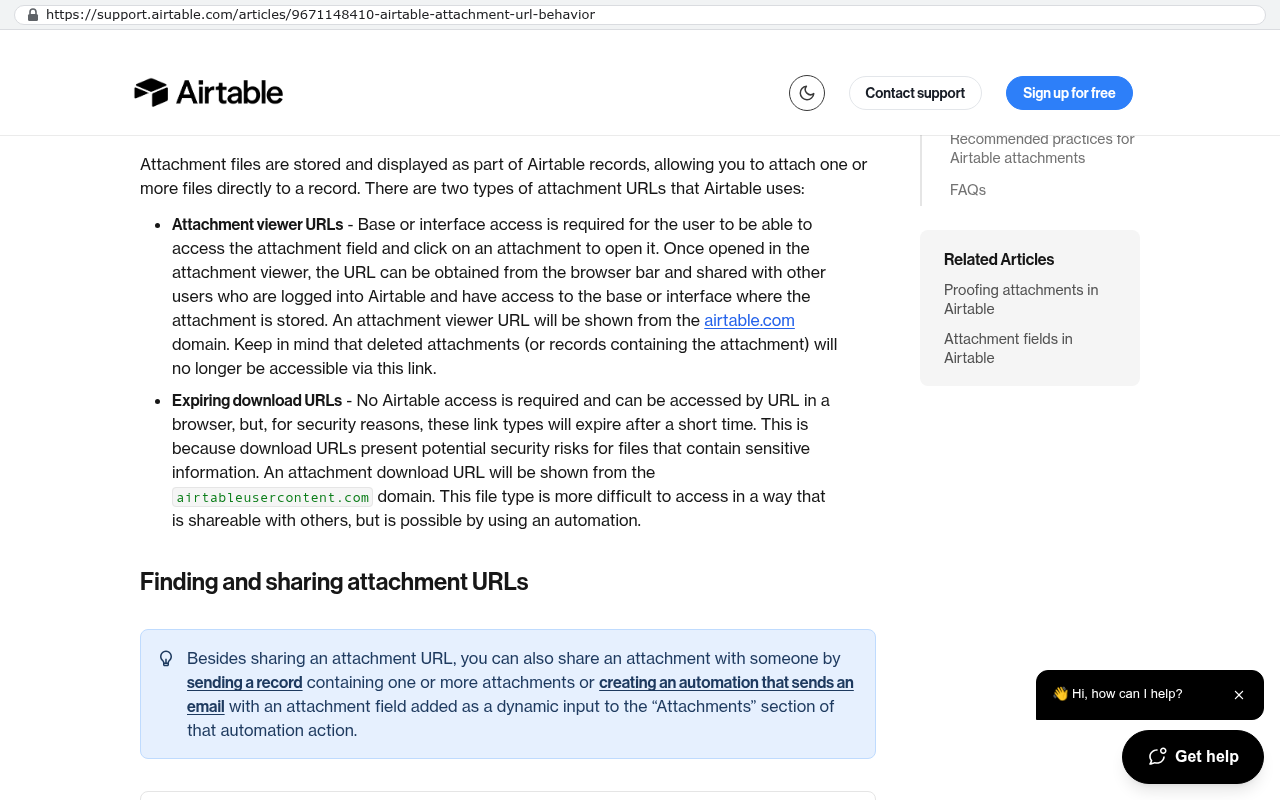
Now ask how hard it would be to leave. Open the export options and actually run an export. Check whether attachments come with it or just file links that expire. Check whether you can get the automation logic out, which you almost certainly can't. Count the integrations pointing at it. A tool with 400 records and one integration is easy to leave. A tool with twelve years of attachments and nine connected apps is not, and that gap is the real lock-in.
Step 4. Document the behaviour, not the screens
Sit with the person who uses the tool most and have them narrate a full cycle out loud. Record it. What they describe is your requirements document. Pay attention to every sentence that starts with "and then it automatically" or "except when". The exceptions are where the business logic hides, and they're what makes a rebuild fail when you skip them.
Step 5. Get your data out on a schedule, today
Before any migration, set up a recurring export. Weekly at minimum, into cloud storage you control. Most platforms have an API, which is just a way for another program to pull your records out automatically. A short script on a timer costs you very little and turns an account suspension from a crisis into an inconvenience. Do this even for tools you have no intention of replacing.
Step 6. Rebuild the existential tool on owned ground
Owned means source code you hold, running on a database and hosting account in your company's name. For most internal operations tools that's a web application with a normal relational database behind it. Build the core cycle first. Not every report, not every edge case, the single path that earns money. Run it alongside the old tool for a few weeks with real data going into both.
Step 7. Cut over deliberately and keep the old account alive briefly
Move one team or one job type first. Keep the no-code account on its cheapest plan for a month after cutover as a read-only archive. Cancel it once you've confirmed nothing references it. People forget the little automations that quietly email a customer a reminder. Those surface in week three.
Run the arithmetic before you argue about it. Take the current monthly bill, multiply by twelve, then by three years. A 40-seat tool at $39 per user per month is $18,720 a year and $56,160 over three. Then add the two price rises you know are coming. A custom system is a one-time capital cost plus hosting and maintenance, and the hosting for an internal tool with 40 users is usually a rounding error. The question is whether the three-year number is bigger than the build. Often it is. Sometimes it isn't, and then you should stay put.
Prototyping versus production, and why the line gets blurry
No-code tools are brilliant at one specific job. They let you find out whether a process works before anyone writes code. You can build a request intake form in an hour, run it for a month, and learn that half your assumptions were wrong. That's worth real money, and it's cheaper than discovering the same thing after a build.
The trouble is that nothing kills a prototype that works. The tool stays, more people join, more automations get bolted on, and nobody ever says "this is now production". Three years later it's running payroll inputs. The move isn't to stop prototyping in builders. It's to set a trigger in advance. When a tool crosses a line you've defined, it gets reviewed for a proper build. Reasonable triggers are more than 20 daily users, direct customer exposure, or anything that touches invoicing.
What owning your system won't fix
A custom build isn't a cure for everything, and anyone telling you otherwise is selling.
You still depend on vendors. Your code runs on someone's cloud, uses a payment processor and probably calls three APIs. You've reduced platform risk, not deleted it. The difference is that your logic and data sit in standard formats you can move, so a vendor change is a weekend of work rather than a rebuild.
You lose speed on small changes. In Airtable, a non-technical manager adds a field in ten seconds. In a custom system, that's a ticket. Good builds mitigate this with admin screens and configurable settings, but the gap is real and you should expect it.
Maintenance becomes yours. Security patches, dependency updates, server upkeep. Budget for it, or the thing you own becomes the thing you're scared to touch in four years.
And some migrations are genuinely expensive. Twelve years of attachments come out with a scripted export, not a copy and paste. Shared client-facing views where your customers already log in and like it are a change management problem, not a technical one. If most of a tool's value is that outsiders already use it, that cost is real and it belongs in the decision.
A sensible end state for most mid-sized firms is a mix. Owned custom systems for the two or three processes that make money, and no-code tools for everything experimental or low-stakes. Purity is not the goal. Control over the parts that matter is.
Mistakes people make, and how to spot them early
The most common one is rebuilding the screens instead of the behaviour. The new system looks identical and feels wrong, because nobody captured the fourteen small rules baked into formulas. You'll spot this in user testing when someone says "it used to just know that".
Second, migrating everything at once. Teams try to move six tools in one project, the scope triples, and the build stalls. Move one. Prove it. Then the next.
Third, treating the price rise as the whole problem. If you migrate purely to dodge a bill, you'll rebuild the same inefficient process in a new place. The migration is your one good chance to fix the three steps everyone complains about.
Fourth, no owner. Custom systems need a named person inside the business who decides what changes. Without one, requests pile up and the system ages badly.
Where to go from here
Start with the inventory and the two scores. Thirty minutes of honest ranking tells you whether you have a real problem or just an annoying invoice. If one tool comes out as existential and hard to leave, that's your project, and it's worth planning before the next renewal email arrives. If you want a second opinion on which tools qualify, book a free strategy session and we'll go through the list with you.
Read this next: When to replace a SaaS subscription with custom software.
Related articles:
Frequently asked questions
What should I do immediately if my no-code platform changes its pricing or removes a feature?
First, assess which of your tools are existential to your business. If a tool is just annoying to lose, keep it where it is. For tools that would break your revenue or critical operations if they disappeared, start an inventory of what you actually run, score the damage an outage would cause, and evaluate how difficult it would be to migrate away. Set up automated weekly data exports today, even for tools you don't plan to replace.
How much notice do no-code platforms typically give before making changes?
Most no-code platforms give 30 to 90 days of notice when they reprice, re-tier, or remove features. However, this isn't guaranteed in all situations. The more important point is that you have no vote in these changes. Platforms make pricing and feature decisions based on their business needs, not yours, so you should assume changes could happen and plan accordingly.
Why can't I just export my data and rebuild easily when I need to switch platforms?
Most platforms export records as CSV but not the logic behind them. Your conditional rules, formula columns, approval chains, and webhook configurations typically don't come out at all. That automation logic often took your team years to build correctly. The export button backs up data but not the behaviour that makes your process work.
What's the fastest thing I can do this week to protect my business?
Set up a recurring automated data export from any no-code tool that matters to your business. Pull exports weekly at minimum into cloud storage you control. Most platforms have an API that lets you automate this with a short script on a timer. This turns an account suspension from a crisis into an inconvenience and protects you immediately.
When should I actually migrate away from a no-code tool versus keeping it where it is?
Migrate only your one or two existential tools, the ones that would hurt your revenue or critical operations if they went down. For annoying tools, keep them where they are. The decision also depends on your business stability. If you pivot processes every quarter, a builder you can rewire quickly might be worth renting. If your process has been stable for years and costs keep rising, you should own it.
What do I need to gather before starting a migration plan?
Gather three things. First, get admin access to every no-code account your company pays for, including ones departments expensed separately. Second, collect the current invoice for each tool showing the seat count and plan name. Third, get a decision from whoever approves spending about whether speed of change or control of the asset matters more to your business.
Will owning my system mean I don't need to maintain it anymore?
No. Owning your system removes the per-seat billing and surprise pricing emails, but it hands you the maintenance work you used to rent from the platform. You'll need to manage updates, backups, and ongoing support yourself or with a developer on staff. That's the tradeoff for control and stability.
Share this article
Keep reading
Replacing Smartsheet with custom software
Smartsheet is cheap at ten people and expensive at two hundred. Here is what a custom replacement includes, how the data moves, what it costs to run, and when renewing is the smarter call.
If this is your situation
Talk it through on a call
Thirty minutes over video with the person who would run the build. You talk, we ask questions, and you leave with a plain read on whether custom software makes sense for you. If the answer is that your current tool is fine and badly configured, you will hear that.
Who wrote this

David Verneuille
Founder, Black Badger Software Solutions
David Verneuille founded Black Badger after 18 years as a project manager and years implementing Smartsheet, monday.com, Wrike and Zoho for clients. He now builds custom systems that clients own outright, which is why the writing here is specific about where each platform fits and where it stops fitting.
Drafted with AI assistance, then checked, edited, and approved by a person before publishing. The facts, opinions, and recommendations are ours.