
Fragmented systems don't come from bad decisions. They come from a decade of reasonable ones. Sales bought a CRM, finance bought accounting software, operations built a spreadsheet that quietly became load-bearing. Fixing it isn't about buying one giant platform. It's about deciding which system owns each piece of data, connecting the rest to it, and then rebuilding only the parts that no tool handles well. A custom, client-owned system is often the cheaper answer over five years, but only if you do the audit first.
Building one source of truth when every department runs its own tool
/ 17 min read
TL;DR
Key takeaways
- Silos form through independent purchasing, not through any single bad choice. No one approved the mess.
- The real cost shows up in reporting, not in software fees. You pay in rekeying, reconciliation, and decisions made on stale numbers.
- Every data entity needs exactly one owner. Customer, job, invoice, inventory item. Pick one system per entity and make the others read from it.
- Point-to-point integrations get expensive fast. Ten tools can need dozens of connections, and each one breaks on its own schedule.
- Consolidate in slices, starting with the workflow that causes the most manual retyping.
- A custom build does not fix bad process, missing data, or a team that won't change habits.
On this page
- Three departments, three versions of the truth
- Nobody decided this, it accumulated
- What fragmented data actually costs you
- Duct tape integrations versus one connected system
- Audit who owns what before you buy or build anything
- The arithmetic on renting versus owning
- Sequencing the consolidation so work doesn't stop
- What a single source of truth will not fix
- Where to start this week
- Read this next
- Frequently asked questions
Sales says the quarter was up. Finance says it was flat. Operations has a spreadsheet that matches neither. Everyone is reading real numbers off a real screen, and all three are defensible. That's the problem. When each department owns its own tool, each one also owns its own version of the truth, and the meeting turns into an argument about whose export is right instead of what to do next.
Three departments, three versions of the truth
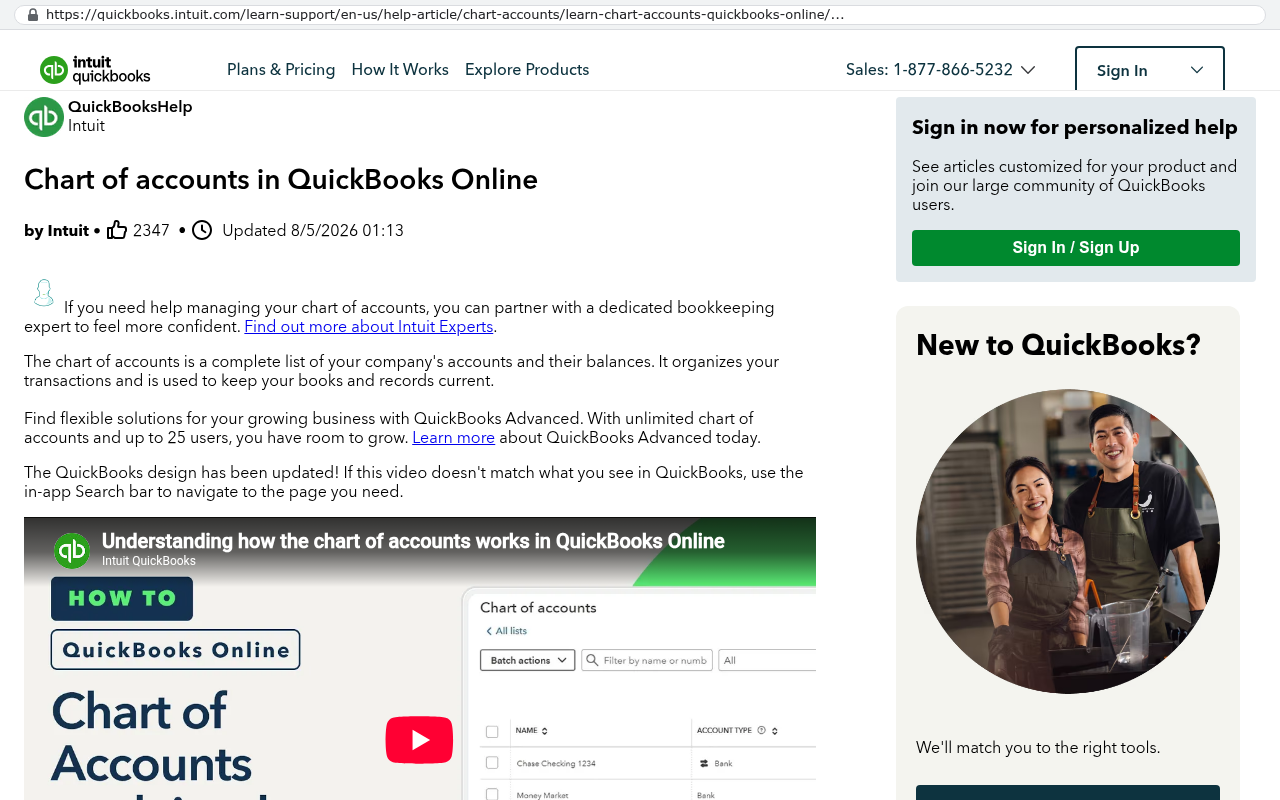
The pattern is almost identical everywhere I see it. Sales lives in a CRM, usually HubSpot, Salesforce, or Pipedrive. Operations lives in a spreadsheet or a project tool like Smartsheet, Monday, or Asana. Finance lives in QuickBooks, Sage, or NetSuite, plus a billing add-on nobody else can log into.
Each of those tools is good at its job. That's why someone bought it. The CRM genuinely tracks a pipeline well. QuickBooks genuinely handles the general ledger. The spreadsheet genuinely does the thing no vendor ever built, which is why it survived four software rollouts.
The trouble starts at the seams. A deal closes in the CRM. Someone opens the ops spreadsheet and types the job in by hand. A different person creates the customer again in the accounting system, spelled slightly differently. Now you have one customer in three places with three IDs and no link between them.
Ask a simple question and watch it fall apart. What's the margin on jobs from our top ten customers this year? Sales knows who the top ten are by revenue booked. Finance knows revenue collected. Operations knows the labor hours. Nobody can join those three lists without a human sitting down with VLOOKUP and a long afternoon.
A quick test of how bad your fragmentation is. Pick your largest customer. Count how many systems have a record for them, and check whether the name is spelled identically in all of them. If it isn't, you don't have a reporting problem yet. You have a matching problem, and reporting is downstream of it.
Nobody decided this, it accumulated
No executive ever approved a strategy of running eleven disconnected tools. It happened one reasonable purchase at a time.
In year one, the company is small and a shared spreadsheet is genuinely fine. In year three, the sales manager gets tired of losing leads and buys a CRM on a credit card. Nobody objects, because it costs less than a lunch order and it works. In year five, finance upgrades accounting software because the old one couldn't handle multi-entity. In year six, the warehouse adopts an inventory app because the ERP module was too expensive and too slow.
Each step solved a real problem for the person who felt the pain. None of them involved the question that matters later, which is where this data lives afterward and who else needs it.
Then the workarounds arrive. Someone builds a weekly export. Someone writes a Zap that pushes new deals into a sheet. An operations coordinator spends two hours every Monday reconciling three reports into one deck. That coordinator becomes the integration layer. They are more reliable than most software, and they also take vacations.
By the time leadership notices, the tools aren't the problem anymore. The habits are. Fifty people have built daily routines around moving data by hand, and those routines are invisible on any org chart.
What fragmented data actually costs you
The subscription fees are the smallest line. The damage is in the decisions.
Start with lag. If your real margin picture requires a person to assemble it, you get that picture monthly at best. Monthly means you find out about a bleeding project three weeks after it started bleeding. A business running on connected data sees it on day four.
Then there's trust. Once two reports disagree in a leadership meeting, every report gets questioned. People stop acting on dashboards and start asking for the underlying file. That's a slow, expensive form of paralysis, and it's hard to see because nothing visibly breaks.
Rekeying is the cost you can count. Pick one workflow and time it. If an order gets typed into three systems, you're paying three times for one piece of data entry, and you're accepting three chances for a typo. Typos in an address become a reshipment. Typos in a price become a credit memo.
There's also the customer-facing version. Support can't see that billing put the account on hold. The account manager calls to upsell a client who has an open warranty dispute nobody told them about. Those moments cost renewals, and they never show up in a software budget.
Finally, audit and compliance. When five systems hold overlapping data and none is authoritative, proving anything takes weeks. If you're in a regulated space or you ever go through due diligence, that's a real liability.
Watch for the shadow spreadsheet that keeps reappearing after a system rollout. It is the clearest sign your software doesn't match how the work is actually done. Banning the spreadsheet never works. Find out what it does that the system can't, because that gap is the real project.
Duct tape integrations versus one connected system
The first instinct is to connect what you already own. Sometimes that's right. Often it just hides the mess under a layer of automation.
Point-to-point integration means wiring tool A to tool B directly. Then B to C. Then A to C, because the first two hops lose a field. The math gets ugly quickly. Five tools that all need to talk can require up to ten connections. Ten tools can require forty-five. Every one of those is a thing that breaks when a vendor changes an API, which is the technical name for the doorway one program uses to talk to another.
Tools like Zapier and Make are genuinely useful for this, and I use them. They're excellent for low-volume, low-stakes movement of records. They're poor as the backbone of a company. Once you have sixty zaps, nobody knows what runs where, errors fail silently, and your per-task billing starts looking like a real software budget.
The alternative isn't ripping out everything. It's deciding there is one place where the operational truth lives, and everything else either feeds it or reads from it. That central system can be a platform you buy, or it can be custom software you own. Either way, the architecture is a hub, not a web.
Here's where I'll be blunt about platforms. A big suite like NetSuite or Dynamics does solve the single-database problem, because everything sits in one place by design. It also brings implementation cost, licensing per seat, and a shape of process you now have to adopt. If your operation is genuinely standard, that trade is often worth it. If your differentiator is how you run jobs, you'll spend heavily customizing a system you still rent.
A custom build inverts that. You get a database shaped like your business, no per-seat licensing, and the source code as an asset you own. The trade is that you're responsible for it. There's no vendor roadmap doing work on your behalf. You need someone to maintain it, whether that's us, an internal developer, or another firm later.
Audit who owns what before you buy or build anything
Do not start with software selection. Start with a map. This part takes a couple of weeks and it decides whether the rest of the project works.
Step one, list your entities
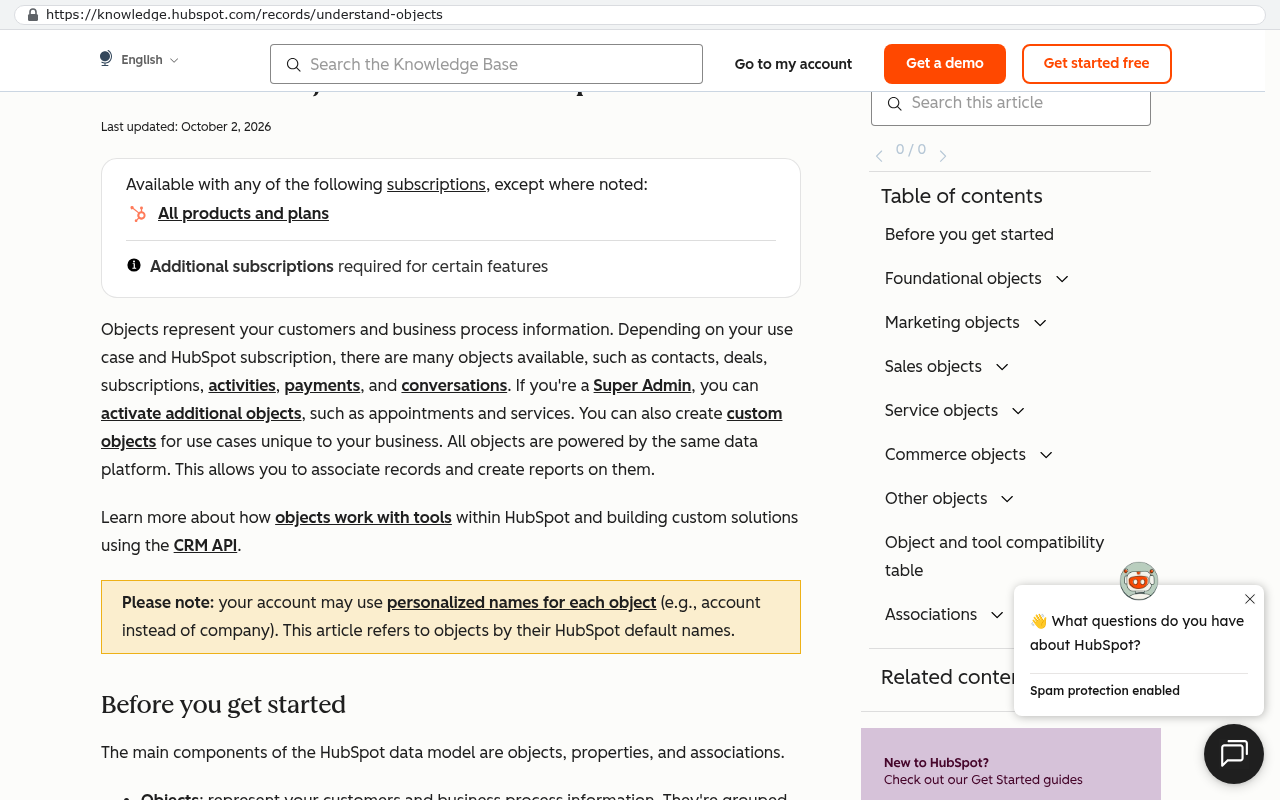
An entity is just a thing your business keeps records about. Most mid-sized companies have between eight and fifteen. Customer. Contact. Quote. Order or job. Invoice. Payment. Product or SKU. Vendor. Purchase order. Employee. Timesheet. Asset. Ticket.
Write them on a whiteboard. Not fields, not reports. Just the nouns.
Step two, mark where each one lives today
For every entity, list every system that holds a copy. Then mark which one is created first. Then mark which one people actually trust when the two disagree. Those last two are frequently different systems, and that gap is where your errors live.
A common result looks like this. Customer gets created in the CRM, but finance trusts the accounting record because it has the real billing address. So the CRM is the creator and the accounting system is the de facto truth. Nobody wrote that down, and new hires learn it by getting yelled at.
Step three, name one owner per entity
This is the decision that makes everything else possible. For each entity, one system is the system of record. That means it holds the master copy. Other systems may show that data, but they do not get to change it independently.
Write it as a sentence. "The CRM owns customers and contacts. The custom ops system owns jobs and timesheets. QuickBooks owns invoices, payments, and the chart of accounts." Then enforce it. If a system doesn't own an entity, its copy is read-only or it gets synced one direction only.
Step four, trace the rekeying
Walk one order from first contact to cash collected. Physically follow it. Note every point where a human reads from one screen and types into another. Count the keystrokes if you want a number that gets attention in a board meeting.
Those handoffs are your project backlog, ranked. The one that happens most often, with the highest error cost, gets built first.
Do the entity map with the people who do the work, not just department heads. Managers describe the process as designed. The coordinator who actually processes orders will tell you about the three exceptions that happen weekly and the email folder that functions as a queue. Those exceptions are what kill rollouts six months in.
The arithmetic on renting versus owning
Run the numbers yourself. They're simpler than vendors make them sound.
Take every subscription that touches operations. Per-seat CRM, project tool, forms tool, e-signature, automation platform, reporting add-on, plus the integration middleware. Add the annual total. Then add the hidden items, which are usually bigger. Implementation consultants. The internal admin who spends half their week configuring the platform. The annual price increase, which runs high single digits at most vendors right now.
Here's a hypothetical to show the shape, and you should swap in your own figures. Say you have 45 people who need access. Say the stack averages $140 per person per month across all those tools once you add them together. That's roughly $75,000 a year. Add $20,000 of admin time and consultant hours. Call it $95,000 annually, rising each year with seat count and price changes. Over five years, with modest growth, you're well past half a million dollars and you own nothing at the end.
A custom system changes the shape of that curve. You pay more up front and less later. Hosting a well-built business application costs a small fraction of per-seat licensing, because servers don't care how many people log in. Maintenance is real and ongoing, but it's not indexed to headcount.
That's the honest argument for owning. It isn't that custom is cheaper on day one. It's that the cost stops growing with your company, and you keep the asset.
When is renting still the right call? When the process is genuinely standard. Accounting is the clearest example. Do not build a general ledger. Do not build payroll. Those are solved problems with regulatory burden attached, and QuickBooks or your payroll provider will do it better and cheaper forever. Build the parts that are specific to how you make money, and integrate the commodity parts.
The seat-count trap catches growing companies hardest. If software costs scale linearly with headcount, every hire carries a software tax. A 40-person company that plans to be 90 in three years should price the stack at 90 seats before signing anything multi-year.
Sequencing the consolidation so work doesn't stop
The fastest way to fail is a big-bang cutover. Everything moves on a Saturday, Monday is chaos, and by Wednesday half the team is back in the old spreadsheet. I've seen enough of those to know the pattern never varies.
Slice it instead. Pick one workflow, end to end, and move only that. The best first slice has three properties. It causes visible pain. It involves few enough people to train in a room. And it has a clean boundary, meaning you can move it without dragging four other processes along.
Quote to job handoff is often a good first slice. So is timesheet to invoice. Both involve obvious rekeying, both have a measurable before and after, and both make someone's week noticeably better immediately. That matters more than people admit. Early wins buy you patience for the harder phases.
Run the old and new systems in parallel for a short window. Yes, that's duplicate work temporarily. It's also the only way to prove the new numbers match before you trust them. Set a specific end date for parallel running, or it runs forever.
Migrate data in three passes. First the master records, which are customers, products, and vendors. Clean them before import, because importing dirty data just moves your mess to a nicer house. Second the open transactions, which are active jobs and unpaid invoices. Third the history, which can often arrive after go-live or stay in a read-only archive.
That third one saves real money. Twelve years of closed jobs rarely need to be live in the new system. A searchable archive is usually enough, and it cuts migration scope hard.
On training, write the new process down before the software is finished. If the only documentation is the software itself, nobody can audit whether the build matches reality until it's too late to change cheaply.
Budget for the attachments. Years of PDFs, photos, and signed documents live inside your current tools, and most platforms don't hand them over in a usable way. Pulling them out takes a scripted export and a mapping back to the right record. It's not a copy and paste, and teams underestimate it almost every time.
What a single source of truth will not fix
Plenty of consolidation projects deliver clean data and still disappoint. Here's where, honestly.
It won't fix a broken process. If your quoting is slow because three people have to approve every number, a new system just makes the bottleneck visible with a timestamp. Software enforces process. It doesn't design one.
It won't create data you never collected. If nobody has been tracking job-level labor hours, no system can tell you historical margin by job. You start collecting on day one and you get useful trends in a year. Anyone promising instant historical insight is selling you something.
It won't survive a team that doesn't want it. If the sales manager prefers their own spreadsheet and leadership doesn't back the change, you'll have a beautiful system and a shadow one. The fix is organisational, not technical.
It won't eliminate every tool. You'll still have accounting software. You'll probably keep email marketing, payroll, and e-signature. The goal is fewer tools with clear ownership, not one tool.
And the migration cost is real, especially around external sharing. If your clients log directly into your current platform to view live schedules, moving means changing their habits too. That's a conversation with every account, and it belongs in the plan from the start rather than as a surprise in month four.
One more caveat worth saying plainly. Custom software needs an owner inside your business. Not a developer, just someone accountable for what gets changed and why. Companies that skip that end up with a system nobody is allowed to decide about, and it slowly drifts out of date.
Where to start this week
You don't need a budget or a vendor to begin. You need a whiteboard and two hours.
List your entities. Mark which system creates each one and which one people trust. Circle every place those two differ. Then walk a single order from inquiry to payment and write down every retype.
That document is worth more than any software demo. It tells you whether your problem is integration, process, or genuinely missing capability. Those three have different answers, and most companies buy software for the wrong one.
If the audit shows your core operation runs on spreadsheets and human handoffs that no vendor product matches, a system you own is likely the better five-year answer. If it shows you've got three overlapping tools doing the same thing, consolidation to one existing platform might solve it for far less. We'll tell you which one your map points to, even when the answer is that you don't need us.
If you want a second set of eyes on the map, book a free strategy session and bring the whiteboard photo. We're in Clearwater and we work with companies across Pinellas and Hillsborough counties.
Read this next
If you've decided the spreadsheet is the thing holding you back, read Replacing spreadsheets with custom software without losing what works. It covers how to capture the flexibility people love about spreadsheets inside a real system.
Related articles
Frequently asked questions
Why do different departments have different versions of the truth?
Each department owns its own tool because they solved real problems independently. Sales uses a CRM, finance uses accounting software, and operations built a spreadsheet. These systems don't connect, so when data like customer names gets entered separately in each one, they become different records with different IDs. No single executive decided to fragment the systems. It accumulated through reasonable purchases over time.
What is the real cost of having fragmented data systems?
The subscription fees are small compared to the actual damage. You lose decision speed because assembled reports come monthly instead of daily. You lose trust when reports disagree, making people question all dashboards. Rekeying costs multiply when data gets typed into three systems, creating typos that cause reshippings and credit memos. Support also fails when one department can't see another's information, costing customer renewals and audit compliance becomes expensive.
How do I know if my company has a data fragmentation problem?
Pick your largest customer and check how many systems have their record. If the name is spelled differently across systems, you have a matching problem, not just a reporting problem. This is the test of fragmentation. When your data can't be reliably linked across systems, you can't answer simple business questions like margin on your top customers without manual work using spreadsheets and formulas.
Should we consolidate all departments into one giant platform?
No. The solution isn't buying one giant platform. Instead, decide which system owns each piece of data like customers, jobs, and invoices. Make the other systems read from that owner, then build custom tools only for work that no vendor handles well. This approach is often cheaper than replacing everything, but you must audit your data first to understand what you actually own.
What should we do first to fix fragmented data systems?
Start by listing every data entity you have, like customers, jobs, and invoices. Then mark where each one currently lives across your tools. Next, name one owner system per entity. Finally, trace where data gets retyped between systems. This audit shows you which workflow causes the most manual rekeying, and that's where you start consolidating to avoid disrupting work.
What are point-to-point integrations and why are they a problem?
Point-to-point integrations are direct connections between individual tools. If you have ten tools, you might need dozens of connections, and each one breaks independently on its own schedule. These integrations get expensive fast to build and maintain. The better approach is consolidating in slices by identifying which workflows cause the most rekeying, rather than trying to connect everything to everything else.
Will building a custom system fix all of our data problems?
No. A custom build does not fix bad process, missing data, or a team that won't change habits. Before building anything, you need to fix the audit and ownership first. The team may also need to stop relying on shadow spreadsheets. Custom systems are often cheaper over five years than buying enterprise platforms, but only if you address the underlying problems first and your team commits to new processes.
Share this article
Keep reading
Why your ERP integration keeps breaking and what to do about it
ERP integrations don't break on their own. Vendors change APIs, tokens expire, and rate limits bite at peak season. Here's why point-to-point wiring fails and what to build instead.
If this is your situation
Talk it through on a call
Thirty minutes over video with the person who would run the build. You talk, we ask questions, and you leave with a plain read on whether custom software makes sense for you. If the answer is that your current tool is fine and badly configured, you will hear that.
Who wrote this

David Verneuille
Founder, Black Badger Software Solutions
David Verneuille founded Black Badger after 18 years as a project manager and years implementing Smartsheet, monday.com, Wrike and Zoho for clients. He now builds custom systems that clients own outright, which is why the writing here is specific about where each platform fits and where it stops fitting.
Drafted with AI assistance, then checked, edited, and approved by a person before publishing. The facts, opinions, and recommendations are ours.