Skip to content
BlackBadger

Blog / General

Why Tampa Bay contractors and service businesses keep abandoning generic ERP

/ 11 min read

Intuit Developer support portal displaying a Q&A thread where a developer asks about carrying journal entry numbers through the QBO API create journal entry REST call, with a response explaining the JournalEntry API reference.

TL;DR

Tampa Bay contractors and service businesses repeatedly abandon generic ERP systems because they were built for repetitive manufacturing, not project-based field work with weather dependencies, progress billing, retainage, and crew scheduling.

Key takeaways

  • Generic ERP centers on inventory and bill of materials models that reduce job costing to a bolt-on rather than core functionality, forcing teams to maintain shadow spreadsheets for actual project economics.
  • Progress billing with AIA-style applications for payment, schedule of values, and retainage tracking consistently fails in generic systems, requiring workarounds or third-party add-ons that never reconcile properly to the general ledger.
  • Subcontractor compliance tracking including certificates of insurance with expiration dates, W-9s, lien waivers, and license numbers falls outside generic ERP design and often reverts to manual folder and calendar systems.
  • Equipment and crew scheduling as a resource management problem is treated as fixed asset depreciation in generic ERP, making multi-job resource allocation with location and utilization tracking impossible without custom configuration.
  • Industry-specific ERP systems improve core functionality but introduce heavy implementation costs and per-seat pricing that penalizes crew growth, making the economics unfavorable for growing field service companies.
  • Florida-specific demands including hurricane season scheduling flexibility, rapid labor swings during seasonal peaks, and permit documentation requirements are not addressed in standard off-the-shelf modules or configurations.

Generic ERP keeps getting ripped out of contracting and field service companies around Tampa Bay, and the reason is almost always the same. The software was designed to track parts moving through a factory. Your business tracks crews, trucks, and jobs moving across three counties. Those are different problems, and no amount of configuration fully closes the gap.

TL. DR: Generic ERP assumes repeatable production and a fixed bill of materials. Contracting and service work is project-based, weather-dependent, and priced in progress draws with retainage held back. The mismatch shows up as a spreadsheet doing your real job costing while the ERP does accounting only. Industry-specific ERP fixes some of it but adds heavy implementation and per-seat pricing that penalizes crew growth. A purpose-built system you own is the better answer when your process is the thing that wins you work.

Key takeaways

  • Generic ERP models inventory and production runs, so job costing across multiple active sites becomes a bolt-on rather than the core.
  • Progress billing, retainage, lien waivers, and subcontractor insurance tracking are the four places most implementations quietly fail.
  • Hurricane season, seasonal labor swings, and permit documentation add Florida-specific demands that off-the-shelf modules were never designed for.
  • Per-seat pricing turns crew growth into a budget problem, which is backwards.
  • If a spreadsheet holds the numbers your owners actually trust, your ERP is an accounting system wearing a costume.
  • Custom is not always right. If your process is ordinary and your volume is low, configure what you have and move on.

The assumptions baked into generic ERP

Open any mainstream ERP and look at what sits at the center. There's an item master, a bill of materials, work orders, warehouses, and purchase orders tied to stock levels. Those tables exist because the software grew up serving manufacturers and distributors. A widget gets made the same way on Tuesday as it did on Monday.

Your work isn't like that. A roofing tear-off in Palm Harbor and a commercial reroof in Ybor share a category and almost nothing else. Labor hours, not parts, drive your margin. Change orders arrive mid-job and rewrite the budget. Costs land against a job number, not a warehouse bin.

So implementers do what implementers do. They map "job" onto "project" or "work order," they build custom fields for phase and cost code, and they wire reports on top. It works in the demo. Then the first job with four phases, two subs, and a stored-materials draw hits the system, and the accounting team starts keeping a side spreadsheet. That side spreadsheet is the beginning of the end.

The five places it actually breaks

Every abandoned ERP I've seen in this space failed in a predictable spot. Not on general ledger. Not on payroll. It failed on the operational mechanics that make contracting different.

Job costing across multiple concurrent sites is the first. You need labor, burden, equipment, materials, and sub invoices landing against the right cost code the same week they happen, not at month end. Generic ERP posts costs on an accounting rhythm. Your project managers need them on a Friday morning rhythm.

Progress billing is the second. AIA-style applications for payment, schedule of values, previously billed versus this period, stored materials. Most generic systems handle this through a workaround or a third-party add-on that never quite reconciles back to the ledger.

Retainage is the third and it's the one that quietly costs money. Money held back on both sides, receivable and payable, tracked per contract, released at different milestones. If your system can't show what retainage is outstanding by job and by sub, someone is tracking it in Excel. That someone eventually leaves.

Subcontractor compliance is fourth. Certificates of insurance with expiration dates, W-9s, license numbers, lien waivers matched to each payment. Plenty of companies handle this with a folder and a calendar reminder. It works until a COI lapses on an active job and your GC stops payment.

Equipment and crew scheduling is fifth. One excavator, three jobs, a maintenance window, and a driver who can't legally run past a certain hour. Generic ERP treats equipment as a fixed asset for depreciation. You need it as a scheduled resource with a location and a utilization rate.

Watch for the moment your controller says the ERP numbers and the job numbers "don't agree yet." That phrase means two systems of record now exist. Once people pick a favorite, the ERP becomes expensive data entry and nothing more.

What Florida adds on top

Hurricane season reshapes the calendar every year. From June through November, your schedule has to flex fast. A named storm means securing sites, pulling equipment inland, rescheduling inspections, and then handling the wave of emergency work that follows. Standard ERP scheduling assumes a plan that mostly holds. Yours assumes a plan that gets rebuilt twice.

Labor swings hard too. Snowbird season lifts residential service volume across Pinellas. Post-storm restoration pulls crews and subs in every direction and rates move with it. If your system can't model a temporary crew with different burden and pay rates without an IT ticket, your foremen will track it on paper.

Then there's documentation. Permits by jurisdiction, inspection results, license numbers on the contract, photo evidence tied to a specific phase on a specific date. Clearwater, St. Pete, Tampa, and unincorporated county work all have their own rhythm. A system that stores permit status as a free-text note is not storing it.

None of this is exotic. It's just not what a generic ERP module was built to hold, and each gap gets filled with a human.

Why industry-specific ERP often disappoints too

The honest version is that construction and field service ERP products solve the five failure points above much better than generic platforms do. If you're comparing a general-purpose ERP to a dedicated construction package, the dedicated package usually wins. Say that out loud before spending anything on a custom build.

The trouble is what comes with it. Implementations run long and consume your best operations people for months. Modules are rigid, and the parts you want often sit in tiers you don't want. Reporting is decent until you need a number the vendor didn't anticipate, and then you're exporting to Excel again.

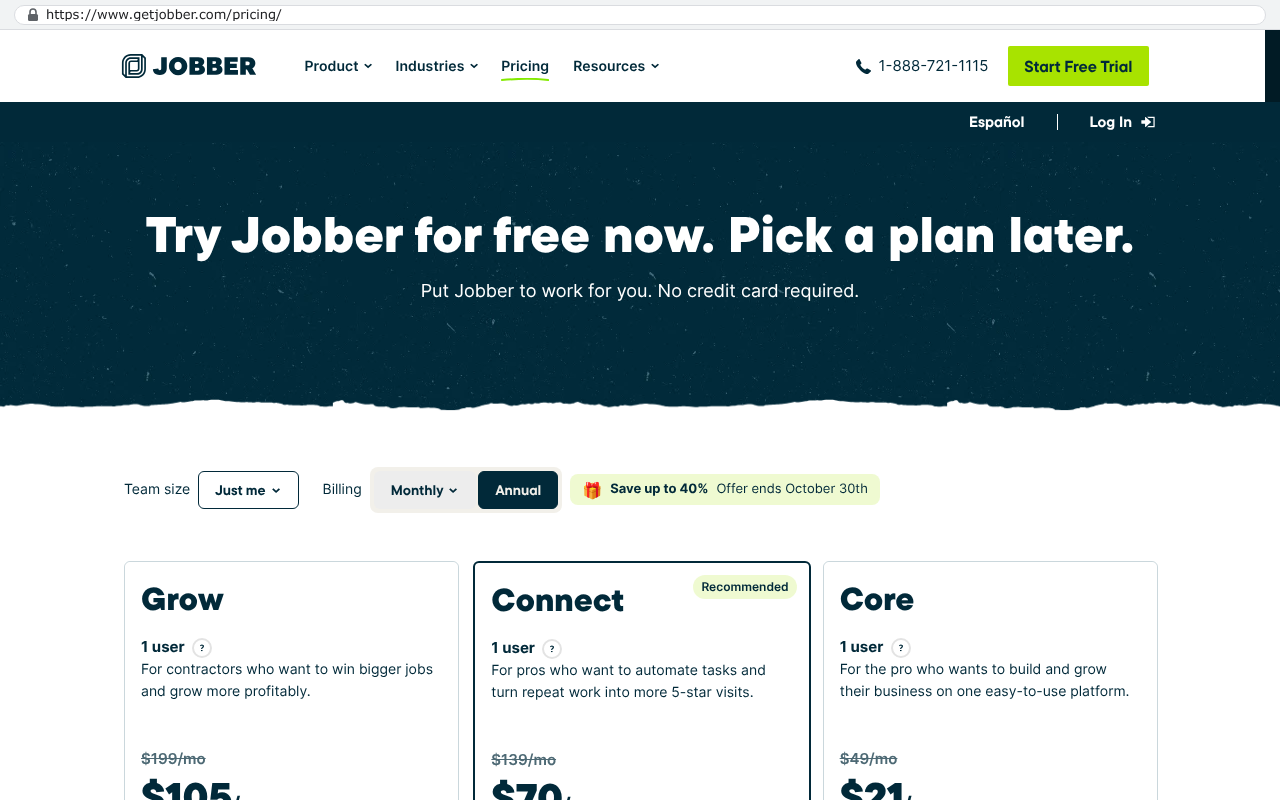
Per-seat pricing is the part that bites growing companies. Suppose a platform charges $120 per user per month and you put 60 field and office users on it. That's $86,400 a year, or $432,000 across five years before implementation, integration work, and the inevitable add-on for the one thing that's missing. Now hire fifteen people. Your software bill went up because you got busier, which is a strange way to run a cost structure.

Jobber pricing page showing three tiers named Grow, Connect, and Core with costs of $105, $70, and $21 per user per month respectively
Jobber's pricing page displays multiple plans with per-user monthly costs starting at $21 per month for the Core plan and $70 per month for the Connect plan, clearly demonstrating seat-based pricing for field service software. Source: www.getjobber.com/pricing

Compare that five-year total against building a system your company owns outright, with no seat count and no renewal letter. For a mid-sized contractor with real volume, the arithmetic frequently favors the build. For a twelve-person shop, it usually doesn't.

Before any software decision, price the renewal path five years out. Include the seats you'll add, the tier upgrade you'll need, and the integration work you already pay for annually. Most companies only budget year one, which makes every subscription look cheap and every build look expensive.

The spreadsheet tell

There's a fast diagnostic. Ask your project managers which file they open first on Monday. If the answer is a spreadsheet and not the ERP, you already know the answer.

The pattern is consistent. The ERP keeps the general ledger, AP, and payroll. A shared workbook holds committed costs, cost-to-complete, projected margin, and the change order log. Someone rekeys between them weekly. The workbook has a tab nobody understands and a formula that broke in 2023.

That spreadsheet is not a failure of discipline. It's your team documenting exactly what the software should do. It's the most useful requirements document you'll ever get, and it's free. Before you buy anything else, read it.

What a purpose-built system covers instead

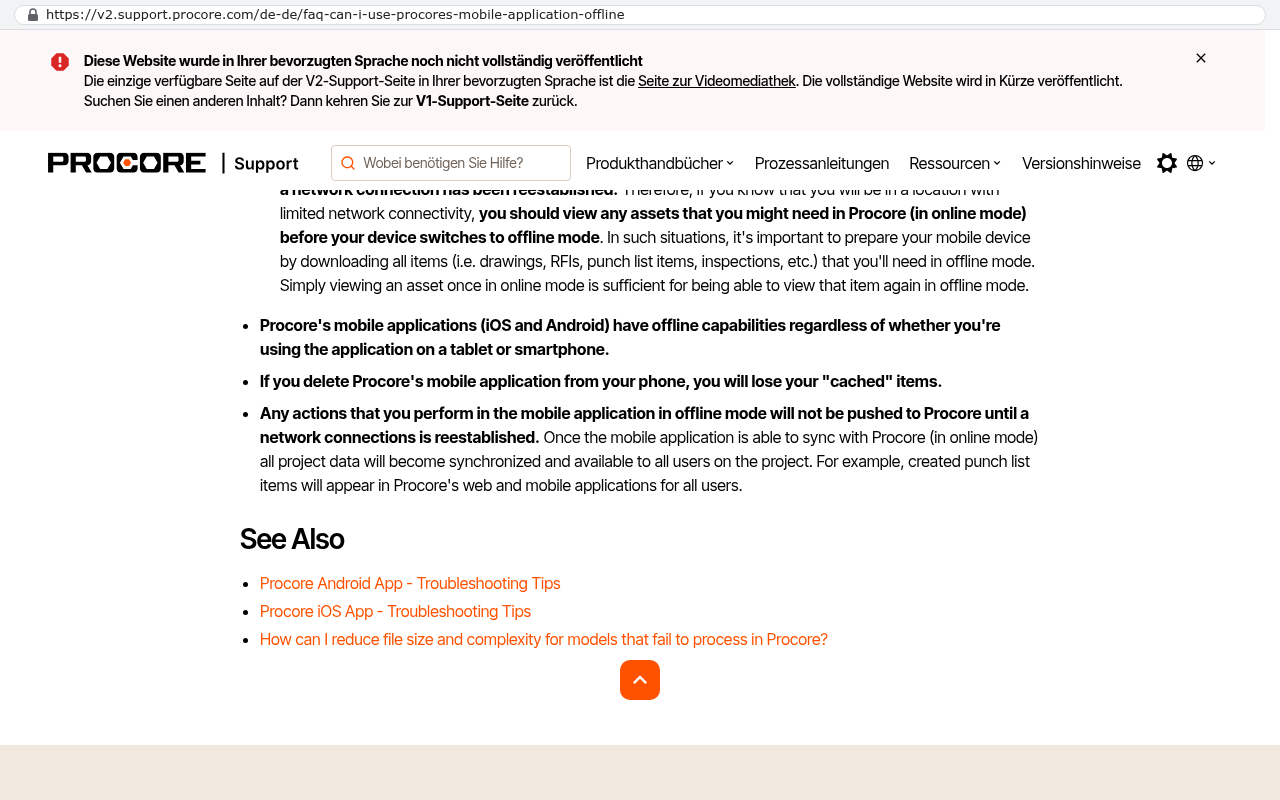
Built right, the system follows the job rather than the accounting calendar. An estimate becomes a budget with cost codes. The budget becomes a contract with a schedule of values. Field time and material entries post against those codes the day they happen, from a phone, offline if the site has no signal.

Procore Support page showing FAQ about using the mobile application offline, with bullet points describing offline capabilities and data syncing behavior
Procore's support page on mobile app offline capabilities explains that users can view assets and perform actions offline, with syncing occurring when network connection is reestablished. Source: v2.support.procore.com/de-de/faq-can-i-use-procores-mobile-application-offline

From there the pieces connect without rekeying. Purchase orders and sub contracts create committed cost the moment they're issued. Sub invoices check against the contract, the COI expiration, and the lien waiver before they're approved for payment. Progress billing pulls straight from the schedule of values with retainage calculated on both sides. Change orders update budget, billing, and projected margin in one action.

The dispatch and equipment side runs on the same data. Crews and assets sit on one board with location, certification, and maintenance status. Photos, permits, and inspection results attach to the job phase, so the file for a dispute is already assembled.

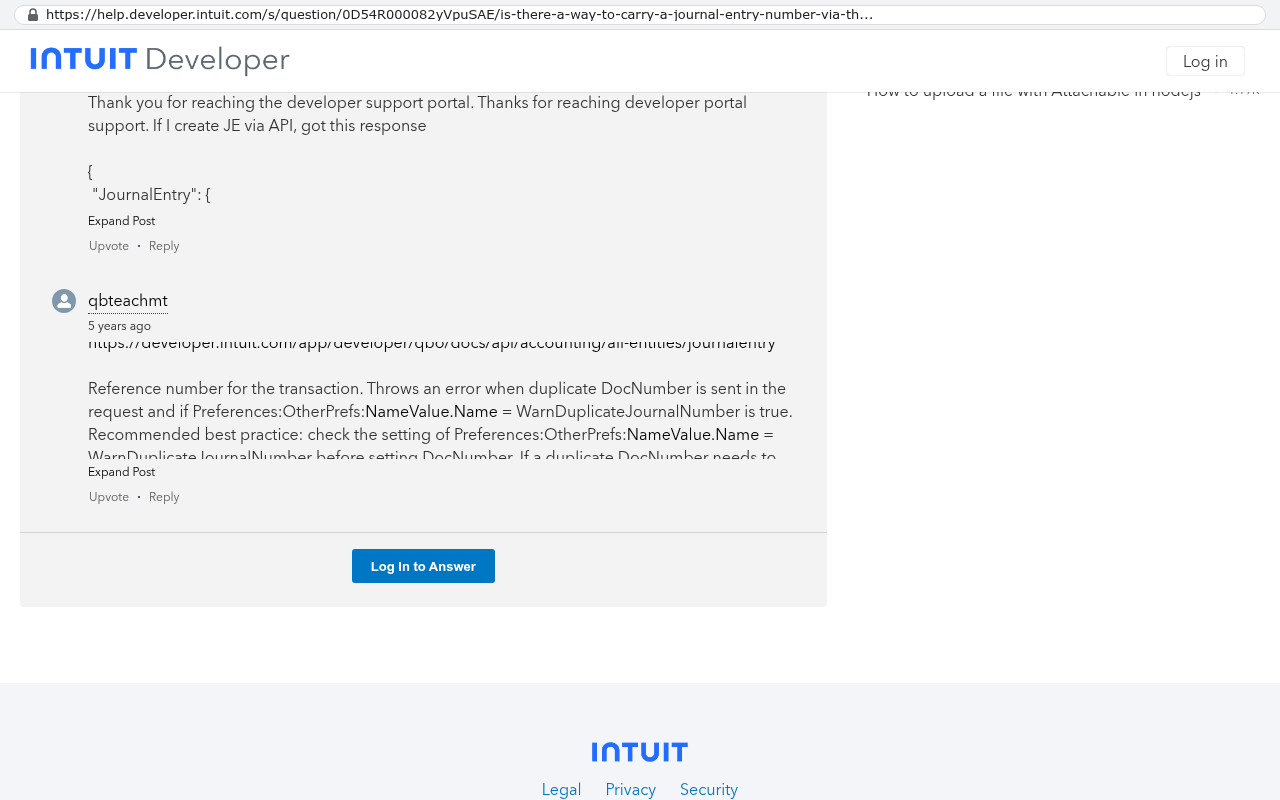
And accounting stays where it works. Most of our clients keep QuickBooks or their existing ledger and push clean summary entries into it. Rebuilding accounting is rarely worth it. Rebuilding operations usually is.

Intuit Developer support portal displaying a Q&A thread where a developer asks about carrying journal entry numbers through the QBO API create journal entry REST call, with a response explaining the JournalEntry API reference.
Intuit Developer portal shows a question and answer thread about the QuickBooks Online API's JournalEntry entity with discussion of creating journal entries via REST API. Source: help.developer.intuit.com/s/question/0D54R000082yVpuSAE/is-there-a-way-to-carry-a-journal-entry-number-via-the-qbo-api-create-je-rest-api-call

Configure, replace, or build

Use a simple test. Configure what you have when your process is ordinary, your volume is modest, and the gaps are cosmetic. Most companies under roughly twenty field staff land here. Spend the money on training and cleanup instead.

Replace with an industry ERP when your gaps are the standard five, your process is close to how everyone else in your trade operates, and you can tolerate a long implementation. You'll trade flexibility for a shorter path to working software. That's a fair trade for a lot of firms.

Build when the way you run jobs is a competitive advantage, when per-seat costs scale against you, or when you're already paying for three systems plus the spreadsheet holding them together. Build also wins when a vendor's roadmap has become your roadmap.

Where a custom build is the wrong call

Custom isn't free of downside and you should hear the downsides before anyone quotes you. You own the maintenance. When Florida changes a lien statute or a payment processor deprecates an API, that's your ticket to handle, not a vendor's release note. Budget for ongoing care the way you budget for truck maintenance.

You also lose the compliance shortcuts that come packaged with a mature construction ERP, things like prevailing wage reporting and certified payroll formats. Those can be built, and they take real work. If your business lives on public works, weigh that carefully.

Data migration is the other honest cost. Moving years of job history, attachments, and open retainage takes a scripted export and a reconciliation pass, not a copy and paste. Plan for a period where both systems run and someone verifies the totals match.

Finally, a custom build won't rescue a broken process. If your foremen don't turn in time accurately today, new software won't fix that. Sort the process first, then automate it.

A useful middle path exists. Keep your ledger, keep the tools your team likes, and build only the operational layer that no vendor handles well. Smaller surface area, faster payback, and you still own the part that differentiates you.

What to do next

Pull the spreadsheet your PMs actually use. List every field in it that your ERP can't hold. Then price your software renewal five years out with your projected headcount. Those two documents tell you whether to configure, replace, or build, usually within an hour.

If the answer points toward building something your company owns, we're happy to walk through it with you. You can book a free strategy session and bring the spreadsheet.

Read this next: our breakdown of how to run a software replacement without stopping work, which covers the parallel-run period and the migration checks most teams skip.

Related articles worth your time:

FAQ

Can't we just add a construction module to the ERP we already have?

Sometimes, and it's worth pricing. The question is whether the module handles retainage on both sides, schedule of values billing, and COI tracking natively. If any of those need an add-on or a workaround, you're buying the same gap again.

Do we have to give up QuickBooks?

No, and most of the time you shouldn't. QuickBooks is fine at what it does. The fix is usually a proper operations layer that feeds it clean summary entries, so nobody rekeys anything.

How big does a company need to be before custom makes sense?

There's no clean cutoff, but the math tends to turn somewhere past twenty-five to thirty users on a per-seat platform, or when you're paying for three overlapping tools. Below that, configure what you have.

What happens if the developer disappears?

That's why ownership matters. You should hold the source code, the repository, the hosting accounts, and the documentation from day one. Any other firm can pick it up. If a vendor won't give you those, walk.

How do we keep field crews from ignoring the new system?

Build for the phone, work offline, and cut the number of taps. If entering time takes longer than texting the office, crews will text the office. Test it on a real job site before rollout, not in a conference room.

Questions

Frequently asked questions

Why do Tampa Bay contractors keep abandoning generic ERP systems?

Generic ERP was designed to track parts moving through factories with repeatable production and fixed bills of materials. Contracting and service work is project-based, weather-dependent, and priced in progress draws with retainage. The software treats jobs as accounting transactions rather than operational realities, so project managers end up keeping side spreadsheets while the ERP handles only accounting.

What are the main operational problems generic ERP fails to handle in contracting?

Generic ERP fails at job costing across multiple concurrent sites, progress billing with AIA-style applications and stored materials, retainage tracking on both receivable and payable sides, subcontractor compliance with insurance certificates and lien waivers, and equipment and crew scheduling as a resource rather than a fixed asset. Each gap typically gets filled with a spreadsheet or manual workaround.

How does Florida's environment create additional ERP demands?

Hurricane season from June through November forces schedules to flex rapidly for site securing, equipment relocation, and inspection rescheduling. Snowbird season creates labor swings in residential service. Permit documentation varies significantly by jurisdiction across Clearwater, St. Pete, Tampa, and unincorporated county areas. Standard ERP scheduling and documentation systems aren't built to handle these dynamics.

What's the spreadsheet tell that your ERP isn't working?

If a spreadsheet holds the numbers your owners actually trust for job costing while the ERP does accounting only, your ERP is functioning as an accounting system wearing a costume. The moment your controller says the ERP numbers and job numbers don't agree yet, two systems of record exist. Once people pick a favorite spreadsheet, the ERP becomes expensive data entry.

When is custom or purpose-built ERP the right choice versus staying with generic?

Custom is the better answer when your process is the thing that wins you work. However, if your process is ordinary and your volume is low, configure what you have and move on. Per-seat pricing in industry-specific ERP also penalizes crew growth by turning it into a budget problem, which favors ownership of a purpose-built system over subscription models.

Can a construction module be added to an existing generic ERP?

Adding a construction module addresses some failures like progress billing and retainage, but implementers can only map contracting concepts onto manufacturing structures through custom fields, workarounds, and third-party add-ons. These never quite reconcile back to the ledger and don't fully close the gap between how factories and job sites actually operate.

What does a purpose-built system cover that generic ERP doesn't?

A purpose-built system holds job costing on a weekly rhythm rather than monthly accounting rhythm, handles AIA applications for payment and schedule of values natively, tracks retainage by job and subcontractor, manages subcontractor compliance with insurance and lien waiver matching, and schedules equipment and crews as resources with location and utilization rates. It treats the operational reality of contracting as the core system, not a bolt-on.

Read this next

When staying on your current platform is the right call

Custom software isn't always the answer. Here's the arithmetic, the warning signs, and the honest caveats that tell you whether to renew your platform or replace it.

If this is your situation

Talk it through on a call

Thirty minutes over video with the person who would run the build. You talk, we ask questions, and you leave with a plain read on whether custom software makes sense for you. If the answer is that your current tool is fine and badly configured, you will hear that.

Book a strategy call

Who wrote this

David Verneuille

David Verneuille

Founder, Black Badger Software Solutions

David Verneuille founded Black Badger after 18 years as a project manager and years implementing Smartsheet, monday.com, Wrike and Zoho for clients. He now builds custom systems that clients own outright, which is why the writing here is specific about where each platform fits and where it stops fitting.

About Black Badger

Drafted with AI assistance, then checked, edited, and approved by a person before publishing. The facts, opinions, and recommendations are ours.

Related

More on general

More reading

Read this next

Want this looked at properly?

An article can only go so far without knowing your systems. Book a strategy call, walk us through what is breaking, and you will get a straight read on whether custom software is the right answer.