
Your project management platform isn't broken. Your team has just quietly moved past it, and nobody called a meeting to say so. The tell is never a crash or an outage. It's the spreadsheet that shows up beside the tool, the person who is the only one who understands the automations, and the monthly report that takes two days to assemble by hand. Here are the seven symptoms worth watching, what's actually causing each one, and what to do about it.
Seven operations problems that mean you have outgrown your project management platform
/ 10 min read
TL;DR
A project management platform may not be broken, but silent signs like shadow spreadsheets, undocumented automations, and workarounds baked into process indicate your team has outgrown it and needs configuration changes, migration, or a custom build.
Key takeaways
- A shadow spreadsheet is the clearest sign that your platform cannot model your real work, existing because the software refuses to hold the truth about how your business actually operates.
- Per seat pricing that charges for viewers punishes visibility and becomes a major cost problem when viewers represent more than a third of your license spend.
- Undocumented automations concentrated in one person's knowledge create serious operational risk and prevent safe system changes or audits of how your company actually runs.
- If every leadership report requires exporting to Excel and manual pivot tables, your data model does not match your actual business questions and needs restructuring.
- Brittle third party connectors fail silently and cost more because failures go unnoticed until downstream work suffers, making them a fragile foundation for operations.
- Configuration fixes cosmetic problems, migration fixes platform problems, and custom builds fix fit problems, so choosing the right solution requires understanding which category your actual issue belongs to.
- Workarounds that become standard processes create hidden errors and confusion for new hires, making it essential to distinguish between genuinely unusual workflows that give you competitive advantage and accumulated scar tissue from platform limitations.
TL. DR
If your team runs a spreadsheet next to your PM platform, pays for seats that only view status, depends on undocumented automations, exports to Excel for every report, has turned workarounds into standard process, relies on a fragile connector to your accounting system, and spends new hire training on quirks instead of work, you have outgrown the tool. Some of that is fixable with configuration. Some of it means switching platforms. Some of it means building a system you own. The deciding factor is whether your workflow is unusual because it's sloppy or unusual because it's how you win.
Key takeaways
- A shadow spreadsheet is the single clearest sign that the platform can't model your real work.
- Per seat pricing punishes you for giving people visibility, which is the opposite of what you want.
- Undocumented automations are operational risk sitting in one person's head.
- If every report starts with an export, your data model and your questions don't match.
- Brittle third party connectors fail silently, and silent failures cost the most.
- Configuration fixes cosmetic problems. Migration fixes platform problems. A custom build fixes fit problems.
- A custom build is the wrong answer when your process is genuinely standard or your team is too small to own anything.
The shadow spreadsheet and the seats you buy for watching
Start with the spreadsheet. Somewhere in your business there's a workbook that holds the real schedule, the real margin per job, or the real crew assignments. The platform holds a tidied up version of the same thing. Your team updates both.
That spreadsheet exists because the platform can't model something specific about your work. Maybe a job has two competing deadlines. Maybe a task belongs to three projects at once. Maybe pricing depends on a rule the tool has no field for. People don't build shadow spreadsheets for fun. They build them because the software refused to hold the truth.
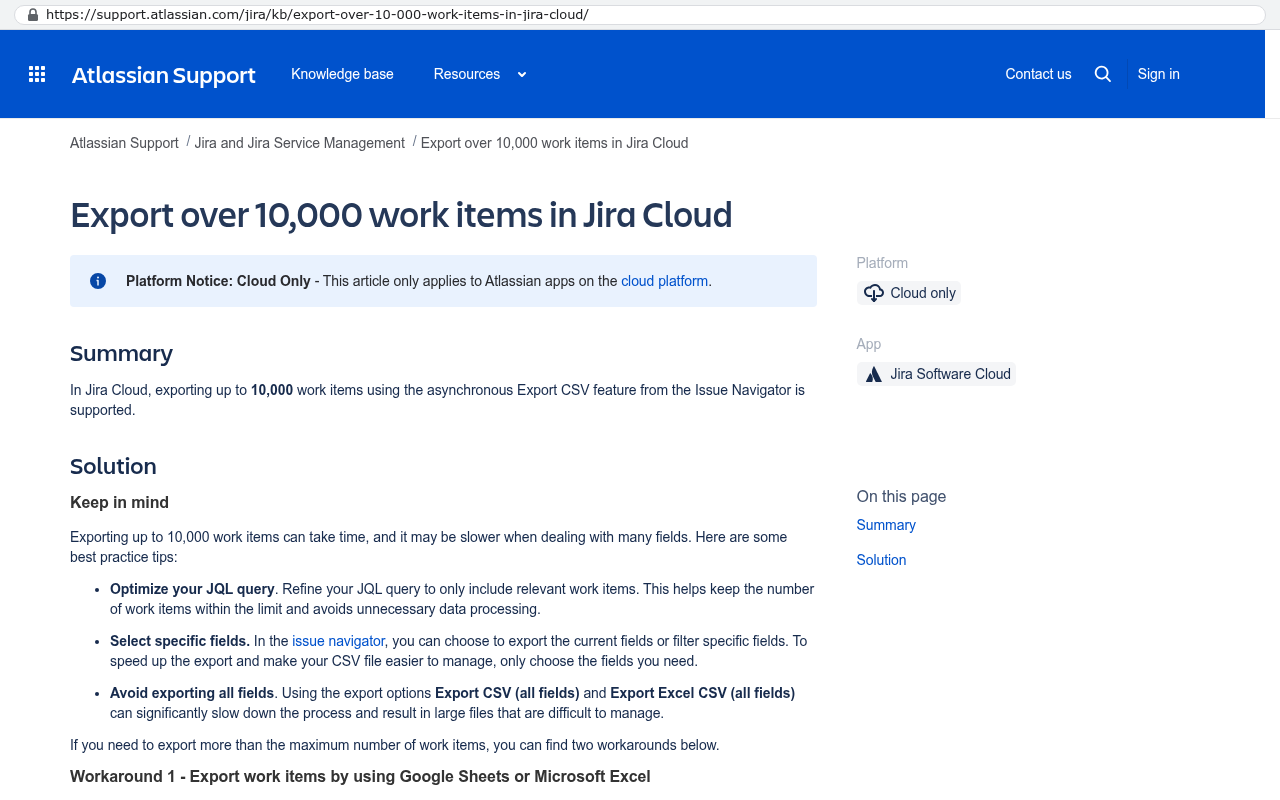
The second symptom is quieter and more expensive. You're paying per user for people who only look. A field supervisor, a controller, an owner checking status on Sunday night. None of them create work in the tool. They consume a status. Sixty seats at thirty dollars a month is twenty one thousand six hundred dollars a year, and a meaningful slice of that buys read only glances at a dashboard.
Before you do anything else, count your seats and mark each one as a creator or a viewer. If viewers are more than a third of your license spend, you have a pricing model problem, not a feature problem, and that changes the whole decision.
The automations nobody wrote down and the reports that start with an export
Every mature PM setup accumulates automations. A status change fires a notification. A completed task creates three more. A form submission assigns an owner based on region. None of it is written down. One person built most of it, and that person is now the human documentation for how your company runs.
That's a real risk. If they leave, you inherit a machine you can't safely change. Teams in this spot stop touching automations at all. They route around them instead. That's how a platform slowly turns into a thing you obey rather than a thing you use.
Reporting is the twin symptom. If every question from leadership requires an export to Excel, a few VLOOKUPs, and a pivot table, your data model doesn't match the questions your business asks. The tool tracks tasks. You need margin by job type, utilisation by crew, and rework rates by client. Those aren't report settings. They're a different shape of data.
Undocumented automation logic is worse than no automation. Nobody can audit it, nobody can test it, and it will keep firing after the process it supported has been retired. Write down what fires, what it triggers, and who owns it before you evaluate any new system.
When the workaround becomes the process
This one hides well because it stops looking like a problem. Somebody decided years ago to fake a second approval stage by adding a custom status called "pending pending". Somebody else uses a tag to mean billable. A third person tracks change orders as subtasks because there's nowhere else to put them.
New staff learn these conventions as if they were company policy. They aren't. They're scar tissue from a tool that wouldn't bend. The cost shows up in errors. Tags get missed. A status gets skipped. Work ships unbilled, and nobody can explain why the tool said it was done.
Here's the useful question. If you could describe your ideal process on a whiteboard tomorrow, how much of what's in the platform today would survive? When the honest answer is under half, the software is driving the business instead of the other way round.
The connector that breaks on a Tuesday, and the hire who spends week one learning quirks
Most mid sized operations glue their PM tool to accounting with a third party connector. It syncs jobs to invoices, or time entries to payroll. It works until a field name changes, an API version retires, or a rate limit hits during month end. Then it fails, usually without telling anyone.
Silent failure is the expensive kind. You discover it three weeks later when invoices don't match completed work. Someone spends a day reconciling. The connector vendor blames the platform vendor. You pay both.
The last symptom is the one owners feel most directly. Onboarding a new coordinator takes two weeks, and most of that is explaining what the system doesn't do. That's a measurable tax. Multiply it across turnover and it dwarfs your license cost.
A good test for connector health is asking who gets alerted when a sync fails. If the answer is "we notice eventually", you don't have an integration. You have a hopeful arrangement between two systems that don't know each other.
Configuration, migration, or a custom build
Not every symptom means you need to build something. Match the response to the cause and you'll save yourself a lot of money.
Configuration is the right answer when the platform can do what you need and nobody set it up properly. Symptoms that usually respond to configuration include clumsy views, duplicated fields, notification noise, and reports that exist but nobody found. Bring in someone who knows the tool deeply, spend a focused effort on cleanup, and measure again in ninety days.
Migration to a different platform makes sense when your needs are common but your current vendor handles them badly. If you run agency style client work and you're fighting a tool built for software sprints, move. The work is standard. The fit is wrong.
A custom build is the right answer when the mismatch is structural. Your workflow is unusual because of how you actually make money, and no vendor is going to model it for you. Now run the arithmetic. Sixty seats at thirty dollars a month is twenty one thousand six hundred a year. Add four hundred a month for connectors and that's another four thousand eight hundred. Add a part time admin keeping the shadow spreadsheet honest. Over five years you're well past a hundred and thirty thousand dollars in rent, and on the last day you own nothing. A system you own has a one time build and a much smaller ongoing hosting and maintenance line. At some volume the arithmetic flips, and per seat pricing is what flips it.
Where a custom build is the wrong answer
Plenty of businesses should stay on the platform, and saying otherwise would be dishonest.
If your process is genuinely standard, buy the standard tool. A ten person consultancy tracking tasks and hours doesn't need bespoke software. It needs a cheaper subscription and a bit of discipline.
If nobody on your team will own the system, don't build one. Custom software needs a business owner who makes decisions about what it should do. Not a developer. Someone who understands the work and can say yes or no.
If your problem is process chaos rather than software fit, building will just encode the chaos in code. Fix the process on paper first. That's free.
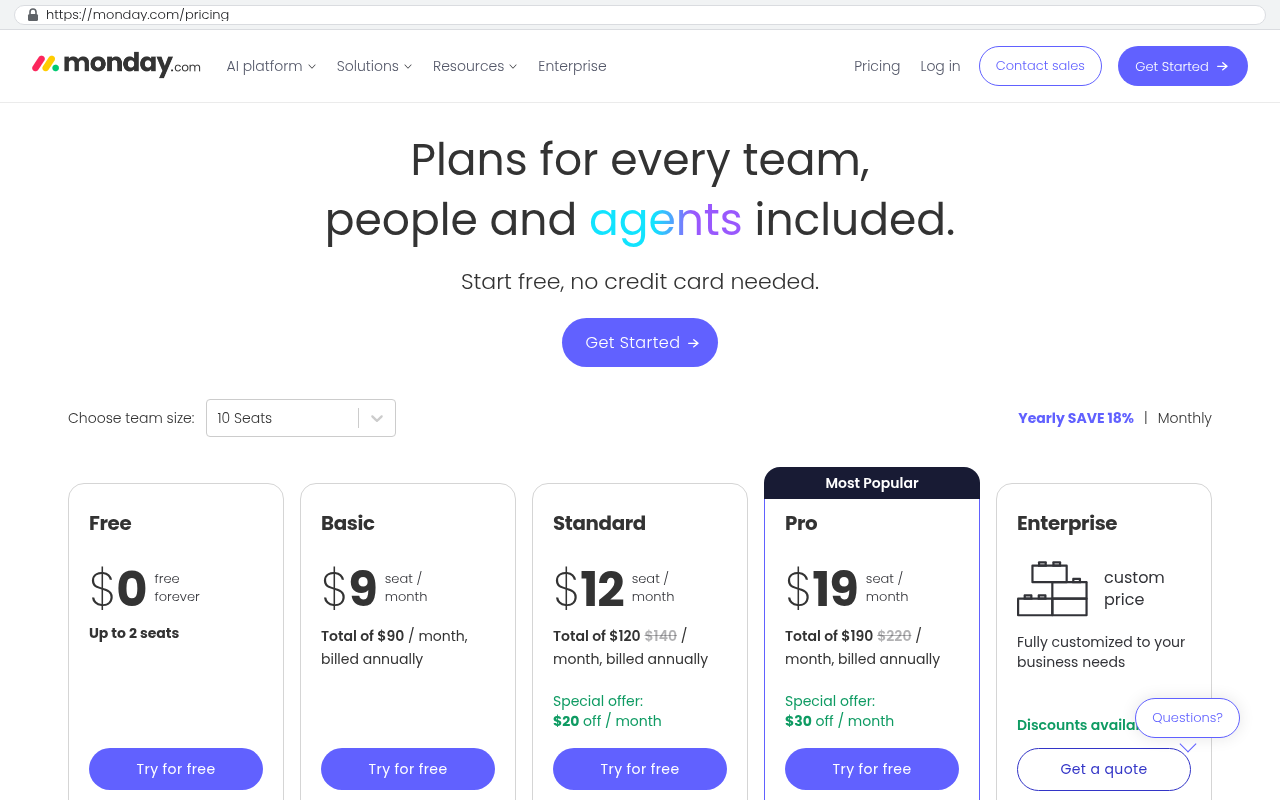
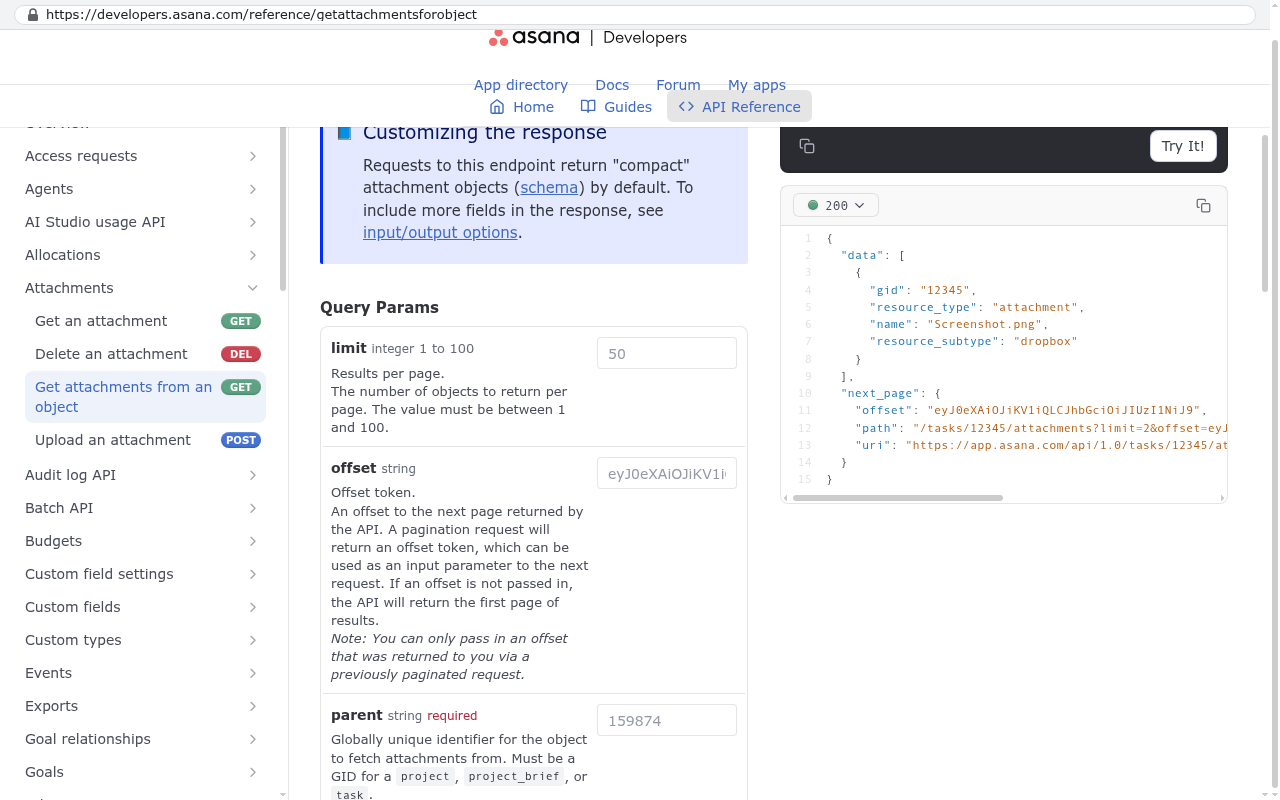
Be honest about migration cost too. Moving twelve years of attachments, comment threads, and archived projects out of a hosted platform is a scripted export, not a copy and paste. Some vendors make history hard to extract. And if you share live boards with clients who already live in that platform, replacing it means changing how your customers work, which is a conversation, not a feature.
The most common mistake is building a clone of the tool you're leaving. If the new system looks like the old one with your logo on it, you've spent real money to keep your constraints. Build around the workflow that makes you money, and cut the rest.
Your next move
Pick one week. Count seats and split creators from viewers. List every automation and name an owner for each. Write down the last five reports leadership asked for and time how long each took. Note every convention a new hire has to learn that isn't in a vendor help article.
That list is your evidence. Three symptoms or fewer usually means configuration. Four to five often means the wrong platform. Six or seven means the fit problem is structural, and no amount of tidying fixes it.
If you want a second opinion on which bucket you're in, book a free strategy session and walk us through the list. We'll tell you plainly if configuration or a platform switch solves it, because building something you don't need helps nobody.
Frequently asked questions
How do I know if it's the tool or my process?
Draw your ideal workflow on a whiteboard without thinking about software. Then check how much of it the platform can hold without a workaround. If most of it fits, your process is the issue. If it doesn't fit, the tool is.
Can't we just add another app to cover the gaps?
Sometimes, yes. But each app adds a login, a bill, and another sync that can fail quietly. Three tools stitched together is usually harder to run than one that fits.
What happens to our history if we move off the platform?
Most of it comes out through an export, but attachments, comments, and audit trails are the tricky parts. Plan for a scripted export and decide up front how much history you truly need live versus archived.
Do we have to replace everything at once?
No, and you shouldn't. Take the piece causing the most pain, usually reporting or the shadow spreadsheet, and solve that first. Keep the platform for what it does fine until the new system earns the rest.
Who needs to be involved from our side?
One person who knows the work well enough to make decisions, plus whoever owns the accounting side of the integration. You don't need technical staff. You need someone with authority to say how the work should run.
Read this next
Build versus buy, an honest look at when custom software actually wins walks through the same decision with the numbers laid out side by side.
Related articles
Questions
Frequently asked questions
What are the signs that my team has outgrown our project management platform?
Your team has likely outgrown the platform if you're running a spreadsheet alongside it, paying for seats that only view status, relying on undocumented automations, exporting to Excel for every report, using workarounds as standard process, depending on a fragile connector to accounting, and spending new hire training on system quirks instead of actual work.
Why does my team keep using a spreadsheet next to our PM platform?
Shadow spreadsheets exist because the platform can't model something specific about your work. This might include jobs with competing deadlines, tasks belonging to multiple projects, or pricing rules the tool can't accommodate. People build them out of necessity when the software refuses to hold the truth about how your business actually operates.
How should I handle undocumented automations in our platform?
Undocumented automations represent significant operational risk because they exist only in one person's head. Before evaluating any new system, write down what fires, what it triggers, and who owns it. This documentation is critical because undocumented logic is worse than no automation, as nobody can audit it or safely change it without breaking processes.
What's the difference between fixing a platform with configuration versus migration or custom build?
Configuration fixes cosmetic problems within your current platform. Migration switches to a new platform to solve fit problems. A custom build lets you create a system you own. Choose based on whether your workflow is unusual because it's inefficient or because it's how you win competitively.
Why is per-seat pricing problematic for our growing team?
Per-seat pricing punishes you for giving people visibility. Field supervisors, controllers, and owners who only view status consume seats without creating work. If viewers represent more than a third of your license spend, you have a pricing model problem rather than a feature problem, which significantly changes your decision-making.
When is a custom build the wrong answer?
A custom build is the wrong answer when your process is genuinely standard or your team is too small to own and maintain a custom system. Custom builds only make sense if your unusual workflow is what gives you competitive advantage and if you have the capacity to support it long-term.
Why do brittle third-party connectors cause expensive problems?
Third-party connectors between your PM tool and accounting systems fail silently, which is the most expensive kind of failure. You discover issues weeks later when invoices don't match completed work, requiring days of reconciliation. These silent failures typically occur when field names change, API versions retire, or rate limits hit during month-end processing.
Read this next
When staying on your current platform is the right call
Custom software isn't always the answer. Here's the arithmetic, the warning signs, and the honest caveats that tell you whether to renew your platform or replace it.
If this is your situation
Talk it through on a call
Thirty minutes over video with the person who would run the build. You talk, we ask questions, and you leave with a plain read on whether custom software makes sense for you. If the answer is that your current tool is fine and badly configured, you will hear that.
Who wrote this

David Verneuille
Founder, Black Badger Software Solutions
David Verneuille founded Black Badger after 18 years as a project manager and years implementing Smartsheet, monday.com, Wrike and Zoho for clients. He now builds custom systems that clients own outright, which is why the writing here is specific about where each platform fits and where it stops fitting.
Drafted with AI assistance, then checked, edited, and approved by a person before publishing. The facts, opinions, and recommendations are ours.