
TL. DR: Most Tampa Bay companies don't need a full custom platform. They need one or two workflows pulled out of spreadsheets and duct-taped SaaS, built properly, and owned outright. Start there, prove the value, expand from what works. And if your current tools are genuinely fine, keep them.
What Clearwater and Tampa Bay businesses should know before building custom software
/ 11 min read
TL;DR
Tampa Bay businesses typically waste money on fragmented SaaS tools and manual data entry when one or two properly built custom workflows could eliminate the chaos, cut costs, and deliver something they actually own.
Key takeaways
- Per-seat SaaS pricing compounds quickly. A 40-person company easily spends $35,000 to $60,000 annually on tools plus thousands more in hidden labor costs manually moving data between systems.
- Custom software is no longer an enterprise-only purchase because cloud hosting, modern frameworks, and plug-and-play services have cut development costs dramatically over the past decade.
- The safest approach is building one specific workflow first rather than replacing everything at once, proving value before expanding to additional processes.
- Owning the code outright eliminates surprise price increases, discontinued features, and renewal letters that plague SaaS-dependent businesses.
- Local firms matter most during discovery and training phases where in-person collaboration significantly improves outcomes for the business.
- Custom software is the wrong choice for regulated areas like accounting, payroll, and compliance-sensitive functions where vendor liability protects you more than ownership does.
Key takeaways
- Per-seat SaaS pricing punishes growth. A 40 person company paying $95 per seat per month is spending over $45,000 a year on one tool, and that number climbs every time you hire.
- Custom software is not an enterprise-only thing anymore. The build cost curve dropped hard over the last decade.
- The safest way in is one workflow. Not a rip-and-replace of everything you run.
- Owning the code means no renewal letter, no surprise tier change, no feature you depend on getting sunset.
- A local firm matters most during discovery and training, when being in the room actually changes the outcome.
- Custom is the wrong answer for accounting, payroll, and anything where a regulated vendor carries compliance risk for you.
Pinellas and Hillsborough run on a strange mix of software. Walk into a 60 person roofing company in Largo and you'll find a field service app, a separate estimating tool, QuickBooks, a shared Google Sheet that somebody's cousin built in 2019, and a WhatsApp group where the actual scheduling happens. None of it talks to the rest. Everyone knows it. Nobody has time to fix it.
What the software stack around here usually looks like
The industries that dominate this region have a specific shape to their software problem. Marine services, construction and restoration, HVAC and plumbing, medical billing, staffing, freight and logistics near the port, property management, and hospitality. Almost all of them are job-based or project-based businesses. Work comes in, gets scheduled, gets done, gets billed.
That pattern is why so many local companies end up on the same tools. Jobber, ServiceTitan, Procore, Monday.com, Smartsheet, Salesforce, HubSpot. These are decent products. The problem isn't quality. The problem is that every one of them was designed for a generic version of your business, and your business isn't generic.
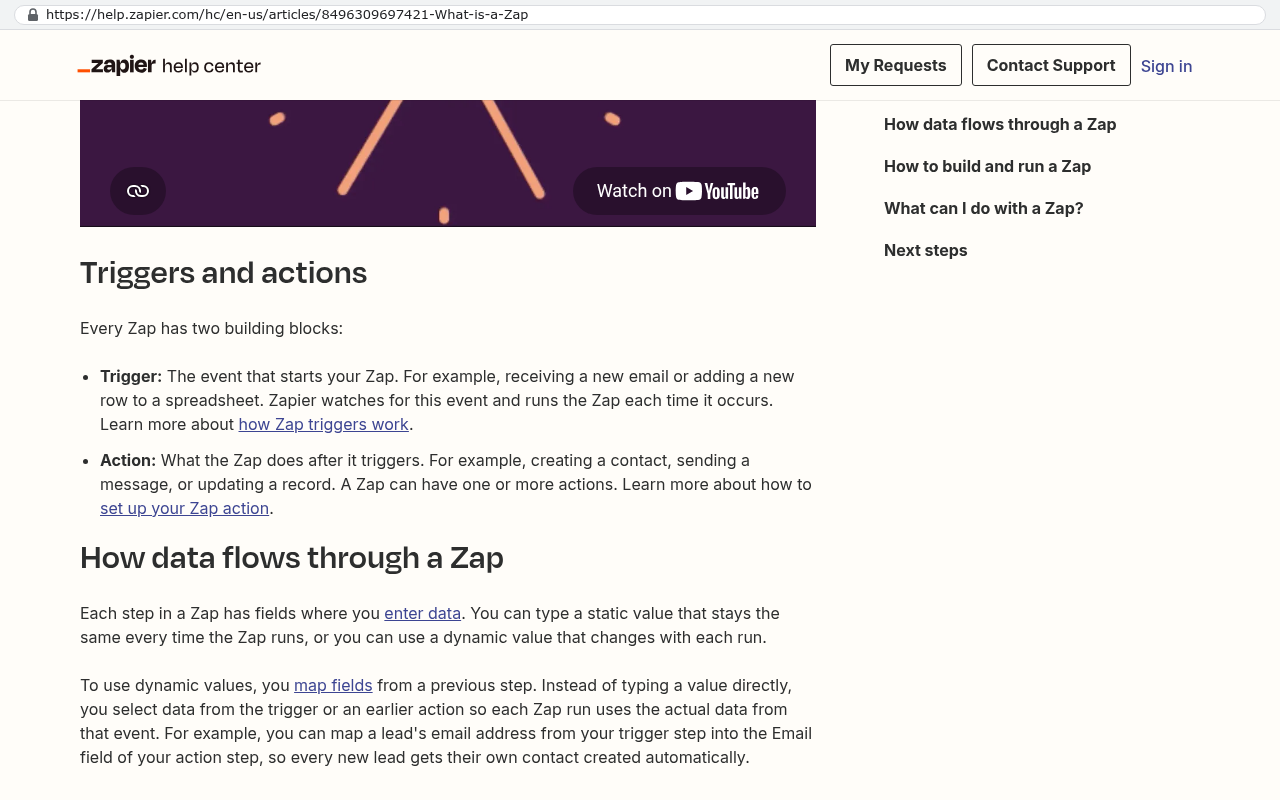
So you adapt. You add a custom field. Then twelve more. You build a Zap that fires when a status changes. Someone exports to Excel every Friday to produce the report the owner actually wants. Within three years you have a system nobody designed, that only two people understand, and that breaks whenever a vendor ships an update.
There's a local wrinkle too. Storm season. Restoration contractors, roofers, insurance adjusters, and property managers around here go from steady to absolute chaos in 48 hours. Off-the-shelf tools don't flex that way. Your per-seat licensing doesn't care that you just added 30 temporary crew members for six weeks.
Custom software is not an enterprise-only purchase
This belief is the single biggest reason mid-sized companies here keep paying for software that fights them. The assumption is that custom means a two year project with a team of consultants and a seven figure budget. That was true in 2008. It's not true now.
What changed is boring and real. Cloud hosting replaced buying servers. Modern frameworks handle authentication, permissions, file storage, and reporting out of the box. Payment processing, document signing, mapping, texting, and email all have well-documented services you plug into instead of building. A developer in 2026 starts a project maybe 60 percent finished compared to where they started fifteen years ago.
The practical result is that a 25 to 200 person company is now a completely normal size for a custom build. Not a stretch. Normal.
A good test for whether you're a candidate: count how many hours per week your team spends moving data between systems by hand. If it's over ten hours across the company, you're already paying for custom software. You're just paying in payroll instead of code, and you get nothing to keep at the end.
The arithmetic, done honestly
Here's how to run the numbers yourself. Add up every per-seat subscription that touches the same core workflow. Then add the automation tools that glue them together. Then add the integration platform, if you have one.
A 40 person operation might look like this. A project tool at $24 per user per month is $11,520 a year. A CRM at $90 per user for the 15 people who need it is $16,200. An automation platform on a business plan runs a few thousand more. A reporting add-on, a document tool, a texting service. Realistically you land somewhere between $35,000 and $60,000 annually before anyone has done a minute of work.
Now add the hidden line. If two people each spend six hours a week rekeying data, copying between systems, and building the Friday report, that's roughly 620 hours a year. At a loaded cost of $45 an hour, call it $28,000 of salary spent on work that produces nothing.
The comparison isn't custom software versus zero. It's custom software versus a subscription bill that rises every year plus the labor cost of working around it. A system you own has a real build cost up front, then hosting and maintenance, which is a fraction of what you were paying in licenses. The crossover point is usually measured in a small number of years, and after that the gap widens permanently in your favor.
Run this math before you renew, not after. Most SaaS contracts auto-renew annually and lock your pricing tier for the full term. If you sign in March, you've decided your March-to-March costs whether or not you use the product. Put a calendar reminder 90 days before every major renewal date.
Start with one workflow, not the whole company
The projects that fail are the ones that try to replace everything at once. The ones that work start narrow and specific.
Pick the single workflow that causes the most friction. Usually it's obvious. It's the thing people complain about in every meeting. Job scheduling and dispatch. Quote-to-invoice. Field data capture with photos. Compliance documentation. Commission calculation. Inventory across two warehouses.
Build that one thing properly. Let it run for a quarter. See whether the hours actually came back and whether people actually use it. Then decide about the next piece.
This approach has a few advantages that matter more than they sound. Your exposure is limited if the first piece disappoints. Your team learns the new system in small doses instead of all at once. And you find out early whether the development firm you hired listens well or just builds what they assumed you meant.
A sequencing pattern that works well for job-based businesses:
- Replace the spreadsheet that has become load-bearing. Usually scheduling or job tracking.
- Connect it to accounting so invoicing stops being manual re-entry.
- Add the field-facing piece, so crews capture data once at the source.
- Build the reporting layer last, once real data is flowing.
Reporting last is deliberate. Dashboards built on bad data just make bad data prettier.
What hiring locally actually gets you
Not everything about being nearby matters. Writing code doesn't require geography, and anyone who tells you otherwise is selling proximity instead of skill. But two phases of a project genuinely improve when someone can drive to you.
Discovery is the first. The most useful hour of any build is standing next to your dispatcher watching how she actually schedules, versus how the process is documented. People describe their work incorrectly. Not dishonestly, just incompletely. They forget the workaround they've done every day for four years because it stopped feeling like a workaround. You catch that by watching, not by video call.
Training and rollout is the second. Being in the room when your team touches the system for the first time surfaces problems in minutes that a support ticket queue would take weeks to reveal.
There's also the accountability piece, which nobody likes to say out loud. A firm 20 minutes away in Clearwater has a reputation to protect in the same small business community you operate in. That's a different incentive than an offshore team you found on a marketplace.
Ask any firm you're evaluating a direct question. Who owns the source code when we're done, and where does it live? If the answer involves their proprietary platform, their hosting account, or a license you keep paying for, you're not buying custom software. You're buying another subscription with extra steps.
Why ownership matters more for a regional company than a big one
Large enterprises have power with vendors. They negotiate. They get dedicated account managers. When a SaaS company changes pricing, a 5,000 seat customer gets a phone call and a transition plan.
You get an email.
Owning your system removes that asymmetry entirely. Nobody can change your terms. Nobody sunsets the feature your operation depends on. Nobody gets acquired and folds your product into something else. The code sits in your repository, runs on infrastructure in your name, and changes when you decide it changes.
The competitive angle is worth understanding too. If you and your three closest competitors all run the same off-the-shelf platform, none of you can do anything the others can't. Your operational advantage has to come from somewhere the software allows. A custom system lets you encode the specific thing you do better than everyone else, and that thing isn't available for your competitors to buy.
Ownership also shows up at sale time. A business with documented, owned systems and low vendor dependency is easier to diligence and easier to value than one where the operations live in a founder's head and six subscriptions.
Where custom is the wrong call
Plenty of situations where you should not build. Being straight about these saves everyone time.
Don't build accounting. QuickBooks, Sage, and NetSuite handle tax tables, regulatory changes, and audit requirements that shift constantly. Integrate with your accounting system. Don't replace it.
Don't build payroll. Same reasoning, higher stakes. Payroll vendors carry real liability for filing correctly across jurisdictions. Let them.
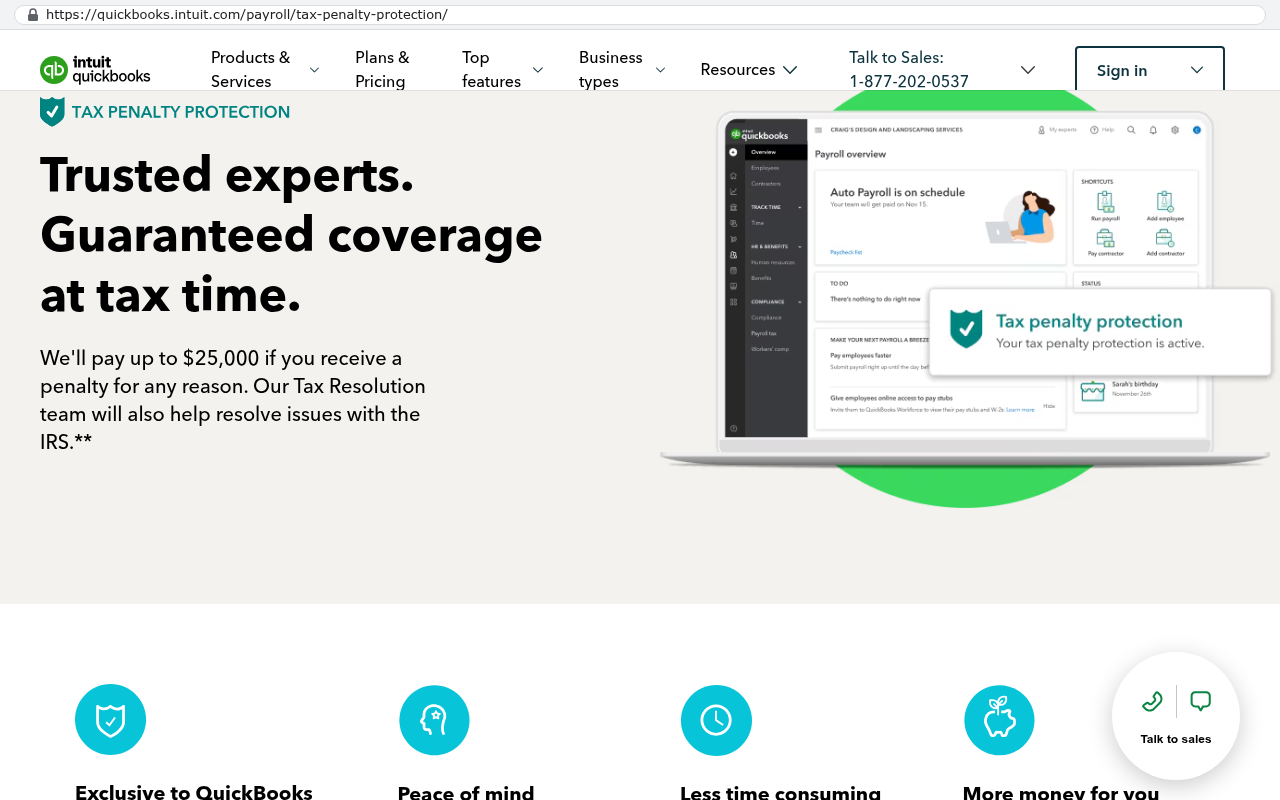
Don't build where a vendor carries compliance risk on your behalf. Card processing, certain healthcare data handling, background checks. Their certification is part of what you're buying.
Don't build if your process genuinely fits a standard product. Some businesses run a textbook process and a well-configured off-the-shelf tool serves them fine. If you're using 80 percent of a platform's features and not fighting it, keep it.
Don't build if you have nobody internally who can own decisions. Custom projects need a person on your side who can answer questions and make calls within a day or two. Without that, the project stalls and costs rise.
And be realistic about migration. Moving years of history out of an existing platform isn't a copy and paste. Attachments, notes, and custom fields usually require a scripted export and a cleanup pass. If half your workflow's value comes from sharing live views with clients who already use that platform, changing tools has a real relationship cost. That's a legitimate reason to stay, and it should be part of the decision rather than a surprise discovered in week three.
Where to start this week
Three things, none of which require hiring anyone.
First, list every software subscription with its annual cost and renewal date. Most owners are off by 30 percent or more on the total. Second, ask your three most operationally central people what they do manually that a computer should do. Write down the answers without defending the current system. Third, pick the one item that appears on the most lists. That's your first candidate.
If you're in Pinellas or Hillsborough and you want a second opinion on whether that first workflow is worth building, book a free strategy session. Worst case, you leave knowing your current stack is fine, which is a useful answer too.
FAQ
How do I know if my business is big enough for custom software?
It's less about headcount and more about repetition. If a handful of people repeat the same manual process every week, and that process is specific to how you operate, you're a candidate. We've seen this hold true well below 50 employees.
What happens if the firm that built it disappears?
That's exactly why ownership and documentation matter. If the code is in your repository, written in a mainstream language, and documented properly, any competent developer can pick it up. Ask for a repository walkthrough at handoff and don't accept vague answers.
Can custom software connect to QuickBooks and the tools we already use?
Yes, and it usually should. Most established business platforms offer APIs, which are just defined ways for software to talk to other software. The goal is replacing the friction, not replacing everything.
Will my team actually use it?
They will if they helped shape it. Adoption failures almost always trace back to a system built from a manager's description rather than from watching the work happen. Involve the people doing the job during discovery, not at launch.
What ongoing costs should I expect after the build?
Hosting, monitoring, and periodic maintenance for security updates and dependency changes. It's meaningfully less than per-seat licensing, and it doesn't scale up automatically when you hire.
Read this next
If you're weighing a renewal right now, read our breakdown of how to calculate the true cost of your current software stack, including the labor hidden inside the workarounds.
Related reading:
- When to replace a spreadsheet with a real system
- Custom software versus off-the-shelf, a decision framework for operations leaders
- What owning your source code actually means in practice
Questions
Frequently asked questions
How do I know if my business is big enough for custom software?
You're a candidate if your team spends more than ten hours per week moving data between systems by hand. A 25 to 200 person company is a normal size for custom software. Look at your annual subscription costs across all tools touching the same workflow, add the labor hours spent rekeying data and building manual reports. If that combined cost exceeds $35,000 to $60,000 yearly, custom software usually pays for itself within a few years.
What happens if the firm that built my custom software disappears?
You own the code outright, which is why local ownership matters most during discovery and training. Unlike SaaS renewals where a vendor can sunset features or change pricing, your custom software has no renewal letter and no surprise tier changes. You're not dependent on the original firm's continued existence to keep using the system you paid for.
Can custom software connect to QuickBooks and the tools we already use?
Yes. Modern custom software integrates with existing tools through well-documented services you plug in. Payment processing, document signing, mapping, texting, and email all have standard integrations. Your new system can work alongside QuickBooks and other tools instead of replacing them, letting you pull workflows out of spreadsheets without losing connections to your current systems.
What hidden costs should I expect with my current software stack?
Beyond subscription fees, you're likely paying in labor. If two people spend six hours weekly moving data between systems, you're spending roughly $28,000 annually in salary on work that produces nothing. When you add per-seat subscriptions, automation platforms, and integration tools, the real cost often lands between $35,000 and $60,000 yearly before counting this invisible labor tax.
Where is custom software the wrong choice?
Custom is the wrong answer for accounting, payroll, and anything where a regulated vendor carries compliance risk for you. In these areas, you need a specialized vendor who manages regulatory requirements. Custom software makes sense for job-based and project-based workflows unique to your business, not for heavily regulated functions where compliance is their responsibility.
How should I start if I decide to build custom software?
Start with one workflow, not the whole company. Pick the single workflow that causes the most friction, usually the thing people complain about in meetings. It might be job scheduling, quote-to-invoice, field data capture with photos, or compliance documentation. Projects fail when trying to replace everything at once. They succeed when starting narrow and specific, then expanding from what works.
Read this next
When staying on your current platform is the right call
Custom software isn't always the answer. Here's the arithmetic, the warning signs, and the honest caveats that tell you whether to renew your platform or replace it.
If this is your situation
Talk it through on a call
Thirty minutes over video with the person who would run the build. You talk, we ask questions, and you leave with a plain read on whether custom software makes sense for you. If the answer is that your current tool is fine and badly configured, you will hear that.
Who wrote this

David Verneuille
Founder, Black Badger Software Solutions
David Verneuille founded Black Badger after 18 years as a project manager and years implementing Smartsheet, monday.com, Wrike and Zoho for clients. He now builds custom systems that clients own outright, which is why the writing here is specific about where each platform fits and where it stops fitting.
Drafted with AI assistance, then checked, edited, and approved by a person before publishing. The facts, opinions, and recommendations are ours.