
You bought a system instead of renting one. Good. Now the question everyone asks second, and should have asked first, is what it costs to keep it running once the build is done. Owned does not mean free. It means the recurring cost changes shape, and the shape is the whole point.
What to budget for after the build: the real maintenance picture for an owned system
/ 10 min read
TL;DR
Owned systems replace recurring SaaS fees with four predictable maintenance buckets: hosting, security updates, feature changes, and support, making the total cost of ownership significantly lower for growing teams over three to five years.
Key takeaways
- Maintenance costs break into four separate line items: hosting (small and predictable), security patching (non-negotiable), feature changes (optional and business-driven), and support response (payment for availability, not hours).
- Subscription costs scale with headcount while owned system costs scale with usage and change rate, creating a compounding financial advantage as your team grows beyond initial size.
- Three costs disappear when you own the system: per-seat user fees, mandatory paid features at higher tiers, and forced version upgrade penalties that SaaS vendors impose.
- Skipping security updates for extended periods converts routine maintenance into a major project because you must jump multiple versions at once instead of applying incremental patches.
- Documentation and standard tooling are critical safeguards if your original developer becomes unavailable, protecting you from being locked into permanent support relationships.
- SaaS remains the better choice for small stable teams and commodity functions like payroll where headcount does not change and off-the-shelf products genuinely fit your needs.
- A realistic support model should be chosen intentionally from four options: retainer-based, on-demand, internal staff, or a combination, rather than defaulting to permanent vendor dependency.
TL. DR
Maintenance on a custom system breaks into four buckets. Hosting, security and dependency updates, feature changes, and support. Hosting is small and predictable. Security work is real and should be scheduled. Feature changes are optional and driven by your business, not by a vendor's roadmap. What disappears is the part that grows on its own, including per seat fees, paid features, and forced version upgrades. Over a three to five year window an owned system usually wins on total cost once your headcount grows. If your team is small and stable and the off the shelf product genuinely fits, renewing is the smarter call.
Key takeaways
- Budget maintenance as four separate lines, not one vague number.
- Hosting for a typical business app is a small monthly infrastructure bill, not a license.
- Security patching is the non negotiable line. Everything else can flex.
- Subscription cost scales with headcount. Owned cost scales with usage and change.
- Documentation and boring, standard tooling are what protect you if your developer disappears.
- Pick a support model on purpose. Retainer, on demand, in house, or a mix.
- SaaS still wins for small stable teams and for commodity functions like payroll.
The four buckets, separated honestly
Most maintenance quotes are a single percentage of the build price. That number tells you nothing. Break it apart and you can actually plan.
Hosting and infrastructure is first, and it is the smallest. A web application with a database, file storage, and backups runs on cloud infrastructure that is billed by the resource. For a company of fifty or a hundred users doing normal office work, that is a modest monthly bill in the same range as a few software subscriptions. It goes up if you store a lot of documents or run heavy reports all day. It does not go up because you hired someone.
Security and dependency updates come second. Your system is built on open source components. Those components release patches. Somebody has to apply them, run the tests, and redeploy. Skip this for two years and the update stops being routine. It becomes a project, because you are jumping five versions at once instead of stepping through them. This is the line people cut first and regret later.
Feature changes are third, and this one is entirely yours. Your business changes. A new service line needs a new workflow. Finance wants a different report. These are discretionary. You spend when the change earns its keep, and nothing bad happens in a quiet quarter.
Support response is fourth. Something breaks at ten on a Tuesday and somebody needs to answer. The cost here is availability, not hours. You are paying for a guaranteed response window.
The most expensive maintenance plan is no maintenance plan. A system left untouched for three years is not cheap to run. It is accruing a debt that gets paid all at once, usually during an emergency.
What stops recurring the day you own it
Here is the part the subscription invoice hides. A big share of what you pay a SaaS vendor is not the cost of running your software. It is the cost of their sales team, their funding round, and their growth targets.
Three specific charges go away when you own the code.
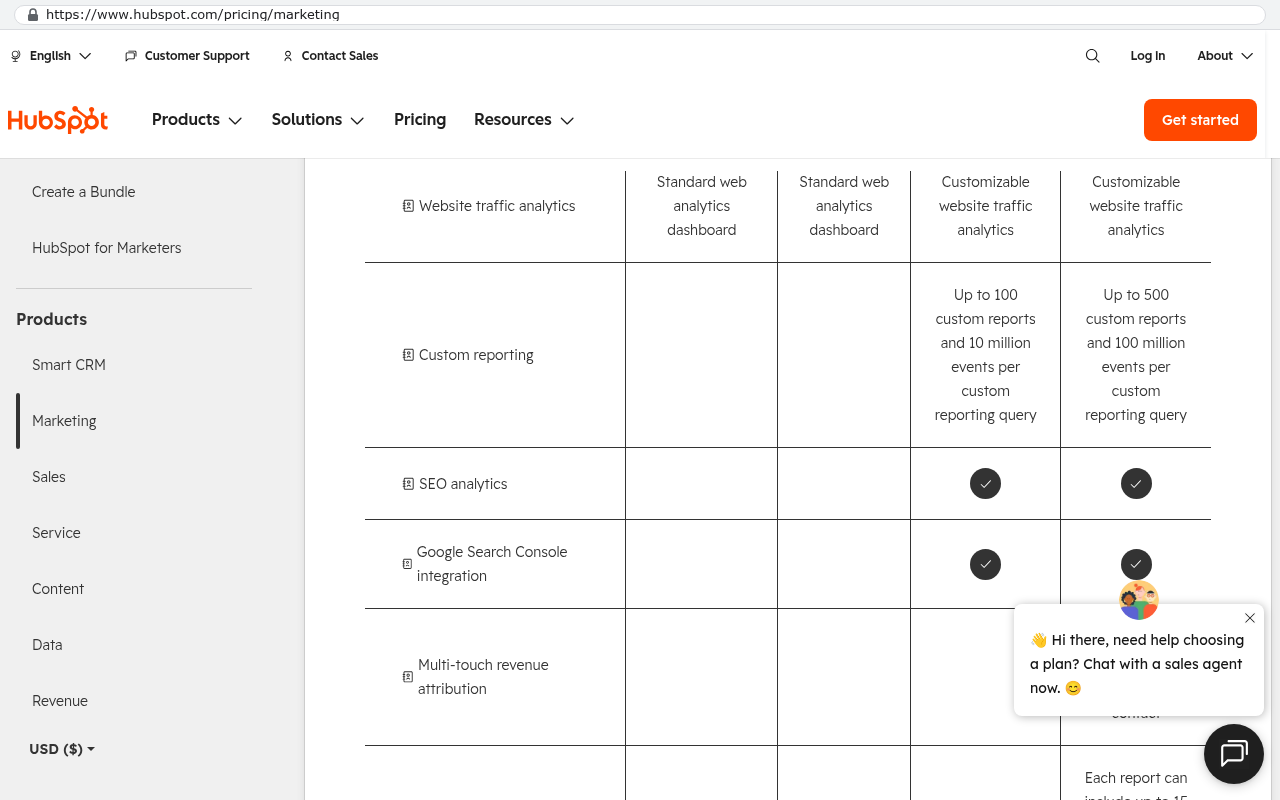
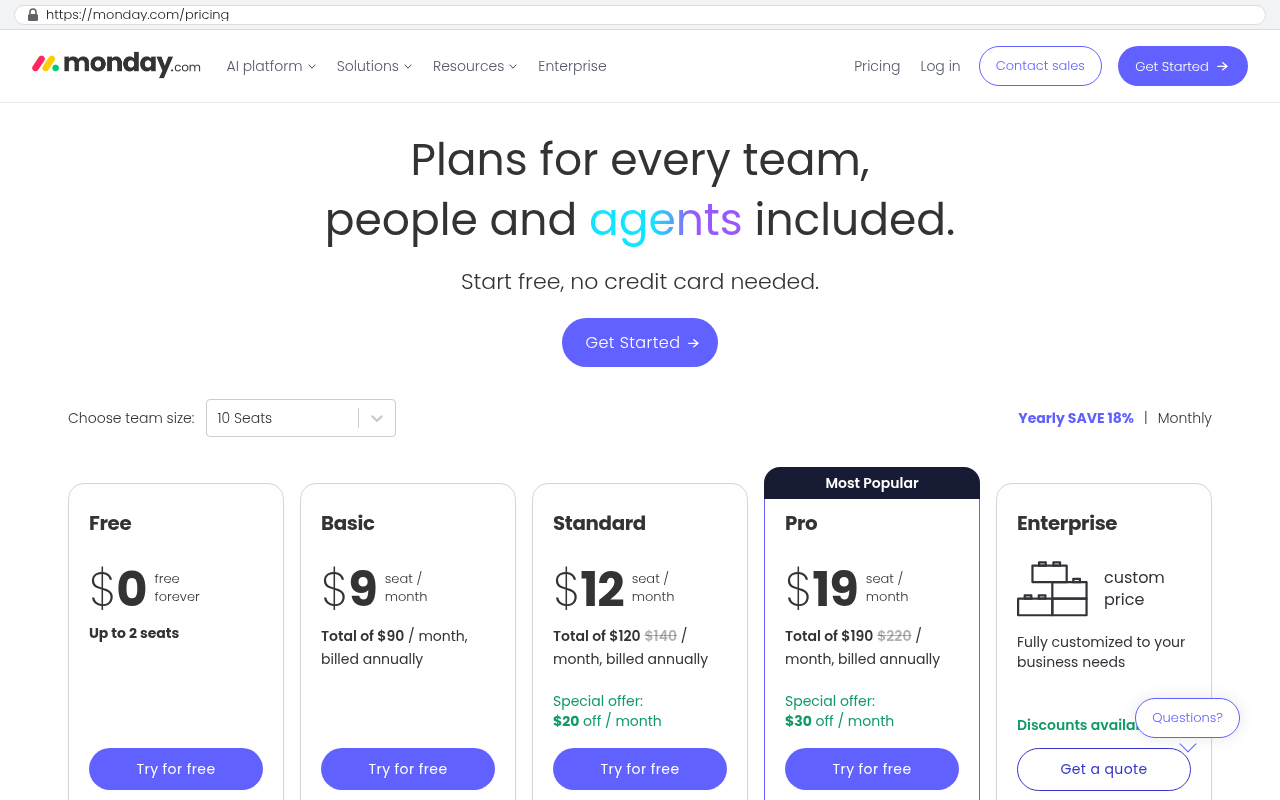
- Per seat fees. New hire, new bill. On an owned system, adding a user is a database record.
- Paid features. The reporting you need sits behind the next tier. On your own system, the reporting is just a screen someone builds once.
- Mandatory version upgrades. Vendors sunset old versions and make the migration your problem. You control your own upgrade timing.
There is also the quiet one. Price increases at renewal. Nobody budgets for a fifteen percent bump, and yet it shows up. Your hosting bill does not send you a letter about a new pricing model.
Usage versus headcount, and why the gap compounds
This is the arithmetic that matters. Run a hypothetical. Say a platform costs eighty dollars per user per month and you have forty users. That is thirty eight thousand four hundred a year. Now grow to seventy users over three years, which is normal for a business that is doing well. Year three costs sixty seven thousand two hundred, and that assumes no price increase and no tier upgrade.
Your owned system in that same three years did not care that you hired thirty people. Thirty more users means slightly more database rows and slightly more server load. The hosting bill might move from small to slightly less small. The maintenance work is the same work.
That is the compounding difference. Subscription cost tracks your success. Owned cost tracks your change rate. If you are growing headcount, the lines separate fast. If you are flat, they separate slowly or not at all, and you should be honest about which one you are.
Before you compare anything, pull three years of actual invoices for the tool you want to replace. Not the list price. The invoices, including the modules you forgot you turned on and the seats assigned to people who left.
The real fear: what if the developer disappears
Every buyer thinks this and most do not say it out loud. You own the code, but can anyone else read it? It is a fair worry and the answer is about choices made during the build, not promises made after.
Three things decide whether a new team can pick up your system in a week or a quarter.
The first is boring technology. A system built on widely used frameworks can be handed to thousands of developers. A system built on a clever niche stack cannot. We pick dull on purpose. Dull is hireable.
The second is documentation that describes decisions, not just code. Why the invoice logic rounds the way it does. Why that one client gets different tax treatment. A new developer can read code. They cannot read your history.
The third is where things live. Your source code belongs in a repository your company owns, under your account, not the developer's. Same for your cloud hosting, your domain, and your database backups. If you cannot log in and see your own code today, fix that this week. That is the actual risk, and it is a five minute problem with a one year consequence.
Ask for a handover test before you need one. Have a developer outside the original team spend a few hours getting the system running locally from the documentation alone. Whatever they get stuck on is your documentation gap.
Choosing a support model
There are four sensible options and they suit different companies. Pick one deliberately instead of drifting into whatever happens.
A retainer buys you a block of hours and a response commitment each month. It works when your system is central to operations and you always have a small queue of changes. The downside is real. Some months you will not use the hours, and that feels like waste even when the availability was the thing you were buying.
On demand means you call when you need something. Cheapest in a quiet year. The tradeoff is queue position. If you have not been in touch for eight months, you are not first in line the morning something breaks.
In house handoff means you hire or assign a developer who owns the system. This is the right answer once your change rate is high enough to keep a person busy. Below that threshold it is expensive and you get a bored employee who leaves.
Hybrid is what most mid sized companies end up with, and it works. Someone internal handles configuration, user setup, and small report tweaks. An outside team handles the security updates and the bigger features. The risk is unclear boundaries. Write down who owns what.
A realistic annual cadence
Here is what a well kept owned system looks like across a year. None of it is dramatic.
- Monthly, apply security patches to your framework and libraries, and confirm backups restored cleanly in a test.
- Quarterly, review error logs and slow pages, and clear the small annoyances users stopped reporting because nothing happened last time.
- Twice a year, review user accounts and permissions. Former employees should not still have logins.
- Annually, do a larger dependency upgrade, review hosting sizing against actual usage, and re prioritise the feature backlog with the people who use the thing.
The backup test is the item people skip. A backup you have never restored is a theory. Restore one into a test environment once a quarter and you will know within an hour whether your safety net exists.
The honest comparison, including when to stay on SaaS
Over five years, an owned system usually costs less in total for a company with more than roughly thirty or forty users on a mid priced platform, and it costs dramatically less if headcount grows. The build is front loaded. The subscription is level but rising. The lines cross, and after they cross the gap widens every year.
That said, plenty of situations call for renewing.
- Your team is small and stable. Ten users on a good tool is cheap. Leave it alone.
- The function is a commodity with heavy regulation. Payroll, tax filing, and accounting compliance are not worth building. Buy them.
- Your clients live inside the tool. If customers collaborate in shared sheets or portals they already know, moving them is a real cost with real friction, and it belongs in the comparison.
- You have no internal owner. A system with nobody responsible for it decays, regardless of who built it.
- Your process genuinely matches the product. If you use the tool the way it was designed and you are not fighting it, custom is solving a problem you do not have.
There is one more caveat worth stating plainly. Owned systems do not eliminate recurring spend. They convert it from a price you cannot control into a cost you can. If your budget has no room for any ongoing line item, an owned system will not fix that. It will just move the pain.
What to do next
Start with the three year invoice pull and a simple list of your four maintenance buckets with a rough number against each. If the numbers are close, stay where you are. If they are not close, you have a business case rather than a hunch. When you want a second opinion on the arithmetic, you can book a free strategy session and we will walk through it with you.
Read this next: our breakdown of how to run a software build without derailing your operations team.
Related reading:
- Buy versus build, and how to tell which side of the line you are on
- What owning your source code actually means in practice
- Migrating off a subscription platform without losing your history
FAQ
Is maintenance a fixed percentage of the build cost?
No, and treating it that way hides what you are paying for. Hosting is usage based. Security work is roughly steady. Feature work is entirely up to you. A quiet year and a big change year look nothing alike.
What happens if I skip updates for a while?
Nothing, right up until something. The system keeps running. The risk is that when you do need to update, you are crossing several versions at once, and that is a project rather than an afternoon.
Can my internal IT person handle this?
Some of it, yes. User management, reports, and small configuration changes are well within reach of a capable IT generalist. Framework upgrades and database changes usually are not, unless that person writes code regularly.
Do I have to use the original developer forever?
No, and you should confirm that early rather than assume it. If you hold the code repository, the hosting accounts, and readable documentation, you can hire anyone. That is the whole difference between owning software and being a tenant in it.
How do I budget for feature changes I cannot predict?
Set an annual improvement allowance and let the people who use the system spend it on priorities. If a quarter goes by with no requests, the system is doing its job.
Questions
Frequently asked questions
What are the four main maintenance cost categories for an owned system?
Maintenance breaks into hosting and infrastructure, security and dependency updates, feature changes, and support response. Hosting is a modest monthly cloud bill. Security patching is non negotiable and must be scheduled. Feature changes are optional and driven by your business needs. Support covers response availability when something breaks. Each deserves its own budget line.
Why does subscription cost grow differently than owned system cost?
Subscription cost scales with headcount. Each new hire means a per seat fee increase. Owned system cost scales with usage and change rate instead. Adding users means slightly more database rows and server load, but the same maintenance work. Over three years, if your headcount grows significantly, the owned system cost advantage compounds while subscription costs accelerate.
What charges disappear when you switch from SaaS to owning your system?
Three recurring charges vanish. Per seat fees no longer apply when you add users. Paid features disappear because you build the capabilities you need once instead of paying tier upgrades. Mandatory version upgrades stop forcing your migration timeline. You also avoid surprise price increases at renewal that subscription vendors often impose on existing customers.
What should I do if my original developer becomes unavailable?
Document decisions, not just code. Explain why invoice logic rounds the way it does or why certain clients get different tax treatment. Use widely used frameworks instead of niche technology so other developers can pick up your system quickly. Standard, boring tooling makes knowledge transfer straightforward. A new team can typically pick up a well built system within a week rather than months.
When does staying with a SaaS solution make more sense than owning?
SaaS still wins if your team is small and stable. If the off the shelf product genuinely fits your needs without forcing you to change your process, renewing is the smarter call. SaaS also remains the better choice for commodity functions like payroll where you do not need customization and the vendor's overhead is acceptable for your use case.
How much should I budget for feature changes on an owned system?
Feature changes are entirely discretionary and driven by your business needs, not a vendor roadmap. You spend on changes when they earn their keep financially. Nothing bad happens in a quiet quarter when you skip feature work. This flexibility means your maintenance budget can flex with your actual business priorities instead of paying for vendor driven updates you do not need.
What happens if I skip security updates for a long period?
Skipping updates for two years turns routine maintenance into a major project. Instead of stepping through one or two versions, you jump five versions at once, which requires extensive testing and redeployment. This is the maintenance line people cut first and regret later. The cost of delayed patching is far higher than scheduled, incremental updates applied consistently over time.
Read this next
When staying on your current platform is the right call
Custom software isn't always the answer. Here's the arithmetic, the warning signs, and the honest caveats that tell you whether to renew your platform or replace it.
If this is your situation
Talk it through on a call
Thirty minutes over video with the person who would run the build. You talk, we ask questions, and you leave with a plain read on whether custom software makes sense for you. If the answer is that your current tool is fine and badly configured, you will hear that.
Who wrote this

David Verneuille
Founder, Black Badger Software Solutions
David Verneuille founded Black Badger after 18 years as a project manager and years implementing Smartsheet, monday.com, Wrike and Zoho for clients. He now builds custom systems that clients own outright, which is why the writing here is specific about where each platform fits and where it stops fitting.
Drafted with AI assistance, then checked, edited, and approved by a person before publishing. The facts, opinions, and recommendations are ours.