What software ownership actually means and why renting your operations is risky
/ 12 min read
TL;DR
Software ownership means holding the source code and database with the right to modify them, while renting means accepting vendor control over pricing, features, and shutdown decisions that create substantial switching costs over time.
Key takeaways
A subscription provides access to someone else's system where the vendor controls pricing, features, and retirement dates, while ownership requires both legal copyright and technical capability to run, maintain, and modify the code independently.
Lock-in accumulates gradually through export limits, proprietary file formats, unmigrated automations and integrations rather than appearing as a single barrier, making switching increasingly expensive the longer you stay on a platform.
Price increases and acquisitions are normal outcomes of the SaaS business model designed for revenue expansion from existing customers, not exceptions, which can occur at renewal when high switching costs make refusal difficult.
AI assisted development has reduced custom software costs enough that mid-sized companies of 40 to 150 seats can now afford to own core workflow software that differentiates their business instead of renting commodity tools.
Before signing a development agreement, verify that you receive the source code repository, database access, hosting accounts in your name, complete documentation, and deployment instructions, as anything less constitutes a license rather than true ownership.
Data legally belongs to you in both rental and ownership models, but extracting it in usable form presents a separate technical problem involving comment threads, custom fields, attachments, and activity history that may not export cleanly.
Ownership should apply specifically to software that reflects how your company makes money rather than to commodity functions, and you should rent standard tools while owning the systems that provide competitive advantage.
TL. DR: Renting software means you rent the rules. The vendor sets the price, the features, the data format, and the shutdown date. Owning software means you hold the source code, the database, and the right to change any of it. Ownership used to be too expensive for mid-sized firms. AI assisted development changed that math for the parts of your business that are genuinely yours.
Ownership is one of those words software vendors have quietly drained of meaning. You "own" your data, they say. You "own" your account. What you own is a login. The moment you stop paying, the login stops working, and everything your team built inside that account becomes a support ticket.
That's fine for some tools. It's a serious risk for others. The difference is worth understanding before your next renewal notice lands.
Key takeaways
A subscription gives you access. Ownership gives you the source code, the database, and the right to hire anyone to change it.
Lock-in is rarely one big wall. It's a stack of small frictions: export limits, proprietary formats, automations that don't export at all, and integrations wired to one vendor's API.
Price increases and acquisitions are the normal outcome of the SaaS business model, not rare accidents.
Your data is legally yours in both models. Getting it out in a usable shape is a separate problem.
AI assisted development cut the cost of custom builds enough that a 40 to 150 seat company can now own its core workflow software.
Ownership is a legal position plus a technical position. You need both.
The legal side is simple. A contract says you own the copyright to the code that was written for you. Not a license to use it. Not a perpetual right of access. Ownership. Read the agreement before you sign it, because plenty of development shops keep the code and grant you a license, which is a subscription wearing a different hat.
The technical side is what most buyers forget. Owning code you can't run is a filing cabinet, not an asset. Real ownership means the source code sits in a repository your company controls, the database runs on hosting in your company's name, and a competent developer who has never met the original team can read the code, set it up, and change it. That last part is the test. If only one shop can maintain it, you don't own software. You own a dependency with better paperwork.
Compare that to a subscription. You pay monthly for access to someone else's system. They decide what it does. They decide what it costs. They decide when it retires. You get the value of their ongoing work, which is real, and you accept their control, which is also real.
Ask any development partner one question before signing. "If we end this relationship tomorrow, what exactly do we walk away with?" The answer should include the repository, the database, the hosting accounts, the documentation, and the deployment instructions. Anything vaguer than that is a license.
How lock-in actually works
Nobody sells you lock-in. It builds up quietly, one convenience at a time.
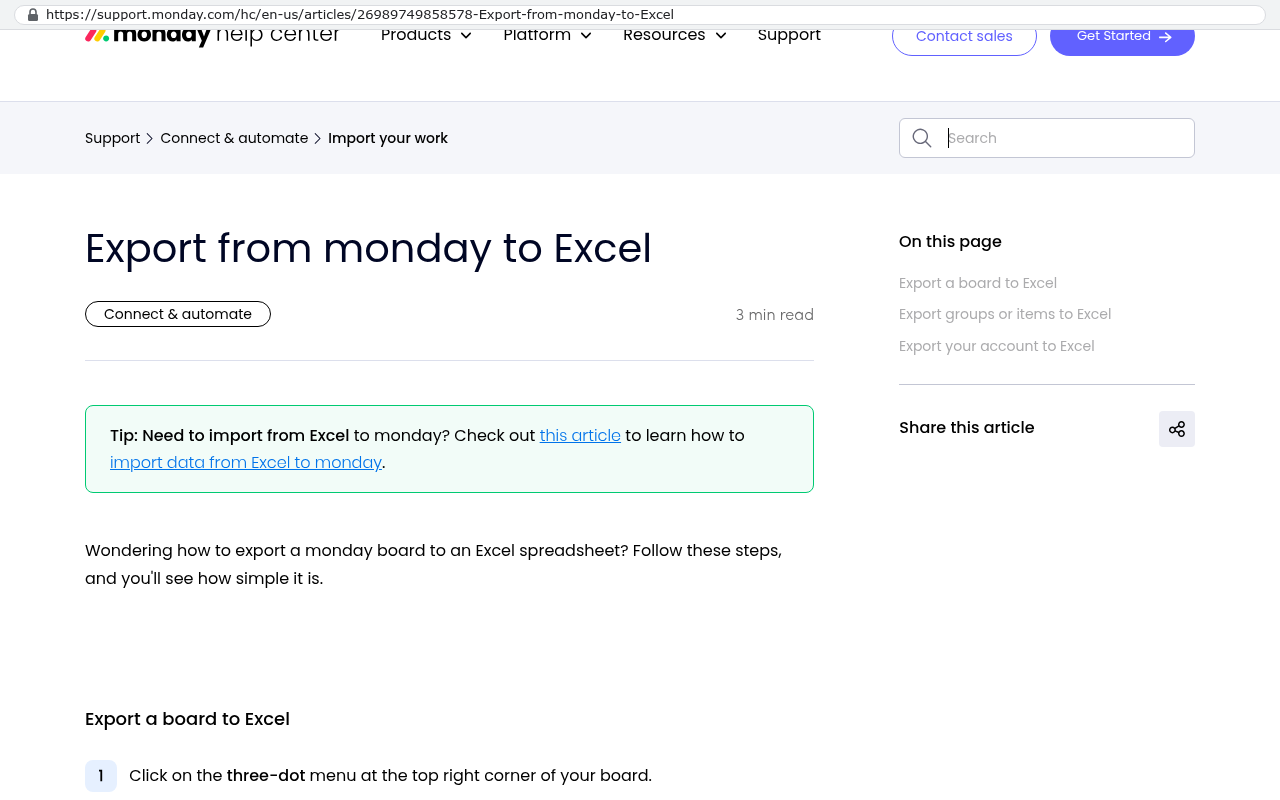
Start with export limits. Most platforms let you export records to CSV, which is a plain spreadsheet file. That covers your list of customers or jobs. What it usually doesn't cover is everything wrapped around those records. Attachments live in a separate storage system and come out one file at a time, or through a script somebody has to write. Comment threads and activity history export as a jumble, if at all. Custom fields keep their values but lose the rules that governed them.
Monday.com help center article titled Export from monday to Excel showing the heading and introductory text explaining how to export a board to an Excel spreadsheet with a tip about importing data from Excel to monday. Source: support.monday.com/hc/en-us/articles/26989749858578-Export-from-monday-to-Excel
Then there's the logic. The automations your operations manager spent two years tuning, the ones that assign work, send reminders, and escalate late items, do not export. There is no file format for them. They're configuration inside the vendor's product. Moving to a new platform means rebuilding every one of them by hand while reading screenshots of the old setup.
Proprietary formats add another layer. Some platforms store documents, forms, or reports in structures only they can read. You can download the file. You can't open it anywhere else without conversion work.
Integrations are the last strand. Your accounting sync, your email tool, your field app, all wired to one vendor's specific interface. Switch platforms and every connection gets rebuilt. That's engineering time your team didn't plan for.
None of this is malicious. It's the natural shape of a product built to keep customers. But the effect is that switching costs rise every month you stay, which is exactly the position that makes a price increase impossible to refuse.
Price increases, acquisitions, and shutdowns
SaaS pricing goes one direction. That's not cynicism, it's the business model. Growth companies need revenue expansion from existing customers, and the two levers are seats and tiers. You'll see per user increases at renewal, or you'll find the feature you depend on has moved to a higher plan.
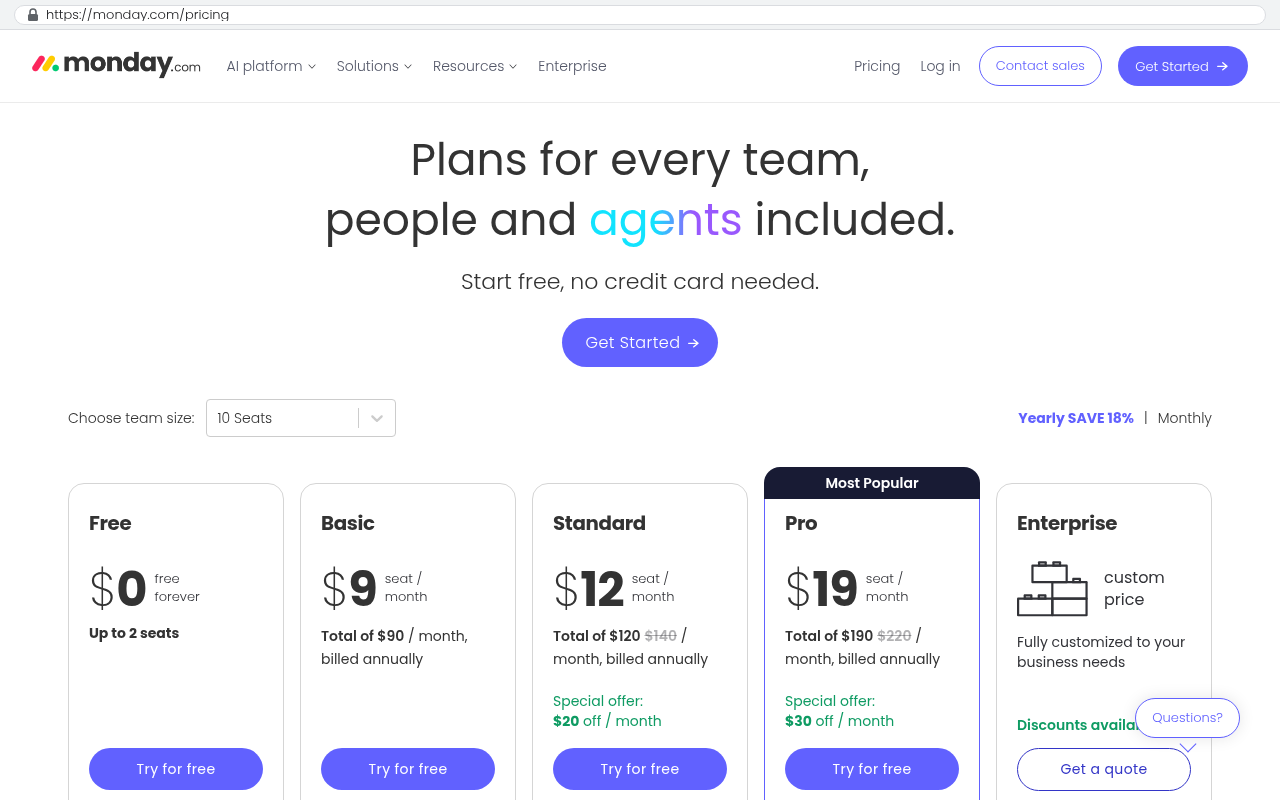
Run the arithmetic on your own numbers. Say you have 80 people on a project platform at 35 dollars per user per month. That's 2,800 a month, 33,600 a year. A modest 12 percent increase at renewal adds about 4,000 a year. Two more renewals at the same rate and you're near 42,000 annually for software you can't modify. Over five years, roughly 190,000 leaves the business and you own nothing at the end.
monday.com pricing page displays per-seat monthly costs for its project management plans including Standard at 12 dollars per seat per month and Pro at 19 dollars per seat per month Source: monday.com/pricing
That number is the honest comparison point for a custom build. Not the first year. The five year total, including the increases you know are coming.
Acquisitions change things faster than price increases do. A private equity firm buys the platform, and within 18 months you typically see support quality drop, roadmap items get cancelled, and pricing get "simplified" upward. Sometimes the acquiring company already owns a competing product and yours gets folded in, which means a forced migration on their schedule.
Shutdowns are rarer but brutal. You get a notice, usually 90 to 180 days, and then the system goes dark. Every team I've watched go through this discovers the same thing. The export is the easy part. Rebuilding the working system inside that window is the hard part.
Do a fire drill once a year. Export everything from your most critical platform and hand the files to someone who wasn't involved. Ask them to reconstruct one month of operations from the export alone. You'll find the gaps in an afternoon instead of during a forced migration.
Who controls your data in each model
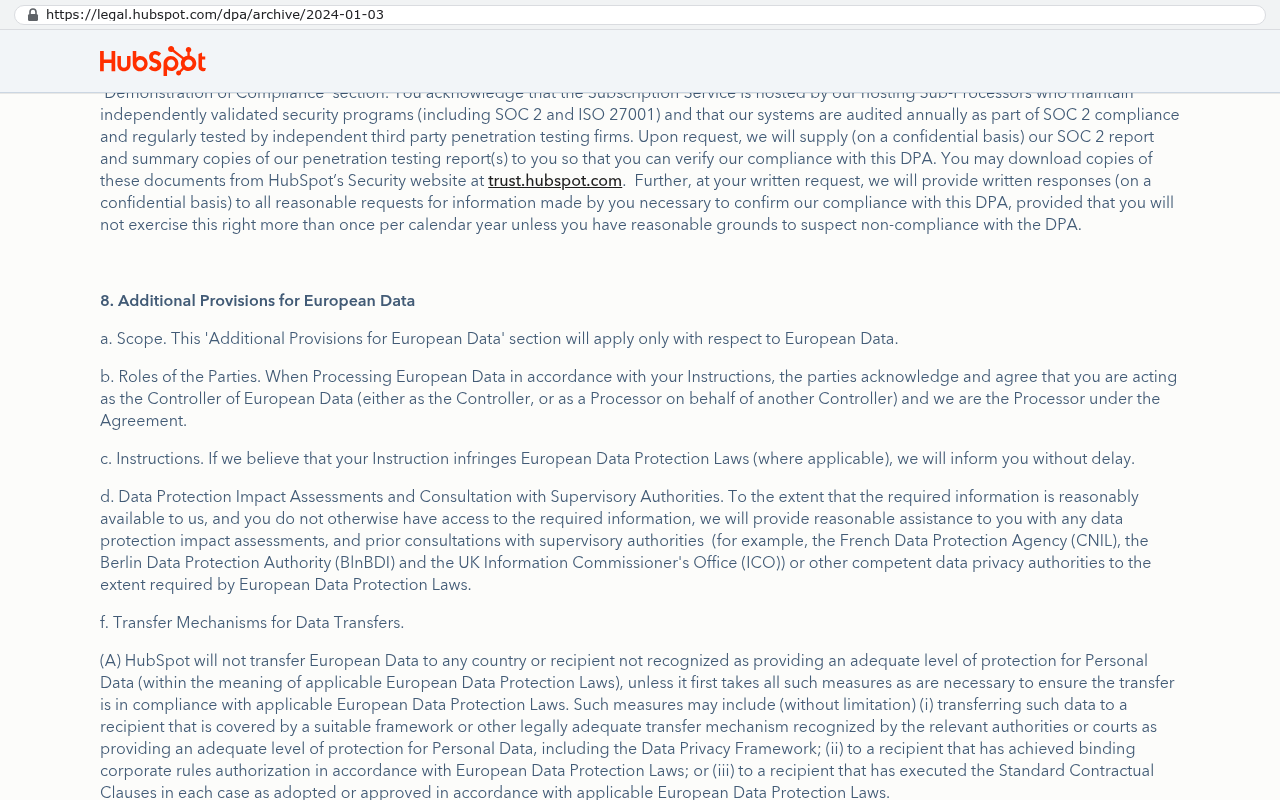
Legally, your business data is yours in both models. Standard SaaS terms say so, and they mean it. The vendor is a processor, you're the controller, and you can demand your records back.
HubSpot's Data Processing Agreement page shows provisions confirming HubSpot as processor and the customer as controller with obligations regarding European data and transfer mechanisms including data return requirements. Source: legal.hubspot.com/dpa/archive/2024-01-03
Control in practice is different from ownership on paper. In a subscription, the vendor decides the format you get it in, how fast you get it, and whether their export tool covers everything. If their system caps exports at 10,000 rows per file and you have 400,000 rows, that's forty files and a script. If they store attachments behind signed links that expire, that's a scraping job.
With an owned system, the database sits on infrastructure in your company's name. You have the credentials. You can take a full copy at 2am on a Tuesday without asking anyone. You can point a reporting tool straight at it. You can hand the whole thing to a new developer.
One caveat worth saying plainly. Owning your database means owning your backups, your security patching, and your uptime. That responsibility doesn't vanish, it moves to you. Hosting providers handle most of the heavy lifting now, and the operating cost is small compared to per seat licensing, but somebody has to be accountable for it.
Why ownership got affordable
The economics genuinely shifted, and it's worth being specific about why rather than hand waving at "AI."
AI assisted development speeds up the predictable parts of building software. Database structures, forms, list views, permission rules, the plumbing between systems, test coverage, documentation. That work used to eat a large share of a project's hours. A developer working with these tools now produces that layer far faster, which pulls down the total cost of a build.
What it doesn't speed up is the thinking. Understanding how your operations team actually schedules work, which exceptions matter, what the finance team needs at month end, how to migrate twelve years of messy history without losing anything. That's still human work, and it's still the bulk of what a good build costs.
The practical result is that a threshold moved. Custom used to make sense above a certain company size and budget. That line dropped. A 60 person contractor, a specialty manufacturer, a regional services firm, these are now companies that can own the system running their core workflow instead of renting it forever.
Two outages, side by side
Picture a distribution company running order management on a SaaS platform. On a Thursday morning, the platform goes down. Warehouse staff can't pull pick lists. Customer service can't see order status. The owner checks the status page, which says "investigating." There is no phone number that reaches an engineer. Nine hours later it's back. The company writes off a day, sends apology emails, and moves on. They did everything right and had zero options.
Now the same company on an owned system. The order screen breaks Thursday morning. The developer who maintains it gets a call, opens the logs, and finds a bad database query from Tuesday's update. They roll back the change. Ninety minutes, not nine hours.
The honest version of this comparison cuts both ways. A good SaaS vendor has a full time reliability team and probably better uptime than your custom system will hit in year one. The difference isn't that owned systems break less. It's that when they break, someone who works for you can fix them on your schedule.
Limitations and when renting is the right call
Custom is the wrong answer more often than software firms admit.
Don't build anything that's a solved commodity. Email, accounting, payroll, video calls, document storage, e-signature. These are mature, cheap, and heavily regulated. Building your own payroll system is a bad idea for reasons that will take years to reveal themselves.
Don't build if your process is still changing weekly. Custom software encodes decisions. If you don't know what the decisions are yet, a flexible off the shelf tool is the better place to figure it out.
Don't build if nobody on your side will own it. An owned system needs an internal decision maker who knows what it does and can prioritize changes. Without that person, the system drifts and someone starts a spreadsheet.
And be realistic about the migration. If your value from a platform comes from sharing live views with clients who already use that platform, moving them is a real cost, not a footnote. Pulling twelve years of attachments out takes a written script and a verification pass, not a copy and paste.
Ownership also has an ongoing bill. Hosting, security updates, and a retainer or internal capacity for changes. It's usually well below per seat licensing at scale, but it isn't zero. Anyone telling you a custom build is a one time expense is selling.
A framework for deciding
Run each system through five questions and the answer usually resolves itself.
Is this how we make money, or is it support function? Differentiators are candidates for ownership. Support functions almost never are.
What's the five year subscription total including likely increases? Compare that to a build, not the first year.
How much workaround are we doing? Spreadsheets beside the platform and manual rekeying are you paying twice, once in fees and once in labor.
How bad is a forced migration? If a shutdown notice would be a company level emergency, that's concentration risk worth reducing.
Who owns it internally? If you can't name the person, you're not ready.
Most mid-sized companies land on a mix. They rent the commodities and own the two or three systems that carry their actual operating advantage. That's the sensible position, and it's what we build toward with clients in Pinellas and Hillsborough counties.
If you want a straight read on which of your systems belong in which bucket, book a free strategy session and we'll walk your stack with you.
FAQ
If we own the code, can we hire anyone to work on it?
Yes, and that's the point. Provided the build uses mainstream technology and comes with real documentation, any competent developer can pick it up. Ask for that in writing before the project starts.
Isn't a custom build riskier than a big vendor?
Different risks. The vendor's risk is that they change something you depend on and you have no recourse. The custom risk is that you need someone maintaining it. Standard tooling and clean handover documents shrink that second risk a lot.
What if we already spent years configuring our current platform?
That work has value, and it's mostly knowledge rather than software. The rules your team built are the specification for a replacement. Screenshot them, document them, and you've done half the discovery already.
Can we own part of our stack and rent the rest?
That's what most companies should do. Keep the accounting package. Keep the email. Own the system that runs the work that makes you different from your competitors.
How do we know an off the shelf tool is failing us?
Count the spreadsheets living next to it. When people maintain shadow systems to make the real one work, you're paying a subscription for a tool your team has already worked around.
Read this next
If this landed, the next useful piece is our breakdown of how to calculate the five year cost of a SaaS renewal against a custom build, including the numbers people forget to count.
What a clean software handover package should contain
Migrating years of data out of a legacy platform without losing history
Questions
Frequently asked questions
What is the difference between owning software and renting it?
Owning software means you hold the source code, database, and the right to change any of it. You get a contract stating you own the copyright. Renting software means paying monthly for access to someone else's system where they decide what it does, what it costs, and when it retires. With ownership, a competent developer unfamiliar with the original team can read the code, set it up, and modify it.
What is software lock-in and how does it happen?
Lock-in builds quietly through export limits, proprietary formats, and integrations. Exporting records to CSV only gets you basic data. Automations, custom fields, attachments, and integrations wired to the vendor's API don't export. Moving to a new platform requires rebuilding everything by hand. None of this is malicious, but switching costs rise every month you stay, making price increases difficult to refuse.
How much does SaaS software typically cost over five years?
Using a typical example of 80 people at $35 per user monthly costs $33,600 yearly. A modest 12 percent increase at renewal adds $4,000 that year. After two more renewals at the same rate, annual costs approach $42,000. Over five years with expected increases, approximately $190,000 leaves your business for software you cannot modify.
What should I ask a development partner before signing an ownership agreement?
Ask: If we end this relationship tomorrow, what exactly do we walk away with? The answer must include the repository, database, hosting accounts, documentation, and deployment instructions. Anything vaguer than that indicates you're getting a license, not ownership. Real ownership means your company controls the code repository and hosting.
When does software renting make sense versus owning?
Renting is appropriate for commodity software or tools where you don't need customization. Own the software that is specific to how you make money. AI assisted development has made ownership affordable for companies with 40 to 150 employees to own their core workflow software. The key is building only what differentiates your business, not generic tools.
What happens to your data when you own versus rent software?
Your data is legally yours in both ownership and rental models. The difference is getting it out in a usable shape. With ownership, you control the database and can access everything. With rentals, data export is limited by platform restrictions like CSV only, missing automations, and incompatible formats that require conversion work to use elsewhere.
How do acquisitions affect SaaS platforms?
When a private equity firm or competitor acquires a platform, support quality typically drops within 18 months, roadmap items get cancelled, and pricing gets simplified upward. If the acquiring company owns a competing product, your platform may get folded in, forcing migration on their schedule. Acquisitions change pricing and functionality faster than normal price increases.
Cancel a SaaS subscription and your data doesn't vanish, it gets locked behind a login. Here's what an export really gives you, what never comes out, and when owning the system is cheaper.
If this is your situation
Talk it through on a call
Thirty minutes over video with the person who would run the build. You talk, we ask questions, and you leave with a plain read on whether custom software makes sense for you. If the answer is that your current tool is fine and badly configured, you will hear that.
David Verneuille founded Black Badger after 18 years as a project manager and years implementing Smartsheet, monday.com, Wrike and Zoho for clients. He now builds custom systems that clients own outright, which is why the writing here is specific about where each platform fits and where it stops fitting.
Leaving a project management platform loses data for predictable reasons, and every one of them can be planned around. Here's how to audit, export, import, and cut over without losing your history.
Per seat software bills grow faster than headcount because seats, tier jumps, and annual increases stack together. Here's the five year math, and when a build you own actually wins.
Most companies pay for six or seven tools nobody opens. Here's how to run a real subscription audit using your card statements, seat reports, and renewal deadlines.
When browsing the internet, you may have noticed that some websites have "https" in their URLs instead of "http". But have you ever wondered what that extra "s" means?
Enterprise Performance Management (EPM) is a management approach used by organizations to analyze their business performance and make informed decisions based on data.
Want this looked at properly?
An article can only go so far without knowing your systems. Book a strategy call, walk us through what is breaking, and you will get a straight read on whether custom software is the right answer.