
Your company is almost certainly paying for software nobody opens. Not one tool. Probably six or seven. The card gets charged, the bookkeeper codes it to "software expense," and it rolls forward another year because nobody owns the question. A subscription audit fixes that, and it takes less time than you think. Here's how to run one properly, with the arithmetic that tells you when to cut, when to consolidate, and when to leave a tool alone.
The subscription audit every Tampa Bay business should run this quarter
/ 11 min read
TL;DR
Tampa Bay businesses should conduct a subscription audit by extracting recurring charges from bank statements and accounting systems rather than surveying departments, then categorize spending into four buckets to identify and eliminate redundant, unused, and overpriced subscriptions.
Key takeaways
- Pull every recurring software charge directly from corporate card statements and accounting system exports rather than asking departments what they use, as surveys typically miss 20 to 40 percent of actual spending.
- Sort all subscriptions into four buckets: core operational tools that cannot be cut, redundant tools that duplicate existing capabilities, seat-inflated subscriptions with unused licenses, and dead tools with no logins for 90 days.
- Seat waste is usually the single largest line item in subscription audits and represents the easiest savings opportunity without disrupting operations or team workflows.
- Certain redundancies appear in nearly every audit, including multiple customer databases in sales, marketing, support, and finance systems, plus overlapping project tracking tools across departments.
- Place every auto-renewal date on a shared calendar since most subscriptions have 30 to 60 day notice windows where renewal decisions get overlooked and charges continue to process.
- Identify which tools your team would actively fight to keep versus tools they merely tolerate, as the ones they tolerate are your best consolidation candidates.
- Defer decisions about custom builds or platform consolidation until after you complete the initial audit and understand the true spending patterns and overlap issues.
TL. DR
Pull every recurring software charge from your card statements and accounting system, not from department memory. Sort each one into four buckets. Compare licensed seats against people who actually logged in last month. Put every auto-renewal deadline on a shared calendar. Then cut the redundant and unused tools first, and only look at consolidation or a custom build after you know the real numbers.
Key takeaways
- The card statement is the only honest inventory. Every audit that starts with "ask each department what they use" misses 20 to 40 percent of the spend.
- Four buckets are enough. Core, redundant, seat-inflated, and dead.
- Seat waste is usually the biggest single line item, and it's the easiest to fix without breaking anything.
- Auto-renewal notice windows are where money gets trapped. Most are 30 to 60 days before the term ends.
- The tools your team tolerates are your consolidation candidates. The tools they'd fight to keep are not.
- Not every finding leads to a custom build. Plenty of subscriptions are worth every dollar.
Start with the money, not the org chart
Ask your department heads what software they use and you'll get a partial, flattering answer. People forget the trial that converted. They forget the tool the last marketing manager signed up for. They definitely forget the $29 per month thing they expensed in 2022.
So skip the survey. Pull twelve months of statements for every corporate card, then export every vendor in your accounting system that shows a recurring charge. QuickBooks, Xero, NetSuite, it doesn't matter which one you run. You're looking for the same charge appearing month after month or once a year on the same date.
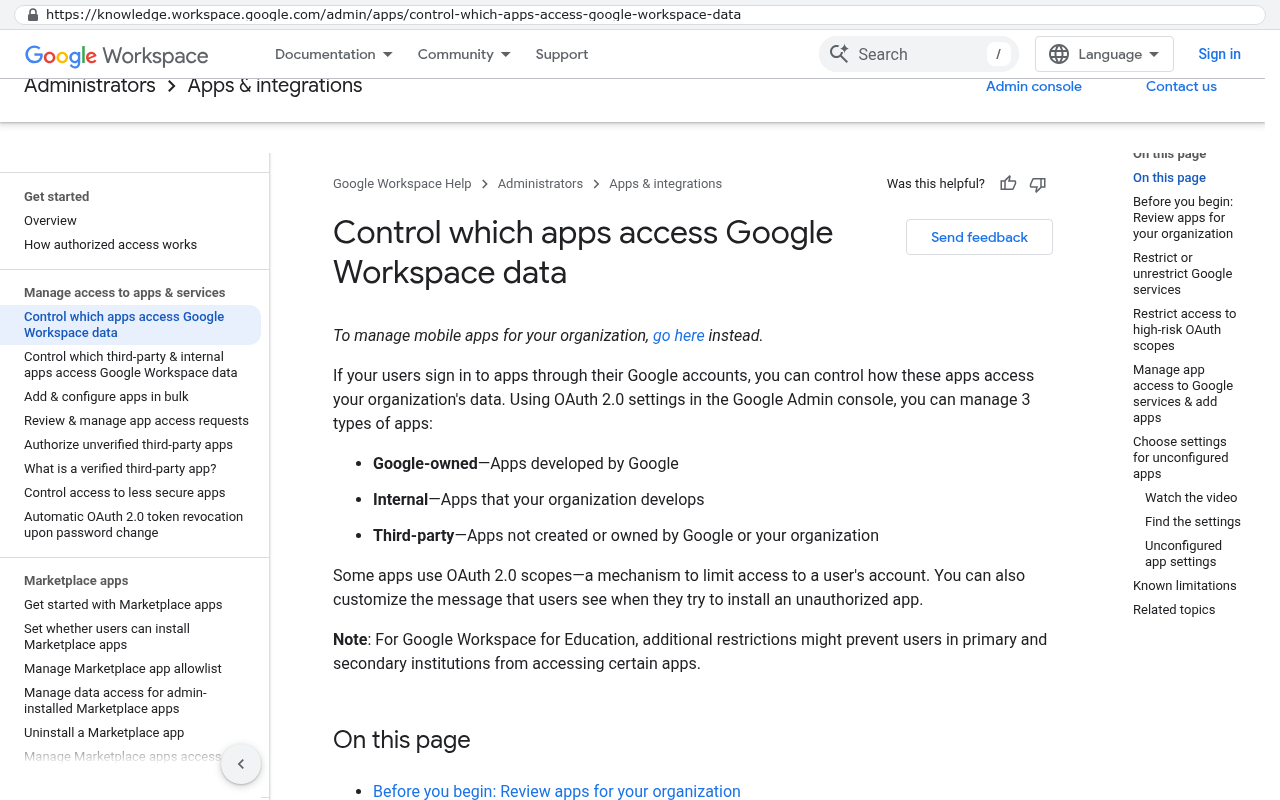
Then check two more places. Your app store or payment processor receipts catch mobile and personal-card reimbursements. And if you use Google Workspace or Microsoft 365, the admin console lists every third-party app somebody connected with a company login. That last one surprises people. Employees authorize apps constantly and nobody tracks it.
Personal cards are the blind spot. If an employee pays for a tool and expenses it, that charge shows up as "reimbursement" and never as software. Search your expense reports for the word "subscription" and for the top ten SaaS vendor names you already know about.
When you're done you should have a single spreadsheet with vendor name, monthly or annual cost, billing date, and the card or account it hits. Nothing else yet. Just the raw list. Most mid-sized companies in Pinellas and Hillsborough find between 40 and 90 line items. If yours comes in under 20, you missed some.
Sort every line into four buckets
Now you categorize. Four buckets, and every tool goes in exactly one.
- Core operational. If this goes away tomorrow, work stops. Your accounting system, your phone system, your email.
- Redundant. Another tool you already pay for does this same job, maybe not as well, but well enough.
- Seat-inflated. The tool is fine. You're paying for far more licenses than people use.
- Dead. Nobody has logged in for 90 days or more.
The dead bucket is the fun one. Cancel those this week and you've already paid for the time you spent on the audit. Don't overthink it. If nobody has touched it in a quarter, kill it and see if anyone notices. Keep the data export first if the tool holds records you might need.
The core bucket you leave alone for now. Those tools earn their keep and you're not going to rip out your general ledger because of a spreadsheet exercise. The interesting work is in the middle two buckets.
The overlap patterns that show up in almost every audit
Certain redundancies repeat across companies so reliably that you can predict them before you look. Customer records are the worst offender. Sales has a CRM. Marketing has an email platform with its own contact database. Support has a helpdesk with its own customer list. Finance has customers in the accounting system. Four systems, four versions of the same person, and nobody agrees on which one is right.
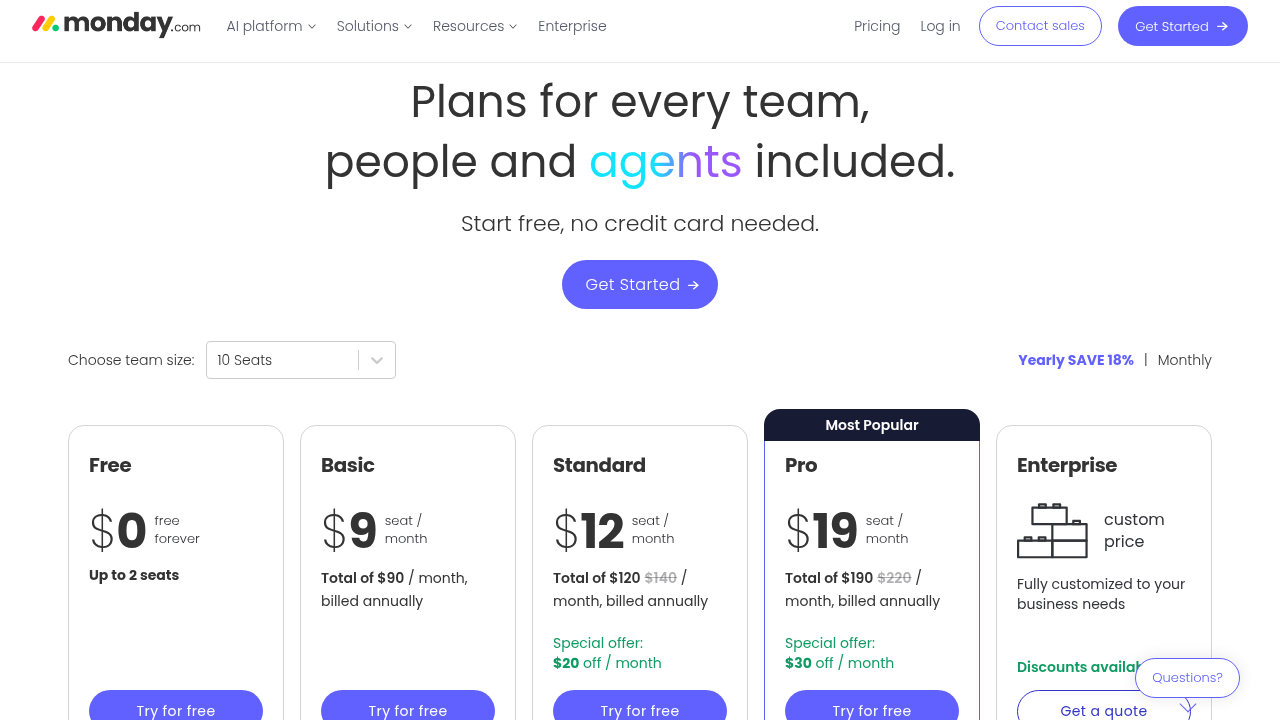
Project and task tracking is the second pattern. Operations runs Asana or Monday. Engineering runs Jira. Somebody in finance runs a Smartsheet grid. Three tools doing work tracking for three teams who then have to meet in person to reconcile status, because no dashboard spans all three.
File storage is the third. Dropbox, Google Drive, SharePoint, and a Box account nobody remembers signing up for. You're paying four vendors to store four copies of the same proposal.
Write these overlaps down as groups, not as individual tools. A group is what you can actually consolidate. Eliminating one tool from a group of four is a real win. Eliminating one tool in isolation usually just moves the work somewhere worse.
Count the seats you pay for against the seats people use
This is where the money hides. Most per-seat tools bill you for licenses assigned, not licenses used. Admins add people during onboarding and nobody removes them at offboarding.
Every serious SaaS platform has a usage report in the admin panel. Find last-login date for every user. Then do the subtraction. Say you're paying for 60 seats of a tool at $45 per seat per month. That's $32,400 a year. You pull the report and 23 people haven't logged in since spring. Removing those seats saves $12,420 a year from one tool, and the only work involved is clicking a button.
Do that across four or five per-seat tools and the total is usually well into five figures for a company of 75 to 150 people. It's the highest-return hour you'll spend all quarter.
Before you remove a seat, check whether your plan bills on peak seats for the term or on current seats. Some vendors won't refund mid-term, but they will let you lock the reduced count for renewal. Get that in writing from your rep before the notice window closes.
Put every renewal date on a calendar this week
Auto-renewal clauses are how vendors keep revenue that customers stopped wanting. The typical annual contract renews automatically unless you give written notice 30 or 60 days before the term ends. Miss that by a day and you own another twelve months.
Go through your contracts and find three things for each one. The term end date, the notice period, and the exact method of notice the contract requires. Some vendors demand email to a specific address. A few still require certified mail. A support ticket does not count as notice, and vendors will tell you that after the window closes.
Then create calendar events at the notice deadline, not the renewal date, and invite whoever actually owns the decision. Set them 14 days before the deadline so there's room to negotiate. Vendors discount hardest when you have a real deadline and they know it.
Separate the tools you love from the tools you tolerate
Here's the question that makes the rest of the audit useful. For each tool in the core and redundant buckets, ask the people who use it daily one thing. If this disappeared Monday, would you be upset or relieved?
Tools people would fight to keep are doing their job. Leave them. Tools people tolerate are the ones where the team has built workarounds. Spreadsheets that live beside the system. A daily export into Excel. A group chat where the real status gets discussed because the tool's comments are useless.
Those workarounds are the signal. They mean the tool doesn't fit how your business actually works, and you're paying a subscription plus staff hours to bridge the gap. That's the arithmetic worth running. If four people spend five hours a week each on manual reconciliation between systems, that's roughly 1,000 hours a year. Price that at your loaded labor rate and compare it to what a system built around your process would cost to own outright. Sometimes the subscription still wins. Often it doesn't, and the renewal quote is what finally makes it obvious.
Sequence the cleanup so nothing critical goes dark
Cancel in order of risk, lowest first. Dead tools go first because nothing depends on them. Then seat reductions, which don't remove capability at all. Then redundant tools in groups where one clear winner already exists.
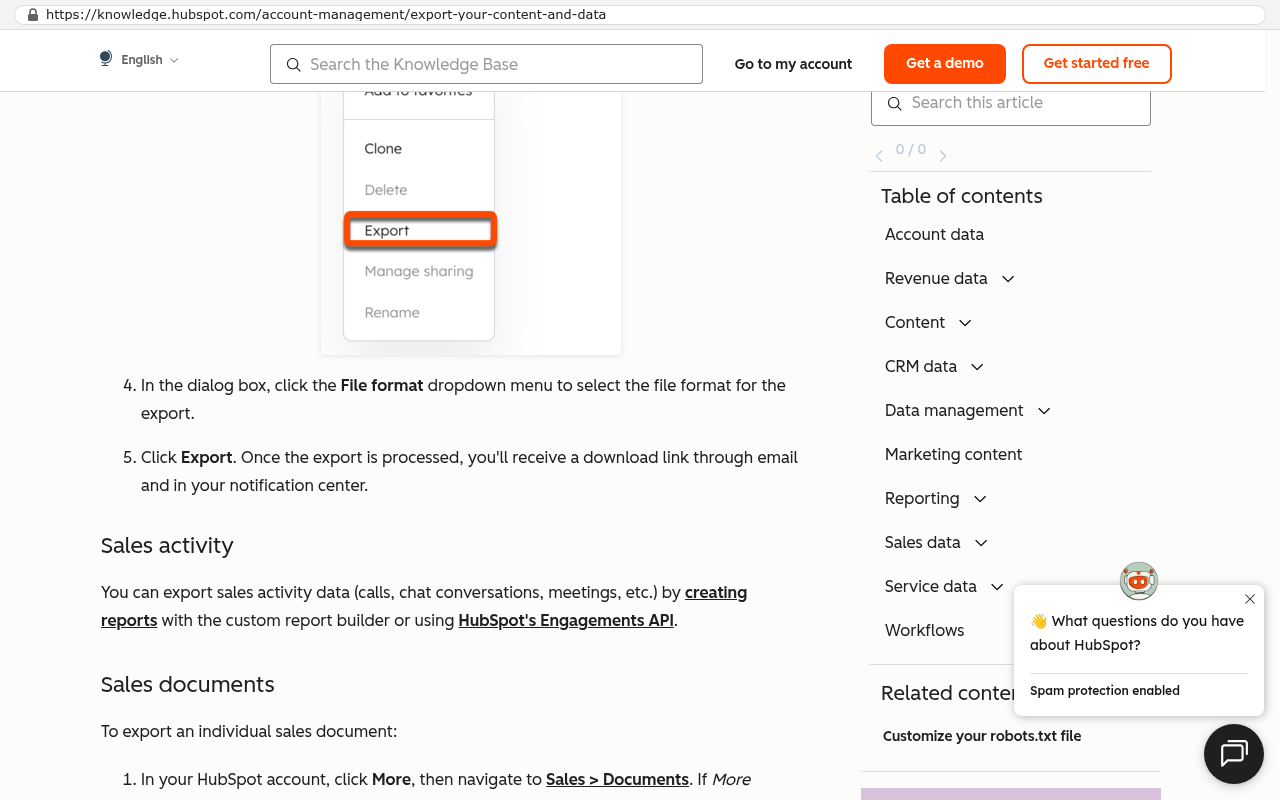
Consolidating two tools into one is a project, not a cancellation. Plan it like a project. Export the data, verify the export opens and contains what you expect, migrate, run both systems in parallel for one full billing cycle, then cancel. Parallel running feels wasteful. Paying two months of overlap beats losing three years of customer history.
Leave anything that touches billing, payroll, or compliance for last, and only after the simpler wins are banked. Those systems have downstream dependencies you won't find until something breaks.
A template you can copy
Build one row per subscription with these columns.
- Vendor and product name
- Monthly cost and annual cost
- Billing method and which card or account
- Internal owner, an actual person
- Bucket (core, redundant, seat-inflated, dead)
- Licensed seats versus active users in the last 30 days
- Contract end date and notice deadline
- Notice method required
- Overlap group, if any
- Love it or tolerate it
- Action and target date
Sort by annual cost descending and work top down. You'll find that the top fifteen rows hold most of the spend.
Where this audit should not lead to a custom build
Plenty of subscriptions are worth keeping, and pretending otherwise would waste your time. Nobody should build their own accounting system. Nobody should build their own email server, payroll engine, or payment processor. Those are commodity problems solved better by companies with hundreds of engineers and a compliance department.
The same goes for tools with genuine network effects. If your clients already log into a portal you share with them, moving that relationship has a real switching cost on their side, not just yours. Count that cost honestly.
Custom software makes sense when the tool doesn't fit your process, when per-seat pricing punishes you for growing, or when you're paying three vendors to hold one dataset. It rarely makes sense for a commodity function that works fine and costs a few hundred dollars a month.
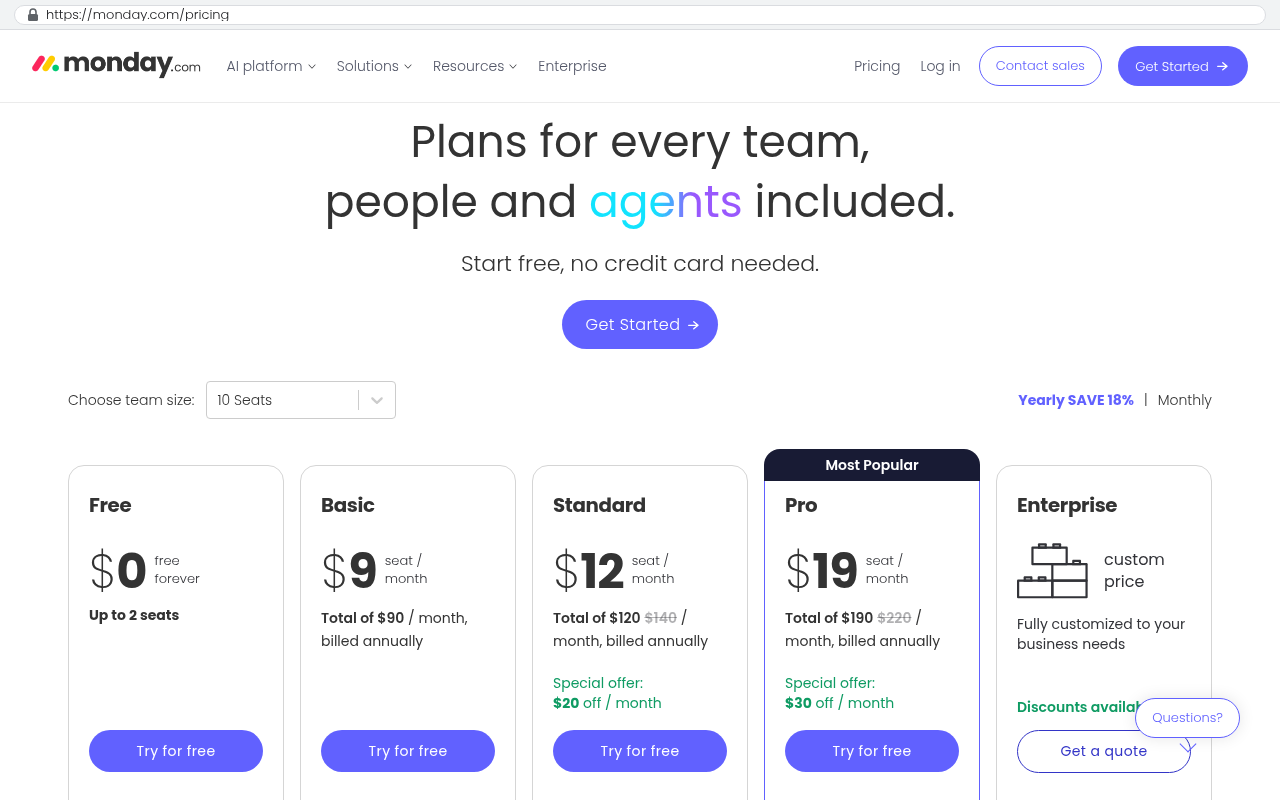
Be realistic about migration too. Twelve years of attachments in a legacy tool don't move with copy and paste. That's a scripted export, a mapping exercise, and a verification pass. It's solvable work, and it's real work. Budget for it instead of discovering it halfway through.
What to do next
Block three hours this week. Pull the statements, build the sheet, and cancel the dead tools. That alone usually pays for itself. Then set the renewal calendar so next quarter's audit starts from a known position instead of a mystery.
If the audit turns up the pattern where three systems hold the same customer data and your team bridges the gap by hand every week, that's the one worth a real conversation. We build systems businesses own outright, with no per-seat meter running. You can book a free strategy session and we'll look at your numbers with you.
FAQ
How often should we run this?
Once a quarter for the seat counts and renewal calendar. A full inventory once a year is plenty. Seat drift happens fast after hiring or turnover, so that's the part worth checking often.
Who should own the audit?
Finance pulls the data, operations makes the calls. If IT owns it alone, you get a technically correct list with no authority to cancel anything.
What if a department pushes back on losing their tool?
Good. That's useful information. If someone argues hard for a tool, it's probably in the "love it" group and should stay. The ones nobody defends are your real candidates.
Can we get money back for unused seats mid-term?
Usually not, but you can almost always reduce the seat count at renewal. Some vendors will apply credit if you're expanding elsewhere. Ask before the notice deadline, because that's when you have the most power to negotiate.
Is consolidating into one big platform always better?
No. All-in-one suites often do six things adequately and none of them well. The goal is fewer systems holding duplicate data, and that's a different target than one vendor for everything.
What's the single biggest mistake in a subscription audit?
Cancelling before exporting. Once the account closes, the data is gone or held hostage behind a reactivation fee. Export first, verify the file opens, then cancel.
Read this next
If your audit surfaced the multiple-systems-one-customer problem, the next thing to read is our breakdown of when to replace a stack of SaaS tools with a system you own. It covers the migration work in detail and the questions to ask before you commit.
Related articles
- Per-seat pricing and why it punishes growing companies
- How to move years of data out of a SaaS platform without losing history
- Build versus buy, and the arithmetic that settles it
Questions
Frequently asked questions
How often should I run a subscription audit?
Run a subscription audit at least once per quarter. This helps catch unused tools, seat waste, and auto-renewal deadlines before they charge again. Most companies find between 40 and 90 line items on their first audit, with significant savings available immediately from removing dead tools and unused seats.
What's the best way to find all my company's subscriptions?
Pull twelve months of statements from every corporate card and export recurring charges from your accounting system. Check app store receipts, payment processor records, and Google Workspace or Microsoft 365 admin consoles for connected third-party apps. Search expense reports for the word subscription and top SaaS vendor names. Skip asking departments, as this method misses 20 to 40 percent of actual spending.
How do I categorize subscriptions during an audit?
Sort every tool into four buckets: core operational tools that stop work if removed, redundant tools that duplicate what you already pay for, seat-inflated tools where you own more licenses than people use, and dead tools nobody has accessed in 90 days. Cancel dead tools immediately for quick wins. Leave core tools alone and focus consolidation efforts on the middle two buckets.
Where is the biggest money hidden in subscription spending?
Seat waste is usually the largest line item. Most per-seat tools bill for assigned licenses, not used ones. Check last-login dates in your admin panel and remove unused seats. Removing 23 unused seats from a $45 per-seat tool saves over $12,000 annually. Across four or five tools, this typically yields five-figure savings for companies of 75 to 150 people.
What should I do about tools that different departments use?
Write overlaps down as groups, not individual tools. Customer data splits across CRM, email platforms, helpdesks, and accounting systems. Task tracking spreads across Asana, Jira, and Smartsheet. File storage duplicates in Dropbox, Google Drive, SharePoint, and Box. Consolidation works on groups of four, not single tools in isolation.
When should I cancel subscriptions during an audit?
Cancel dead tools this week. If nobody has logged in for 90 days or more, kill the subscription and see if anyone notices. Export data first if the tool holds records you might need. This delivers immediate ROI and pays for the audit time itself. Move on to removing unused seats from seat-inflated tools next.
What auto-renewal details should I track?
Put every auto-renewal deadline on a shared calendar this week. Most auto-renewal notice windows are 30 to 60 days before the term ends. These windows are where money gets trapped. By tracking renewal dates, you can make cancellation or renegotiation decisions before the next charge hits.
Read this next
What happens to your data when you stop paying a SaaS vendor
Cancel a SaaS subscription and your data doesn't vanish, it gets locked behind a login. Here's what an export really gives you, what never comes out, and when owning the system is cheaper.
If this is your situation
Talk it through on a call
Thirty minutes over video with the person who would run the build. You talk, we ask questions, and you leave with a plain read on whether custom software makes sense for you. If the answer is that your current tool is fine and badly configured, you will hear that.
Who wrote this

David Verneuille
Founder, Black Badger Software Solutions
David Verneuille founded Black Badger after 18 years as a project manager and years implementing Smartsheet, monday.com, Wrike and Zoho for clients. He now builds custom systems that clients own outright, which is why the writing here is specific about where each platform fits and where it stops fitting.
Drafted with AI assistance, then checked, edited, and approved by a person before publishing. The facts, opinions, and recommendations are ours.