
- Most major platforms give long notice, then enforce the date hard.
- No-code connectors hide the version from you, so you find out when data stops moving.
- Code you own can be updated on your schedule, before the deadline.
- Keep a simple list of every system you connect to, with the version and who owns the login.
- A queue that holds failed records saves you from silent data loss.
What happens to your integrations when a vendor deprecates an API version
/ 2 min read
TL;DR
When a vendor retires an API version, your integration continues functioning until the shutdown date arrives, then breaks completely, though you typically receive six to twelve months of advance notice and the repair difficulty depends on whether your connection is centralized or distributed across multiple workflows.
Key takeaways
On this page
TLDR: When a vendor retires an API version, your integration keeps working until the shutoff date, then it breaks. You usually get six to twelve months of notice, and the fix is small if your connection lives in one place and painful if it's scattered across a dozen workflows.
Why some integrations break harder than others
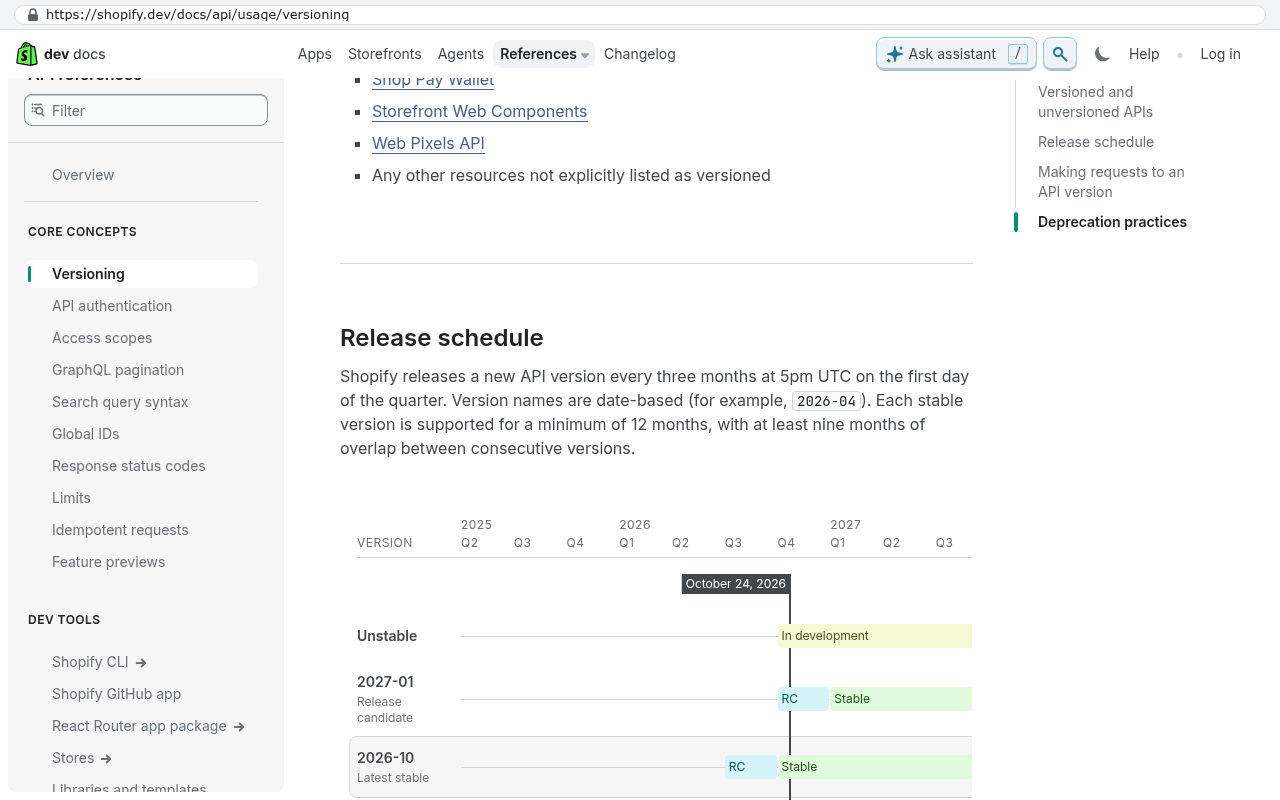
A vendor deprecates an API version when they want to stop supporting old behaviour. Salesforce, QuickBooks, HubSpot and Shopify all do this on a published schedule. The notice is real. The enforcement is also real.
The difference is where your connection lives. With a no-code connector like Zapier or Make, the vendor patches it, which is fine until they don't support your exact step. A platform native integration is the same bet. Code you own is slower to write and faster to fix. You change one file and test it.
The pattern that saves you money is an adapter. One small piece of code talks to QuickBooks. Five workflows talk to the adapter. When Intuit moves to a new version, you edit one thing instead of five.
Put failed records in a queue rather than letting them disappear. If an endpoint throws errors for a week, you replay the queue afterwards and nothing is lost.
Limits and caveats
Owning the code doesn't protect you from the vendor's decision. If a platform removes a capability entirely, there's no replacement endpoint to point at. Sometimes you rebuild the feature yourself. Sometimes you change providers. Both cost real money.
Also be honest about scale. If you have two integrations and they rarely change, a connector is fine. The adapter pattern pays off around five or more.
Once a quarter, open your dependency list and check each vendor's deprecation page. It takes an afternoon.
Frequently asked questions
How much notice do vendors typically give before deprecating an API version?
Most major platforms provide six to twelve months of notice before retiring an API version. Security changes may come faster, sometimes with less than ninety days of warning. The enforcement of the deadline is typically strict and real, so planning ahead is important.
What happens to your integration when an API version is deprecated?
Your integration continues working until the vendor's shutoff date, then it breaks. The impact depends on where your connection lives. No-code connectors like Zapier or Make are patched by the vendor, but code you own can be updated on your schedule. Using an adapter pattern where one piece of code serves multiple workflows minimizes the cost of updates.
What should you do to prepare for API deprecations?
Keep a simple list of every system you connect to, including the version and who owns the login. Put failed records in a queue rather than letting them disappear, so nothing is lost if an endpoint throws errors. Once a quarter, review your dependency list and check each vendor's deprecation page. This preparation saves money and prevents silent data loss.
Share this article
Keep reading
Can a custom system connect to QuickBooks Online?
Yes, and the connection is well-trodden ground. Here's what the QuickBooks Online API actually supports, where it hits real limits, and how to decide if a custom integration beats an off-the-shelf connector.
If this is your situation
Talk it through on a call
Thirty minutes over video with the person who would run the build. You talk, we ask questions, and you leave with a plain read on whether custom software makes sense for you. If the answer is that your current tool is fine and badly configured, you will hear that.
Who wrote this

David Verneuille
Founder, Black Badger Software Solutions
David Verneuille founded Black Badger after 18 years as a project manager and years implementing Smartsheet, monday.com, Wrike and Zoho for clients. He now builds custom systems that clients own outright, which is why the writing here is specific about where each platform fits and where it stops fitting.
Drafted with AI assistance, then checked, edited, and approved by a person before publishing. The facts, opinions, and recommendations are ours.