
Most companies don't know what they spend to keep their software talking. The connector bills are small on their own. One shows up on a credit card, one is buried in an annual renewal, one got expensed by a manager who needed a fix that Tuesday. Add them up and the number surprises people. Then add the hours your team spends fixing records that didn't sync, and the number stops being small at all.
Stop paying for connectors: what it costs to keep four systems talking to each other
/ 12 min read
TL;DR
Most mid-sized companies unknowingly spend thousands annually on connector subscriptions, overage charges, and staff time reconciling failed syncs across their software stack, when consolidating systems or strategic integration could cost far less and work more reliably.
Key takeaways
- Connector pricing typically scales per task or operation, meaning your bill grows with business volume regardless of whether the tool becomes more useful.
- The largest hidden cost is not subscription fees but employee time spent hunting and fixing records that failed to sync silently across systems.
- Having the same customer data in four or five different systems creates multiple conflicting versions of truth and multiplies opportunities for errors.
- Four systems require six possible data connections and five systems require ten, each representing a separate cost, maintenance burden, and failure point that often lacks clear ownership.
- Removing a sync entirely is more cost-effective and reliable than attempting to improve the sync itself through upgrades or additional tools.
- Accounting and payroll systems are usually worth integrating with connectors, while project management, CRM, and homegrown spreadsheets are usually better consolidated into single platforms.
- Before renewing connector plans, audit your actual spending by calculating subscription fees, task-based overage charges, and the loaded labor cost of staff time spent on data reconciliation.
TL. DR
Four systems need six possible connections. Every connection costs money, breaks on its own schedule, and creates human cleanup work nobody tracks. Before you renew another connector plan, total the real cost: subscription fees, task-based overage charges, and the hours spent reconciling records. For a lot of mid-sized companies, consolidating two or three of those systems into one owned application removes the syncs entirely and pays for itself. For others, integration really is the right call. The audit below tells you which one you are.
Key takeaways
- Connector pricing is usually per task or per operation, so your bill grows with your business whether or not the tool gets more useful.
- The biggest cost isn't the subscription. It's the staff time spent hunting for records that failed to sync quietly.
- Syncing the same customer record into four systems means four versions of the truth and four chances to be wrong.
- Removing a sync is cheaper and more reliable than making a sync better.
- Accounting and payroll are usually worth integrating, not replacing. Project management, CRM, and homegrown spreadsheets are usually worth consolidating.
The stack almost every mid-sized company ends up with
It grows the same way everywhere. Sales picks a CRM because they needed pipeline visibility. Operations picks a project tool because the CRM couldn't handle job scheduling. Finance already had accounting software and isn't moving. HR added payroll. Then the field crews or the warehouse got their own app, because none of the other four worked on a phone in a truck.
Nobody made a bad call. Each tool solved the problem in front of somebody. But now the same customer exists in five places with five spellings, and the same job has a number in the project tool, a different number in accounting, and no number at all in the CRM.
So you buy glue. Maybe it's a connector marketplace app that syncs the CRM to accounting. Maybe it's an automation platform wiring three tools together with triggers. Maybe it's a contractor's custom script running on somebody's laptop. Usually it's all three, and no single person knows every place data moves.
Here's the math that nobody likes. Four systems have six possible pairings. Five systems have ten. Each one you actually build is a thing to pay for, monitor, and repair.
Draw your systems on a whiteboard and put an arrow everywhere data moves. Most operations leaders find two or three arrows they forgot existed, usually built by someone who has since left the company.
Add up what you actually pay
Start with the obvious line items. Pull twelve months of statements and find every connector subscription, automation platform seat, marketplace add-on, and "premium app" fee attached to your main tools.
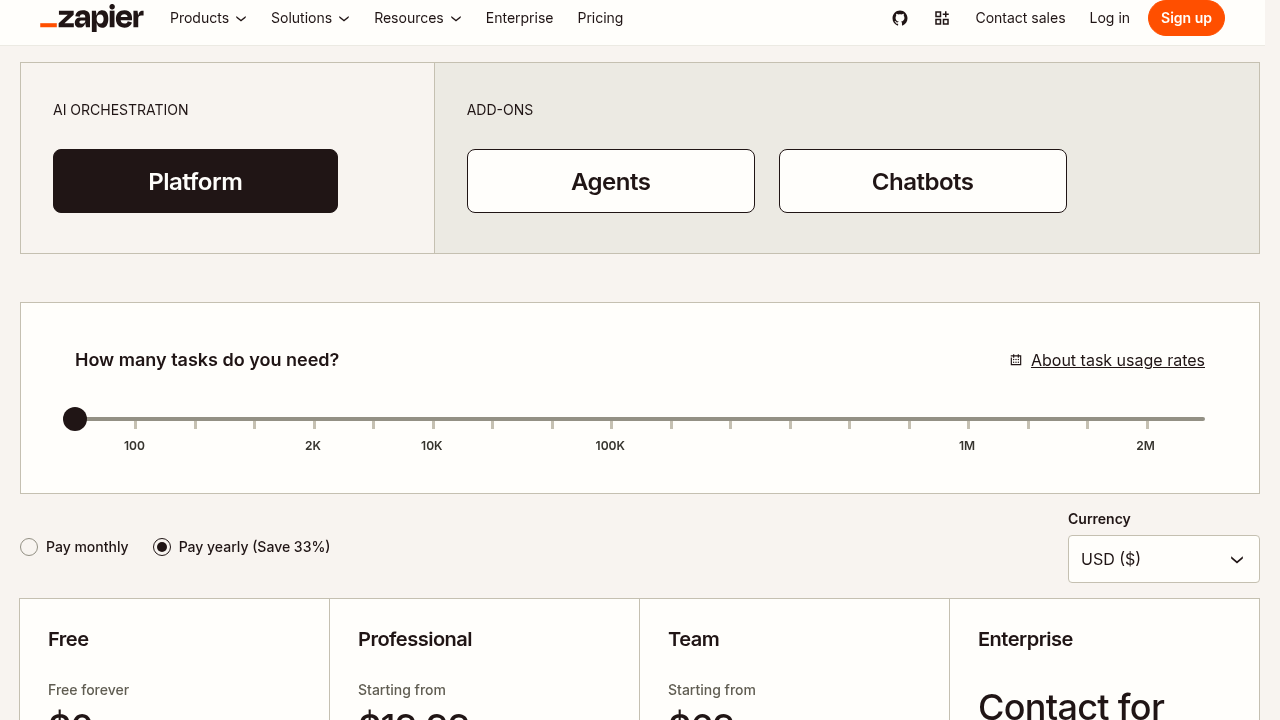
Then look at how those tools charge. Most automation platforms bill per task, meaning every single record that moves counts as one unit. A busy month costs more than a slow one. Worse, a retry after a failure often counts as another task. So the months your integrations struggle are the months you pay extra.
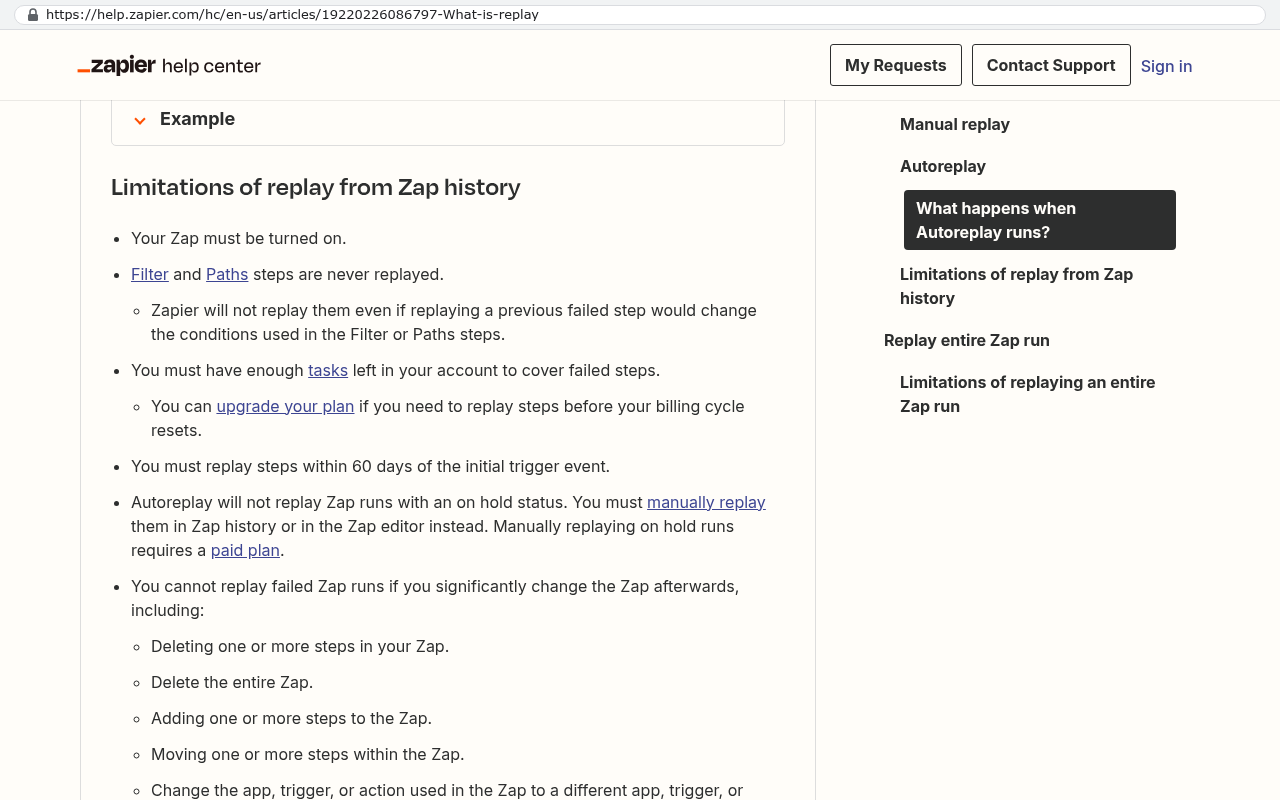
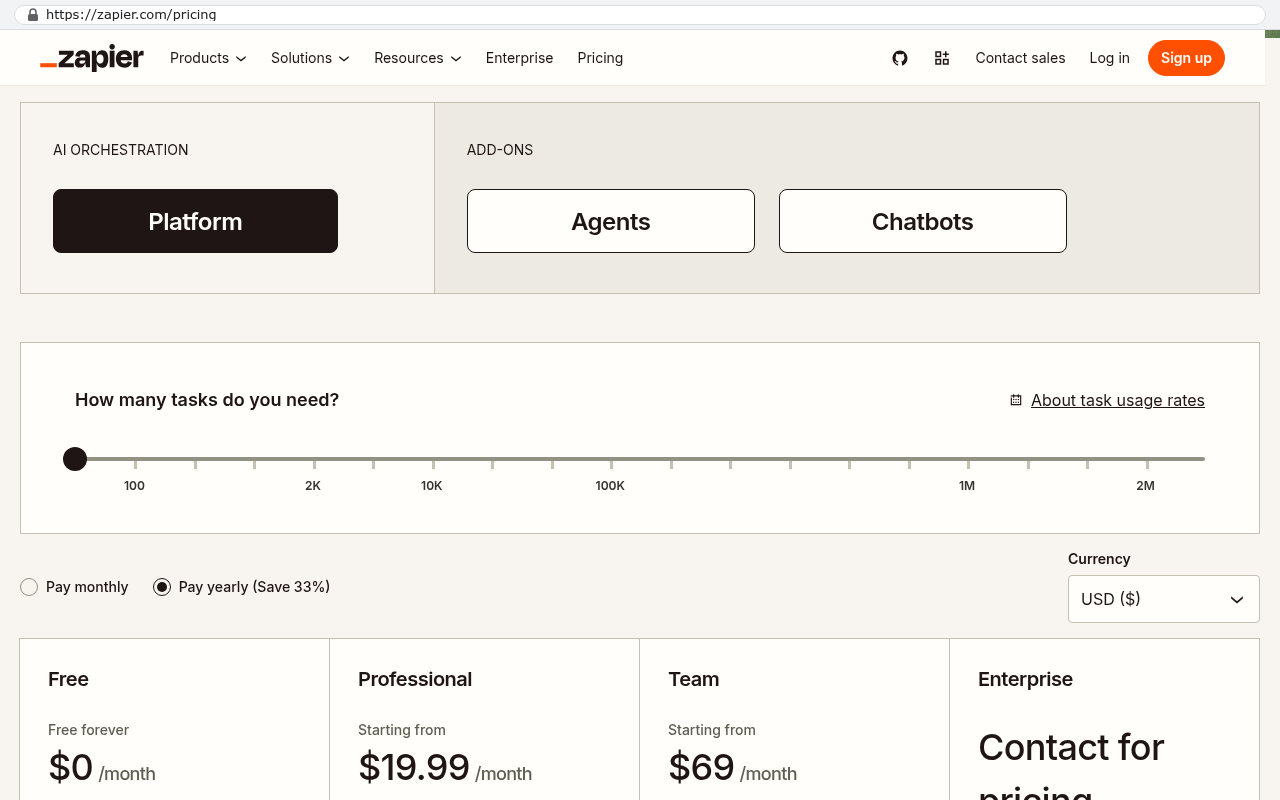
The premium tiers are the other trap. Basic connector plans usually cap how often data moves, sometimes to once every fifteen minutes or once an hour. Your team notices that lag within a week. So you upgrade for faster syncing, and the faster tier costs several times the basic one.
Here's an example with round numbers. Plug in your own. Say the automation platform runs 400 a month, the CRM-to-accounting connector is 150, the field app's premium sync tier is 200, and a contractor gets 500 a quarter to babysit the whole thing. That's 9,000 a year before anyone touches a keyboard to fix a broken record. Now add one operations coordinator spending five hours a week on reconciliation. At a loaded rate of 40 an hour, that's another 10,400. You're at almost twenty thousand dollars a year to move data that shouldn't need moving.
One more cost that never appears on an invoice. You're paying every one of those vendors to store the same customer list. Duplicate storage is duplicate risk, and it's duplicate cleanup when a phone number changes.
Why connectors break, and why you find out late
Connectors sit between two systems that don't know each other exists. Both ends change without warning. That's the whole problem.
The most common failure is an API change. An API is the doorway a vendor opens so other software can read and write data. Vendors update those doorways regularly. When a field gets renamed or a required setting is added, your connector doesn't adapt. It just stops working correctly on that one field, often without an error.
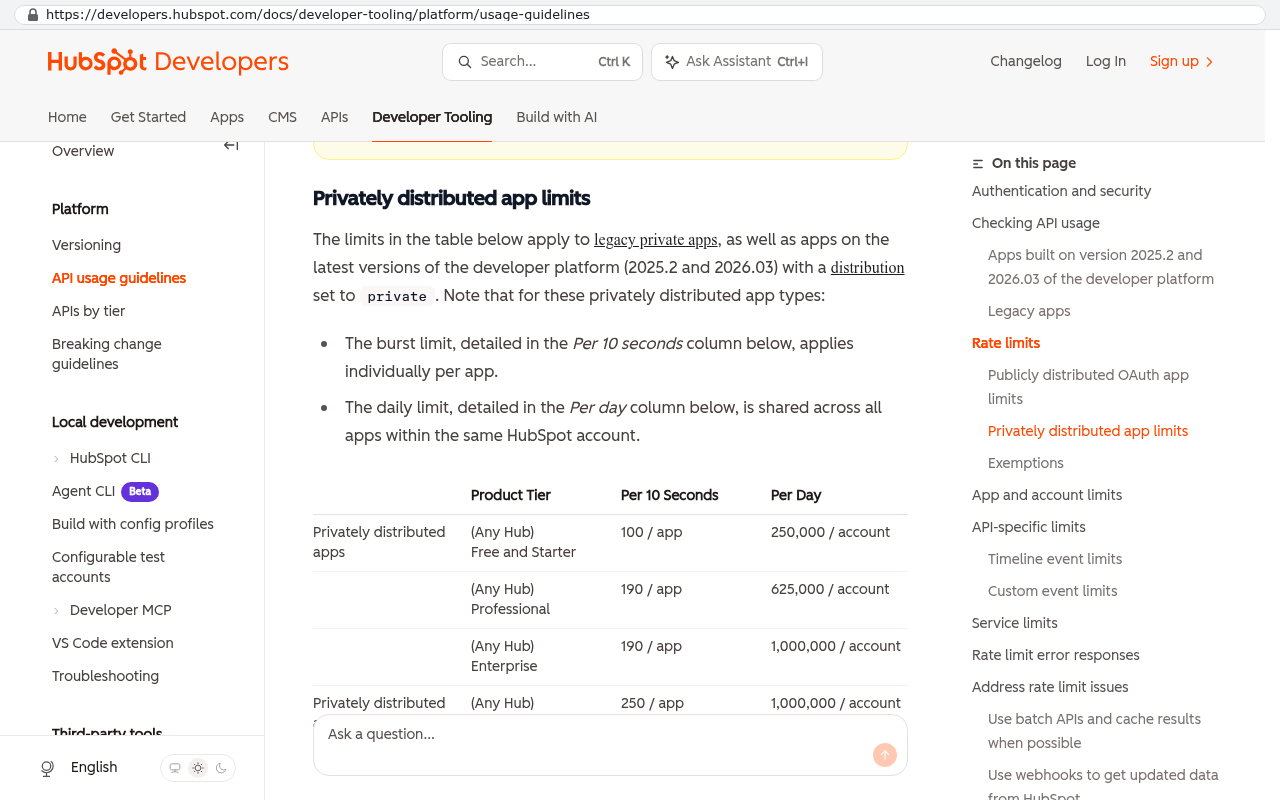
Rate limits cause the second kind. Every vendor caps how many requests you can make per minute. Import 900 records on a Monday morning and you'll hit the ceiling. Good tools queue and retry. Cheap connectors drop the overflow and report success anyway.
The one that hurts most is the silent failure. A sync runs, a record gets rejected for a validation reason, and the log entry lands in a dashboard nobody opens. Nothing alerts anyone. Three weeks later, finance notices twelve invoices missing from a job. Now you're reconstructing history from email.
Real error handling means somebody gets told, in a place they already look, with enough detail to fix it. Almost no off-the-shelf connector does that well. They were built to move happy-path data, and most business data isn't happy path.
If your integration reports failures only inside its own dashboard, assume nobody is reading it. Failures need to reach a person by email or a chat channel the team already watches, or they don't exist.
The reconciliation tax
Every company with a connector stack has someone whose real job is checking that the machines agreed. Their title says coordinator or analyst or office manager. What they do every week is open two systems side by side and look for differences.
The tax shows up in familiar shapes. Month-end close slips because project costs in the PM tool don't match the ledger. A customer gets an invoice for work already billed, because the job synced twice. A tech drives to a cancelled appointment because the field app didn't get the update. Payroll pays overtime the timekeeping system never sent over.
Track this for two weeks and the total shocks people. It's rarely one person full time. It's eight people losing forty minutes each, spread thin enough that no one ever escalated it.
That's also why this problem survives for years. No single manager owns enough of the pain to make a case.
Three approaches, honestly compared
Point-to-point connectors are the cheapest way to start and the most expensive way to finish. Each one works fine alone. The trouble is that number six behaves differently from number one, nobody documented any of them, and a change in one tool breaks two others. Use them for simple, low-volume, one-direction jobs. Form submissions into a CRM, for instance.
An integration platform is the honest middle. You get one place to see every flow, real retry logic, and usually decent logging. Products in this category earn their fee if you genuinely need five or six systems to stay in step. The downside is that you've added a system, and now you depend on a vendor whose pricing rises with your volume. You also still have five sources of truth. The platform makes them argue more politely.
The third option is removing the need. If your project tool, your CRM, and three spreadsheets all describe the same jobs and the same customers, one custom application can hold all of it in one database. No sync, no lag, no reconciliation, because there's only one copy. You still integrate with accounting and payroll, but you've cut six connections down to two.
That third path costs more up front and less every year after. You own the code and the data. There's no renewal that doubles, and no vendor deciding the feature you depend on is now enterprise-only.
The best integration is the one you delete. Before designing a sync, ask whether both systems need the record at all. Often one of them only needs to read it, and a report solves the problem.
When integration is right, and when it isn't
Keep and integrate anything where the vendor does heavy compliance work you'd never want to own. Payroll is the clearest case. Tax tables change constantly and getting them wrong is expensive. Accounting is similar, since your CPA and your bank already speak that software's language. Card processing, e-signature, and email delivery all belong in the same bucket.
Consolidate where the tool is really just a database with a nice interface. Project tracking, job scheduling, quoting, CRM pipelines, inventory counts, field checklists, client portals. These hold your process, and your process is the thing that makes you different from your competitors. Renting a generic version of it and then paying extra to force it into your shape is the worst of both worlds.
A quick test. If you've paid for customization, add-ons, and a connector on the same tool, you've already rebuilt it badly. You're just renting the pieces.
Limitations and caveats
Consolidation isn't free and it isn't always right. Be clear about what it costs.
- Migration is real work. Years of attachments, notes, and closed jobs need a scripted export and careful checking, not a copy and paste.
- Your team has muscle memory in the old tool. Training and a parallel-run period are part of the cost, not an afterthought.
- If clients or subcontractors log into your current tool, moving them is a relationship conversation, not just a technical one.
- Custom software needs an owner. Someone has to handle hosting, backups, and changes. That's a smaller job than managing six connectors, but it isn't zero.
- If you have two systems and one clean sync that never fails, leave it alone. This problem is about accumulation, not about integration itself.
And if your current tools genuinely fit how you work, keep them. Replacing software that people like is a bad trade.
How to audit your syncs this month
You don't need a consultant to find out how bad it is. Do this over two weeks with your operations lead.
- List every connector, automation, and script, plus who set it up and what it costs. Include anything running on a personal account.
- Pick one busy week. Export the same 50 records from both sides of each sync and compare them field by field in a spreadsheet.
- Count the mismatches. Missing records, wrong amounts, stale statuses, and duplicates all count.
- Ask three people to log every minute they spend fixing data that should have arrived correctly. Total it for the month.
- Multiply that monthly total by twelve, add your connector spend, and compare it to what one unified system would cost to build and run.
Most companies find the mismatch rate sits somewhere between two and ten percent of records. Your number is your number. Get it before you renew anything.
What to do next
Run the audit first. The arithmetic decides this, not an opinion. If the total comes back small and your syncs are stable, renew and move on. If it comes back at the price of a real system and your team is spending Friday afternoons comparing spreadsheets, you're funding a problem instead of fixing it.
We build systems in Clearwater for companies in Pinellas and Hillsborough counties that got tired of that math. You own the code and the data when we're done. If you want a second set of eyes on your integration spend, book a free strategy session and bring your connector list.
Read this next: our breakdown of how to decide between replacing a SaaS tool and building around it. Related reading on this site covers migrating historical data without losing attachments, what software ownership actually means in a contract, and how to run a parallel period so a cutover doesn't stall operations.
FAQ
Isn't building custom software riskier than buying connectors?
Different risk, not more risk. With connectors, you're betting that four vendors won't change anything important. With a custom build, you're betting on your development partner and your own team. The second bet is one you control.
Can't I just use one platform's built-in integrations?
Sometimes, and you should check. Native integrations from the vendor tend to break less often than third-party ones. They're also usually shallow. They'll sync contacts and invoices but not the custom fields your process depends on.
What if we only have a data problem, not a software problem?
Then fix the data first. Deduplicate your customer list and agree on which system owns each record type. Do that before any project. Bad data breaks a custom build exactly as fast as it breaks a connector.
How do we keep accounting integrated without the usual headaches?
Push in one direction only, and push summaries rather than every transaction. When your own system owns jobs and costs, accounting just needs invoices and bills. One-way, one-purpose integrations are the ones that stay working.
Do we have to replace everything at once?
No, and you shouldn't. Start with the two systems that generate the most reconciliation work. Collapse those into one, delete the sync between them, and measure the hours you got back before deciding on the next step.
Questions
Frequently asked questions
How much does it really cost to keep four systems talking to each other?
The visible costs are subscription fees for connectors and automation platforms, but the real expense comes from staff time spent fixing records that failed to sync. In a typical scenario with an automation platform, multiple connectors, and one coordinator spending five hours weekly on reconciliation, you're looking at nearly twenty thousand dollars annually before accounting for duplicate storage costs and the coordination overhead.
Why do connectors fail silently and cause problems later?
Connectors sit between two systems that change independently without notifying each other. API updates rename fields or add requirements, causing the connector to stop working on specific fields without triggering errors. Rate limits can cause records to be dropped silently. Validation rejections often land in dashboards nobody regularly checks, so problems go unnoticed for weeks until finance or operations discovers missing data.
What's the difference between removing a sync and making it better?
Removing a sync by consolidating systems into one owned application is cheaper and more reliable than trying to fix a broken connector. Each connection point creates opportunities for data mismatches and failure. Rather than investing in better syncing tools, consolidating two or three systems eliminates the sync entirely, removes duplicate storage costs, and eliminates reconciliation work.
Which business systems are worth integrating versus consolidating?
Accounting and payroll are typically worth keeping as separate systems and integrating them together. Project management, CRM, and homegrown spreadsheets are usually good candidates for consolidation into a single platform. The decision depends on whether a system solves a specific problem that other tools cannot, or if consolidation would be more reliable and cost-effective.
How do I know if I have hidden connector costs?
Pull twelve months of statements and search for every connector subscription, automation platform seat, marketplace add-on, and premium app fee. Most automation platforms charge per task, so busy months cost more than slow ones. Premium tiers for faster syncing can cost several times the basic rate. Then add the hours your team spends hunting for records that failed to sync, which is often the largest hidden cost.
What happens when the same customer exists in five different systems?
You end up with five versions of the same customer record with different spellings and formats. The same job gets different numbers in different systems or no number at all. Duplicate storage creates duplicate risk, and updates like phone number changes require cleanup in multiple places. This complexity is why operations leaders often discover two or three data movement arrows they didn't know existed.
How should integration failures be reported so teams actually find out about them?
Failures need to reach a person in a place they already look regularly, with enough detail to fix the issue. Email or a chat channel the team actively watches works best. If your integration only reports failures inside its own dashboard, assume nobody is reading it. Most off-the-shelf connectors were built to move happy-path data, not the messy business data that commonly causes validation rejections and silent failures.
Read this next
What happens to your data when you stop paying a SaaS vendor
Cancel a SaaS subscription and your data doesn't vanish, it gets locked behind a login. Here's what an export really gives you, what never comes out, and when owning the system is cheaper.
If this is your situation
Talk it through on a call
Thirty minutes over video with the person who would run the build. You talk, we ask questions, and you leave with a plain read on whether custom software makes sense for you. If the answer is that your current tool is fine and badly configured, you will hear that.
Who wrote this

David Verneuille
Founder, Black Badger Software Solutions
David Verneuille founded Black Badger after 18 years as a project manager and years implementing Smartsheet, monday.com, Wrike and Zoho for clients. He now builds custom systems that clients own outright, which is why the writing here is specific about where each platform fits and where it stops fitting.
Drafted with AI assistance, then checked, edited, and approved by a person before publishing. The facts, opinions, and recommendations are ours.