
TL. DR: You don't have to replace your project management, CRM, and accounting tools to stop the copy and paste work. Build a small custom layer that moves data between them, kill the rekeying first, and decide later which tools are worth owning outright. Integration work is cheaper to reverse than a full replacement, and it gives you a real map of how your business runs before you commit to a bigger build.
How to connect the tools you already use instead of replacing everything at once
/ 11 min read
TL;DR
Instead of replacing all your business tools at once, build a small custom integration layer that connects them and eliminates manual data entry while you figure out which tools are actually worth replacing later.
Key takeaways
- Most stalled software replacement projects fail because the plan is too ambitious, not because the underlying problem is misunderstood or unsolvable.
- An integration layer is custom software that automatically moves data between your existing systems using their APIs, acting as a translator that reshapes data so each tool understands it.
- Eliminating manual data entry between systems delivers the fastest financial payback by freeing up administrator time and reducing costly errors from mistyped information.
- Integration creates a single source of truth for each type of data so that salespeople, operations, and accounting teams work from the same information without having to reconcile different versions.
- Integration work is cheaper to reverse or modify than a full system replacement, and gives you real data about how your business operates before committing to expensive platform migrations.
- Building connectors between tools means you can replace individual vendors later without rebuilding your entire system, providing flexibility as your business needs change.
Key takeaways
- Most stalled software projects stall because the plan is too big, not because the problem is unclear.
- An integration layer is a small piece of custom software that passes data between the systems you already pay for.
- The fastest win is almost always the removal of double entry between sales, delivery, and billing.
- Integration buys you time and data. After a year of running it, you know exactly which tool is worth replacing.
- It has real limits. Integration can't fix a tool that's missing the feature you need, and vendor APIs change without asking you.
- Owning the connective layer means you can swap any single vendor later without rebuilding everything.
Why the big replacement plan keeps getting postponed
Every operations leader I talk to has a version of the same story. The CRM is fine. The project tool is fine. QuickBooks is fine. But nothing talks to anything, so three people spend part of every day retyping the same job details into the next system down the line.
Then someone proposes replacing all of it with one platform. And the project dies right there.
It dies for good reasons. A full replacement means retraining everyone at once. It means moving years of history. It means the day you go live, every department is slow at the same time. If the new system is wrong about one important thing, you find out after you've already turned off the old one. That's a real risk, and smart owners are right to hesitate.
So the decision gets pushed to next quarter. Meanwhile the rekeying continues, the renewal invoices keep arriving, and the cost of doing nothing quietly compounds. The way out is to stop treating this as one decision. It's a sequence.
What an integration first approach actually looks like
Instead of replacing the tools, you build a thin piece of software that sits between them and moves data back and forth. In plain English, it's a translator. It reads from one system, reshapes the data so the next system understands it, and writes it there.
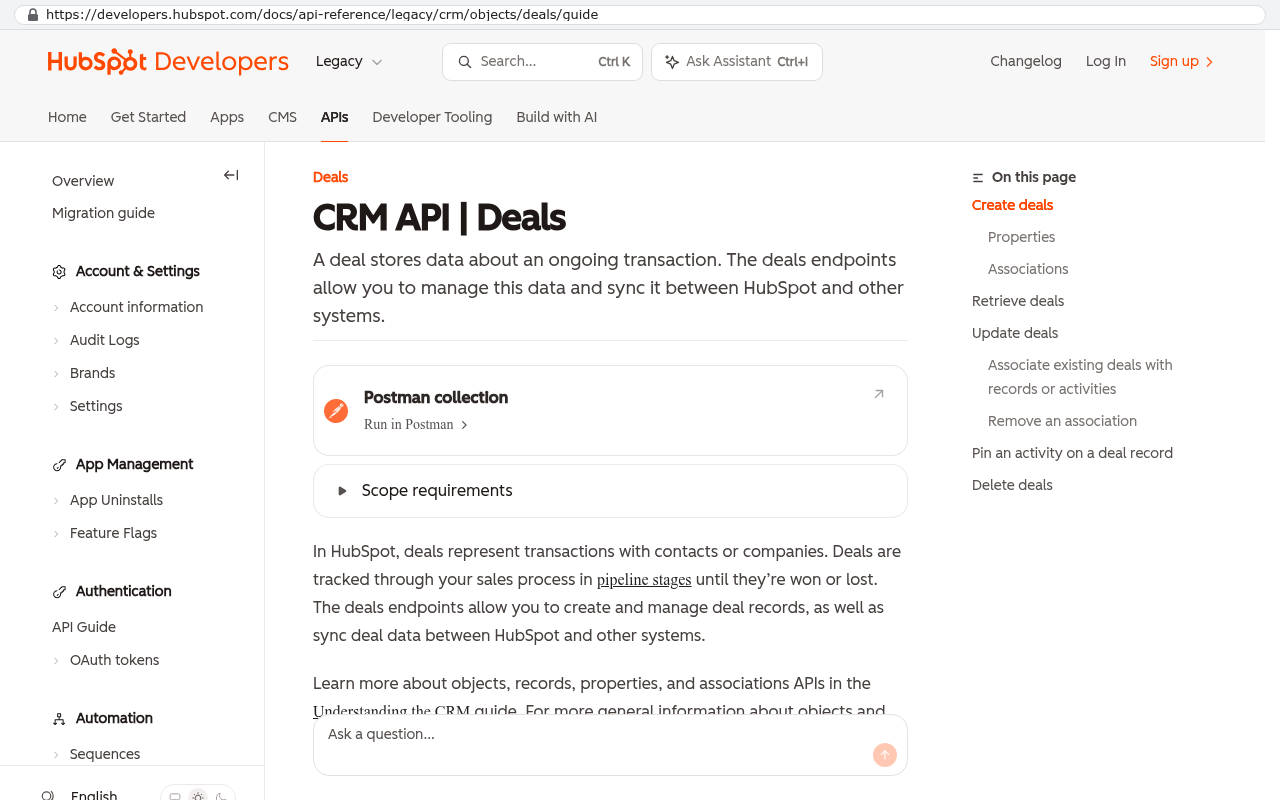
Most business software today has an API, which is a doorway the vendor provides so other programs can read and write data without a human clicking around. Salesforce has one. HubSpot has one. Monday, Asana, Smartsheet, QuickBooks, Xero, Procore, ServiceTitan. The doorways exist. What's missing is someone deciding exactly what should walk through them and when.
That decision is the whole job. A closed deal in the CRM should create a project in the PM tool with the right template, the right budget, and the right client contact. A completed milestone should create a draft invoice. A paid invoice should update the deal record so sales stops chasing it. None of that is exotic. It's the work your team is doing by hand right now, written down as rules.
Before you scope anything, sit with the person who does the retyping and watch them for an hour. Write down every field they copy and every judgment call they make. That hour produces a better spec than a month of meetings, because the judgment calls are where the real business rules hide.
Killing manual data entry is the fastest payback you'll get
Double entry is expensive in a way that never shows up on a budget line. Nobody invoices you for it. It hides inside salaries.
Run your own arithmetic. Take the number of people who retype data, multiply by the hours per week they spend on it, multiply by 52, and multiply by their loaded hourly cost. A two person admin team losing eight hours a week each is over 800 hours a year. At any sensible loaded rate, that number gets uncomfortable fast, and it doesn't include the errors.
The errors matter more than the hours. A mistyped quantity on an invoice costs you a collections call and a credibility hit with your client. A job created with the wrong billing code means the margin report is wrong for a quarter. When two systems disagree about the truth, someone has to decide which one is right, and that person is usually your best operator wasting an afternoon.
Integration fixes that by making one system the source of truth for each field. The CRM owns the client name and the contract value. The PM tool owns the schedule and the hours. Accounting owns the invoice. Everything else is a copy that updates automatically. Once you've written that down, arguments about whose spreadsheet is correct mostly stop.
A concrete example: CRM to invoicing through custom middleware
Here's how a simple one looks in practice. This is a hypothetical, but the shape is common across service businesses.
A contractor uses HubSpot for sales and QuickBooks Online for billing. When a deal closes, the project manager opens QuickBooks, creates a customer, creates an estimate, and retypes the line items from the proposal. Roughly fifteen minutes per deal, plus the occasional mistake that ends up in a client's inbox.
The middleware does four things.
- It listens for a deal moving to Closed Won in HubSpot. Vendors call this a webhook, which just means the CRM pings your system the moment something changes instead of you checking every hour.
- It checks whether the customer already exists in QuickBooks, matching on a stored ID rather than the company name, because names get typed three different ways.
- It creates the invoice or estimate with line items mapped from the deal's products.
- It writes the QuickBooks invoice number and link back onto the HubSpot deal, so sales can see billing status without asking accounting.
That's a few hundred lines of code and a small hosting bill. It runs unattended. It logs every action, so when something looks wrong you can see exactly what it sent and what came back.
The part people underestimate is error handling. Real integrations fail. The API times out. A required field is blank. The token expires. A good build queues the failed record, retries it, and emails a human when it can't recover. A bad build fails silently, and you find out three weeks later that eleven invoices were never created. That difference is most of the engineering quality in this kind of work.
If an integration has no error log and no alert when it fails, you don't have an integration. You have a trust exercise. Ask any vendor or developer to show you what happens when the target system is down for an hour, and don't accept "it just retries" without seeing it.
Where integration falls short and what it can't fix
This approach has real limits, and pretending otherwise leads to bad projects.
Integration can't add a feature your tool doesn't have. If your PM platform has no concept of a change order, no amount of middleware will invent one. You can bolt a small custom app onto the side to hold that data, but then you have a third place to look, and you've traded one problem for a smaller one.
You're also renting the doorway. Vendors change their APIs, deprecate versions, tighten rate limits, and occasionally move a feature behind a higher pricing tier. Most give notice. Some don't. Budget for a small amount of ongoing maintenance the same way you budget for a truck's oil changes, because an integration that nobody touches for two years will eventually break on a Tuesday.
Some platforms are genuinely hostile to this. A few lock the API behind their enterprise plan, which turns a cheap integration into an expensive one overnight. A few have APIs that are technically present and practically unusable, with missing endpoints or documentation that doesn't match reality. Check this before you plan around it.
And integration doesn't reduce your license count. You're still paying every vendor. If your main pain is that you're paying for three overlapping tools at per seat rates that climb every renewal, connecting them makes the daily work better while leaving that cost exactly where it was. That's the case where replacement, not integration, is the honest answer.
Last one. If your process is broken, automating it makes it broken faster. Don't automate a workflow that three people already ignore. Fix the workflow on paper first.
Cost, risk, and why this is the safer bet
The thing that makes integration attractive isn't only the price. It's the blast radius. If a connector doesn't work out, you turn it off and your team goes back to what they did last month. Nobody's data is trapped. Nobody has to relearn their job. Compare that to a failed platform migration, which can consume a year and leave you worse off than when you started.
You also get something a discovery workshop can't give you. After six months of running connectors, you have logs showing which records move, how often, and where the exceptions pile up. That's a factual map of how your business actually runs, not how people describe it in a meeting. When you do decide to replace a system, you're specifying it from evidence.
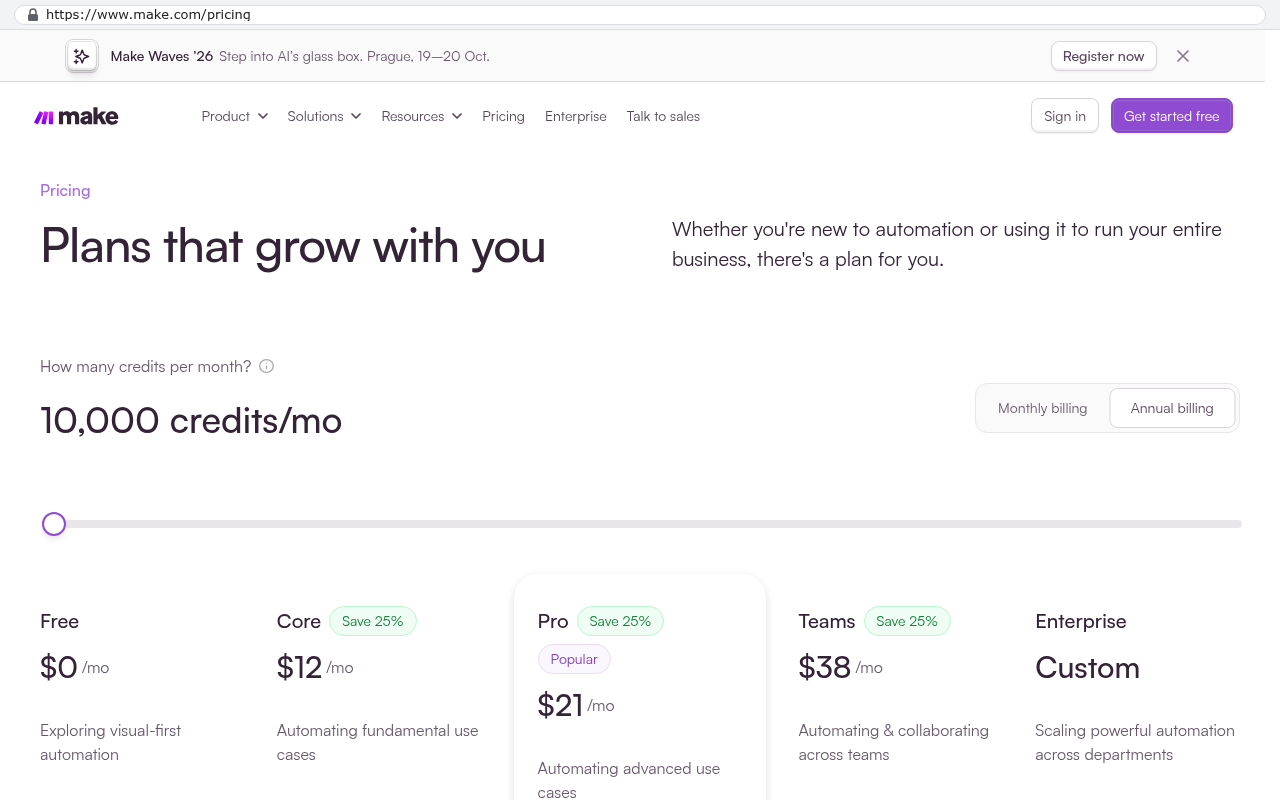
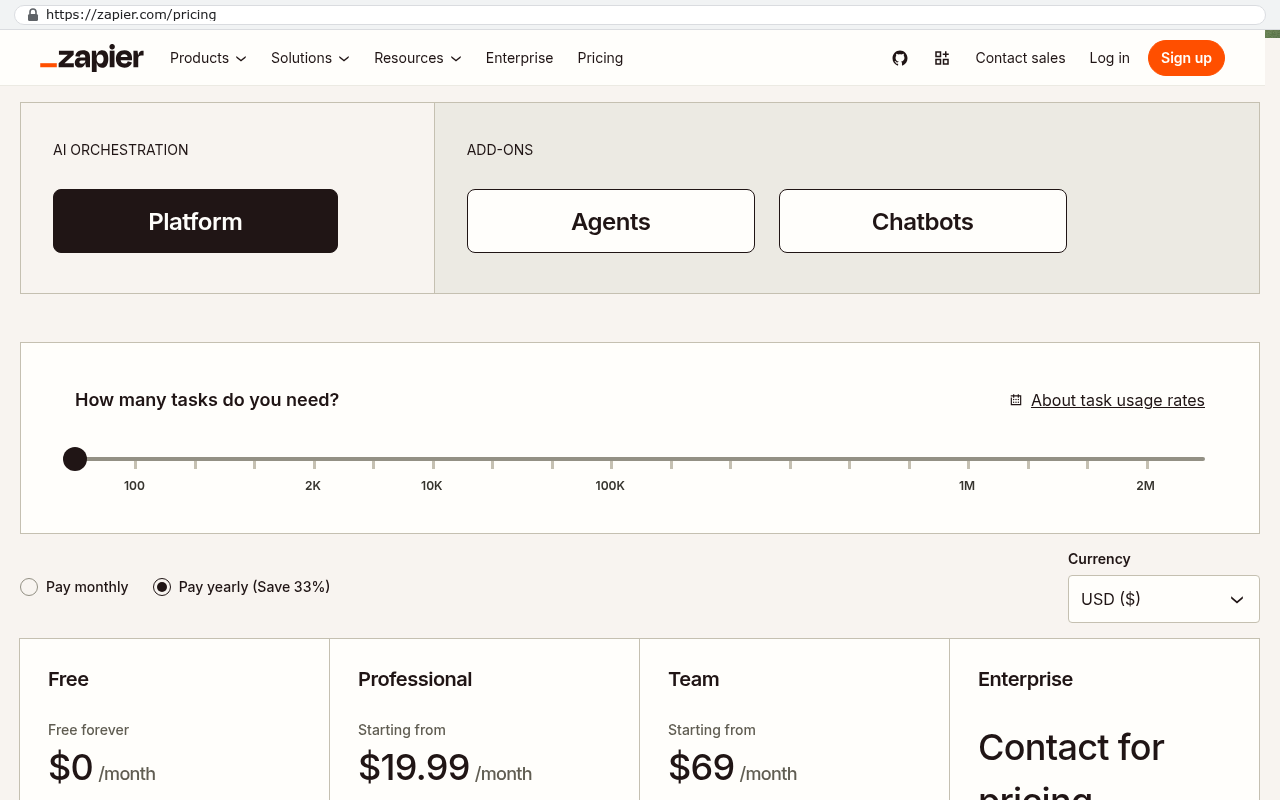
On tooling, no-code platforms like Zapier and Make are fine for simple, low volume flows, and I'd use them for a two step connection. They get expensive per task at volume, and they get painful once you need conditional logic, lookups, and proper retries. The crossover point comes sooner than most people expect. When you're paying a meaningful monthly fee for automation runs and still babysitting failures, a custom connector you own is cheaper within a year and behaves better.
Ask for the integration code and credentials to live in a repository your company owns, under your accounts, from day one. This costs nothing to set up at the start and is the single thing that separates software you own from software you're renting from whoever built it.
How connectors turn into a system you own
The interesting thing happens about a year in. Your integration layer is already holding a normalized copy of the data that matters, meaning it's been cleaned up into one consistent shape. Clients, jobs, line items, statuses. At that point, building a dashboard on top of it is a small step, because the hard part was never the screen. It was the data.
From there it goes one system at a time. Maybe the PM tool is genuinely good and you keep it forever. Maybe the quoting tool everyone hates gets replaced with a custom module that fits how you actually price. Because the connective layer is yours, swapping one vendor doesn't disturb the other four. You're changing a plug, not rewiring the building.
That's the version of "custom software" that businesses survive. Not a two year replacement of everything. A series of small, reversible steps where each one pays for itself and the ones after it get easier.
Start with the single worst piece of retyping in your company. Automate that. Then pick the next one. If you want a second opinion on which connection to build first and whether any of your tools are worth keeping, book a free strategy session and we'll walk your stack with you.
FAQ
Do all of our tools need an API for this to work?
Practically, yes. If a tool has no API, your options are ugly. You can scrape screens or push files around, and both break constantly. If one system in your chain is a dead end, that's usually the first one to replace.
Can't we just use Zapier?
Often, yes, and you should if the flow is simple. Zapier and Make are great for two or three step connections with modest volume. They get expensive and fragile once you need conditions, lookups, and reliable retries. Start there, and move to a custom connector when you find yourself fighting it.
What happens when a vendor changes their API?
You update the connector. Most changes are small and announced ahead of time. This is why you keep a little maintenance budget and why the code should live in your own repository rather than on someone's laptop.
How do we know when it's time to replace a tool instead of connecting to it?
Three signals. Renewal costs keep climbing faster than your headcount. Your team maintains spreadsheets to work around the tool. Or the integration keeps failing because the platform can't hold a concept your business depends on. Any two of those together and replacement is the cheaper path.
Will this create a mess we can't maintain?
It can, if nobody documents it. Insist on written mappings of which system owns which field, plus logging and alerts. A connector with a clear data map is easier to hand to a new developer than most internal spreadsheets are.
Read this next
If you're weighing the renewal math on a platform you're outgrowing, read our piece on when to stop paying per seat and start owning the system instead.
Related articles
- When a SaaS renewal is the right moment to build custom
- What owning your source code actually means in practice
- How to write requirements when you're not technical
Questions
Frequently asked questions
What is an integration layer and how does it work?
An integration layer is a small piece of custom software that sits between your existing systems and moves data back and forth automatically. It reads from one system, reshapes the data so the next system understands it, and writes it there. Most business software today has an API that provides a doorway for other programs to read and write data without manual clicking around.
How much time and money can removing manual data entry save us?
Double entry is expensive and hides inside salaries. If two people spend eight hours weekly retyping data, that's over 800 hours annually. At any reasonable loaded rate, the cost becomes significant. Beyond hours, errors matter more: mistyped quantities cause collections problems and damaged client credibility. Integration eliminates this by making one system the source of truth for each field.
Why do big software replacement projects usually fail?
Full replacement projects stall because the plan is too big. They require retraining everyone simultaneously, moving years of history, and risk having every department move slowly on day one. If the new system is wrong about something important, you discover it after turning off the old system. Smart owners hesitate because the risk is real and the decision gets postponed indefinitely.
How do I know which tool to replace versus which to integrate with?
Integration buys you time and data. After running it for a year, you know exactly which tool is worth replacing because you have a real map of how your business runs. Before committing to bigger builds, you understand your actual needs. Integration work is also cheaper to reverse than a full replacement if the choice proves wrong.
What are the limits of integration?
Integration has real constraints. It cannot fix a tool that's missing a feature you need. Vendor APIs can change without warning, and when they do, your integration may break. Integration works best for connecting systems that have the capabilities you need but don't currently talk to each other.
How should I prepare to build an integration?
Before scoping anything, sit with the person doing the retyping and watch them for an hour. Write down every field they copy and every judgment call they make. That hour produces a better specification than a month of meetings, because the judgment calls reveal where the real business rules hide.
What happens if a vendor changes their API?
Vendor APIs can change without asking you first. By owning the connective layer, you can swap any single vendor later without rebuilding everything else. This flexibility is one advantage of integration over a full replacement, giving you independence from any individual vendor's decisions.
Read this next
When staying on your current platform is the right call
Custom software isn't always the answer. Here's the arithmetic, the warning signs, and the honest caveats that tell you whether to renew your platform or replace it.
If this is your situation
Talk it through on a call
Thirty minutes over video with the person who would run the build. You talk, we ask questions, and you leave with a plain read on whether custom software makes sense for you. If the answer is that your current tool is fine and badly configured, you will hear that.
Who wrote this

David Verneuille
Founder, Black Badger Software Solutions
David Verneuille founded Black Badger after 18 years as a project manager and years implementing Smartsheet, monday.com, Wrike and Zoho for clients. He now builds custom systems that clients own outright, which is why the writing here is specific about where each platform fits and where it stops fitting.
Drafted with AI assistance, then checked, edited, and approved by a person before publishing. The facts, opinions, and recommendations are ours.