
TL. DR: Before you replace a project management, CRM or ERP platform, write down every system that sends or receives data from it. Include the quiet ones like email parsers, spreadsheets and the accountant's export. Most failed migrations aren't failures of the new software. They're failures to find the seventeen connections nobody documented.
How to map every integration your business actually needs before replacing your software stack
/ 10 min read
TL;DR
Before replacing your software platform, document every system that sends or receives data from it, including hidden connections in automation tools, spreadsheets, and email flows, because most failed migrations result from undiscovered integrations rather than platform deficiencies.
Key takeaways
- An integration map is a written list of every place data enters and leaves your current platform, including manual steps performed by employees and automated connections in tools like Zapier or Power Automate.
- Hidden connections typically live in personal automation accounts belonging to former employees, scheduled CSV exports, email based workflows, and manual rekeying processes that most teams don't recognize as integrations.
- Data silos after migration occur when connection directions change (one way sync becomes two way), field mappings fail to transfer custom options properly, or timing mismatches between real time and nightly syncs cause data inconsistencies.
- Following data flow rather than software architecture reveals integrations most effectively, starting from a customer record and tracing where it travels across systems and departments.
- Building a complete integration map requires only a spreadsheet with eight columns and approximately one week of departmental interviews to identify all systems and processes depending on your platform.
Key takeaways
- An integration map is a written list of every place data enters and leaves your current platform, including manual steps.
- Hidden connections usually live in Zapier accounts, saved spreadsheet exports, email inboxes and one person's browser bookmarks.
- Data silos after a migration happen because a one way sync was rebuilt as a two way sync, or not rebuilt at all.
- Audit by following the data, not the software. Start at a customer record and trace where it travels.
- A custom system removes integrations by removing the systems, but it cannot remove the ones you don't control, like your bank or your carrier.
- You can build the whole map in a spreadsheet with eight columns and a week of asking questions.
Every migration horror story I've heard starts the same way. The new platform got picked, the demo looked great, the data got moved. Then three weeks in, someone notices the shipping notifications stopped going out. Nobody knew the old system was sending them. It had been running since 2019 through a connector an employee set up and never told anyone about.
Why the integration map is the step everyone skips
Software selection feels like the big decision. Vendors encourage that feeling, because the demo is where they win. So teams spend four months comparing platforms and four days thinking about what plugs into them.
That's backwards. The platform is replaceable. The connections are what make your business run day to day, and they're the part nobody can see. A CRM by itself does nothing. A CRM that pulls web form leads, pushes deals to accounting, triggers a welcome email and updates a warehouse spreadsheet is doing real work. Replace the CRM without replacing those four jobs and you've bought an expensive address book.
The other reason this step gets skipped is that it's unglamorous. Nobody gets excited about interviewing the AP clerk about her Tuesday export routine. But she is holding a piece of your operation together with a macro she wrote in 2021, and when you switch platforms, that macro breaks.
If your migration plan has a line item called "rebuild integrations" with no numbered list underneath it, you don't have a plan. You have a wish. Every connection needs its own row, its own owner and its own test.
Find every tool that touches your platform
Start with the obvious ones. Your accounting package, your email marketing tool, your e-signature service, your phone system. Those show up in a vendor's integrations tab and everyone remembers them.
Then go hunting for the rest. In my experience, the documented integrations are maybe half of what's actually running. The other half hide in four places.
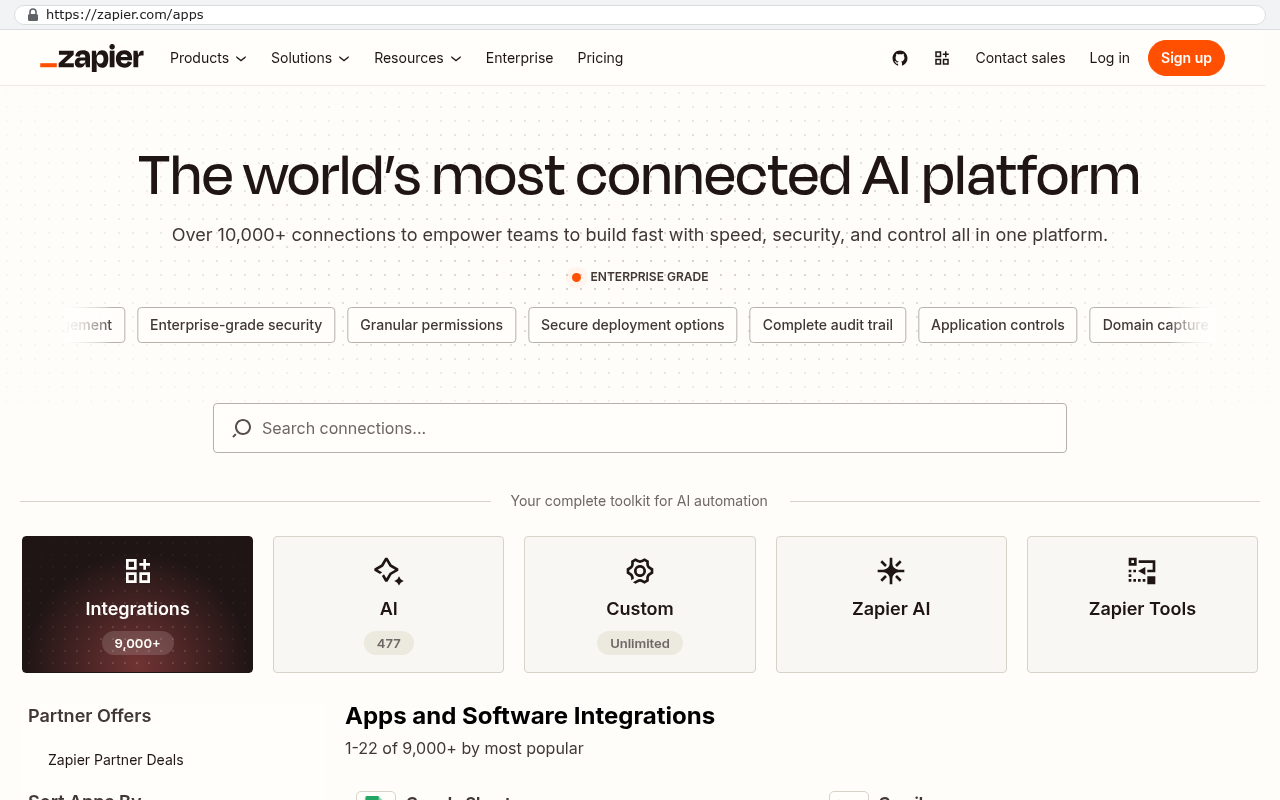
- Automation tools like Zapier, Make or Power Automate, often on a personal account belonging to someone who left.
- Scheduled exports and imports, where a CSV file gets dropped somewhere on a schedule and something else picks it up.
- Email based flows, where the platform emails a report or a notification and a human or a rule acts on it.
- Manual rekeying, which is an integration performed by a person. It counts. It's usually the most expensive one you have.
Pull your credit card statements and look for small recurring software charges. Check the admin panel of your main platform for a list of connected apps and API keys. An API key is a password that lets one program talk to another, and an old unused key is a sign that something was connected once and maybe still is. Ask each department head a simple question. What would stop working tomorrow if this system went dark?
That last question surfaces more than any audit tool. People don't think of their routine as an integration. They think of it as their job.
How rushed migrations create data silos
A silo is just data that lives in one place and never gets to the other places that need it. They form fast after a migration, and they form quietly.
The most common cause is a direction change. Your old setup pushed customer records from the CRM into accounting, one way. The new connector does a two way sync, so accounting now overwrites addresses in the CRM. Sales updates an address, the sync reverts it overnight, and sales stops trusting the CRM. Within a month they're keeping addresses in a private spreadsheet. That's a silo, and it was created by a setting.
The second cause is field mismatch. Your old system had a custom field called Job Type with eleven options. The new one has a Category field with a free text box. The data moves, technically. But now nobody can filter by job type, so the operations report dies, so someone rebuilds it by hand in Excel. Another silo.
Third is timing. A nightly sync and a real time sync behave very differently on a busy Friday afternoon. Teams that were used to instant updates start double checking, then start working around the system entirely.
For every connection on your map, write down the direction of travel, how often it runs, and what happens when the two sides disagree. That last one is the conflict rule, and it's the single most common thing teams forget to specify. Decide it before go live, not after your sales team loses a week of edits.
A step by step audit of your data flow
Follow the data, not the software. Software inventories miss things because they only show what has a login. Data traces catch the human steps too.
- Pick your three most important records. For most businesses that's a customer, a job or order, and an invoice.
- Trace the customer from first contact to closed file. Write down every screen it appears on and every person who touches it.
- At each stop, ask how the data got there. Typed by hand, pulled by an automation, imported from a file, or copied from an email.
- Note who owns that step and what breaks if it stops. Name an actual person, not a department.
- Do the same for the job and the invoice. You'll find overlaps, which is good. Overlaps are where the real integrations live.
- Ask each team what reports they run weekly and where the numbers come from. Reports expose silos better than anything else.
- Rank every connection as essential, useful or dead. You will find dead ones. Kill them before you migrate, not after.
Give this a week of calendar time and a few hours of real work. It's not a technical exercise. Anyone who understands the business can run it with a notebook.
The mapping template you can build in a spreadsheet
You don't need a tool for this. Open a spreadsheet and make eight columns. Name them Source system, Destination system, What data moves, Direction, Frequency, How it runs, Owner, and What breaks without it. Add a ninth column called Keep, rebuild or retire.
Fill one row per connection. Manual steps get a row too, with "human" in the How it runs column. When you're done you'll have somewhere between fifteen and sixty rows, and that sheet becomes the actual scope document for your migration. Hand it to any developer or vendor and they can price the work honestly, because they can see the whole surface.
The Keep, rebuild or retire column does the most work. It forces a decision on every line instead of letting things drift into the new system by accident.
Sort the finished sheet by the "What breaks without it" column and read the top ten rows out loud in a meeting. If anyone in the room says "wait, we do that?", you've just prevented a post launch fire. That reaction is the entire point of the exercise.
When one owned system removes the integrations entirely
Here's the part most people miss. Half your integrations exist only because you bought separate tools that each hold a piece of the same record. Consolidate the tools and the integration disappears. There's nothing to sync when the data lives in one database.
The arithmetic is worth doing on paper. Say you run 45 seats across a project platform at 40 dollars per user per month, a CRM at 75, and a reporting add on at 500 flat. That's about 6,700 a month, or roughly 80,000 a year, before the automation subscriptions and before the two connectors you pay a consultant to maintain. Those numbers rise at renewal. They never fall.
A system your business owns outright has a build cost and then a hosting and maintenance cost, and the seat count stops mattering. Add your twentieth office user and the bill doesn't move. When you write the annual subscription total on one line and the ownership total on the other, the crossover point is usually closer than people expect. Run it with your own real numbers, including the hours your team spends rekeying.
Limits and caveats, honestly
A custom build removes internal integrations. It doesn't remove external ones, and that distinction matters. You still have to talk to your bank, your payment processor, your shipping carriers, your tax filing service and your payroll provider. Those connections stay, they still need maintenance, and their APIs still change without asking you.
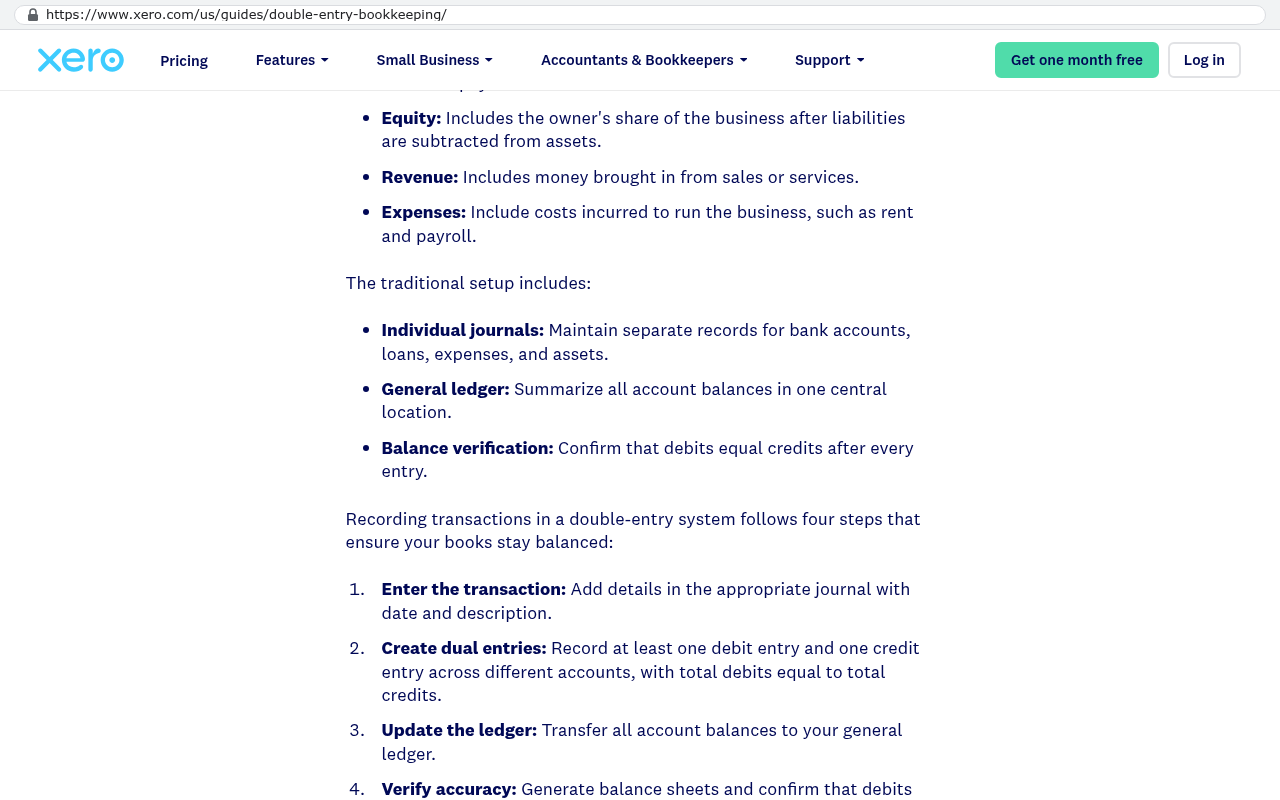
Some integrations are also genuinely better left alone. QuickBooks or Xero is a fine place for the general ledger. Rebuilding double entry accounting is a bad use of money. The right move is to keep accounting and feed it clean data, not to absorb it.
There's also the migration cost itself. Twelve years of file attachments in an old platform come out through a scripted export, not a copy and paste. Historical records with custom fields need mapping decisions, and some of those decisions mean accepting a small amount of data loss on fields nobody has used since 2018. Anyone who tells you a migration is clean hasn't done many.
And if your value depends on sharing live views with clients who already work inside the same platform you're leaving, that's a real switching cost. Solvable with a client portal, but not free. Put it on the map like everything else.
FAQ
How long does an integration audit take?
About a week of elapsed time for a mid sized company, and maybe six to ten hours of actual effort. Most of that is conversations, not analysis. The bottleneck is getting time with the people who know the workarounds.
What if we don't know what our automations do?
Turn one off in a test environment and see who complains. Seriously. If you can't test safely, check the automation tool's run history, which shows what fired and when. A connector that hasn't run in eight months is almost certainly dead.
Should we fix integrations before migrating or after?
Retire the dead ones before. Rebuild the essential ones as part of the migration itself, not as a phase two. Phase two has a way of never arriving, and that's how teams end up running two systems for a year.
Do we need a developer to make the map?
No. An operations manager with a spreadsheet and good questions will produce a better map than a technical audit tool, because the tool can't see the manual steps. Bring in a developer once the map exists and you need the rebuild priced.
What to do this week
Open the spreadsheet. Make the nine columns. Book thirty minutes with each department head and ask what breaks if the system goes dark tomorrow. You'll have a usable draft by Friday, and you'll know more about how your business actually runs than any vendor demo will tell you.
If you'd like a second set of eyes on the finished map, or you want the ownership arithmetic run against your real subscription costs, book a free strategy session and we'll walk through it with you.
Read this next: our breakdown of how to decide between renewing a SaaS platform and building a system you own outright.
Related articles
- What it really costs to migrate off a project management platform
- Client portals without the per user fee
- Why per seat pricing punishes growing companies
Questions
Frequently asked questions
What is an integration map and why do I need one before migrating software?
An integration map is a written list of every system that sends or receives data from your current platform, including manual steps and hidden connections. Most failed migrations aren't caused by the new software itself, but by undocumented integrations that nobody knew existed. Before replacing your platform, you need to identify all seventeen connections so you can rebuild them in your new system.
Where do hidden integrations typically hide in a business?
Hidden integrations usually live in four places: automation tool accounts like Zapier or Make, scheduled CSV exports and imports, email based workflows where reports trigger actions, and manual rekeying performed by people. They also hide in old API keys that were set up years ago and forgotten. Pull credit card statements and ask department heads what would stop working if the system went dark.
How do data silos form after a migration?
Data silos form when migration connections don't match the original setup. Common causes include changing sync direction from one way to two way, field mismatches where data technically moves but can't be filtered properly, and timing issues when switching from real time to nightly syncs. Sales teams start keeping data in private spreadsheets instead of trusting the new system. Specify conflict rules and sync direction before go live.
How do I find every integration my business actually needs?
Start with obvious integrations like accounting software and email marketing tools. Then hunt for hidden ones by checking automation tool accounts, looking for scheduled exports, reviewing email based workflows, and examining API keys in your admin panel. Ask each department head a simple question: what would stop working tomorrow if this system went dark? This surfaces more integrations than any automated audit tool.
Can I build an integration map without a developer?
Yes, you can build the entire map in a spreadsheet with eight columns and about a week of asking questions. The process involves following the data, not the software. Pick your three most important records like a customer, an order, and an invoice. Trace each record through every screen and person it touches, then write down how the data got there at each stop.
What should I do with my integration map before choosing new software?
Your integration map should guide your platform selection, not follow it. Document every connection with its own row, owner, and test before you evaluate new software. For each integration, write down the direction of data travel, how often it runs, and the conflict rule for when the two systems disagree. This prevents the common mistake of spending months on software demos while ignoring the connections that actually run your business.
What happens when integrations get missed during a migration?
When integrations get missed, they create immediate operational problems. For example, shipping notifications might stop going out because nobody knew the old system was sending them through a connector an employee set up in 2019. These undocumented connections continue running silently until someone notices service has stopped, which can be three weeks into your migration when it's expensive and disruptive to fix.
Read this next
When staying on your current platform is the right call
Custom software isn't always the answer. Here's the arithmetic, the warning signs, and the honest caveats that tell you whether to renew your platform or replace it.
If this is your situation
Talk it through on a call
Thirty minutes over video with the person who would run the build. You talk, we ask questions, and you leave with a plain read on whether custom software makes sense for you. If the answer is that your current tool is fine and badly configured, you will hear that.
Who wrote this

David Verneuille
Founder, Black Badger Software Solutions
David Verneuille founded Black Badger after 18 years as a project manager and years implementing Smartsheet, monday.com, Wrike and Zoho for clients. He now builds custom systems that clients own outright, which is why the writing here is specific about where each platform fits and where it stops fitting.
Drafted with AI assistance, then checked, edited, and approved by a person before publishing. The facts, opinions, and recommendations are ours.