
Most project management, CRM, and ERP vendors give you 30 to 90 days after cancellation to pull your data, then they delete it. What you get is usually flat CSV files. Those files carry rows and columns. They rarely carry your file attachments, comment threads, audit history, custom field definitions, permission rules, or the hidden ID numbers that link one record to another. Plan the extraction months before you cancel, or own the database from the start and skip the problem.
What happens to your data when you cancel a SaaS subscription
/ 11 min read
TL;DR
Key takeaways
- Read the data retention clause in your contract now, not on the day you cancel. The window is short and it starts the moment your account goes inactive.
- An export gives you data. A migration gives you a working system. They are not the same job.
- Attachments and activity history are the two things that almost never survive a standard export cleanly.
- The record ID numbers that connect a contact to a deal to an invoice are the most valuable thing in your export, and most people throw them away.
- When you own the database, there is no export window, because nobody else is holding your data hostage.
- A custom build is not always the right answer. If your team is small and the tool fits, renew and move on.
On this page
You cancel a software subscription and assume your data is yours. It is, sort of, for a short window, in a shape that may not be usable. The gap between "we gave you an export" and "you can actually run your business on this" is where most companies get hurt.
The export window buried in your terms of service
Open your vendor's terms and search for "retention" or "termination". You will find a sentence that reads something like this. After termination, the customer may request an export of customer data for a period of 30 days, after which the vendor may permanently delete all customer data.
Thirty days is common. Sixty and ninety show up too. Salesforce, HubSpot, Monday, Asana, Smartsheet, NetSuite and the rest all publish something in this family. The specifics differ. The pattern does not.
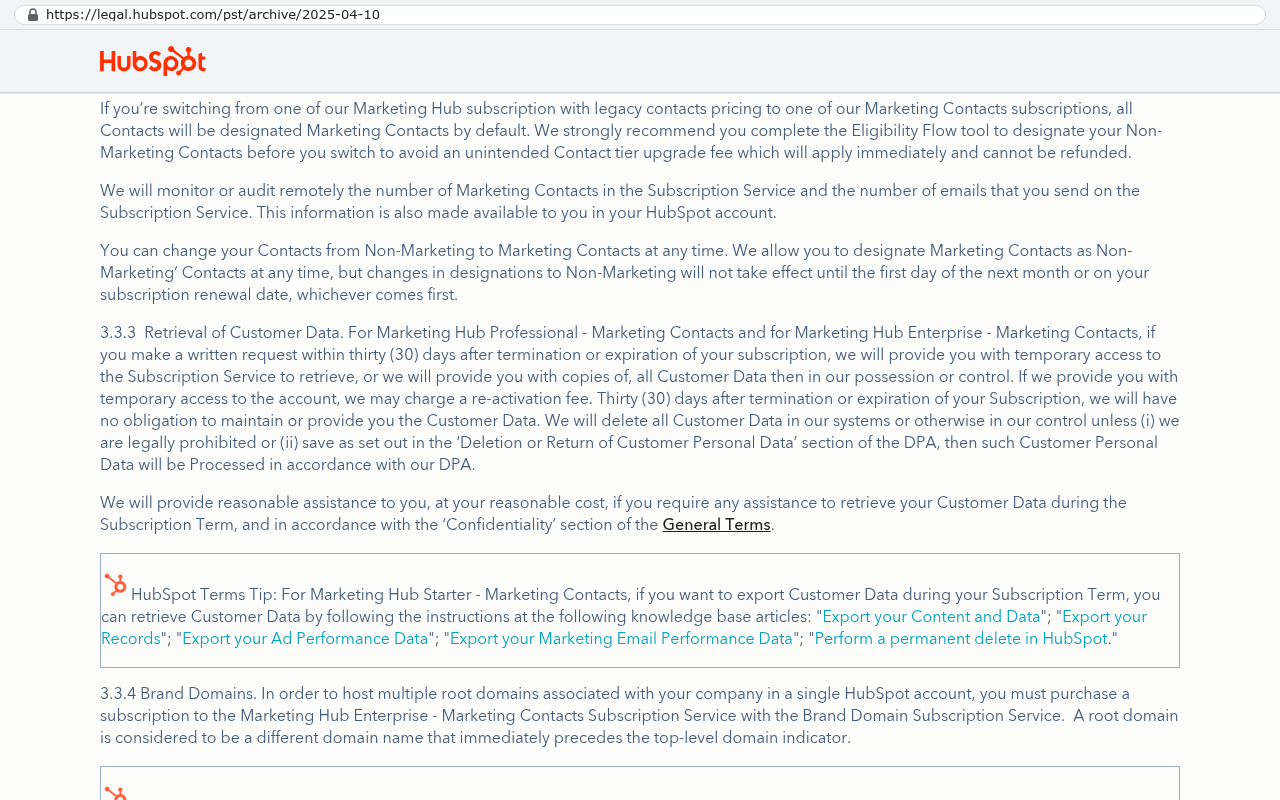
Two details catch people out. First, the clock usually starts when your subscription lapses, not when you ask for help. If you cancel on the 1st and your admin goes on vacation, you have burned a third of the window. Second, "may request an export" is doing real work in that sentence. Some vendors give you a self-service button. Others require a support ticket, and support tickets from cancelled accounts do not get answered fast.
Downgrading to a free tier is not the same as staying active. Several platforms restrict export functionality on free plans, so the moment you drop down to save money you can lose the ability to pull your own history.
An export is not a migration
An export is a file. A migration is a working system with the same information in it. People use the words interchangeably and it costs them.
Here is what a typical CSV export actually contains. Text fields. Numbers. Dates. Dropdown values, flattened into whatever label was showing at the time. Here is what it usually does not contain. The actual files people uploaded, because a CSV cannot hold a PDF. The comment threads, because comments live in a separate table the export tool ignores. The audit trail showing who changed the close date and when. The definitions behind your custom fields, so a dropdown that allowed six specific values becomes plain text that allows anything. And the internal ID numbers that tie records together.
That last one matters more than anything else on the list. Your CRM knows that deal 4471 belongs to company 802 and has eleven activities attached. Strip the IDs and you have a pile of deals and a pile of companies with no reliable way to reconnect them. Matching on company name works until you hit "Acme Corp", "Acme Corporation", and "ACME Corp." as three separate rows.
What a CRM export looks like when it goes wrong
Picture a 40 person sales organization with six years in a mainstream CRM. They export contacts, companies, deals, and a file called activities.csv. It all looks fine in Excel.
Then they load it into the new system. The activities file has 380,000 rows and every one references a record ID from the old platform that no longer exists anywhere. Emails logged against a contact are now orphaned rows. The proposal PDFs attached to closed deals are not in the export at all, they were links to the vendor's file storage, and those links stopped resolving the week the account closed.
Reconstructing that by hand means someone opening old email archives and reattaching documents deal by deal. At a few minutes per deal across several thousand closed deals, you are looking at months of someone's time. Most teams give up and declare the history "archive only", which is a polite way of saying they lost it.
Before you cancel anything, run a test import. Pull a sample export while your account is still fully active, then try to load it into the new system. You will find out in an afternoon what would otherwise cost you a quarter.
What to pull before you cancel
Most platforms have an API, which is a way for one program to pull data from another program automatically. The API almost always returns more than the built-in export button does. If your team or your developer can spend a few days scripting against it, you will get a far more complete picture.
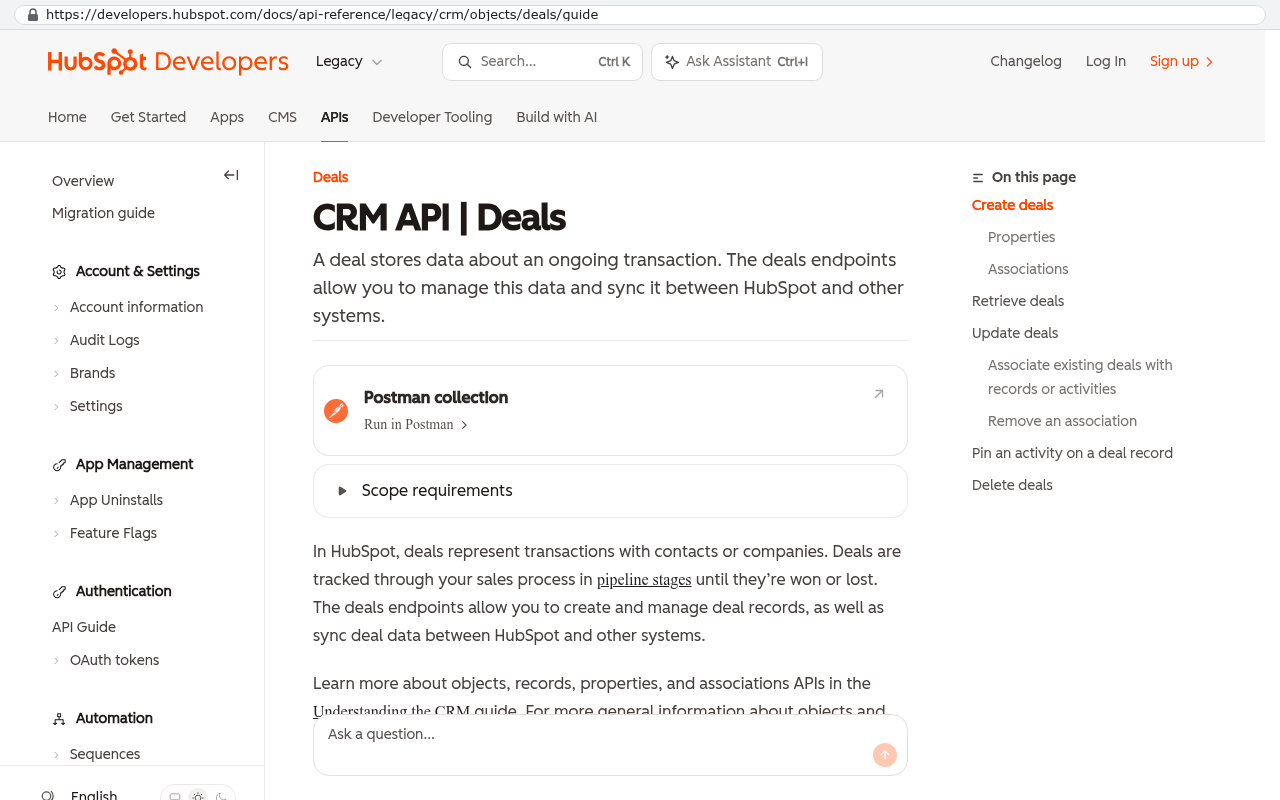
Here is what to collect while your account is still live and paid.
- The object schema. A list of every field on every record type, including the field type, whether it is required, and the allowed dropdown values.
- The attachment binaries. The actual files, downloaded, with a mapping file that says which record each one belonged to.
- All record IDs, including the IDs of related records. Never delete an ID column because it looks like noise.
- Comments, notes, and activity logs pulled as their own datasets, not as a summary column.
- The user and permission map. Who had access to what, and which roles existed.
- Your automation and workflow logic, documented as screenshots or written rules. Nobody exports this. You rebuild it from memory otherwise.
- Integration configuration, including webhook endpoints and any API keys you own, so you know what else was listening to this system.
- Report and dashboard definitions, at minimum a screenshot of each one with its filters visible.
Store all of it somewhere you control. Cloud storage you pay for directly, or a server in your office. Not inside another vendor's trial account.
Why owning the database removes the problem
When we build a system for a client, the database sits in an account the client owns. Their cloud subscription, their credentials, their backups. We have access because they granted it, and they can revoke it.
That changes the cancellation question completely. There is no export window because there is no vendor holding the data. If the client stops working with us tomorrow, the database is still sitting there with every row, every file, every audit record. Any competent developer can pick it up.
The arithmetic is worth running honestly. Say you pay 80 seats at 120 dollars a month. That is 115,200 a year, and it climbs at renewal, and you own nothing at the end of year five. Now price a custom build against that number, including the yearly hosting and maintenance, and see where the lines cross. Sometimes they cross in year two. Sometimes they never cross, because the SaaS tool is cheap and does everything you need. Do the math with your real seat count before you assume either answer.
Owning the software is not the same as owning the data. You can own a custom application and still have the database hosted in a way you cannot access. Ask specifically whose cloud account the database lives in and whose name is on the bill.
How a custom build imports history instead of flattening it
The advantage of building your own target system is that you get to design the destination around the source. Off the shelf platforms force your old data into their shape. A custom build lets you keep the shape you had.
In practice that means a few things. Old record IDs get stored in a dedicated legacy ID column, so every link from the old system still resolves. Attachments get downloaded as real files and stored in your own file storage, with the record association preserved. Activity history comes in as timestamped rows with the original dates and original authors, not with today's date and the name of whoever ran the import. Closed and historical records can keep values that would fail today's validation rules, because a 2017 deal should not be forced to obey a 2026 process.
The work is not glamorous. It is mostly writing scripts, running them, checking counts, and fixing the rows that failed. But it is a known job with a known end, and when it is done the history is genuinely yours.
Where this is not the right answer
Custom is the wrong call more often than software firms admit.
If you have twelve people using a standard CRM in a standard way, renew it. You are not going to beat the economics and you will spend attention you need elsewhere. If your industry has a dominant platform that your clients and partners also use, leaving it creates friction with everyone outside your walls. That cost is real and it does not show up on a spreadsheet.
There are honest limits on the migration side too. If your vendor genuinely does not expose attachments through the API, there is no clever trick. Somebody downloads them manually or you lose them. Perfect fidelity is rarely achievable. Some things, like a platform's internal search ranking or the exact render of an old report, cannot be recreated and should not be promised.
And a custom system needs an owner inside your business. Somebody who decides what changes and when. Companies that buy software specifically so they do not have to think about it will struggle with that responsibility.
What to do this week
Start with the contract. Find the retention clause in every major platform you pay for and write the number of days on a single page. Then log in as an admin and find out whether export is self service or requires a ticket.
Next, pull a full export of your most important system while everything is still active and healthy. Not because you are leaving. Because you want to know what you would get if you did. Open the files. Look for attachment columns. Look for ID columns. Check whether comments came through.
Whatever you find, that is your actual exit cost, and now you know it before you need it. If the answer makes you uncomfortable, that is useful information about how much power your vendor has over you.
Next steps
If you are weighing a renewal against building something you own, bring your seat count, your renewal quote, and a sample export. That is enough to have a real conversation about whether custom makes sense for you or whether you should stay put. You can book a free strategy session and we will tell you honestly which one it is.
Read this next: our breakdown of what it actually costs to own your software versus renting it, including the maintenance side people forget.
Related articles
- How to run a data migration without losing your history
- When a custom build beats another SaaS renewal
- Who owns your code, your data, and your hosting account
Frequently asked questions
How long do I have to export my data after canceling a SaaS subscription?
Most vendors give you 30 to 90 days after your account goes inactive to request an export. The clock starts when your subscription lapses, not when you ask for help. If you downgrade to a free tier instead of staying active, you may lose export functionality entirely, so the window can close faster than you expect.
What's the difference between a data export and a migration?
An export is just a file, typically a CSV with text, numbers, and dates. A migration is a working system with the same information functional and connected. Exports rarely include file attachments, comment threads, audit history, custom field definitions, or the internal ID numbers that link records together. You need a migration to actually run your business on the data.
Why are record ID numbers so important in a data export?
Record IDs are the connections that tie your data together. Your CRM knows deal 4471 belongs to company 802. Strip those IDs and you have disconnected piles of deals and companies with no reliable way to reconnect them. Matching on company name fails when you have variations like Acme Corp, Acme Corporation, and ACME Corp as separate rows.
What information doesn't survive a standard CSV export?
Standard exports typically lose file attachments, comment threads, audit trails, custom field definitions, and the internal ID numbers linking records. Attachments and activity history are the two things that almost never survive cleanly. This means you lose both historical context and the ability to reconnect related records in your new system.
Should I test the export before canceling?
Yes. Pull a sample export while your account is still fully active, then try loading it into your new system. You'll discover in an afternoon what problems would otherwise cost you months of manual reconstruction. This is far better than discovering after cancellation that your 380,000 activity records are orphaned or your proposal PDFs are inaccessible.
What's the best way to avoid data export problems?
Own the database from the start and skip the problem entirely. If that's not possible, plan the extraction months before you cancel by using your vendor's API to pull the object schema, attachment binaries, all record IDs, comments, notes, activity logs, and user permission maps as separate datasets while your account is live and paid.
Share this article
Keep reading
What happens to your data when you stop paying a SaaS vendor
Cancel a SaaS subscription and your data doesn't vanish, it gets locked behind a login. Here's what an export really gives you, what never comes out, and when owning the system is cheaper.
If this is your situation
Talk it through on a call
Thirty minutes over video with the person who would run the build. You talk, we ask questions, and you leave with a plain read on whether custom software makes sense for you. If the answer is that your current tool is fine and badly configured, you will hear that.
Who wrote this

David Verneuille
Founder, Black Badger Software Solutions
David Verneuille founded Black Badger after 18 years as a project manager and years implementing Smartsheet, monday.com, Wrike and Zoho for clients. He now builds custom systems that clients own outright, which is why the writing here is specific about where each platform fits and where it stops fitting.
Drafted with AI assistance, then checked, edited, and approved by a person before publishing. The facts, opinions, and recommendations are ours.