
The build versus buy math changed in the last two years, and most businesses are still running the old numbers. That matters, because the old numbers told you to subscribe to almost everything. If you're renewing a platform you don't love, at a seat count you didn't plan for, the answer you got in 2019 may not be the right answer now.
What AI-assisted development changed about the build versus buy decision
/ 10 min read
TL;DR
AI-assisted development reduced the cost of writing software scaffolding and maintenance, making custom builds economically viable for more businesses than before, though the old math still favors buying commodity functions and regulated infrastructure.
Key takeaways
- AI tooling accelerates the mechanical parts of software development like code generation, testing, and documentation, but does not speed up the critical thinking required to understand business requirements and domain knowledge.
- The build versus buy decision now depends heavily on per-seat SaaS pricing because custom software costs the same at 30 users as at 300 users while subscription costs scale linearly with seat count.
- Quality and security in AI-generated code still require human architecture, code review, and testing discipline, making poorly reviewed AI code a liability rather than a finished product.
- Commodity functions like payroll, email, accounting, and card processing remain clear buy decisions because custom builds of regulated infrastructure create long-term maintenance and compliance burdens.
- The second year of system ownership costs less than before due to generated tests and documentation, which significantly reduces both iteration costs and lock-in risk to any single vendor.
- Requirements gathering and domain understanding remain the expensive, hard parts of custom development that AI cannot automate, making thorough business process analysis essential before choosing to build.
TL. DR
AI-assisted development cut the cost of the mechanical parts of writing software. Scaffolding, tests, documentation, and post-launch changes all got faster. The thinking parts didn't get cheaper at all. So custom builds now make sense for a wider band of problems than before, especially unusual workflows with a lot of seats. Commodity functions like payroll and email are still a clear buy.
Key takeaways
- The old rule said buy anything that isn't your core differentiator. That rule was built on custom software being slow and expensive to produce.
- AI tooling speeds up code generation, test writing, and documentation. It does not speed up figuring out what to build.
- Per-seat SaaS pricing is where the arithmetic flips. Custom costs the same at 30 users as at 300. Subscriptions don't.
- Quality still depends on human architecture, code review, and testing discipline. AI-generated code with no review is a liability.
- Payroll, email, accounting, and card processing are still buy decisions. Don't build regulated commodity infrastructure.
The old math, and why buying won by default
For about fifteen years the advice was simple and mostly correct. Buy anything that isn't the thing you compete on. Custom software cost a lot, took months, and then needed someone to maintain it forever. A subscription cost a predictable monthly fee and somebody else handled the servers.
That advice worked because the labor math was brutal. A moderately complex internal system needed a developer writing thousands of lines of plumbing. Login screens. Permission checks. Forms. Reports. Audit logs. Export buttons. None of that was interesting or specific to your business, and all of it had to be written by hand.
So you subscribed. You accepted that the platform did things its way. Your team built spreadsheets around the gaps. You paid per user, every month, forever, and the price went up at renewal.
What AI-assisted development actually changed
The plumbing got cheap. That's the honest summary.
When a developer sits down with modern AI tooling, the boring 60 percent of a build moves much faster. Scaffolding, which means the basic skeleton of an application, comes up in hours instead of days. Database access code, form validation, and standard CRUD screens (create, read, update, delete) are largely generated and then corrected, rather than typed from scratch.
Test coverage changed the most, and that's the part business owners underrate. Automated tests are small programs that check your software still works after a change. Developers have always known tests matter. They often skipped them because writing them was tedious and the client couldn't see them. Now a developer can generate a solid test suite in a fraction of the time, which means the system is safer to change six months later.
Documentation got the same treatment. A system that's actually documented is a system a different developer can pick up. That directly reduces your lock-in risk to any one vendor, including us.
The biggest downstream effect is iteration cost. In the old model, the change request after launch was the expensive part. Somebody had to re-learn the code, trace what touched what, and hope nothing broke. With generated tests and generated docs, the second year of ownership costs less than it used to. That's what actually shifts the lifetime number.
Speed on the mechanical work does not mean a build is fast overall. A project that's 60 percent plumbing and 40 percent thinking doesn't get 60 percent faster. The thinking is the long pole, and it always was.
What AI did not change at all
Requirements are still the hard part. Nobody has automated the work of sitting with your dispatcher and learning why she overrides the schedule every Thursday. That knowledge lives in people's heads, it contradicts the written process, and it's usually the reason the off-the-shelf platform failed.
Domain understanding didn't get cheaper either. A model can write a function to calculate a commission. It can't tell you that your commission rules changed in 2021 for accounts acquired through the partner channel, and that finance still trues it up by hand each quarter.
Data modeling is the decision that haunts you. How you structure your core records (customers, jobs, invoices, assets) determines what's easy and what's impossible three years from now. Get it wrong and every future feature fights you. AI will happily generate a schema from a vague prompt, and that schema will look fine and be wrong in ways you won't feel until month eighteen.
Security review is a human job. Generated code has real vulnerabilities in it, particularly around permissions, meaning who is allowed to see which records. Someone experienced has to look at it with intent.
And maintenance is forever. You own the system. Dependencies need updating. Browsers change. Integrations break when the other vendor changes their API. That work is smaller than people fear, but it isn't zero, and no tool eliminated it.
The four questions that actually decide it now
Forget "is this core to your business." That question was always too vague to use. Ask these four instead, about one specific system, not about software in general.
- How unusual is the workflow? If your process matches what the industry does, a platform built for your industry will fit. If your team has built elaborate workarounds, your process is unusual and you're paying to fight the tool.
- How many seats do you need? This is the arithmetic question, and it's covered below.
- How central is this process to how you win work? If the way you schedule, quote, or route is why customers choose you, letting a vendor dictate it is a real cost.
- What does the platform charge to do it your way? Premium tiers, per-automation fees, API access charges, and implementation partners all count.
The seat count arithmetic
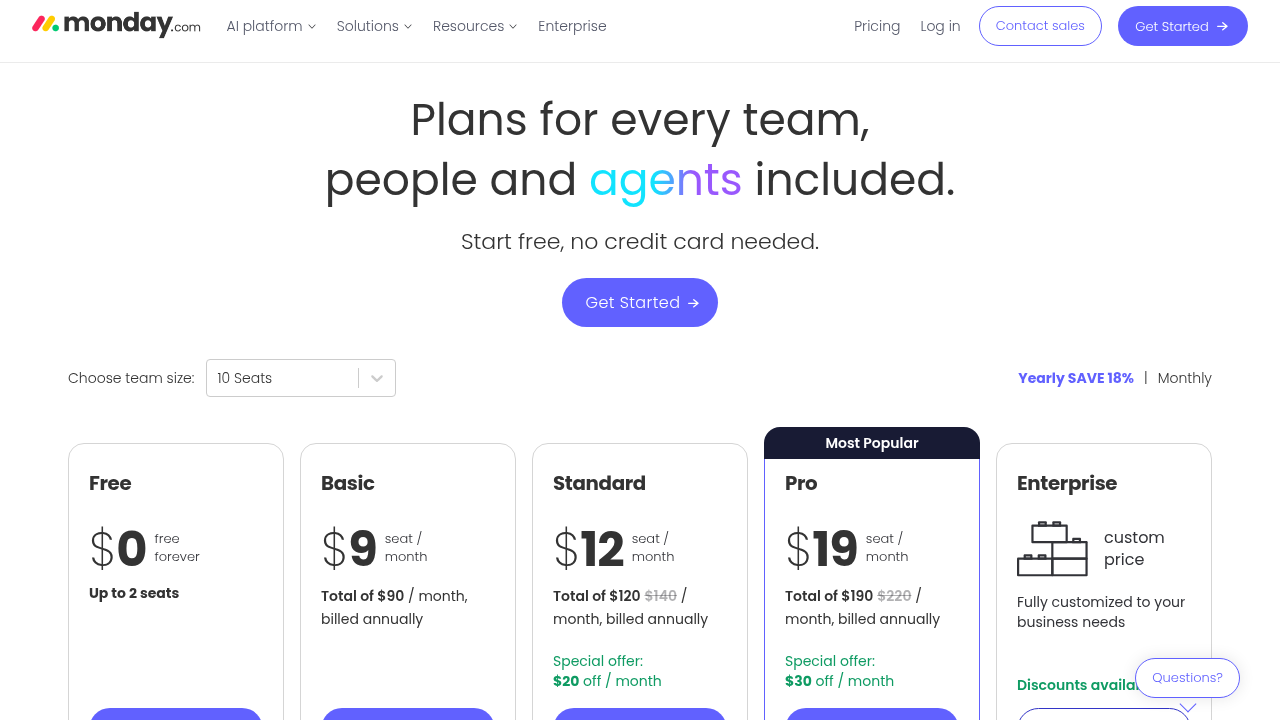
Here's where it flips, and it's not subtle. Say you pay 75 dollars per user per month for an operations platform. At 40 users that's 36,000 dollars a year. At 120 users it's 108,000 dollars a year. Over five years, that's 540,000 dollars, before the annual increases every SaaS vendor applies at renewal.
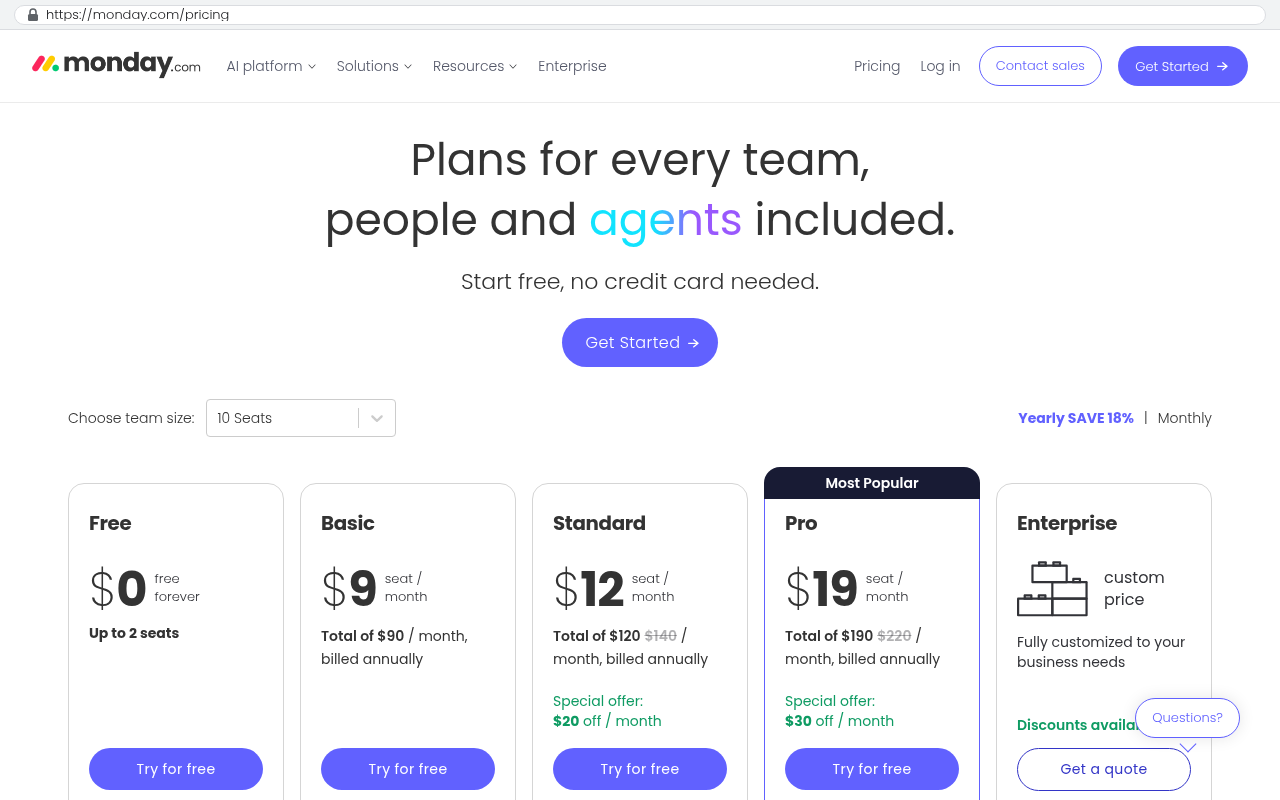
A custom system costs roughly the same to build for 40 users as for 400. Hosting scales with usage, and hosting is cheap. So the more seats you add, the worse subscribing looks, and the better owning looks.
The flip side is real. At 8 users, subscribing almost always wins. The build cost gets divided across too few people, and you'd be buying a custom system to save a few thousand dollars a year. Don't.
Before you price a build, pull three years of invoices for the platform you're considering replacing. Include the implementation consultant, the premium tier upgrade, and the add-on modules. Most teams underestimate their real spend by 30 to 50 percent because the cost is spread across departments.
The quality question, answered straight
You should be skeptical of AI-generated code. Plenty of it is bad. It invents functions that don't exist, it copies patterns that were outdated years ago, and it's confidently wrong in a way that reads as authoritative.
What makes it safe is the same thing that always made software safe. Human architecture decisions up front. Code review by someone who understands the system. Automated tests that run on every change. Staged environments so nothing goes straight to production untested.
The failure mode to watch for is a developer or agency shipping generated code with light review, at speed, and calling it efficiency. You won't see the problem at launch. You'll see it at the first significant change request, when the codebase turns out to be a pile of inconsistent patterns nobody can reason about.
Ask any vendor a direct question. Who reviews the code, what's the test coverage, and can I see the documentation? If the answers are fuzzy, that's the whole answer.
"We use AI so it's faster and cheaper" is not a methodology. Speed without review produces systems that are cheap to build and expensive to own. Ask what the review process is before you ask what the timeline is.
Where buying still clearly wins
Some things you should never build, and AI changed nothing about that.
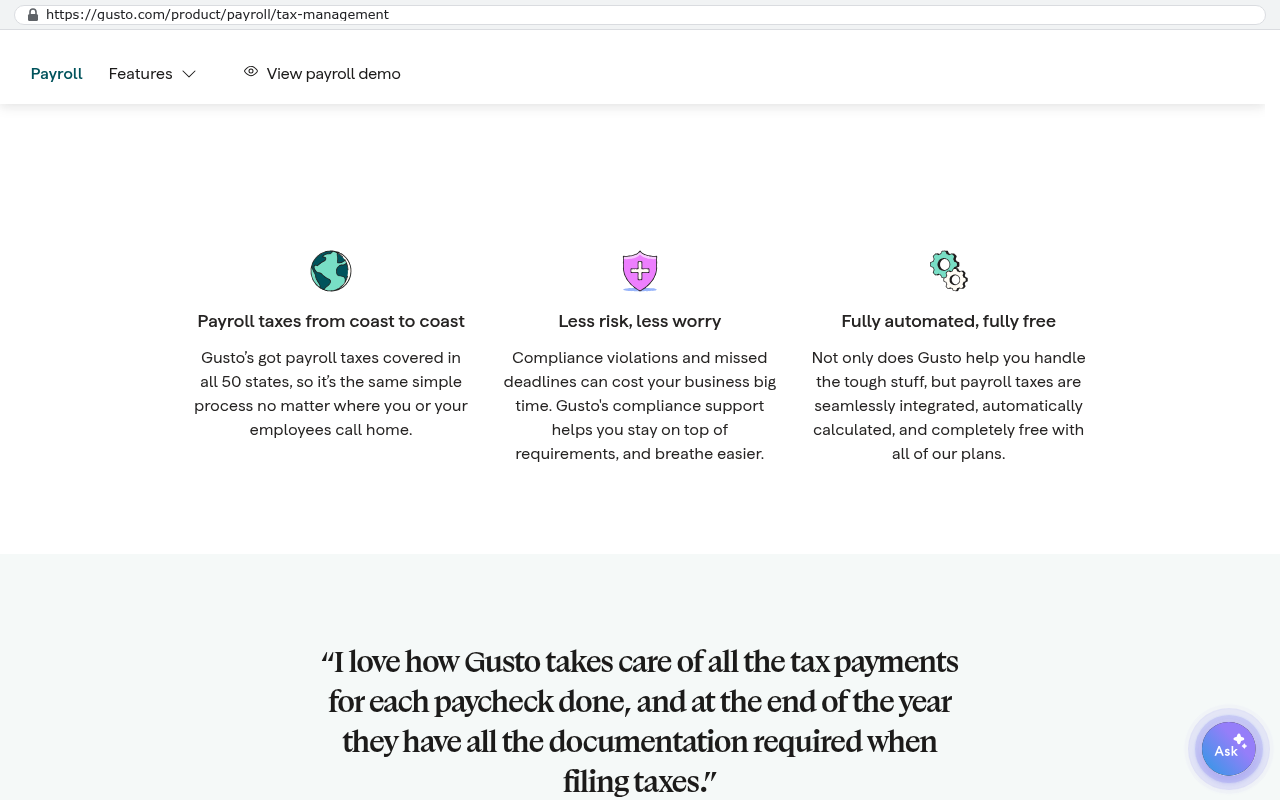
Payroll is the clearest case. Tax tables change constantly, across every jurisdiction you employ people in, and getting it wrong has legal consequences. Buy it. Same for accounting ledgers, card processing, and email infrastructure. These are regulated, commoditized, and someone else already spent a decade getting them right.
Video conferencing, document storage, and identity management belong in the same bucket. So does anything where the vendor's real product is a network you need access to, like a job board or a carrier marketplace. You can't build a network.
The nuance worth naming is the middle case. Sometimes the platform is genuinely good and you only need to escape one part of it. You can keep the accounting system and build the quoting engine that feeds it. That's usually the smarter move, and it's a lot less disruptive than a full replacement.
Limitations and honest caveats
A custom build is a commitment. You own it, which is the point, and ownership includes responsibility. Somebody has to hold the keys, keep the hosting account, and decide who maintains it.
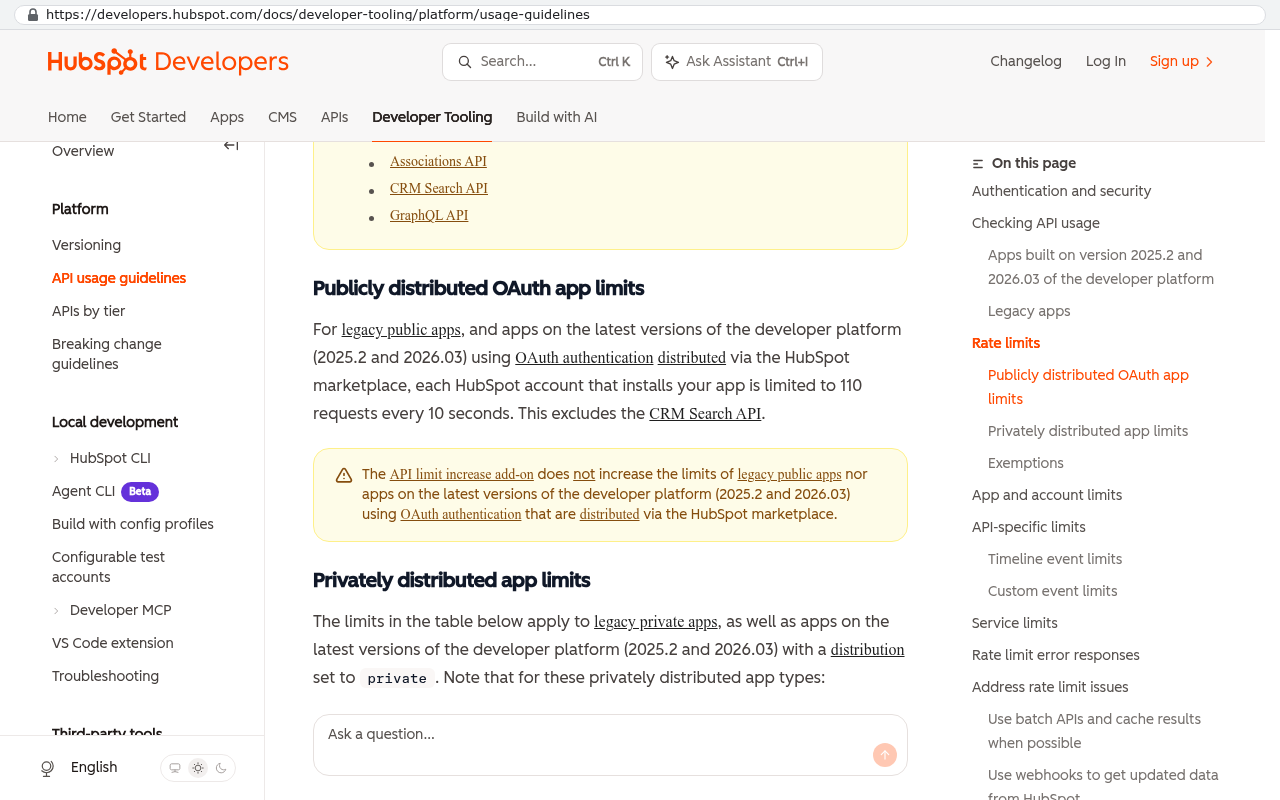
Migration is real work. Moving years of records, attachments, and historical reporting out of a SaaS platform takes scripted exports and careful mapping, not a copy and paste. Attachments in particular tend to live behind APIs with rate limits, meaning the vendor caps how fast you can pull your own data out.
Change management is the part that sinks projects. Your team knows the old tool. A better system they refuse to use is worth nothing. Budget attention for training, not just for building.
And if your requirements are genuinely unknown, a build is premature. Subscribe to something cheap, run the process for a year, learn what you need, then build. Buying can be the right first step even when owning is the right destination.
FAQ
Does AI mean custom software is cheap now?
No. It means the mechanical parts cost less and changes after launch cost less. The discovery, design, and review work is roughly what it always was. Expect a meaningful improvement in lifetime cost, not a 90 percent discount.
How many users before building beats subscribing?
There's no universal number, but the pattern is consistent. Under about 15 seats, subscribing usually wins. Over 75 seats on a per-user platform you're fighting, owning usually wins. In between, it depends on how unusual your workflow is.
What if our current platform mostly works?
Then don't replace it. Look at the specific piece that doesn't work and whether that piece can be built alongside it. Partial builds that integrate with what you keep are often the better answer.
Who maintains a custom system after launch?
Either your internal IT team, the firm that built it, or a different firm entirely. That last option only works if the code is documented and tested, which is exactly why those things matter. Ask for them in writing.
Can we get our data out of our current SaaS platform?
Usually yes, but rarely easily. Standard records export fine. Attachments, custom fields, and audit history take scripted work against the vendor's API. Check your contract for data return terms before you plan the timeline.
Next steps
Pick one system. Not your whole software stack. Pull three years of real spend on it, count your seats, and list the workarounds your team built to make it behave. That's the whole analysis, and it takes an afternoon.
If the numbers point toward owning it, we're at 1221 Turner St, STE 206 in Clearwater, and we work with businesses across Pinellas and Hillsborough counties. You can book a free strategy session and we'll walk the arithmetic with you, including the case where renewing is the right call.
Read this next: our breakdown of how per-seat SaaS pricing compounds over a five year horizon, and what that means at different headcounts.
Related articles
- How to run discovery before a custom software build
- Migrating off a SaaS platform without losing your history
- What owning your source code actually means in practice
Questions
Frequently asked questions
How did AI-assisted development change the build versus buy decision?
AI made the mechanical parts of software development much faster. Code scaffolding, tests, documentation, and post-launch changes now require less time. However, the thinking and requirements work didn't get cheaper. This means custom builds make sense for a wider range of problems now, especially those with unusual workflows and many users, while commodity functions like payroll remain clear buy decisions.
What parts of software development did AI actually speed up?
AI sped up the boring 60 percent of builds. Scaffolding comes up in hours instead of days, database access code and standard screens are largely generated then corrected rather than typed from scratch. Test coverage improved significantly since developers can generate solid test suites in a fraction of the time. Documentation also became much faster to produce, which reduces lock-in risk and makes systems easier to maintain later.
What did AI-assisted development not change?
Requirements gathering remains the hard part and can't be automated. Domain understanding, data modeling, and security review are still purely human jobs. Generated code can have real vulnerabilities, especially around permissions. Maintenance is also unchanged. You own the system forever, handling dependency updates, browser changes, and broken integrations. These tasks are smaller than feared but not zero.
At what point does custom software cost less than subscription services?
Custom software costs the same at 30 users as at 300 users, while subscriptions scale up per seat. The arithmetic flips when per-seat SaaS pricing becomes expensive enough to justify building custom. The exact threshold depends on your specific system, seat count needs, and how unusual your workflow is compared to what platforms offer.
What functions should businesses still buy rather than build?
Commodity functions should remain buy decisions. Payroll, email, accounting, and card processing are clear examples where you should subscribe rather than build. Don't build regulated commodity infrastructure. These services are commodities because they don't differentiate your business and regulatory complexity makes custom builds risky and expensive.
How important is code review for AI-generated code?
Code review is critical. AI-generated code without review is a liability, particularly around permissions and security. Quality still depends entirely on human architecture, code review, and testing discipline. Someone experienced must review generated code with intent to catch real vulnerabilities that models create, especially those involving data access control.
What are the four main questions to decide between building and buying now?
Ask how unusual your workflow is compared to what platforms offer. Determine how many seats you need, since this changes the cost arithmetic. Consider how central this process is to how you win work with customers. Finally, assess whether the platform's way of working forces your team into costly workarounds that damage your competitive position.
Read this next
When staying on your current platform is the right call
Custom software isn't always the answer. Here's the arithmetic, the warning signs, and the honest caveats that tell you whether to renew your platform or replace it.
If this is your situation
Talk it through on a call
Thirty minutes over video with the person who would run the build. You talk, we ask questions, and you leave with a plain read on whether custom software makes sense for you. If the answer is that your current tool is fine and badly configured, you will hear that.
Who wrote this

David Verneuille
Founder, Black Badger Software Solutions
David Verneuille founded Black Badger after 18 years as a project manager and years implementing Smartsheet, monday.com, Wrike and Zoho for clients. He now builds custom systems that clients own outright, which is why the writing here is specific about where each platform fits and where it stops fitting.
Drafted with AI assistance, then checked, edited, and approved by a person before publishing. The facts, opinions, and recommendations are ours.