
A custom build used to be priced mostly on typing time. Someone had to write the login screen, the user table, the forms, the export button, the API connection, and the forty small pieces nobody puts on a proposal. That work never went away. It just stopped taking as long. AI coding assistants have cut the hours on the predictable parts of a build, and that changes the math you use when you compare building something to renewing a subscription.
How AI assisted development is changing what a custom software build actually costs
/ 10 min read
TL;DR
AI coding assistants have made routine software development tasks significantly faster, shifting developer effort from basic coding to complex business logic and architecture, which fundamentally changes the economics of custom software versus purchasing subscriptions.
Key takeaways
- AI excels at boilerplate code, integrations, and test generation, cutting weeks of work down to days by automating predictable patterns that follow well documented processes.
- Developer hours have shifted from typing code to higher value thinking work like understanding complex business rules, designing system architecture, and handling edge cases that require domain expertise.
- The traditional wisdom that SaaS is always cheaper than custom builds deserves reconsideration, especially for organizations with 30 to 40 or more seats where a five year cost projection may favor building.
- AI generated code requires thorough review by developers to prevent security vulnerabilities and subtle logic errors that can create maintenance problems later.
- Custom software provides durable ownership benefits that go beyond speed gains, giving organizations control over their systems without ongoing subscription dependencies.
- Discovery work, user testing, and data migration timelines remain largely unchanged by AI advances, meaning total project duration depends on these non coding activities.
TL. DR
AI coding tools have made the routine 60 percent of a software project much faster. Data entry screens, reports, integrations, and test code now take a fraction of the time they did a few years ago. That pushes developer hours toward architecture, business rules, and edge cases, which is where the real value was all along. Custom software is cheaper to build than it was. It is not free, and AI does not shorten the parts that depend on understanding your business.
Key takeaways
- AI assistants are strongest on repetitive, well-understood code, which is a large share of any business system.
- The savings show up in the build phase. Discovery, testing with real users, and data migration barely move.
- The old rule that SaaS is always cheaper than building deserves a fresh look, especially past 30 or 40 seats.
- AI generated code needs review. Unreviewed output creates security holes and quiet logic bugs.
- Ownership is the durable benefit. Faster builds just make ownership easier to reach.
What AI coding tools are genuinely good at
Most business software is less exotic than people assume. Underneath the dashboards, a work order system is records, forms, permissions, searches, and reports. Developers call this boilerplate, meaning code that follows a known pattern and gets written the same way on every project. AI assistants are excellent at boilerplate. You describe the shape of the data and the rules around it, and you get a working first draft in minutes rather than days.
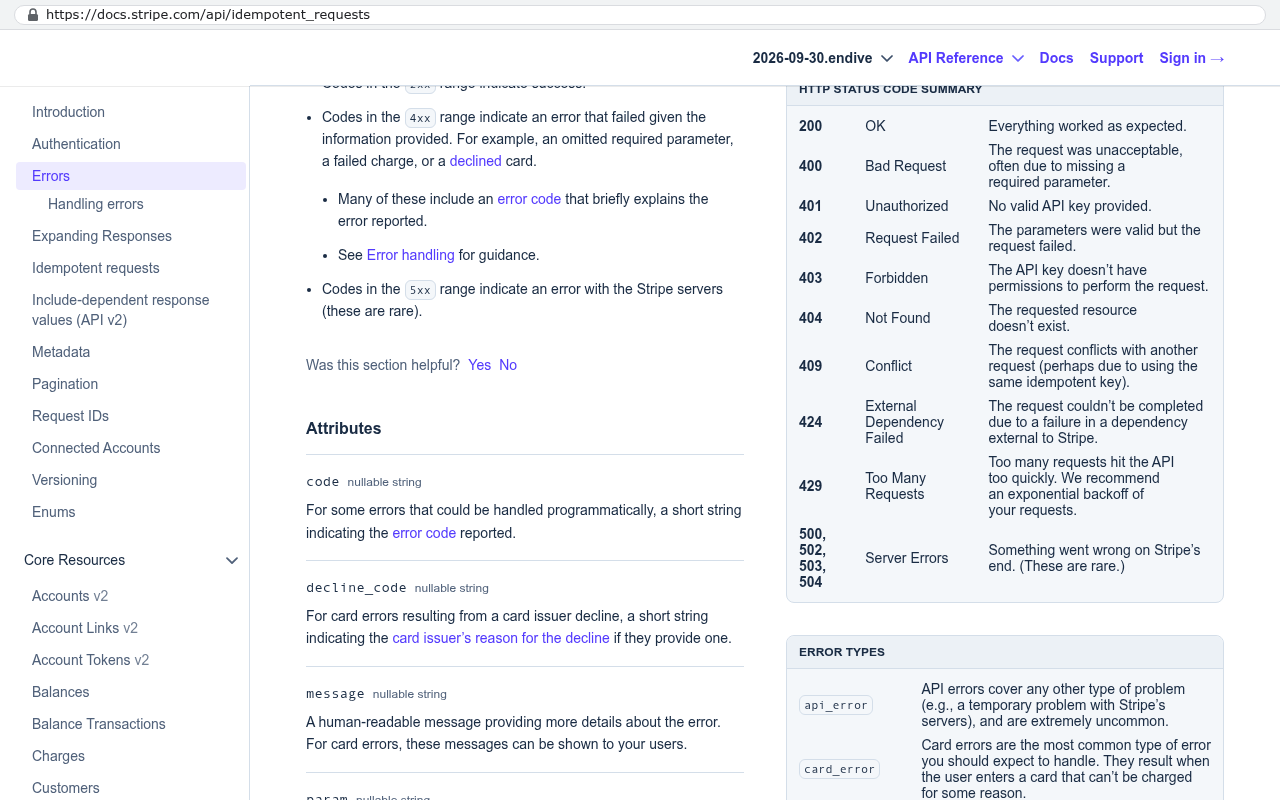
Integration glue is the other big win. Connecting a new system to QuickBooks, Stripe, Twilio, SharePoint, or a shipping carrier means reading documentation, writing the request, handling the errors, and retrying failures. That work is tedious and well documented, which is exactly the combination AI handles well. A connector that used to be a two week slog often lands in a couple of days, with the developer spending most of that time verifying behaviour against a real account rather than writing the plumbing.
Test code is the third area, and it is the one clients never see. Good systems have automated tests that check the software still works after every change. Writing those tests by hand is slow, so on tight budgets they were the first thing cut. Now they get written alongside the feature. Skipping tests used to be a cost saving with a nasty bill six months later.
Ask any firm you are talking to how they use AI in their process, and what they still do by hand. A team that says "we don't use it" is leaving your money on the table. A team that says "it writes everything" is about to hand you a maintenance problem.
Where the developer hours actually go now
The hours did not disappear. They moved. When typing stops being the bottleneck, thinking becomes the bottleneck, and thinking is the part you were paying for anyway.
Take a pricing engine for a distributor. The screens are easy. The hard part is that customer tier beats volume discount, except during a promotion, except for three legacy accounts that have a contract from 2014, and except when the order ships from the second warehouse. No AI model knows that. It lives in the head of your sales operations manager and in a spreadsheet she maintains. Getting it out of her head, writing it down, testing it against last year's invoices, and finding the four cases where the spreadsheet was wrong is the job. That work takes exactly as long as it did in 2019.
Architecture is the other place hours land. How the data is structured, what happens when two people edit the same record, how you keep an audit trail, what the system does when the accounting integration is down for an hour. Those decisions are cheap to make correctly at the start and brutally expensive to change later. AI will happily generate code for a bad structure just as fast as a good one.
The comparison against SaaS deserves a second look
For years the advice was simple. Buy, don't build. The subscription was cheap, the build was expensive, and the payback period stretched past the point where anyone cared. That advice was right for a long time, and it is now right less often.
Run the arithmetic with your own numbers instead of a vendor's. Pull your last renewal invoice. Take the per user cost, multiply by your seat count, multiply by twelve. Then add the integration platform you pay for separately, the premium support tier, the storage overage, and the annual uplift your contract allows. Suppose that lands at a number you can say out loud. Now project it over five years with a 7 percent annual increase and a plan to add staff. Most operations leaders are surprised by the five year figure, because nobody ever shows it to them in one line.
Then set that against a build with a fixed scope, a one time cost, and hosting that you control. The comparison is not just price. The subscription number keeps growing with headcount and never stops. The build number gets paid, then drops to hosting and whatever changes you choose to make. Somewhere in that comparison there is a crossover point. AI assisted development moved that crossover point earlier, because the build side of the equation got smaller while the subscription side kept climbing.
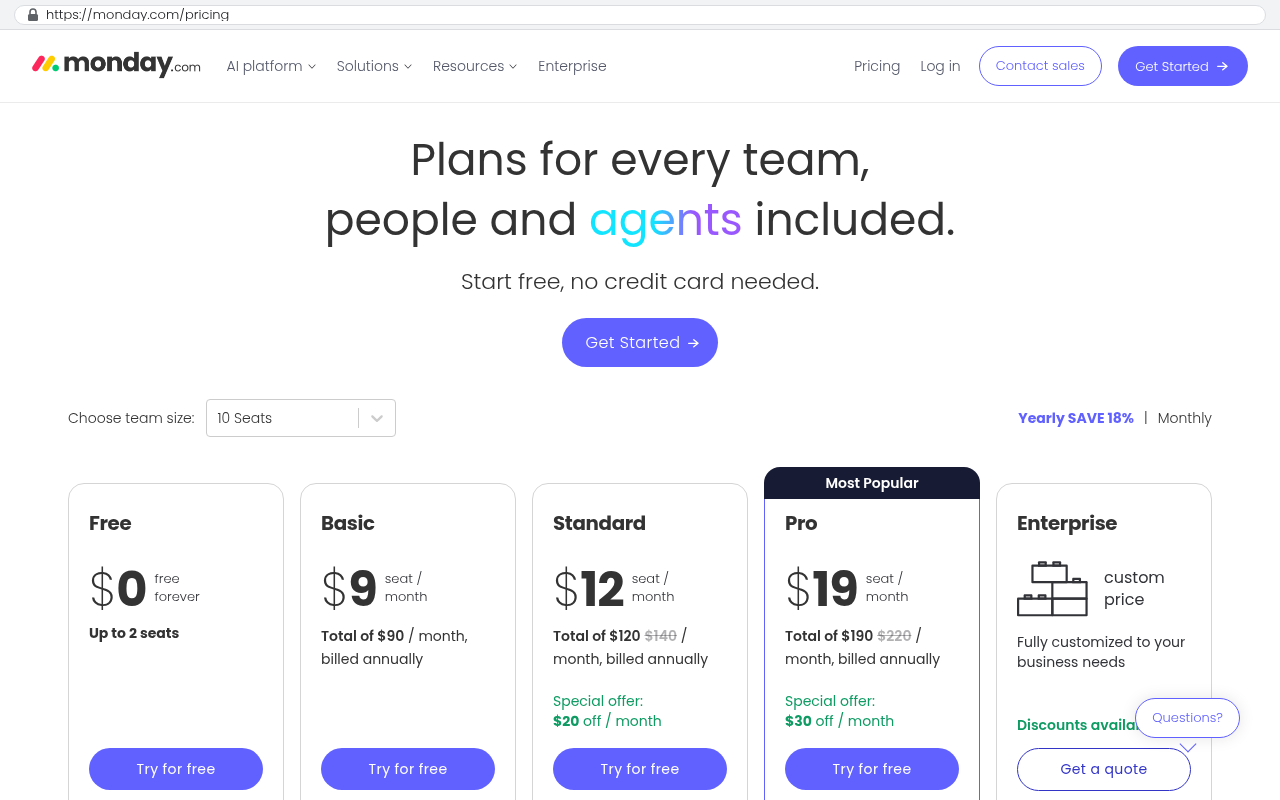
The seat count is the tell. Under about 15 users, off the shelf almost always wins. Above 40 users doing something your industry does differently, run the five year numbers before you sign another renewal. That is where owned software starts beating rented software on pure cost, never mind fit.
The features that got dramatically cheaper
Some things shrank more than others. Knowing which is useful when you are scoping a project, because you can now afford features that would have been cut two years ago.
- Data entry and record management screens. Lists, filters, forms, and detail views follow a pattern, and that pattern generates well.
- Reporting dashboards. Charts, date range pickers, drill downs, and CSV exports are close to a solved problem.
- Bulk import tools. The spreadsheet upload with validation and an error report used to get deferred to phase two. Now it goes in phase one.
- Notifications. Email and SMS alerts with templates and preferences.
- Admin and configuration screens, so your team changes settings instead of calling a developer.
- Documentation and help text written from the actual code.
That last one matters more than it sounds. Poor internal documentation is why companies feel trapped with a vendor. When the system explains itself, another developer can pick it up later, and you are not hostage to whoever built it.
What AI does not make cheaper, and where it creates risk
Plenty of a project sits outside the reach of these tools, and any firm telling you otherwise is selling.
Discovery does not shrink. Sitting with your dispatchers for two days to learn how jobs really get scheduled takes two days. Data migration does not shrink either. Twelve years of records in a legacy system, with duplicate customers, inconsistent date formats, and attachments stored in three places, requires a scripted export, a cleanup pass, and a human deciding what to do with the garbage. AI helps write the script. It does not decide whether those 400 duplicate accounts should merge.
User training and rollout are unchanged. Change management is a people problem. If your warehouse crew hates the new screen, no amount of generated code fixes that. Neither does compliance work. If you handle protected health information or card data, the review, the controls, and the documentation take the time they take.
Then there is the risk side. AI models produce code that looks right and reads confidently while being subtly wrong. Common failures include database queries that work fine on 500 records and crawl on 500,000, permission checks that got skipped because the prompt never mentioned them, and dependencies on outdated libraries with known vulnerabilities. A model will also invent a function that does not exist in the library it is using. These are not rare edge cases. They are the normal output of an unsupervised tool.
Be very careful with anyone quoting a startlingly low price on a complex build. Generated code that nobody reviewed is faster to produce and far more expensive to own. You pay for it in security incidents, in performance problems at scale, and in the rewrite three years later.
The review practices that keep quality up
Speed only helps if the output holds up. The teams getting real value from these tools treat AI as a fast junior developer whose work always gets checked, never as a replacement for judgment.
In practice that means a human reads every line before it ships. It means automated tests written against the requirement rather than against the generated code, because tests written from the same flawed assumption will happily pass. It means security scanning on dependencies, a real look at how queries behave with production sized data, and a senior developer owning the architecture decisions rather than asking a model to make them.
It also means the client sees working software early and often. Short review cycles catch misunderstood business rules while they are cheap to fix. When a build moves faster, feedback has to move faster too, or you end up with a lot of finished code pointed in the wrong direction.
What this means if you are weighing a build
If you looked at custom software three or four years ago and decided the numbers did not work, look again. The cost of the predictable parts came down enough to change real decisions. Projects that only made sense for 200 seat companies now make sense for 50 seat companies.
Start small and concrete. Pick the one process where your team fights the software every day, or the one subscription with a renewal that makes you wince. Scope that piece, get it built, and run it alongside what you already have. You learn more from one shipped system than from six months of evaluation.
And hold onto the reason ownership mattered in the first place. Faster builds are nice. Not being told your price is going up 22 percent in ninety days is better. If you want a straight answer about whether your situation clears that bar, book a free strategy session and bring your last renewal invoice.
FAQ
Does AI written code belong to us?
With us, yes. Our clients own the source code outright, regardless of how it was produced. Ask any vendor to put ownership in writing, including the repository and the deployment setup. If they hedge, that tells you something.
Can we just use AI ourselves and skip the developers?
For a small internal tool, sometimes. For anything holding customer data, touching money, or used by a dozen people daily, no. The tools generate code quickly. They do not decide what the system should do, and they do not catch their own mistakes.
Is a build faster now?
Parts of it are much faster. Discovery, migration, and training are not. The honest answer is that the schedule compresses, though less than the marketing suggests, because typing was never the whole job.
How do we know a firm is reviewing what the AI produces?
Ask about their testing approach, their code review process, and who owns architecture decisions. Ask to see a change log. A team with real practices answers immediately and in detail.
Read this next
If you are early in this decision, read our piece on how to compare a SaaS renewal against an owned system, which walks through the five year cost model line by line.
Related reading on the Black Badger blog covers software ownership and vendor lock-in, planning a data migration off a legacy platform, and what to scope in a first phase build.
Questions
Frequently asked questions
What tasks has AI made faster in custom software development?
AI coding assistants have dramatically sped up routine work like data entry screens, reports, integrations, and test code. These predictable, well-documented tasks that follow known patterns now take a fraction of the time they previously did. The real developer hours have shifted toward architecture decisions, business rules, and edge cases that require understanding your specific operation.
Does AI-generated code need to be reviewed before use?
Yes, absolutely. AI-generated code requires review to prevent security holes and logic bugs that can quietly cause problems later. A development team should be clear about what they still do by hand versus what AI generates. Teams that say they don't use AI are leaving your money on the table, but teams that say AI writes everything are about to hand you a maintenance problem.
When does building custom software make more sense than buying SaaS?
The comparison deserves fresh analysis with your actual numbers. Calculate your five-year subscription cost including per-user fees, integrations, premium support, storage overages, and annual increases. Compare that against a custom build's fixed one-time cost and controlled hosting. Above 40 users doing something your industry does differently, owned software often beats rented software on pure cost. AI-assisted development moved this crossover point earlier.
What changed about custom software pricing with AI coding tools?
Custom builds used to be priced mostly on typing time. AI has made that typing work much faster, particularly the routine 60 percent of projects. However, the work that depends on understanding your business hasn't changed. Discovery, testing, and data migration still take similar time. The net result is custom software is cheaper to build, though not free.
Where do developer hours go now if AI handles the routine coding?
When typing stops being the bottleneck, thinking becomes the bottleneck. Hours now focus on understanding business rules buried in spreadsheets and managers' heads, architecture decisions about data structure and system resilience, and edge cases unique to your operation. These thinking-intensive tasks take the same time they did before AI, because they require deep understanding of your specific business.
How should I evaluate AI adoption when comparing a custom build to SaaS?
Ask the firm explicitly how they use AI in their process and what they still do by hand. Check whether they're actually reviewing AI-generated code for quality and security. A credible team will explain their specific practices rather than claiming they either avoid AI entirely or let it write everything.
Read this next
When staying on your current platform is the right call
Custom software isn't always the answer. Here's the arithmetic, the warning signs, and the honest caveats that tell you whether to renew your platform or replace it.
If this is your situation
Talk it through on a call
Thirty minutes over video with the person who would run the build. You talk, we ask questions, and you leave with a plain read on whether custom software makes sense for you. If the answer is that your current tool is fine and badly configured, you will hear that.
Who wrote this

David Verneuille
Founder, Black Badger Software Solutions
David Verneuille founded Black Badger after 18 years as a project manager and years implementing Smartsheet, monday.com, Wrike and Zoho for clients. He now builds custom systems that clients own outright, which is why the writing here is specific about where each platform fits and where it stops fitting.
Drafted with AI assistance, then checked, edited, and approved by a person before publishing. The facts, opinions, and recommendations are ours.