Skip to content
BlackBadger

Blog / Custom software

Hard-coded API keys and other things to check before you inherit an app

/ 9 min read

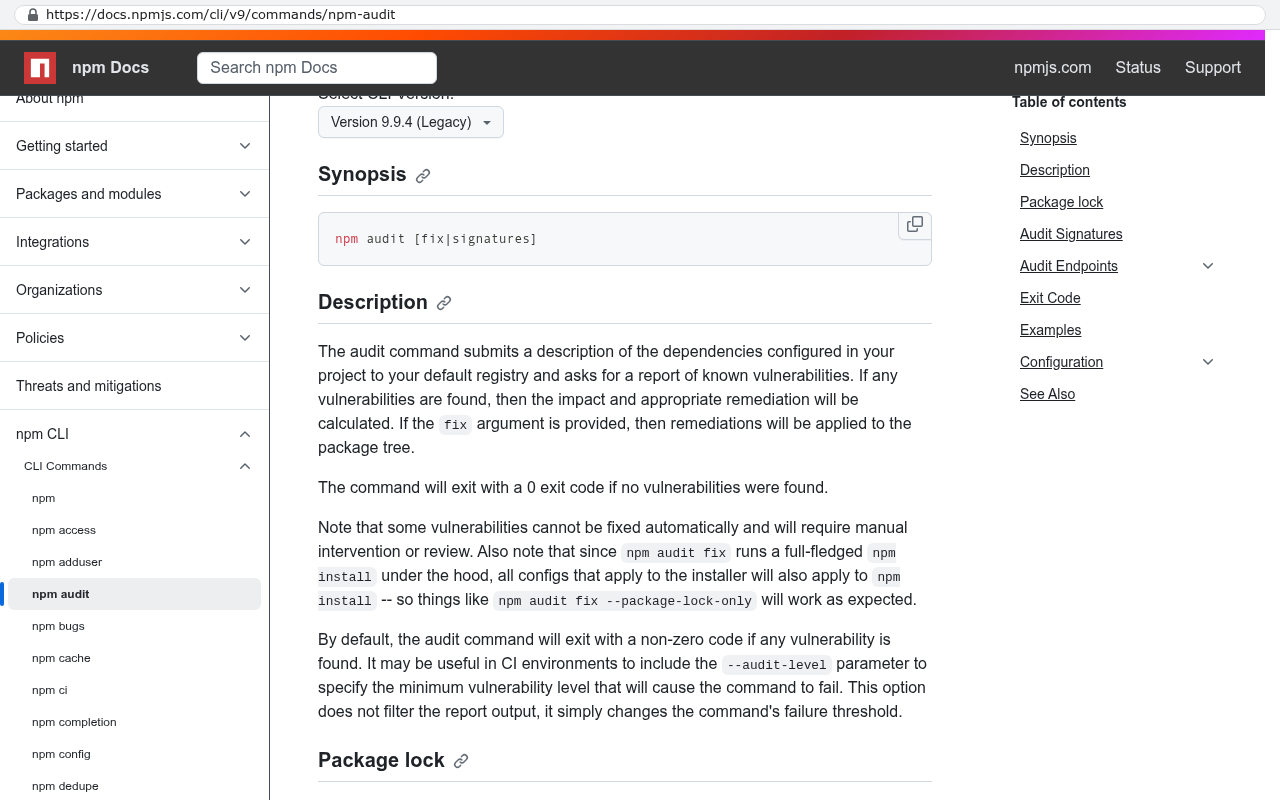
npm Docs page for npm audit command showing the command syntax and description of how it scans dependencies for vulnerabilities and reports them with severity levels

TL;DR

Before taking over an app built by someone else, you need to audit hard-coded secrets, verify ownership rights, test if the app can be rebuilt, check dependencies, and ensure backups work to avoid inheriting serious technical and legal problems.

Key takeaways

  • Hard-coded API keys and credentials in source code are a critical security vulnerability because every developer, contractor, and person with repository access gains access to production passwords, requiring immediate rotation of all affected credentials before any other migration steps.
  • Owning the app code and infrastructure requires verifying that your company controls the source code repository, hosting accounts, domain registration, and has written copyright assignment confirmation, as licenses may grant only usage rights while developers retain actual ownership.
  • A deployment test where a competent developer rebuilds the app from scratch using only written instructions reveals whether critical knowledge is documented or exists only in someone's head, preventing costly discovery of undocumented dependencies or manual setup steps.
  • Dependency audits must be run to identify security vulnerabilities in the hundreds or thousands of third-party packages modern apps rely on, since abandoned or compromised libraries pose ongoing security risks.
  • Backup systems must be verified to actually work by performing a test restore, not merely confirmed to exist, because backups that cannot be successfully restored provide no real protection for your application.
  • Understand the true operating costs of the app by checking for dormant services still being billed, unused features consuming resources, and external subscriptions that may no longer be necessary after your ownership transition.
  • A practical checklist documenting repository location, credential management approach, backup procedures, version requirements, and dependency sources gives incoming teams clear verification points before assuming full responsibility for unfamiliar applications.

You're about to take over an app someone else built. Maybe the original developer went quiet. Maybe you bought the company that owns it. Maybe your in-house guy left and nobody else knows how it works. Whatever the reason, you're now responsible for software you didn't write, and you need to know what you're walking into.

Start with the most common finding. API keys hard-coded right into the source code, in plain text. An API key is a password that lets one system talk to another, and it should never be sitting in a file that anyone with repository access can read. That's the kind of thing you find in the first hour if you know where to look.

Here's what to check, in plain English, before you sign anything or take ownership.
Secrets sitting in the open

Start with the passwords. Every app talks to other services. Payment processors, email senders, mapping tools, accounting systems. Each connection needs a credential, and those credentials should live in a separate, protected place that the code reads at runtime. Environment variables, a secrets manager, an encrypted config store. Any of those work.

What you don't want is the key typed directly into the code. When that happens, every developer who ever touched the project has your production keys. So does every contractor. So does anyone who cloned the repository to a laptop that later got sold on eBay.

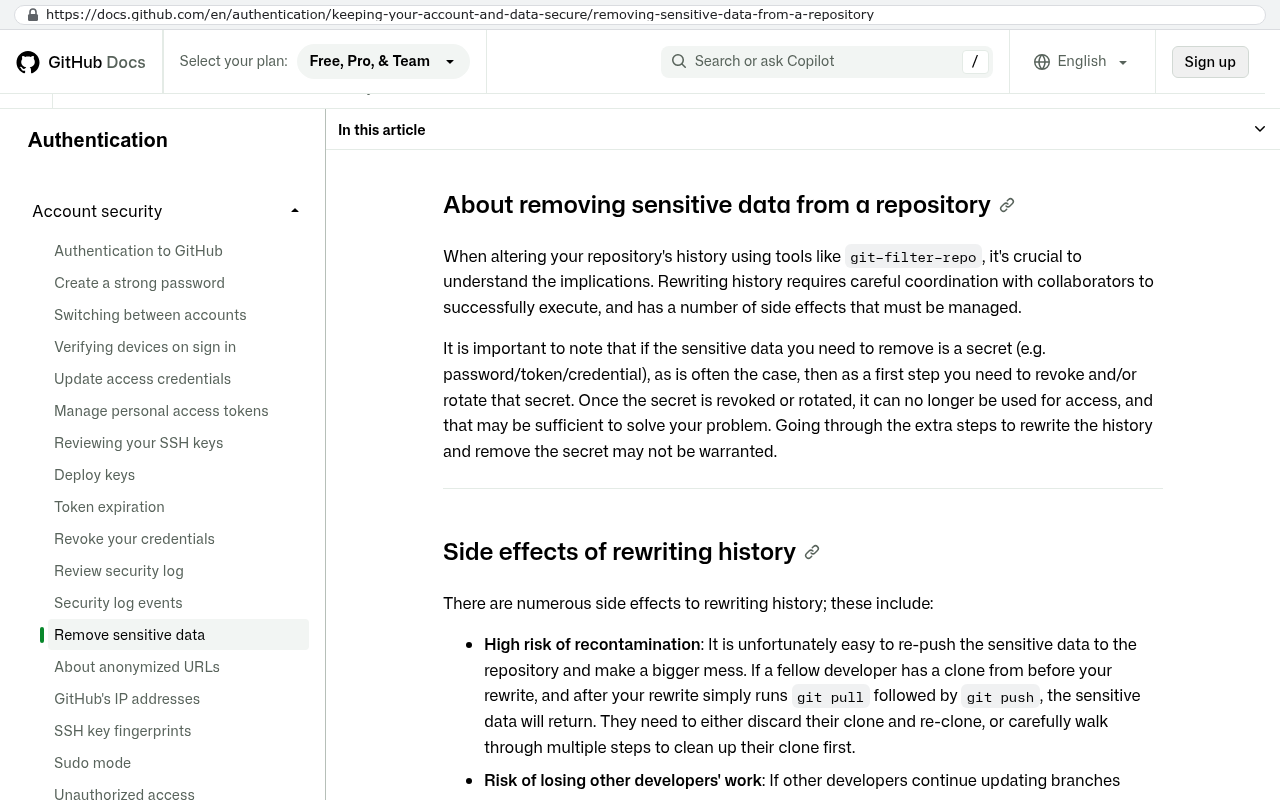
The practical risk isn't theoretical. Hard-coded keys end up in version history, which means deleting them from the current file doesn't remove them. Git keeps everything. We've pulled twelve-year-old commits and found live credentials for services the client still uses.

GitHub Docs page on removing sensitive data from a repository
GitHub Docs page on removing sensitive data from a repository explains that secrets committed to history remain there and discusses the risks of rewriting history including recontamination Source: docs.github.com/en/authentication/keeping-your-account-and-data-secure/removing-sensitive-data-from-a-repository

Ask the outgoing developer one question. "Where are the production secrets stored?" If the answer involves a file in the codebase, you've got remediation work ahead of you. Every key needs to be rotated, meaning canceled and reissued, because you have to assume the old ones are compromised.

If you inherit an app with hard-coded credentials, rotate every single key before you do anything else. Not after the migration. Not next quarter. The old developer, their contractors, and anyone who ever had repo access still hold working passwords to your systems.

Who actually owns the code

This one surprises people. You paid for the app, so you own it, right? Not always.

Read the original contract. Many development agreements grant you a license to use the software while the developer keeps the copyright. That distinction matters enormously. A license means you can run it. Ownership means you can modify it, hand it to another firm, or sell it with your business.

Then check where the code physically lives. If the repository sits in the developer's personal GitHub account, you don't have possession. If the servers are billed to the developer's credit card, you don't have infrastructure control. If the domain is registered under their name, you don't own your own web address.

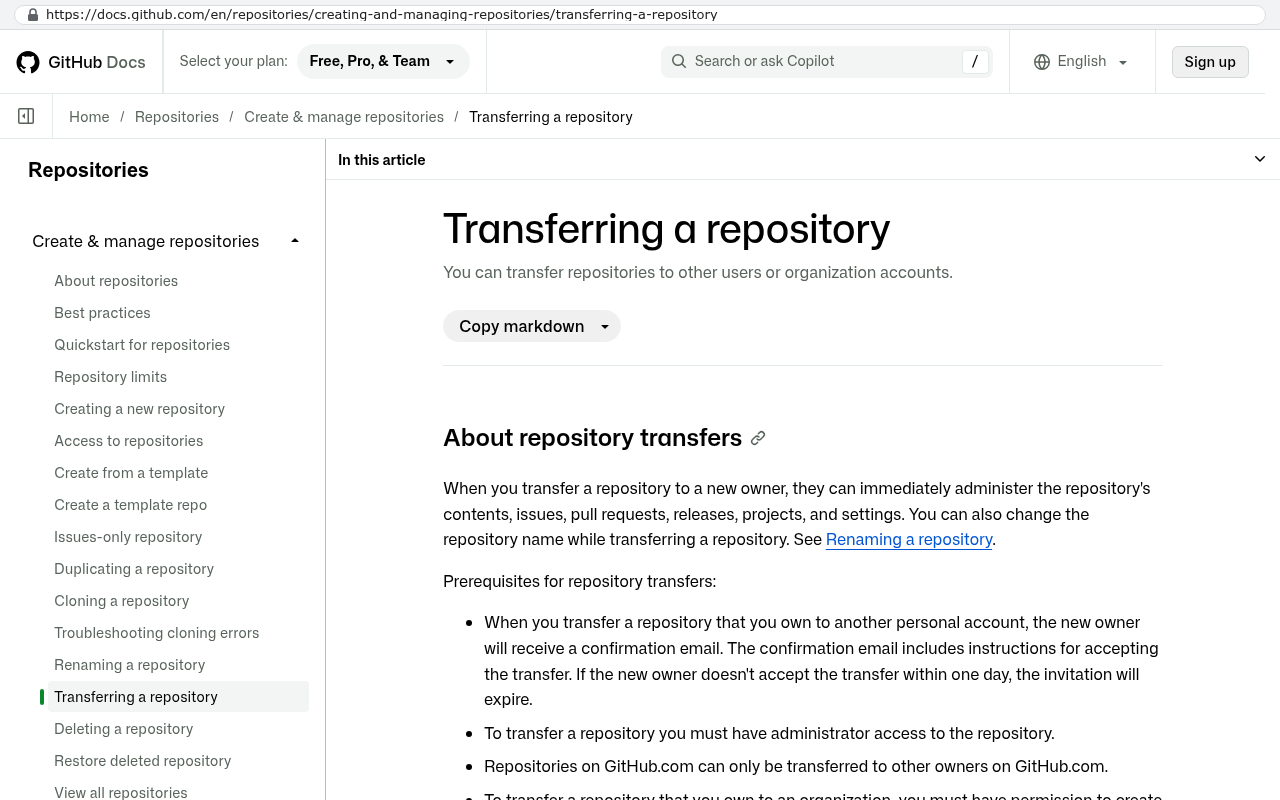
GitHub Docs page displaying Transferring a repository heading and prerequisites stating that when you transfer a repository to a new owner they can administer it and that you must have administrator access to transfer a repository
GitHub Docs page on transferring a repository showing that transfers move repositories between personal and organization accounts and require administrator access Source: docs.github.com/en/repositories/creating-and-managing-repositories/transferring-a-repository

We've seen all three at once. The client had spent six figures over several years and could not have moved the app anywhere without the original developer's cooperation.

Before you take over, get these transferred into accounts your company controls:

  • The source code repository, under a company-owned organization account
  • The hosting and cloud accounts, billed to a company card
  • The domain registration and DNS control panel
  • Any third-party service accounts the app depends on
  • Written confirmation of copyright assignment, signed

Whether anyone can rebuild it from scratch

An app you can't redeploy is an app you can't recover. Test this before you need to.

Ask for a fresh install. Take the code, follow whatever documentation exists, and stand up a working copy on a new server. If a competent developer can't get it running in a day using only the written instructions, the knowledge lives in someone's head and not in your files.

The specific things to verify are the boring ones. Are there database migration scripts, meaning files that build the database structure automatically? Or did someone create tables by hand over the years? Is there a list of exact software versions the app needs? Older apps often depend on a specific version of a language or library, and if nobody wrote it down, finding the right combination becomes archaeology.

Older apps often run on one specific Node version from years earlier with nothing documenting it, and the only way to find out is trial and error across an afternoon. That's a cost you pay whether you budgeted for it or not.

The dependency situation

Modern apps are built on other people's code. Hundreds of packages, sometimes thousands. Each one is a small library that handles some task, and each one gets updated over time. Some get abandoned. Some develop security holes that get published publicly.

Run a dependency audit. Most languages have a built-in command for this that lists every known vulnerability in the packages an app uses. The output tells you two things. How many problems exist, and how badly the app has fallen behind.

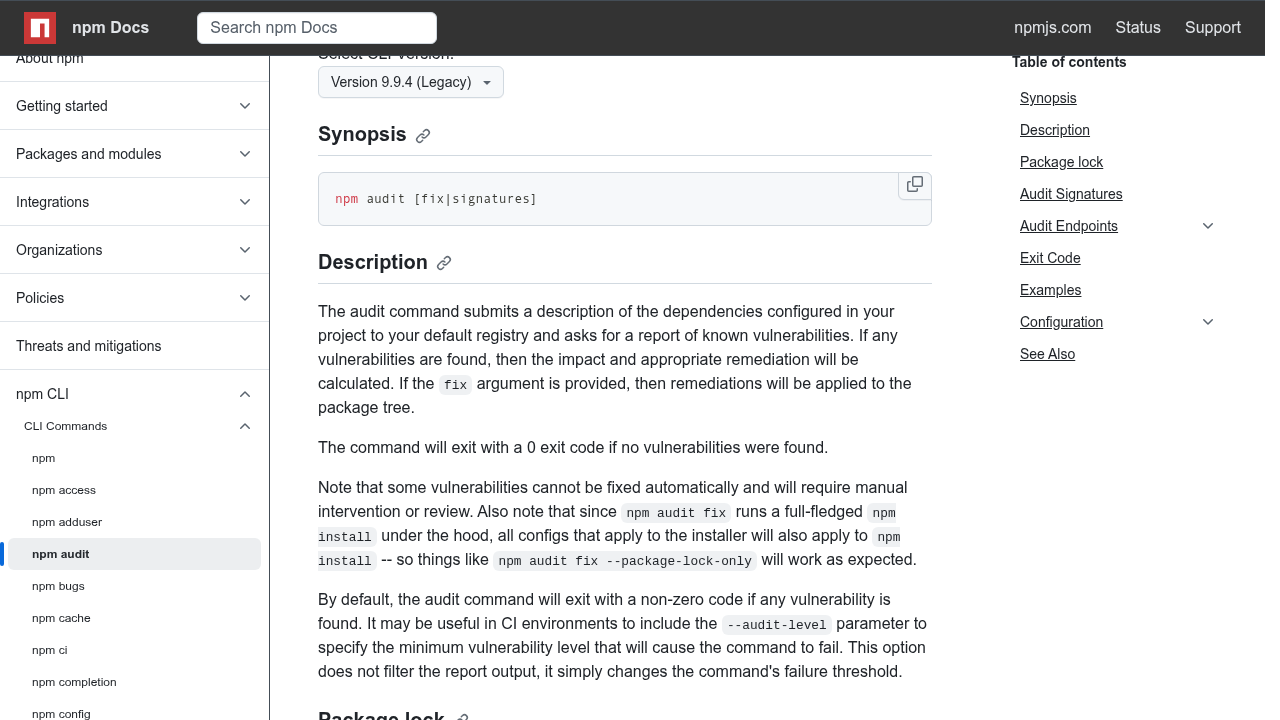
npm Docs page for npm audit command showing the command syntax and description of how it scans dependencies for vulnerabilities and reports them with severity levels
npm Docs shows the npm audit command documentation explaining how it submits dependency descriptions to the registry and reports known vulnerabilities with impact and remediation details. Source: docs.npmjs.com/cli/v9/commands/npm-audit

A handful of low-severity warnings is normal. Every app has those. What should worry you is a long list of critical issues in packages that are five major versions out of date. That pattern means nobody has updated anything in years, and catching up requires touching a lot of code at once.

Also look for abandoned packages. If the app depends on a library whose last update was in 2019 and whose GitHub page has 400 open issues, that's a component nobody will ever fix for you. Eventually you replace it yourself.

A dependency audit takes about ten minutes to run and produces a written report. Ask for one during diligence, not after. If the outgoing developer refuses or says it isn't necessary, that response is itself the finding.

Backups, and whether they actually work

Everyone says they have backups. Far fewer have ever tested a restore.

The question isn't "do you back up the database?" The question is "when did you last restore from a backup and confirm the data was complete?" Those are different questions with different answers, and the gap between them is where companies lose data permanently.

Check the retention period too. Nightly backups kept for seven days sound fine until you discover a data corruption problem that started three weeks ago. Now every backup you have contains the corruption. Thirty days is a reasonable floor for most businesses. Longer if you're in a regulated industry.

Find out where backups are stored. Same server as the app doesn't count. Same cloud account as the app barely counts. If someone gets into that account, they can delete both.

What the app is quietly costing you

Inherited apps carry expenses nobody tracks. Pull every recurring charge tied to the software and put it on one page.

Start with hosting. Then add the paid third-party services, the monitoring tools, the error tracking, the email delivery service, the file storage. Add any per-seat software licenses baked into the app. Add the maintenance retainer if one exists.

Now compare that total to what a replacement would cost. This is where the arithmetic gets useful. If you're paying a maintenance retainer on an app nobody understands, plus hosting on oversized servers nobody has reviewed, plus SaaS subscriptions for features the app half-duplicates, the annual number is often larger than people expect.

We've had clients discover they were paying for two overlapping services because a developer added one and never removed the other. Nobody noticed because the charges were small and monthly. Small and monthly for four years adds up.

The honest comparison looks like this. Add up three years of running the inherited app as-is, including maintenance and cleanup work. Compare that to three years of a rebuilt system you own, including the build. Sometimes the inherited app wins because it works and it's paid for. Sometimes it doesn't, and you'll see it clearly on the page.

Limitations and honest caveats

A review like this tells you the condition of what you're inheriting. It doesn't tell you everything.

Code review finds structural problems. It won't find every logic bug. An app can pass every check on this list and still calculate sales tax wrong in one edge case that costs you money for years. Only real usage and real data testing catches that.

You also can't fully assess an app you can't run. If the outgoing developer won't grant access to a staging environment or a copy of the production database with sensitive fields removed, your review is limited to reading code. That's better than nothing, but it's a partial picture.

And rebuilding isn't automatically the answer. If the inherited app works, users know it, and the problems are contained, cleaning it up is usually cheaper and less disruptive than starting over. We've told clients to keep apps we personally wouldn't have built that way. Working software has value that clean architecture doesn't override.

The case for a rebuild gets strong when three things stack up together. Nobody can safely change the app, the platform it runs on is past end-of-life, and the business has outgrown what it does. One of those is a maintenance project. All three at once is a replacement.

Get the review done while the original developer is still reachable and still cooperative. Once the relationship ends, every question you forgot to ask becomes a paid investigation. An hour of their time now saves days of guessing later.

A short checklist you can hand to anyone

If you take one thing from this, take the list. Give it to whoever is evaluating the app on your behalf and ask for written answers.

  1. Where are production credentials stored, and have any ever been committed to the repository?
  2. Who holds copyright to the code, and is there a signed assignment?
  3. Are the repository, hosting, domain, and third-party accounts all in company-owned accounts?
  4. Can a new developer deploy a working copy using only written documentation?
  5. What does a dependency audit report show today?
  6. When was a backup last restored and verified?
  7. What is the complete annual cost of running this app, line by line?

Seven questions. Any developer who built the app properly can answer all of them in an afternoon. The ones who can't answer are telling you something important.

If you've inherited an app and you're not sure what condition it's in, we'll look at it with you. Black Badger is in Clearwater, and we work with businesses across Pinellas and Hillsborough counties. Book a free strategy session at /contact and we'll go through the list together.

Questions

Frequently asked questions

What should I do if I inherit an app with hard-coded API keys?

Rotate every single key immediately before doing anything else. Hard-coded credentials in source code mean every developer, contractor, and anyone with repository access has your production passwords. Deleting them from current files doesn't help because Git keeps the entire version history. Assume all old keys are compromised and must be canceled and reissued.

How do I know if I actually own the code I paid for?

Check the original contract to see if you own the software or just have a license to use it. Verify that your company controls the source code repository, hosting accounts, cloud infrastructure, domain registration, and all third-party service accounts. Ensure you have written confirmation of copyright assignment. If these assets are in the developer's personal accounts, you don't have true ownership.

How can I test if an app can be rebuilt from scratch?

Ask the developer for a fresh install by taking the code and following documentation to set up a working copy on a new server. A competent developer should complete this in a day using only written instructions. Check for database migration scripts, documented software version requirements, and complete setup documentation. If knowledge lives only in someone's head, you have a significant problem.

What is a dependency audit and why does it matter?

A dependency audit is a built-in command in most programming languages that lists every known vulnerability in packages an app uses. It reveals how many security problems exist and whether the app has fallen behind on updates. A handful of low-severity warnings is normal, but critical issues in outdated packages indicate years of neglect and require extensive code work to fix.

Where should production secrets be stored in an application?

Production secrets should never be hard-coded into source code. Instead, store them in environment variables, a secrets manager, or an encrypted config store that the code reads at runtime. This approach ensures that credentials remain protected and separate from the codebase, preventing exposure to developers, contractors, and anyone with repository access.

What ownership issues should I check before inheriting an app?

Verify who controls the source code repository, hosting accounts, domain registration, and third-party service accounts. If these assets are registered under the developer's personal name or accounts, you lack possession and control. You also cannot move the app without their cooperation. Ensure your company has written confirmation of copyright assignment and controls all necessary infrastructure before taking over.

Read this next

What happens to your data when you stop paying a SaaS vendor

Cancel a SaaS subscription and your data doesn't vanish, it gets locked behind a login. Here's what an export really gives you, what never comes out, and when owning the system is cheaper.

If this is your situation

Talk it through on a call

Thirty minutes over video with the person who would run the build. You talk, we ask questions, and you leave with a plain read on whether custom software makes sense for you. If the answer is that your current tool is fine and badly configured, you will hear that.

Book a strategy call

Who wrote this

David Verneuille

David Verneuille

Founder, Black Badger Software Solutions

David Verneuille founded Black Badger after 18 years as a project manager and years implementing Smartsheet, monday.com, Wrike and Zoho for clients. He now builds custom systems that clients own outright, which is why the writing here is specific about where each platform fits and where it stops fitting.

About Black Badger

Drafted with AI assistance, then checked, edited, and approved by a person before publishing. The facts, opinions, and recommendations are ours.

Related

More on custom software

Want this looked at properly?

An article can only go so far without knowing your systems. Book a strategy call, walk us through what is breaking, and you will get a straight read on whether custom software is the right answer.