
Subscription ERP makes sense when your processes are standard and your headcount is stable. It stops making sense when per-user fees grow faster than revenue, or when you're paying for modules you've already worked around. A custom, client-owned system removes the per-seat tax and fits your workflow, but you take on hosting, maintenance, and the duty to keep the roadmap moving. For most mid-sized manufacturers and distributors, the honest answer is a hybrid. Keep a proven general ledger. Own the operational layer that makes you money.
ERP subscriptions versus owned systems for growing manufacturers and distributors
/ 17 min read
TL;DR
Key takeaways
- Subscription ERP cost scales with users, modules, and transaction volume, which punishes exactly the growth you're trying to fund.
- Renewal uplifts are the line item most buyers forget to model, and they compound over a five-year horizon.
- Manufacturing and distribution workflows (kitting, lot traceability, split shipments, consignment stock) are where off-the-shelf modules break first.
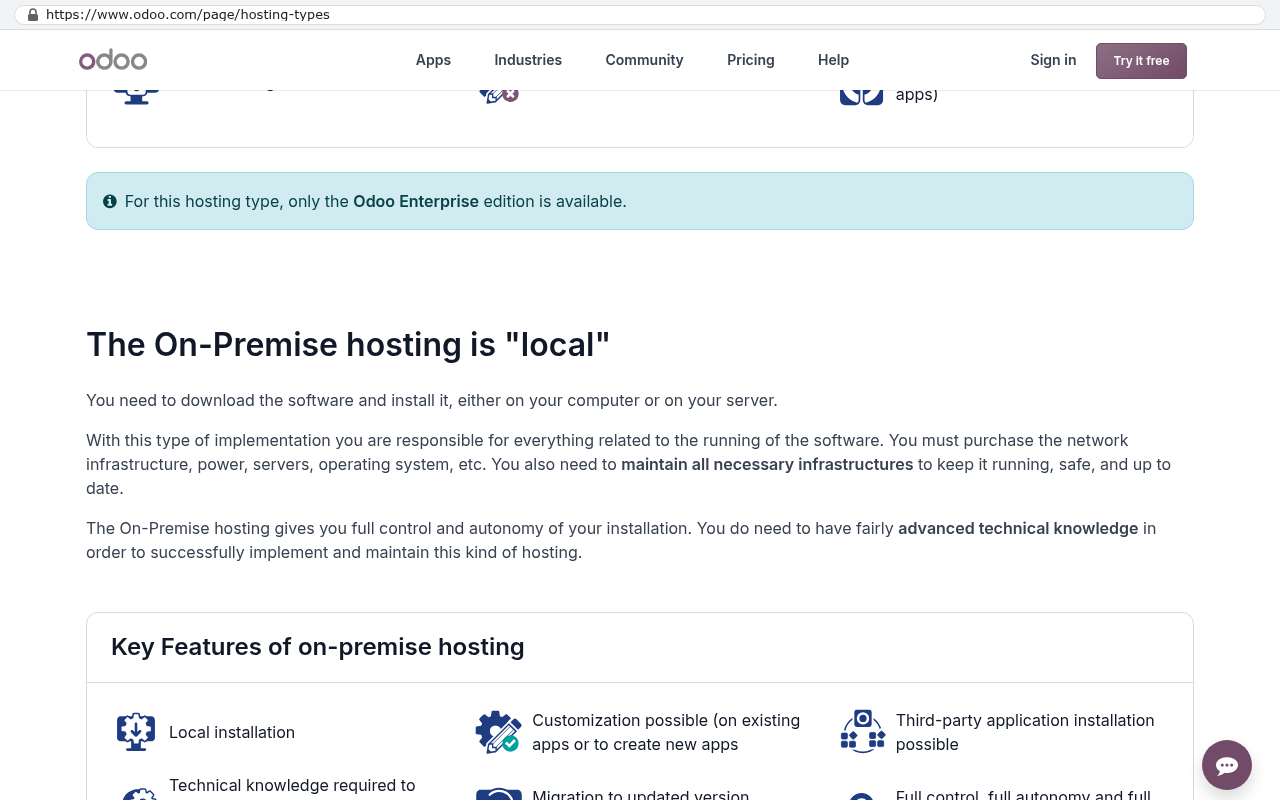
- Acumatica and Odoo are the two mainstream platforms that let you deploy on hardware you control, which matters for data ownership.
- A custom build wins on fit and per-seat economics and loses on regulated financial reporting depth and vendor-supplied compliance updates.
- Phased migration beats a big-bang cutover almost every time in a plant environment, because you cannot stop shipping.
On this page
- Quick pick
- How ERP subscription pricing actually scales
- Where manufacturing and distribution workflows break the modules
- The platforms, side by side
- Rigid modules and the process tax
- Who really owns your inventory and supply chain data
- Limitations and caveats of going custom
- Phasing out of a legacy ERP without stopping production
- Overall verdict
- Next steps
- Frequently asked questions
Manufacturers and distributors get squeezed by ERP pricing in a way that most other industries don't. You add warehouse staff. You add a second shift. You add a third location. Every one of those moves costs you more in software fees, even though the software itself hasn't changed. Meanwhile the modules you bought still don't match how your plant actually runs, so somebody in the office is maintaining a spreadsheet to fill the gap.
This article compares the real options side by side, including building your own.
Quick pick
If you need an answer in thirty seconds, here it is. Run discrete or process manufacturing with heavy compliance and under 50 office users, pick Microsoft Dynamics 365 Business Central Premium. Run a distribution business with lots of warehouse logins and thin margins per seat, look hard at Acumatica, because it doesn't charge per user. Need something deeply specific to your shop floor that no vendor sells, build the operational layer yourself and keep a standard accounting package underneath it.
Everything below explains why.
How ERP subscription pricing actually scales
Most ERP subscriptions bill on three axes at once. There's a per-user fee, a module fee, and some form of volume fee tied to transactions, storage, or orders processed. Growth hits all three.
A distributor adding a 20,000 square foot warehouse doesn't just add a building. It adds receiving clerks, pickers, a supervisor, more SKUs, more transactions, and usually a warehouse management module. The ERP bill can jump 40 percent while gross margin stays flat for a year. That's the structural problem. Software cost tracks headcount, and headcount tracks volume, but margin doesn't.
Then there's the renewal. Introductory year-one pricing is common, and so is a step up at renewal once you've loaded your inventory master, your BOMs, and three years of order history into the vendor's database. Nobody rips out an ERP over a price increase. Vendors know that.
Before you sign, ask for the renewal cap in writing. If the contract doesn't limit the annual increase, assume the worst case and model it. A quote that looks fine in year one can look very different in year four, and the switching cost by then is the real number you're negotiating against.
Here's the arithmetic every operations leader should run before renewing. Take your current user count. Multiply by the per-user list price and by 12. Add module fees and the annual support line. Now project user growth over five years at your actual hiring rate, apply a conservative renewal increase, and total it. That five-year number is your real comparison figure. It's the budget you'd have available for an owned system, and most people have never written it down.
Where manufacturing and distribution workflows break the modules
Standard ERP handles a simple flow well. Buy material, make a thing, ship the thing, invoice it. Real plants aren't that tidy.
The breakages are predictable. Kitting and light assembly that isn't a formal work order. Lot and serial traceability that needs to follow a part through rework and back out again. Split shipments where one sales order ships from three locations on three dates. Consignment stock sitting at a customer site that's still your asset. Scrap and yield variance that your costing method doesn't model the way your controller thinks about it. Container-level landed cost that has to allocate freight and duty across 200 line items.
Every one of these has a workaround in every major ERP. That's the issue. A workaround is a process your team performs because the software can't, and it never shows up in the software budget. It shows up as the production planner who spends two hours a day in Excel, or the three-person team that reconciles the WMS against the ERP every Monday.
When you compare platforms, don't compare feature lists. Compare how many of your workarounds each one eliminates.
The platforms, side by side
Each platform below is scored on five criteria, out of 10. Cost predictability means how well you can forecast the bill three years out. Manufacturing depth is native capability, not partner add-ons. Flexibility is how far you can change behavior without breaking upgrades. Data ownership is your practical ability to get at and keep your own data. Implementation risk is the chance the project runs long or lands badly.
Oracle NetSuite
NetSuite is the default answer for growing distributors, and it earned that position. One database for financials, inventory, order management, and CRM. Strong multi-entity and multi-currency handling. The Advanced Manufacturing and WMS modules are real products, not brochures.
Pros. Genuinely unified financials and operations. Deep multi-subsidiary consolidation that mid-market competitors struggle to match. A large partner network and a mature scripting platform (SuiteScript) for customization.
Cons. Pricing is the least transparent in the category, quoted annually with base platform plus users plus modules. Renewal increases are a common complaint. Heavy customization through scripts creates maintenance debt that your partner, not you, usually controls. Manufacturing is adequate for assembly, weaker for complex process and shop floor scheduling.
Scores. Cost predictability 4. Manufacturing depth 6. Flexibility 7. Data ownership 4. Implementation risk 5.
Best for multi-entity distributors and light manufacturers that need consolidated financials across locations or countries.
Verdict. The strongest all-in-one for distribution, with the worst long-run cost profile. Buy it with your eyes open on renewal terms.
Microsoft Dynamics 365 Business Central
Business Central publishes its per-user prices, which already puts it ahead on honesty. The Premium tier includes manufacturing and service management. It plugs into Microsoft 365, Power BI, and Azure without drama.
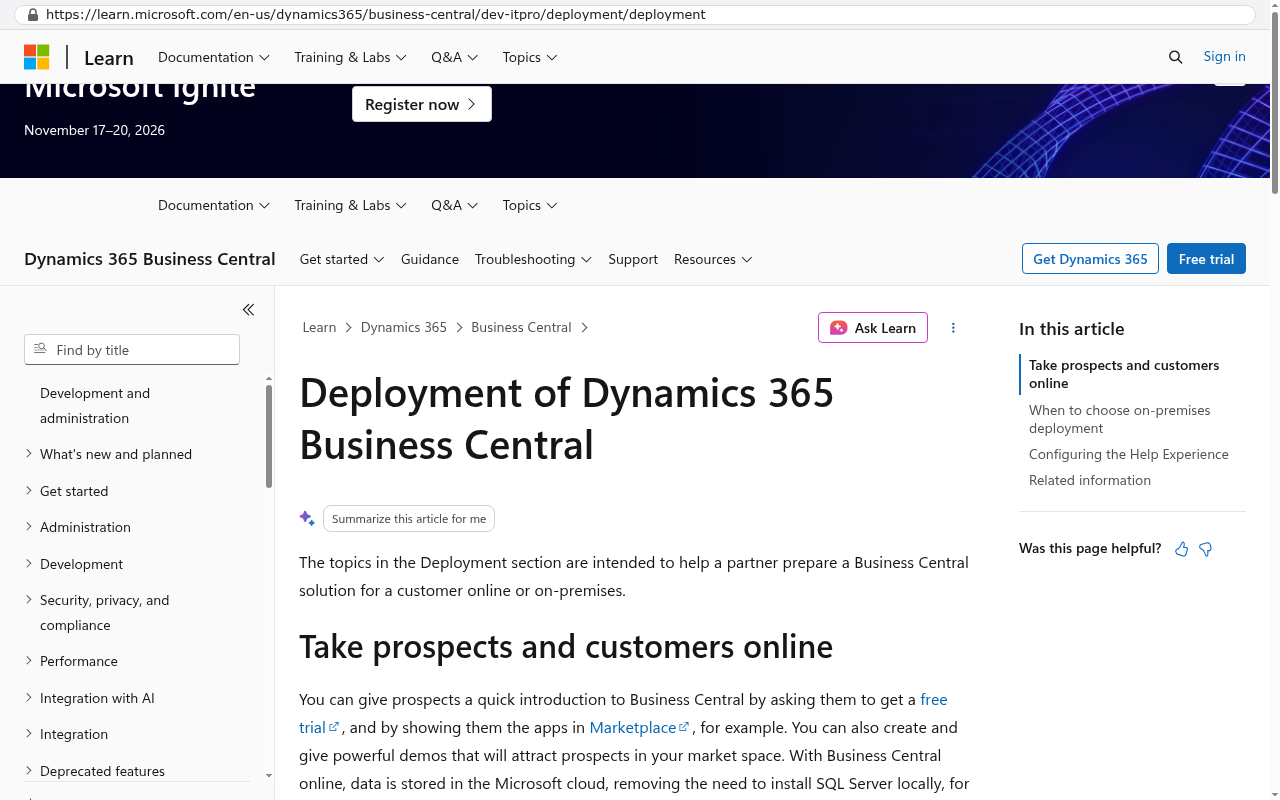
Pros. Transparent per-user list pricing. A cheap read-and-approve license tier for shop supervisors who don't need full access. Extensions are properly isolated, so customizations survive updates better than in most competitors. On-premises deployment is still supported, which is rare and valuable.
Cons. It's a mid-market product with mid-market manufacturing. Complex scheduling, MES, and advanced quality management need third-party add-ons, each with its own fee and its own upgrade timeline. Implementation quality varies enormously by partner, and a weak partner will sink you.
Scores. Cost predictability 8. Manufacturing depth 6. Flexibility 7. Data ownership 7. Implementation risk 6.
Best for manufacturers under roughly 50 office users already standardized on Microsoft.
Verdict. The safest mainstream pick for most mid-sized manufacturers. The on-prem option is an underrated escape hatch.
Interview the implementation partner harder than the software. Ask to speak with a client in your industry whose project went badly and what they did about it. A partner who can't produce that conversation has either never had a hard project or won't tell you the truth about one.
Acumatica
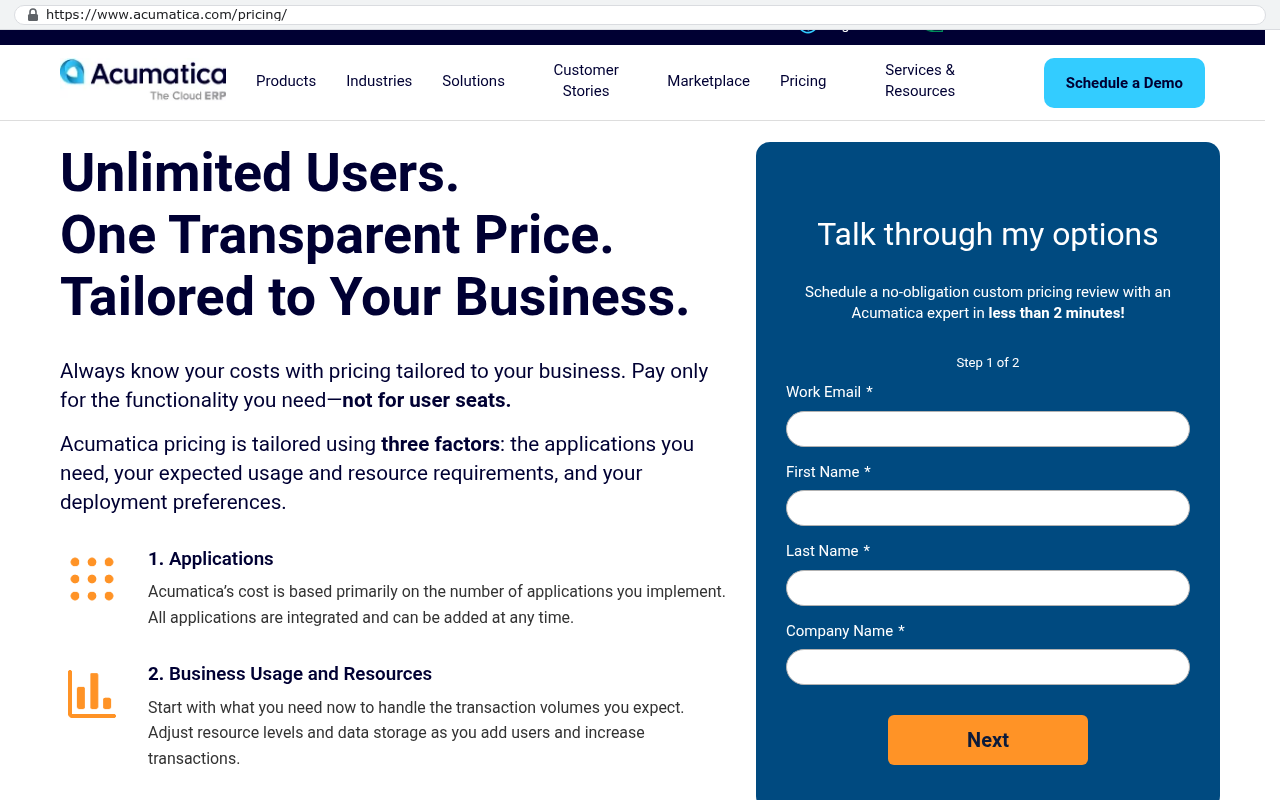
Acumatica licenses by resource consumption rather than per named user. For a distributor with 90 warehouse staff who each touch the system for ten minutes a shift, that pricing model changes the entire calculation.
Pros. Unlimited users, which removes the growth penalty almost entirely. A Manufacturing Edition with decent production management, estimating, and MRP. Private cloud and on-premises deployment are supported, so you can hold the database on hardware you control. The customization framework exposes real source-level control.
Cons. Smaller ecosystem than NetSuite or Microsoft, so fewer specialized add-ons and fewer partners who know your vertical. Consumption-based licensing is harder to predict than per-user, and a sudden volume spike raises your tier. The user interface feels dated next to newer tools.
Scores. Cost predictability 6. Manufacturing depth 7. Flexibility 8. Data ownership 8. Implementation risk 6.
Best for distributors and manufacturers with high headcount relative to revenue.
Verdict. The best mainstream economics for warehouse-heavy operations, and the most defensible on data ownership.
Odoo
Odoo is the closest thing to an owned system you can buy off the shelf. The Community edition is open source and free to self-host. The Enterprise edition adds per-user fees and supported modules, including MRP.
Pros. Lowest entry cost by a wide margin. You can run it on your own servers and read every line of the code. The module structure means you only turn on what you need. The MRP module covers BOMs, work orders, and basic routings competently for a smaller shop.
Cons. This is where honesty matters. Heavy customization makes Odoo version upgrades genuinely painful, and the annual release cadence means you either upgrade regularly or fall behind on security. Financial reporting depth is thin compared with NetSuite or Business Central. Quality across community modules is inconsistent, and some are abandoned.
Scores. Cost predictability 8. Manufacturing depth 5. Flexibility 9. Data ownership 9. Implementation risk 7.
Best for smaller manufacturers under about 30 users with in-house or partner technical capacity.
Verdict. Excellent value and real ownership, provided you accept that the upgrade path is your problem now.
Epicor Kinetic
Epicor is built for discrete manufacturing and it shows. Job costing, shop floor data collection, advanced scheduling, and quality management are native rather than bolted on.
Pros. The deepest native manufacturing functionality in this comparison. Strong make-to-order and engineer-to-order support. Shop floor terminals and MES capability that mid-market generalists can't match.
Cons. Implementations are long and expensive, and the product carries decades of accumulated complexity. Pricing is opaque and quoted. Distribution-only businesses pay for manufacturing depth they'll never use. Changing core behavior usually means a consulting engagement rather than configuration.
Scores. Cost predictability 4. Manufacturing depth 9. Flexibility 5. Data ownership 5. Implementation risk 4.
Best for discrete manufacturers with complex routings, real shop floor control needs, and a budget to match.
Verdict. If your plant is the business and the complexity is real, Epicor earns its cost. If you're mostly a distributor with a small assembly cell, it's overkill.
A custom, client-owned system
A custom system means software built around your process, with the source code and the database belonging to you. No per-seat fee. No renewal. No module you can't turn off.
Pros. Fit is the whole point. The kitting flow your team invented, the way you allocate landed cost, the three-way match your controller insists on, all of it works the way you already work. Cost doesn't scale with headcount, so adding a warehouse crew costs you nothing in licensing. You hold the database, so reporting and integrations are a decision rather than a negotiation. You can keep QuickBooks or Business Central for the general ledger and build only the operational layer.
Cons. You own the maintenance. Hosting, backups, security patching, and support all become yours to fund, whether in house or through a retained partner. There's no vendor pushing tax table updates or regulatory changes to you automatically. A thin build with no documentation is worse than any subscription, because the knowledge sits in one person's head. And the general ledger itself is almost never worth building from scratch.
Scores. Cost predictability 7. Manufacturing depth 9 (for your processes, 0 for anything you didn't scope). Flexibility 10. Data ownership 10. Implementation risk 6.
Best for manufacturers and distributors whose operational process is a competitive advantage, or whose per-seat costs have outgrown their margin.
Verdict. The right call when your workarounds have become a department. The wrong call if what you really need is standard accounting done properly.
The most common custom ERP mistake is building the general ledger. Accounting rules change, auditors have expectations, and none of it differentiates you. Build the shop floor, the warehouse, the quoting, the scheduling. Let a proven package handle debits and credits and feed it clean journal entries.
Rigid modules and the process tax
Vendors describe configuration as flexibility. It usually means you can choose between the three behaviors the product already supports.
That's fine for payroll. It's a problem for the parts of your business that actually differ from your competitors. A distributor who wins contracts because of a custom allocation rule during shortages cannot configure that rule into a standard ERP. The planner ends up doing it manually, outside the system, and the ERP gets updated afterward to reflect a decision it had no part in.
Measure this before you renew. Count the spreadsheets that exist only because the ERP can't do something. Count the hours spent rekeying between systems. Count the reports somebody builds by exporting to Excel every week. Those hours have a payroll cost, and that cost belongs in the comparison next to the license fee. For most mid-sized operations, the process tax is larger than the subscription.
Who really owns your inventory and supply chain data
You own your data in a legal sense under every major ERP contract. Practical access is a different question.
Three things decide it. Can you get a full export, including attachments, BOM revisions, and transaction history, in a usable format without paying for a professional services engagement? Can you connect a reporting tool directly to the data, or are you limited to the vendor's API and its rate limits? If you stop paying, how long do you have access before the tenant is deactivated?
For manufacturers, the data that matters most is also the hardest to extract. Lot genealogy, supplier certifications, quality records, and costed BOM history are structural, meaning they only make sense inside the schema that holds them. A CSV dump of 400,000 inventory transactions is not a migration. It's a pile.
Test your exit before you need it. Ask the vendor for a full data export during your evaluation, not after a dispute. If they can't produce one in a week, you've learned something important about the next five years.
Limitations and caveats of going custom
A custom system is not free of cost. It moves the cost.
You still pay for hosting. You still pay for security updates, monitoring, and backups. You need someone accountable for the roadmap, because a system nobody improves becomes a system nobody trusts. If your internal champion leaves and nothing is documented, you've created the same lock-in you were trying to escape, just with a smaller vendor.
There are places where off-the-shelf genuinely wins. Statutory financial reporting and multi-country tax compliance are moving targets, and vendors employ teams to track them. If you're regulated under FDA 21 CFR Part 11 or similar, the validation burden on custom software is real work, not a footnote. If you need EDI with 40 trading partners tomorrow, a mature ERP with an existing EDI module gets you there faster than a build. And if your processes are genuinely standard, paying for standard software is the rational choice.
Honest framing beats a sales pitch. The question isn't whether to go custom. It's which layer of your stack deserves to be custom.
Phasing out of a legacy ERP without stopping production
Big-bang cutovers fail in plants. You can't pause shipping while finance reconciles opening balances.
The pattern that works is strangling the old system a piece at a time. Start by reading from the legacy database rather than writing to it. Build the new capability alongside, run both in parallel for a cycle, then move the system of record for that one function. Repeat.
A typical order of operations looks like this.
- Reporting and dashboards first, because they're read-only and build trust fast.
- Then a non-financial operational module such as receiving, quality inspection, or production scheduling.
- Then warehouse execution and inventory movements, which is the biggest single win for most distributors.
- Then quoting, sales order entry, and customer portals.
- Financial posting last, and only if you've decided the general ledger should move at all.
Two rules make the difference. Always have a rollback for the current phase, and never let two systems both claim to be the master of the same record. If inventory lives in two places, you will reconcile forever.
Run your parallel period across a month-end close and a physical count, not just a quiet week. The problems that sink migrations show up in period close and cycle counting, and they never show up on a Tuesday in the middle of a month.
Overall verdict
No single winner exists here, and anyone who tells you otherwise is selling something.
Business Central is the best balanced choice for most mid-sized manufacturers, mainly because the pricing is public and the on-premises option gives you control. Acumatica wins for distribution businesses with high headcount, because removing per-user fees changes the five-year total more than any feature does. Epicor is right when the shop floor complexity is genuine. NetSuite is right when multi-entity consolidation matters more than cost predictability. Odoo is right for smaller shops with technical capacity who want ownership now.
A custom, client-owned system wins on one specific condition. Your operational process is different from your competitors on purpose, and that difference is currently held together by spreadsheets and people. In that case you're already paying for custom software. You're just paying for it in payroll instead of code, and you don't own the result.
The practical path for most growing manufacturers is a split. Standard package for the ledger. Owned system for the operations. That combination gives you compliance you don't have to maintain and a workflow nobody can price-increase you out of.
Next steps
Start with the arithmetic. Write down your five-year subscription total with realistic renewal increases, then count the hours your team spends on workarounds. Those two numbers tell you whether this is a renewal conversation or a build conversation.
If you want a second opinion on which layer of your stack should be custom and which should stay off the shelf, book a free strategy session with our team in Clearwater. We'll walk your current setup and tell you honestly where a build pays and where it doesn't.
Read this next. "How to run a phased ERP migration without stopping operations" goes deeper on the parallel-run patterns described above.
Related articles
- What owning your source code actually means in practice
- Integrating a custom warehouse system with your existing accounting package
- Signs your business has outgrown off-the-shelf software
Frequently asked questions
Why does ERP subscription cost increase when my business grows?
Subscription ERP bills on three axes: per-user fees, module fees, and transaction volume charges. When you add warehouse staff, locations, or SKUs, you trigger growth across all three. A distributor adding a 20,000 square foot warehouse adds receiving clerks, pickers, supervisors, more inventory, and more transactions. Your ERP bill can jump 40 percent while gross margin stays flat, making growth expensive relative to revenue gain.
What manufacturing and distribution workflows do standard ERP modules struggle with?
Standard ERP breaks on kitting and light assembly, lot and serial traceability through rework, split shipments from multiple locations, consignment stock tracking, scrap and yield variance, and container-level landed cost allocation. Each has a workaround in major platforms, but workarounds show up as staff time in Excel or manual reconciliation, not in the software budget. Compare platforms by how many of your specific workarounds each eliminates.
When does a custom ERP make more sense than a subscription?
A custom, client-owned system makes sense when per-user fees grow faster than revenue, when you're paying for modules you've already worked around, or when your workflows are deeply specific to your shop floor. You remove the per-seat tax and fit your exact workflow, but you take on hosting, maintenance, system updates, and roadmap responsibility. Most mid-sized manufacturers and distributors benefit from a hybrid approach.
What should I calculate before renewing my ERP contract?
Project your actual user growth over five years at your hiring rate, apply a conservative renewal increase assumption, and total the five-year cost. Multiply current users by per-user list price, add module fees and support, then multiply by 12 and project forward. This five-year total is your real budget comparison figure and the amount you could allocate to an owned system. Most leaders have never written this number down.
Can I deploy subscription ERP on my own hardware?
Most mainstream subscription platforms charge per user regardless of hosting, but Acumatica and Odoo specifically let you deploy on hardware you control. This matters for data ownership and your ability to retain your inventory and supply chain data independently of vendor infrastructure. Other major platforms like NetSuite and Dynamics 365 run on vendor-managed cloud only.
What's the honest recommendation for manufacturers and distributors?
For discrete or process manufacturing with heavy compliance and under 50 office users, Microsoft Dynamics 365 Business Central Premium fits well. For distribution with many warehouse logins and thin per-seat margins, Acumatica makes sense because it doesn't charge per user. For workflows deeply specific to your shop floor that no vendor sells, build your operational layer yourself and keep a standard accounting package underneath.
What's the biggest risk of building a custom ERP?
A custom build wins on fit and removes per-seat fees but loses on regulated financial reporting depth and vendor-supplied compliance updates. You're responsible for hosting, maintenance, keeping the roadmap moving, and maintaining audit and compliance capability yourself. For most companies, keeping a standard accounting package underneath the custom operational layer mitigates this risk.
Share this article
Keep reading
Seat counts as a tax on growth: what per-user pricing does to a hiring plan
Per-user software pricing means every hire raises your subscription bill. Here's how to run the real five-year math, and when owning the system beats renewing.
If this is your situation
Talk it through on a call
Thirty minutes over video with the person who would run the build. You talk, we ask questions, and you leave with a plain read on whether custom software makes sense for you. If the answer is that your current tool is fine and badly configured, you will hear that.
Who wrote this

David Verneuille
Founder, Black Badger Software Solutions
David Verneuille founded Black Badger after 18 years as a project manager and years implementing Smartsheet, monday.com, Wrike and Zoho for clients. He now builds custom systems that clients own outright, which is why the writing here is specific about where each platform fits and where it stops fitting.
Drafted with AI assistance, then checked, edited, and approved by a person before publishing. The facts, opinions, and recommendations are ours.