Why your Salesforce license is unusable for a year after you buy it
/ 9 min read
TL;DR
Salesforce licenses create a costly dead zone where companies pay for a full year upfront but the system remains unusable for months during implementation, with the gap driven by discovery, configuration, data migration, and integration work that happens on a separate timeline and budget.
Key takeaways
A Salesforce license on signing day is permission to access an empty database with standard fields and reports, not a working system tailored to your business.
Implementation work including discovery, custom builds, data migration, integrations, and adoption training takes months and requires either internal resources, consulting partners, or existing staff working outside normal hours.
Companies typically pay for the full annual subscription upfront while the system remains unusable for work until month six or seven, meaning roughly half the first year's licensing cost is spent on access to a non-functional platform.
The cost structure includes separate line items for implementation services which often exceed the first year licensing cost for mid-sized companies, and adds complexity when calculating true total cost of ownership.
Custom builds eliminate the dead zone payment problem because they have no per-seat licensing model and can be built incrementally with costs allocated as functionality comes online rather than paid upfront.
Renewal negotiations often include pricing uplift after the initial discount term expires, and missing renewal notice windows typically results in automatic year-long contract extensions that lock companies into ongoing rental payments.
The invoice clears in January. The system starts helping in October. That gap is not a rumor, and it is not bad luck. It is how the deal is structured. You buy licenses for a year, and licenses are not a working system. They are permission to log into an empty box.
Most operations leaders find this out after signing. The contract says 50 seats, annual term, paid upfront or quarterly. Nothing in that contract says the box has to do anything useful on day one. Configuration is a separate project, with a separate budget, on a separate timeline. Meanwhile the clock on your subscription is already running.
What you actually bought on signing day
A Salesforce license gives your team access to a generic database with a sales-shaped skin on it. Accounts, contacts, leads, opportunities, cases. Standard fields nobody at your company uses. Reports built for a company that is not yours.
Everything that makes it yours comes later. Your custom fields. Your sales stages. Your quoting rules. Your approval steps. Your data, migrated out of the spreadsheets and the old system. Your integrations with accounting, marketing, and whatever runs your operations side. Your permission structure so the field techs can't edit pricing.
That work is real work. It takes discovery calls, process mapping, building, testing, fixing, and retraining people who liked the old way. None of it happens because you paid an invoice. It happens because somebody sits down and does it, either an internal admin you hire, a consulting partner you pay separately, or your operations manager doing it at night.
Adding seats mid-term almost always co-terms to your original end date. So the ten seats you add in month eight get billed for a full year of list price but only four months of use. Ask your rep to put co-term pricing in writing before you sign the first order form.
Why the dead zone exists
The delay is not incompetence. It is the honest cost of turning a general-purpose platform into your specific business.
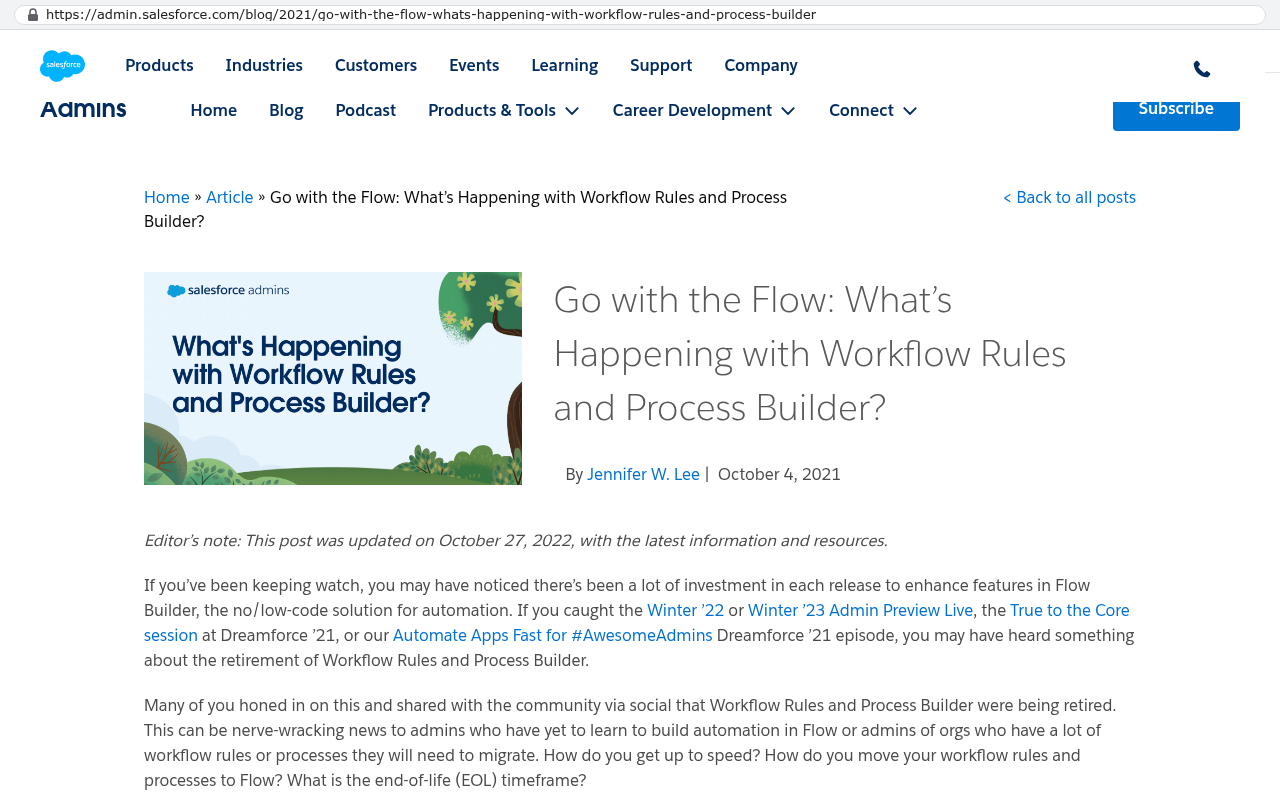
Discovery alone eats weeks. Someone has to document how your quotes actually get approved, not how the org chart says they do. Then comes the build. Custom objects, record types, page layouts, validation rules so people can't skip required fields, and Flow automations to move records along. Salesforce retired Workflow Rules and Process Builder, so anything old gets rebuilt in Flow. That migration surprises companies who inherited an org from a previous admin.
Salesforce Admins blog post announces that Workflow Rules and Process Builder are being retired and must be migrated to Flow. Source: admin.salesforce.com/blog/2021/go-with-the-flow-whats-happening-with-workflow-rules-and-process-builder
Data migration is its own project. Exporting from your old system is the easy half. Cleaning duplicate accounts, matching contacts to the right parent, and deciding what twelve years of history is worth keeping takes judgment calls that nobody wants to make. Attachments and email history rarely move cleanly. You script it or you lose it.
Then integrations. Salesforce talks to almost everything, which is a genuine strength, but talking is not agreeing. Your accounting system calls it a customer, Salesforce calls it an account, and something has to decide which one wins when the addresses disagree. That decision is a business rule, and business rules take meetings.
Finally, adoption. A configured system that nobody uses is the same as no system. Training, cleanup of bad data entry, and a second round of changes after people say what they hate. This is normal. It is also months.
The arithmetic nobody runs before signing
Run your own numbers. Use your real quote, not mine. Here is the shape of it with example figures.
Say 50 users at $150 per user per month. That is $7,500 a month, or $90,000 for the year. Now assume the system becomes genuinely useful in month seven. You paid roughly $45,000 for months of access to something your team could not use for daily work. Add the implementation cost, which is a separate line item, and often larger than the first year of licensing for a mid-sized company with real process complexity.
Year two looks better. You are now paying $90,000 for a system that works. Year three, same. Year five, the renewal comes with an uplift because your discount was for the initial term. You now own nothing. You have five years of receipts and a platform you rent.
Compare that to money spent building a system your company owns outright. The build costs what it costs, once. After that you pay for hosting and whatever changes you want next year. There is no per-seat tax when you hire eight people. There is no renewal negotiation. Ownership is the difference.
Check your renewal notice window before you plan anything. Many subscription agreements auto-renew unless you send written notice, often 30 days before the term ends. Miss the date and you have bought another year of a system you were about to leave.
How a custom build removes the dead zone
The dead zone is a payment structure problem more than a technology problem. You pay for the whole year in advance because that is how seats are sold. A custom build has no seats, so there is nothing to pre-pay for.
Better than that, the work ships in pieces. The first thing built is usually the one screen that hurts most. Maybe it is the quote form your sales team currently fills out in Word. Maybe it is the job board your dispatchers keep on a whiteboard. That piece goes live and starts saving time while the rest is still being built. Value starts before the project ends.
You also stop paying for parts you never wanted. Salesforce sells Sales Cloud and Service Cloud and CPQ and Field Service as separate products with separate licenses. Most companies buy a tier for one feature and inherit two hundred they ignore. A custom system has exactly the features you asked for, and every one of them matches how your people already work. Nobody bends their process to fit a record type.
AI changed the math here. Building custom used to mean a long, expensive project with real risk. Code generation, automated testing, and modern frameworks cut that effort down enough that a genuinely bespoke system now competes with a subscription on both cost and speed. That is why we cancelled our platform partnerships. We could not honestly recommend renewals we no longer believed in.
Where Salesforce is genuinely the right answer
Salesforce is very good, and pretending otherwise would make this article useless.
If you run a sales organization with hundreds of reps across territories, with complex forecasting and quota rollups, Salesforce has solved problems your team has not even hit yet. The reporting engine is deep. Territory management, forecasting hierarchies, and opportunity splits are hard to build well and Salesforce already did it.
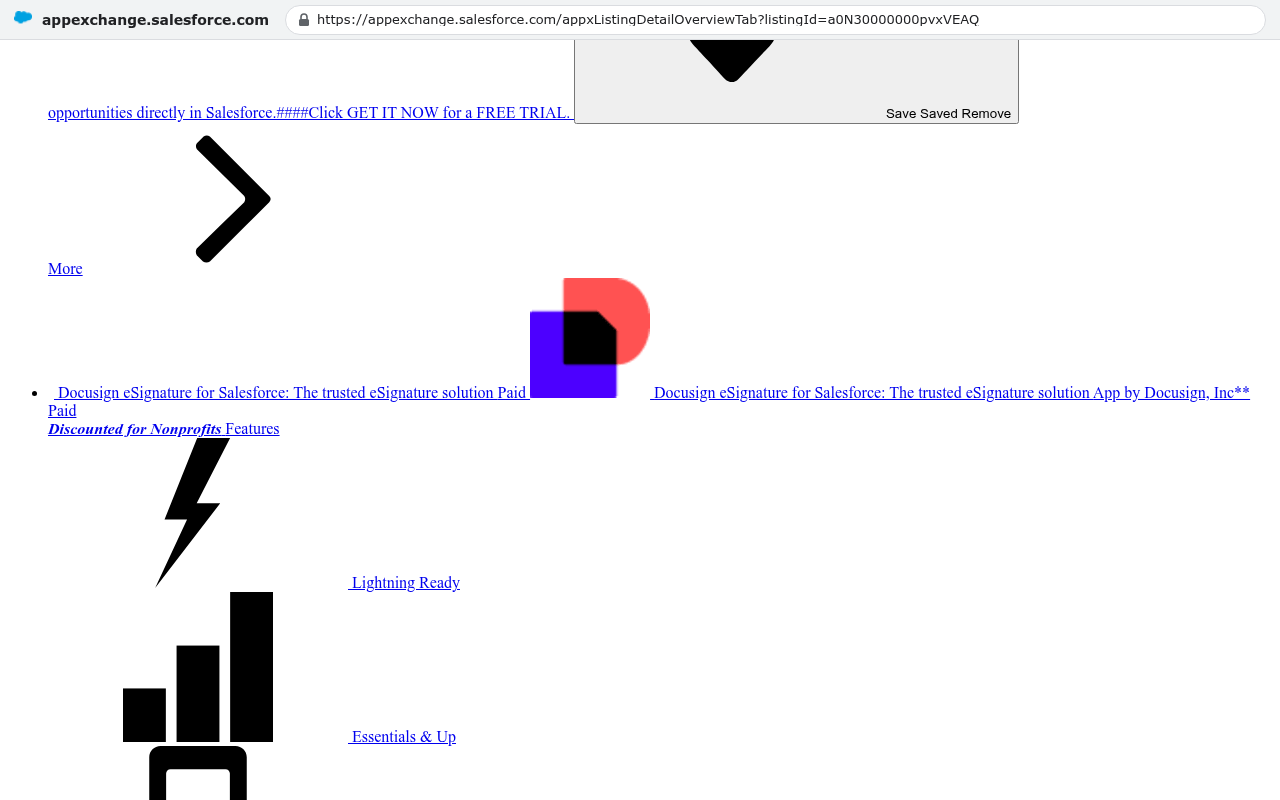
The AppExchange is real. If you need a specific tool for contract signature, dialer, or industry compliance, someone already built it and it plugs in. Building those yourself is a waste of money.
Salesforce AppExchange displays a Docusign eSignature app listing with pricing and features including Lightning Ready and Essentials & Up plan options. Source: appexchange.salesforce.com/appxListingDetailOverviewTab?listingId=a0N30000000pvxVEAQ
The hiring pool matters too. You can post for a Salesforce admin and get candidates next week. That is not true for a system only your vendor understands. If you are venture backed and your board expects a name-brand CRM at diligence, that is a real business reason, even if it is not a technical one.
And if your business truly runs a standard sales motion, the out-of-box configuration gets you close fast. The dead zone shrinks when you have little to customize.
The caveats on going custom
A custom build does not skip process design. If your quoting rules live in one person's head, someone still has to get them out of that head. That takes the same meetings it would take on any platform. Anyone who tells you custom means no discovery is selling you something.
You also own the maintenance. Salesforce pushes three releases a year and handles infrastructure, security patches, and uptime. With a custom system, that responsibility is yours, either through a support arrangement or in-house. Budget for it honestly rather than pretending software is a one-time purchase.
Migration is a real cost either way. Moving years of records, files, and email history out of any system requires scripted exports, not copy and paste. If your customers, vendors, or field crews already log into your current system to see live data, moving them is disruptive and you should plan for it.
Custom is also a bad fit for a few situations. If you need heavily regulated industry features with certification requirements already met by an existing product, buy the product. If your business is genuinely standard and small, a $30 per user tool that works today beats a build. And if nobody on your leadership team will make decisions about process, no system fixes that.
Whatever you choose, insist on a named owner inside your company for the system. Not a committee. One person who decides what a field means and who gets access. Projects that stall almost always stall on unmade decisions, not on code.
What to do if you are already mid-contract
You are not stuck, but you should stop paying for empty seats. A few moves that work in practice.
Phase your seat count. Buy licenses for the team going live first and negotiate a written ramp for the rest. Reps will do this to close a deal.
Ask for a delayed start date on billing tied to go-live. Not always granted, but often enough to be worth asking.
Reduce seats at renewal, which is the only time most contracts let you. Count actual weekly logins first, and be ruthless.
Get your data out in a usable form now, while you still have access. Full exports including attachments, not just report downloads.
Then run the honest comparison. Take your annual subscription cost, your implementation cost, and the months of the year the system was not usable. Put that next to what a system your company owns would cost to build and maintain. Sometimes Salesforce wins that comparison. Often it does not, and the reason people renew anyway is that nobody ever did the math.
If you want help running those numbers with someone who has built inside these platforms and walked away from partnering with them, book a free strategy session at /contact. We will tell you if you should stay put.
Questions
Frequently asked questions
Why can't I use my Salesforce license immediately after purchasing it?
A Salesforce license only gives you access to an empty database with standard fields and generic reports. Configuration is a separate project requiring discovery, process mapping, custom fields, data migration, integrations, and user training. This work takes months and happens on a separate timeline from your purchase, creating a gap between when you pay and when the system becomes useful.
What is included in a Salesforce license when I first buy it?
A Salesforce license provides access to a generic database with a sales-shaped interface including standard objects like accounts, contacts, leads, opportunities, and cases. However, it contains only standard fields and pre-built reports designed for a generic company, not your specific business needs or processes.
How much of my first year Salesforce payment goes toward an unusable system?
If your system becomes useful in month seven, you pay for roughly half your first year's licensing cost for access you cannot use productively. For example, at $90,000 annually for 50 users, approximately $45,000 covers unusable access. Adding implementation costs on top makes the first year expense significantly higher than the value received.
What does a custom-built system offer that Salesforce doesn't?
A custom build eliminates the dead zone by delivering value in pieces as features ship, rather than requiring full upfront payment. It includes only the features you need without inherited products you never use. Additionally, custom builds have no per-seat costs, no renewal negotiations, and ownership remains with your company instead of renting from a vendor.
What happens to my license if I miss the renewal notice deadline?
Many Salesforce subscription agreements auto-renew unless you send written notice, often required 30 days before the term ends. Missing this deadline means you automatically purchase another year of the system, even if you planned to stop using it. Always check your renewal notice window before making any platform decisions.
Why does data migration take so long in a Salesforce implementation?
Data migration involves more than exporting from your old system. It requires cleaning duplicate accounts, matching contacts to parent records, deciding what historical data is worth keeping, and often manually handling attachments and email history that don't migrate cleanly. These judgment calls and technical scripting add weeks to implementation timelines.
Platform consultants push you toward the standard workflow because that's what their incentives reward. Here's how to tell which of your processes deserve protection and which ones should go.
If this is your situation
Talk it through on a call
Thirty minutes over video with the person who would run the build. You talk, we ask questions, and you leave with a plain read on whether custom software makes sense for you. If the answer is that your current tool is fine and badly configured, you will hear that.
David Verneuille founded Black Badger after 18 years as a project manager and years implementing Smartsheet, monday.com, Wrike and Zoho for clients. He now builds custom systems that clients own outright, which is why the writing here is specific about where each platform fits and where it stops fitting.
Per-user software pricing means every hire raises your subscription bill. Here's how to run the real five-year math, and when owning the system beats renewing.
Zoho offers a range of cloud-based applications designed to help businesses simplify their operations and drive growth.
Want this looked at properly?
An article can only go so far without knowing your systems. Book a strategy call, walk us through what is breaking, and you will get a straight read on whether custom software is the right answer.