
TL. DR: The export button in your SaaS platform gives you a fraction of what you think it does. You get rows and columns. You usually don't get file attachments, audit history, automation rules, permission settings, or the comment threads attached to each record. Extract everything while the account is still active and paid, validate it with record counts and spot checks, and archive whatever you cannot migrate in a readable format you control.
Exporting your data before you leave a SaaS platform, and what the export will not include
/ 13 min read
TL;DR
Exporting data from a SaaS platform gives you basic records but leaves behind critical components like file attachments, audit histories, automation rules, and comment threads that you cannot recover after cancellation, so you must extract everything while your account is active and validate what you retrieved.
Key takeaways
- A CSV export provides only fields and basic record data, while a complete usable dataset must include files, activity logs, automation logic, permission rules, and comment threads that vendors rarely export in standard format.
- Attachments and audit history are the two most commonly missed data elements during migration, yet both are exactly what auditors and legal teams request during disputes or compliance reviews.
- The API extraction method retrieves far more data than the export button but faces rate limiting constraints that mean pulling complete historical records requires days rather than hours of processing time.
- Your vendor contract specifies a retention window after cancellation during which data remains accessible, so you must read the contract before giving notice because some vendors automatically delete data on a timer.
- Validate your extracted data by counting records, checking totals against the source system, and testing that related child records still correctly reference their parent records to ensure nothing was lost in export.
- Certain system elements cannot migrate to new platforms at all, so you must archive those items in accessible formats like PDF or plain text to maintain legal accessibility and compliance obligations.
- Most companies discover the gap between what exported and what matters only after cancellation when someone searches for a critical signed approval from years past and finds only broken attachment links.
Key takeaways
- A CSV export is a snapshot of fields. A usable dataset includes files, history, relationships, and the logic that made the system work.
- Attachments and activity logs are the two most commonly missed items, and both are the ones auditors and lawyers ask for later.
- API extraction gets you far more than the export button, but rate limits mean a full history pull takes days, not hours.
- Your contract sets a retention window after cancellation. Read it before you give notice, because some vendors delete on a timer.
- Validate what you pulled. Count records, check totals, and test that child records still point at the right parents.
- Some things cannot be migrated at all. Archive those in PDF or plain files so they stay legally accessible.
Most companies discover the gap on the wrong day. The subscription lapses, someone goes looking for a signed change order from three years ago, and the CSV on the shared drive has a column called attachment_url full of links that now return a login page. The data was exported. The business record was not.
A data export and a usable dataset are two different things
Every SaaS platform will hand you your records. That is table stakes, and in some jurisdictions it is a legal duty. What almost none of them hand you is the system those records lived inside.
Think about what a single job record in your project tool really contains. There's the header information, which is the part that exports cleanly. There's a thread of forty comments where the client changed scope twice. There are eleven photos from the site. There's a log showing who moved the job to Complete and when. There are three automations that fired when the status changed. There's a permission rule that stopped the field crew from seeing the margin.
The export gives you the header. You can rebuild the rest, and we do that work, but you cannot rebuild what you never extracted. That's the part that matters. A migration where you're missing a field is annoying. A migration where you're missing four years of signed approvals is a problem with teeth.
So treat the question as two separate jobs. First, get every byte out of the vendor's system while you still have access. Second, decide what goes into the new system and what gets archived. Doing those in the wrong order is how businesses end up paying for a dead subscription for another year just to keep read access.
What the export button leaves behind
The specifics vary by platform, but the pattern is remarkably consistent across CRMs, project tools, and mid-market ERPs. Here's what typically does not come down with a standard export.
- File attachments. Exports usually include a URL that points back into the platform, not the file itself. Once billing stops, the link dies.
- Audit and activity history. Who changed what, when, and from what value. Frequently unavailable in any export at all, sometimes only via API, sometimes only on enterprise plans.
- Automation and workflow logic. Your rules, triggers, and approval chains are configuration, not data. They almost never export in any usable form.
- Permission structures. Roles, sharing rules, and record-level visibility live in the vendor's model and do not travel.
- Custom field metadata. You get the values but not the definitions. Dropdown option lists, field descriptions, validation rules, and which fields were required all vanish.
- Threaded notes and comments. Sometimes they export as one giant text blob with no author or timestamp. Sometimes they need a separate API call per record.
- Email and message history synced into the platform, which often lives under a separate object with its own export path.
- Deleted and archived records sitting in a recycle bin, which are still discoverable in a dispute even though they don't appear in the main export.
Attachments are the big one. We've seen platforms where pulling every file means one authenticated request per attachment, and a mid-sized company can easily have tens of thousands. That's a scripted job, not a copy and paste. Budget real time for it and start it early, because it runs longest and fails most often.
If your export produces a column of attachment links instead of actual files, you do not have your documents. Test one link in a private browser window with no session logged in. If it asks you to sign in, every one of those links becomes worthless the day your account closes.
CSV export versus the API, and why history is the hard part
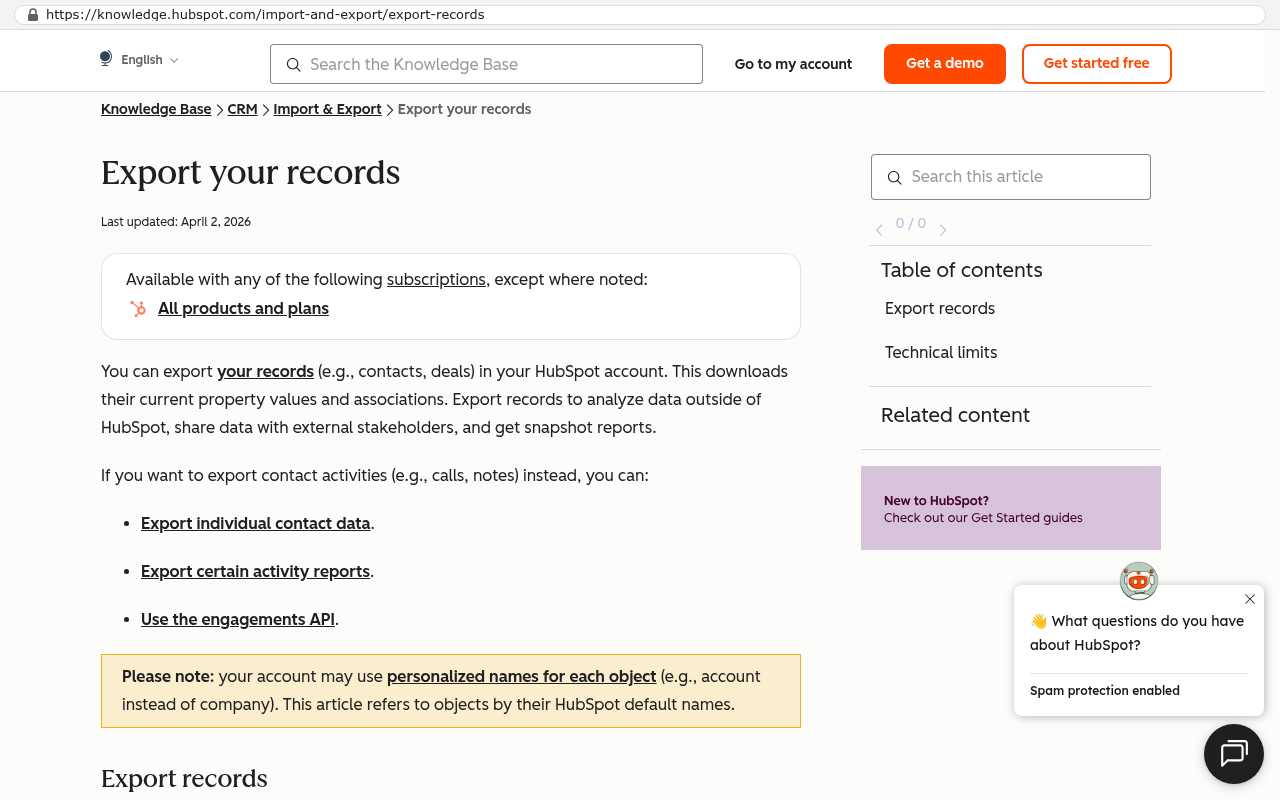
A CSV export is the front door. It's quick, it needs no developer, and for straightforward record lists it's genuinely fine. Contacts, companies, invoices, tasks. If that's all you need, take the CSV and move on.
An API is the service door. API stands for application programming interface, which in plain terms means a way for one program to ask another program for data, one request at a time. The API almost always exposes more than the export screen does. Activity logs, per-record comments, file contents, field definitions, and related records all tend to be reachable there.
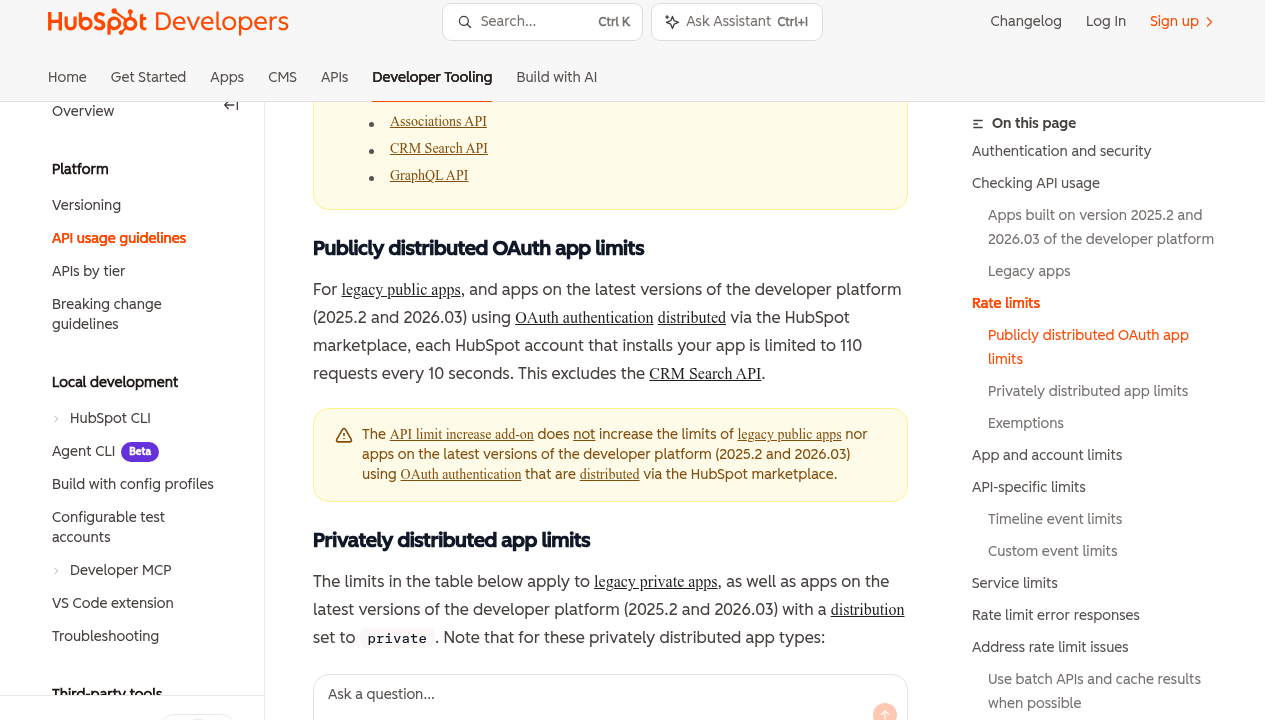
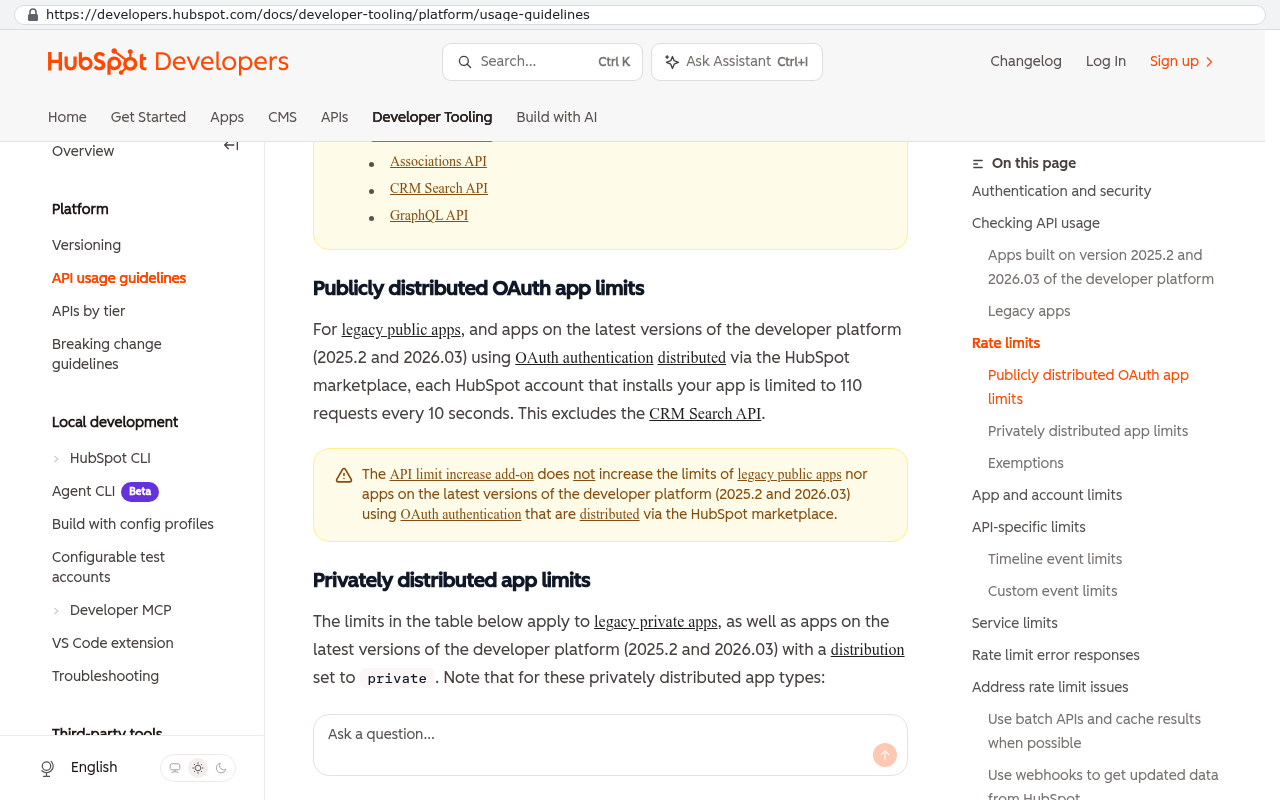
The catch is rate limits. Vendors cap how many requests you can make per minute or per day to protect their servers. That cap is fine for normal use and brutal for a full historical extraction. If a platform allows a few hundred requests a minute and you need one request per record for comments plus another per attachment, the arithmetic gets unfriendly fast. A hundred thousand records at that rate is measured in days of continuous running, assuming nothing times out.
Nothing ever runs clean the whole way. So a real extraction script has to be resumable, meaning it remembers where it stopped and picks up from there. It also has to log every failed request so you can retry just those. Writing an extraction that starts over from zero after an error is the most common self-inflicted wound in this whole process.
Read the contract before you click cancel
Three clauses decide how much room you have. Find them before you give notice, not after.
The first is the data return clause. Some agreements promise an export in a specified format on request. Some promise assistance at additional cost. Some say nothing, which means you get whatever the product happens to offer that quarter.
The second is the retention window after cancellation. This is how long the vendor keeps your data once you stop paying. It ranges from immediate to ninety days to indefinite. A handful of platforms drop you into a read-only state, which is helpful. Others suspend access entirely on the renewal date while keeping the data on a deletion timer in the background.
The third is the deletion timeline. If you have any retention duty of your own, whether from an auditor, a regulator, or an insurer, the vendor's deletion clock has to be reconciled against it. You cannot produce records in year six of a dispute because the vendor purged them in month four.
Do the renewal arithmetic honestly. Take your current monthly invoice for the platform, multiply it by sixty, and add the seats you expect to add over five years. That single number is the fair comparison against building something you own. Sometimes the SaaS wins. When it doesn't, the gap is usually not close.
Sequencing the extraction while the account is still paid
Do the work in this order. It's the order that keeps your advantage intact.
- Inventory what exists. List every object, module, and report in the platform. Note record counts for each. This list is your checklist for everything that follows.
- Pull the easy exports first. Every CSV the UI offers, dated and stored somewhere you control.
- Get API credentials issued while an admin still has full rights. Do this early. Admin seats get deprovisioned in the churn of a transition.
- Run the attachment extraction. It's the slowest and it fails most, so give it the most calendar time.
- Pull history, comments, and audit logs through the API.
- Screenshot or document the configuration. Automations, field definitions, permission roles, and report filters. No export exists for these. A structured document beats nothing by a mile.
- Validate. Then cancel. Never the other way around.
Keep the subscription alive through validation. The cost of one extra month is trivial against a failed extraction you can no longer repeat. We've never regretted paying for the overlap. We have regretted trusting a vendor's thirty day grace period.
Proving the data actually made it
Validation is where most migrations quietly go wrong. The files look right, everyone signs off, and six weeks later the sales team notices that contacts created before 2021 have no owner assigned.
Start with record counts. Every object you inventoried should have a matching count in the extracted set. A shortfall of two percent is not a rounding error. It's usually a filter you didn't notice on the export screen, or a page of API results that failed silently.
Then check totals that have a real-world answer. Sum last year's invoices in the export and compare against what your accountant filed. If those two numbers match, you have strong evidence the financial records came across whole.
Then test relationships, which developers call referential integrity. In plain English, it means every child record still points at the right parent. Pick a hundred random line items and confirm each one attaches to the invoice it belongs to. Pick fifty tasks and confirm each sits under the correct project. Broken links are the single most common defect in a migrated dataset, and they're invisible until someone opens a record and finds it empty.
Finally, spot check by hand. Pull twenty records that your team knows well and read them side by side against the live system. Include the messiest ones on purpose. The account with the name in all caps, the job that got reopened twice, the client with two addresses.
Archiving what you can't migrate, and where this approach falls short
Not everything should move. Ten years of comment threads on closed jobs has no place in a new operational system, and forcing it in there makes the new system slower and uglier for no benefit.
Archive it instead. The rule we use is simple. If you might need to read it or produce it, but you will never work in it, it belongs in an archive. That means files in an ordinary folder structure, records as CSV or JSON alongside a plain readable index, and PDFs for anything with signatures or approvals on it. Store it somewhere your business controls and can still open in a decade with no vendor account required.
What this process genuinely cannot do
Be clear-eyed about the limits, because a few of them are real.
- Some platforms simply do not expose audit history to customers on any plan. If it isn't in the product and isn't in the API, it doesn't exist for you. No amount of scripting invents it.
- Automation logic cannot be migrated. It has to be rebuilt. Documenting it well makes the rebuild fast, but it's still a rebuild.
- If the platform is how you share live information with clients or subcontractors, your export doesn't solve that. Those external users have to be moved, trained, and in some cases contractually renegotiated. That's a real cost and pretending otherwise wastes everyone's time.
- Rendered views are gone. Dashboards, charts, and saved reports are configuration on top of data. You keep the data and rebuild the view.
- Extraction takes technical work. If nobody on your team can write or run a script, you need help for the API portion, full stop.
- A custom replacement isn't automatically the right call. If you use a narrow amount of a cheap tool and it does the job, staying is the correct answer. The math turns when you're paying per seat for something you've outgrown and can't change.
Run a full extraction once a year even when you have no plans to leave. It tests that your data is actually portable, it gives you a dated backup you control, and it means a price increase or an acquisition of your vendor is a business decision rather than an emergency.
Frequently asked questions
How long before cancellation should I start extracting?
Start while you have at least one full billing cycle left, and more if you have a large volume of attachments. The pulling isn't the slow part. Validation and rebuilding your automations are.
Can I just ask the vendor for a full database dump?
You can ask, and it's worth asking. Most will decline, because their database holds other customers' data in the same tables. A few offer a paid extraction service. Read what's included before you pay for it, since some of those packages are the same CSVs you could have pulled yourself.
Do I need all the old history in the new system?
Usually no. Bring over open work, active customers, and enough closed history for reporting comparisons. Archive the rest. Your new system stays fast, and you still have everything.
What if we already cancelled and lost access?
Ask immediately and in writing, because retention windows often run longer than access windows. The data may still be on their servers even though you can't log in. Some vendors will reinstate temporarily. Do not wait to find out.
Is exporting the same as a backup?
No. A backup can be restored into a working system. An export is a set of files you'd have to rebuild around. Both are useful. Only one of them gets you running again on a bad Tuesday.
Next steps
Pick your most business-critical platform this week. Click the export, open the file, and try one attachment link while logged out. Then look up the retention clause in the contract. That hour tells you whether you own your operational history or you're renting it.
If the answer makes you uncomfortable, we build systems where the data sits in a database the client owns, on infrastructure the client controls, with no renewal date attached to access. You can book a free strategy session and we'll look at what's actually extractable from your current stack before you commit to anything.
Read this next: our walkthrough of how to plan a migration off a platform you've outgrown, which picks up where this article stops.
Related reading
Questions
Frequently asked questions
What doesn't come with a standard SaaS data export?
A standard export typically excludes file attachments, audit history, automation rules, permission settings, custom field definitions, threaded comments, and deleted records. You get rows and columns of current data, but not the system that made those records work. Attachments often export as broken links that stop working once your account closes.
Why should I extract data while my subscription is still active?
Your vendor's contract likely sets a retention window after cancellation, and some delete data on a timer. Once billing stops, links to files become inaccessible, and you may lose read access entirely. Extract everything while you still have a paid account, then decide what migrates and what gets archived separately.
What's the difference between a CSV export and API extraction?
CSV export is quick and requires no developer, but it captures only current record data. API extraction accesses more information like activity logs, comments, and file contents, but it's slower due to rate limits. A full history pull via API can take days instead of hours, especially for large datasets.
How do I know if my data export actually worked?
Validate by counting records in your export against what the platform showed you had, test spot checks on specific records, and verify that related records still point to the correct parent records. Test attachment links in a private browser window without being logged in to confirm they'll work after cancellation.
Can I recover data if I've already cancelled my subscription?
Recovery becomes difficult once access is lost. Some deleted records sit in recycle bins and may still be discoverable, but vendor deletion timers mean you have a limited window. You should extract everything while the account is active and paid to avoid this situation entirely.
What should I do with data that won't migrate to my new system?
Archive unmigrated data in a readable format you control, such as PDF or plain text files. This keeps legally important information accessible for audits and disputes, even though you can't import it into your new platform. This is especially critical for signed approvals, change orders, and compliance records.
Read this next
What happens to your data when you stop paying a SaaS vendor
Cancel a SaaS subscription and your data doesn't vanish, it gets locked behind a login. Here's what an export really gives you, what never comes out, and when owning the system is cheaper.
If this is your situation
Talk it through on a call
Thirty minutes over video with the person who would run the build. You talk, we ask questions, and you leave with a plain read on whether custom software makes sense for you. If the answer is that your current tool is fine and badly configured, you will hear that.
Who wrote this

David Verneuille
Founder, Black Badger Software Solutions
David Verneuille founded Black Badger after 18 years as a project manager and years implementing Smartsheet, monday.com, Wrike and Zoho for clients. He now builds custom systems that clients own outright, which is why the writing here is specific about where each platform fits and where it stops fitting.
Drafted with AI assistance, then checked, edited, and approved by a person before publishing. The facts, opinions, and recommendations are ours.