Skip to content
BlackBadger

Blog / Project management

monday.com versus a system built for how your team already works

/ 9 min read

macbook pro displaying group of people

TL;DR

monday.com excels at quick setup and visual task tracking, but custom systems become more cost-effective for teams with complex processes, deep hierarchies, and high automation needs that force expensive upgrades over time.

Key takeaways

  • monday.com delivers fast implementation and intuitive interfaces for teams using basic task tracking, but its single-level nesting and two-level hierarchy limit organizations with complex work structures like construction firms requiring multiple process layers.
  • Cross-board reporting through mirror columns and formula columns becomes unreliable at scale and cannot be trusted for important calculations or automations, requiring careful testing with large datasets before architectural decisions.
  • Automation and dashboard features are metered by subscription tier, forcing teams to upgrade not for new capabilities but simply to handle higher volumes of runs, creating unexpected cost growth beyond initial estimates.
  • The per-seat pricing model charges warehouse staff updating one status daily the same rate as project directors, and separate pricing for monday CRM and monday dev multiplies costs across a forty-person company into six figures over five years.
  • Custom systems require upfront development costs but result in owned code and databases with small hosting fees that remain flat over time, inverting the perpetual rent model where cancellation leaves you with only CSV exports.
  • teams should calculate their true five-year cost including labor for board maintenance, automation troubleshooting, connector fees, and unused seat blocks before deciding whether to stay with or migrate from monday.com.

monday.com is a good product. That's the honest starting point. It's fast, it looks great, and a non-technical operations manager can build a working board in an afternoon. We used it for years, and we were a partner before we cancelled that relationship. So this isn't a hit piece. It's a comparison between renting a flexible grid and owning a system shaped around the way your team already runs.

The question that matters isn't which one is better. It's which one makes your team change less.

What monday.com is genuinely good at

Speed to first value. You sign up, pick a template, and you have a shared board with owners, dates, and statuses in under an hour. No spec document, no developer, no procurement cycle. For a team that currently runs on spreadsheets and email threads, that jump is real and immediate.

The visual layer is also better than most competitors. Color-coded status columns give a manager a read on a project in three seconds. Kanban, timeline, and calendar views come free with every board. Notifications and @mentions keep conversation attached to the work instead of scattered across inboxes.

Automations are approachable. A person who has never written code can build "when status changes to Approved, notify the account manager and create an item on the Billing board." That single feature has saved a lot of teams from a lot of dropped handoffs.

If your work is mostly task tracking, and your process fits rows and columns, monday.com will serve you well for a long time. Plenty of companies never outgrow it. Those companies should keep paying for it.

Where teams start bending to fit the tool

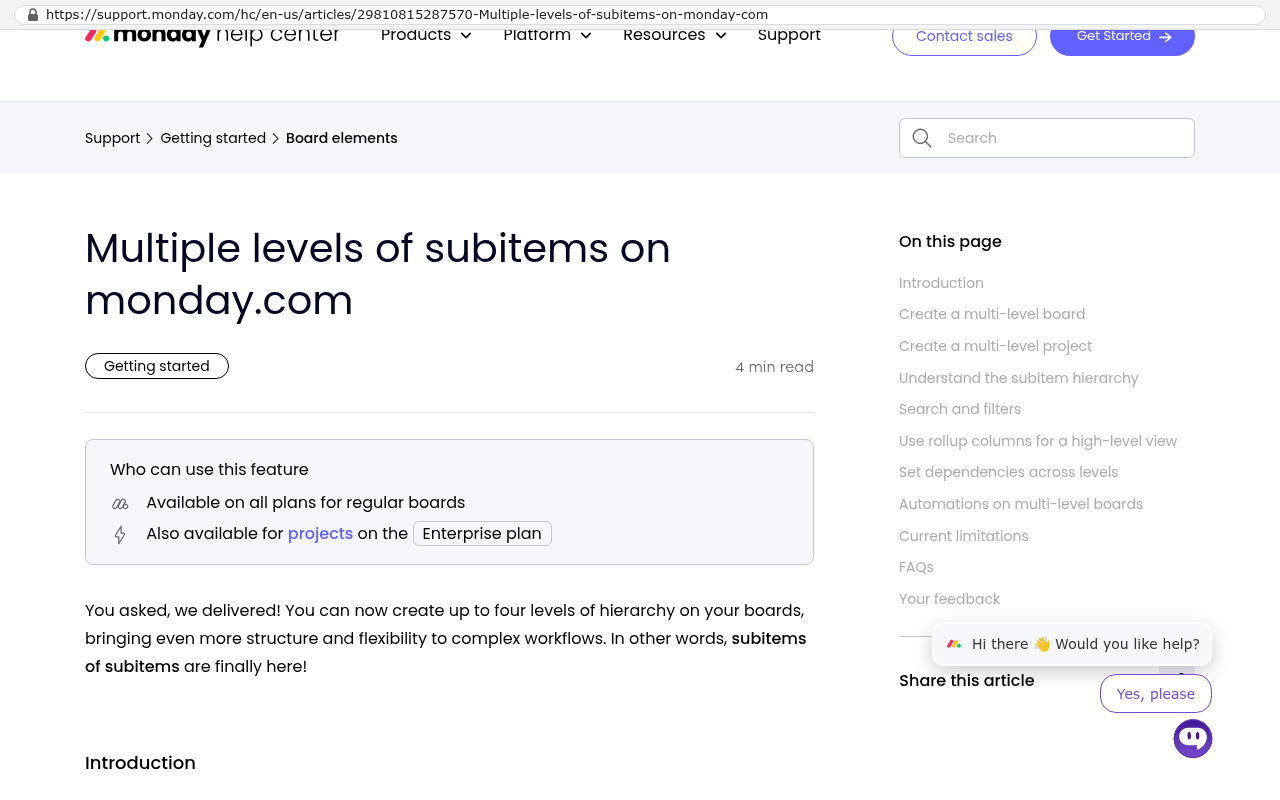
The trouble starts when your process has depth. monday.com stores everything as items on boards. Items can have subitems, and subitems can carry their own, down to four levels, and that is where the nesting stops. Four levels sounds generous until your process needs the fifth, or needs each level to behave differently.

Monday.com help center article titled Multiple levels of subitems on monday.com displaying feature availability and explaining the four level hierarchy limit for nested subitems
Monday.com help center article on multiple levels of subitems showing that up to four levels of hierarchy can be created on boards with subitems of subitems. Source: support.monday.com/hc/en-us/articles/29810815287570-Multiple-levels-of-subitems-on-monday-com

Think about a construction firm. A project has phases. Phases have work packages. Work packages have tasks. Tasks have material line items. That's four levels. On monday.com you get two. So the team invents a workaround. Maybe they create a separate board per phase. Maybe they cram the hierarchy into a text column and sort by naming convention. Either way, the process has bent.

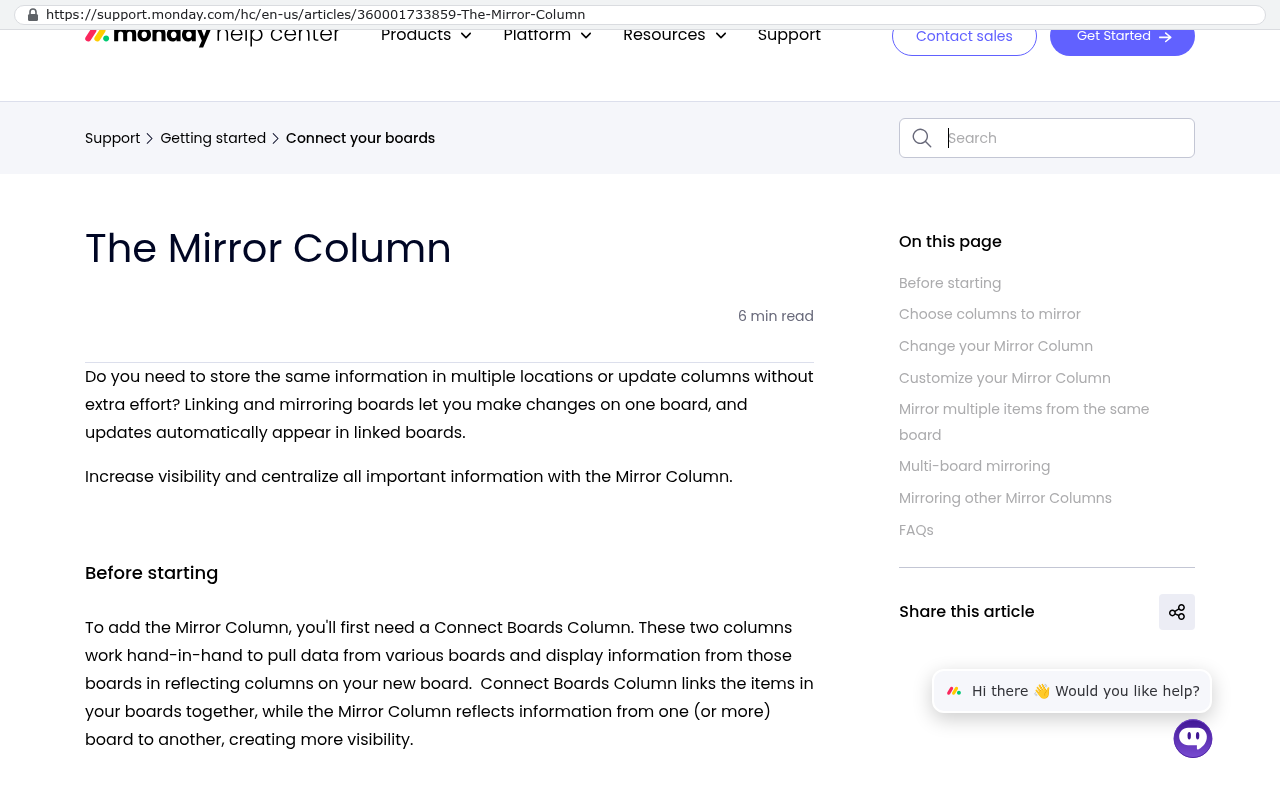
Cross-board reporting is the second squeeze point. To pull data from one board into another, you use a mirror column, which shows a value that lives somewhere else. Mirror columns are useful and also frustrating. They don't always behave inside automations, they can be slow when a board grows large, and summing mirrored numbers across many boards is unreliable. Formula columns have a similar catch. They calculate on screen, but you can't lean on them the way you'd lean on a real calculated field in a database.

Monday.com help center page showing the Mirror Column feature which displays values from connected boards to increase visibility and centralize information
Monday.com help center page for the Mirror Column explains that it pulls data from various boards and displays information from those boards in reflecting columns on a new board. Source: support.monday.com/hc/en-us/articles/360001733859-The-Mirror-Column

Before you architect anything important around mirror and formula columns, test it with a thousand rows, not twelve. Board performance and automation reliability change noticeably at scale, and finding out after six months of data entry is an expensive way to learn.

Third squeeze point is volume. Automation runs are metered by tier. The mid-level plans cap monthly runs, and a busy operations board with a few chained recipes burns through a low-tier allowance fast. Dashboards also cap how many boards you can pull into one view depending on your plan. So you upgrade. Not because you needed better features, but because you needed more of the same feature.

Then there's the seat model. Every person who touches the system needs a paid seat, and seats are sold in blocks. Your warehouse staff who update one status a day cost the same as your project directors. Add the separate products, because monday CRM and monday dev are priced apart from work management, and the invoice grows in ways nobody predicted at signup.

The arithmetic, done with your own numbers

Pull your last renewal invoice. Not the list price on the website, your actual invoice. Now do this in four steps.

  1. Write down your annual total, including every product line and every seat block you don't fully use.
  2. Multiply by five. That's your five year rent, before the increases that come with every renewal.
  3. Add the labor. Count the hours your operations lead spends maintaining boards, fixing broken automations, and rebuilding dashboards. Price those hours.
  4. Add the connector fees. Zapier, Make, or a paid integration app that keeps monday.com talking to your accounting system.

For a forty person company on a mid-tier plan, that five year number is usually well into six figures. It buys you nothing you own. Cancel on day 1,826 and you have CSV exports and a hole where your operations used to be.

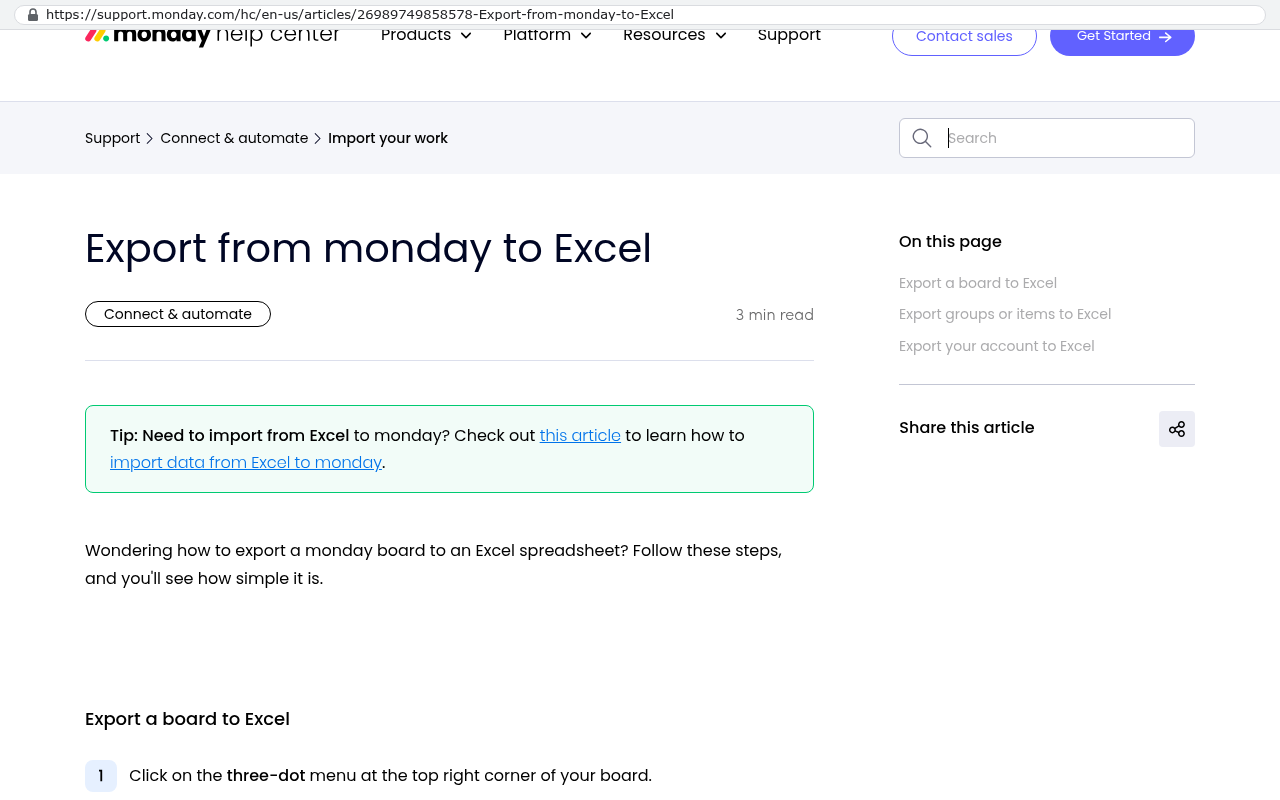
Monday.com help center page with heading Export from monday to Excel and text explaining how to export a monday board to an Excel spreadsheet with a tip about importing from Excel to monday
Monday.com support help center article titled Export from monday to Excel showing the heading and introduction explaining how to export a monday board to an Excel spreadsheet Source: support.monday.com/hc/en-us/articles/26989749858578-Export-from-monday-to-Excel

A custom system inverts that. You pay to build it, then you pay for hosting and whatever changes you request. The hosting bill for a business application serving a few hundred users is small, often less than a single month of a mid-tier SaaS subscription. The code and the database belong to you. The line stops going up.

Run the same arithmetic in reverse before you commit to anything. If your team is eight people on a Standard plan and the process genuinely fits boards and columns, a custom build is the wrong purchase. Keep the subscription and spend the money on something else.

What a custom system actually replaces

Everything your team uses monday.com for, and this part surprises people. The boards become tables designed around your real objects, so a job is a job and an invoice is an invoice, with as many levels of structure as the work requires. The dashboards become reports that query live data instead of mirroring it. The automations become background jobs that run on your schedule with no monthly cap.

The bigger gain is the part monday.com can't reach. A custom system enforces your rules. It can refuse to let a job move to Scheduled without a signed contract on file. It can calculate a quote using your actual pricing logic, including the tiered discounts your sales team currently applies from memory. It can write the approved invoice straight into QuickBooks or NetSuite without a human retyping it.

AI changed the economics here, which is why we walked away from our partnerships. Building line-of-business software used to be slow enough that renting a generic grid was the rational choice for most mid-sized companies. Code generation, schema design, and test writing move much faster now. The gap between "configure a platform" and "build the actual thing" narrowed to the point where the second option competes on both cost and time.

What a custom build can't do, and where monday.com wins

Now the honest part. A custom system loses on several fronts, and you should know them before you decide.

External collaboration

If your clients already live in monday.com, and you share live boards with them as part of your service, that's real value you'd be throwing away. Building a client portal is possible, but your clients then have to learn your portal. Some will. Some will complain. Weigh that seriously.

Instant gratification

A custom system does not exist on the day you decide you want one. You'll be interviewed about your process, you'll review screens, and you'll test things that aren't finished yet. monday.com is usable this afternoon. That difference matters most when a specific project is on fire right now.

The marketplace

monday.com has hundreds of prebuilt apps and native connectors. Custom software connects to anything with an API, which is a way of saying software that allows other software to talk to it. But each connection gets built deliberately. There's no app store where you click install.

Mobile polish

The monday.com mobile app is well made. Push notifications, offline behavior, and camera uploads all work smoothly. A custom system can be mobile friendly in a browser, and it can have a real app, but matching the polish of a product with a large dedicated mobile team takes deliberate investment.

Somebody else's roadmap

When monday.com ships a new feature, you get it free. Nobody at your company decides, scopes, or funds it. With a custom system, every improvement is a request you make and a change you own. That's control, and control is work.

Migration is a project, not a copy and paste. Board exports come out as CSV files, and file attachments need a scripted pull through the API. Years of item updates and comment threads often don't survive the move in usable form. Plan for what history you truly need and let the rest live in an archive.

How to tell which side you're on

Four questions decide it, and you can answer all four in an afternoon.

First, count your workarounds. Every naming convention, duplicate board, and shadow spreadsheet is your process leaking around the tool. One or two is normal. Ten means the platform stopped fitting a while ago.

Second, ask where the rekeying happens. If someone copies data from monday.com into your accounting system every week, you're paying a person to be an integration.

Third, look at your seat count and your growth. Sixty seats growing to a hundred changes the math sharply. Twelve seats holding steady does not.

Fourth, ask what makes you different. If your competitive edge is a process nobody else runs, generic software will always flatten it. If your work is standard project management, generic software is fine and cheaper.

The worst outcome is a custom system that copies your monday.com boards field for field. If you rebuild the workarounds, you've paid to own your compromises. Fix the process on paper first, then build.

What to do next

Do the arithmetic this week. Invoice, times five, plus the labor and the connector fees. Then write down your ten worst workarounds. Those two pieces of paper tell you more than any vendor demo.

If the numbers say stay, stay. monday.com is a legitimate product, and there's no shame in renting something that fits. If the numbers say your team has been bending for years to keep a subscription happy, that's worth a conversation.

We're in Clearwater, at 1221 Turner St, STE 206, and we work with companies across Pinellas and Hillsborough counties. Book a free strategy session at /contact, or call (727) 306-3202. Bring the invoice and the workaround list. We'll tell you straight whether a build makes sense for you.

Questions

Frequently asked questions

What are the main strengths of monday.com?

Monday.com excels at speed to first value, allowing non-technical users to build working boards within an hour. It has a strong visual layer with color-coded status columns, multiple view options like Kanban and timeline, and approachable automations that don't require coding. The platform is particularly effective for teams whose work fits naturally into rows and columns.

What happens when your team's process is too complex for monday.com?

Monday.com stores everything as items on boards with only one level of nesting through subitems. Complex hierarchies like construction projects with multiple phases require workarounds such as creating separate boards or using naming conventions. Cross-board reporting relies on unreliable mirror columns, and automations become limited by monthly run caps depending on your plan tier.

How much does monday.com actually cost over five years?

Pull your actual renewal invoice and multiply by five to get the base five year cost. Add labor hours spent maintaining boards and fixing automations, plus connector fees for integrations. For a forty person company on a mid-tier plan, this five year number typically reaches well into six figures, with no assets owned if you cancel.

What does a custom system replace from monday.com?

A custom system replaces all monday.com functionality including boards as purpose-built tables, dashboards as live data reports instead of mirrored views, and automations as background jobs with no monthly caps. Beyond replication, custom systems can enforce business rules, prevent invalid state changes, and integrate directly with accounting software without external connectors.

When should you keep paying for monday.com instead of building custom?

If your team is small with eight or fewer people on a Standard plan and your process genuinely fits rows and columns, a custom build is the wrong purchase. Keep the subscription in these cases. Monday.com serves these teams well for a long time, and the savings from a custom build wouldn't justify the development investment.

What are the hidden costs in a monday.com contract?

Beyond subscription fees, costs include seat licensing where part time users pay the same as power users, separate product lines like monday CRM and monday dev priced independently, connector fees for third party integrations, and labor spent maintaining the system. Monthly automation caps force tier upgrades not for new features but for more of the same capability.

How does a custom system pricing model differ from monday.com?

A custom system requires paying for initial development, then only incurs hosting costs and fees for requested changes. The hosting bill for a business application is typically less than a single month of a mid tier SaaS subscription. You own the code and database, and costs stabilize rather than increasing with each renewal.

Read this next

Why platform implementations ask you to change your process

Platform consultants push you toward the standard workflow because that's what their incentives reward. Here's how to tell which of your processes deserve protection and which ones should go.

If this is your situation

Talk it through on a call

Thirty minutes over video with the person who would run the build. You talk, we ask questions, and you leave with a plain read on whether custom software makes sense for you. If the answer is that your current tool is fine and badly configured, you will hear that.

Book a strategy call

Who wrote this

David Verneuille

David Verneuille

Founder, Black Badger Software Solutions

David Verneuille founded Black Badger after 18 years as a project manager and years implementing Smartsheet, monday.com, Wrike and Zoho for clients. He now builds custom systems that clients own outright, which is why the writing here is specific about where each platform fits and where it stops fitting.

About Black Badger

Drafted with AI assistance, then checked, edited, and approved by a person before publishing. The facts, opinions, and recommendations are ours.

Related

More on project management

More reading

Read this next

Want this looked at properly?

An article can only go so far without knowing your systems. Book a strategy call, walk us through what is breaking, and you will get a straight read on whether custom software is the right answer.